Data Export & Import Addons
Get your data out, and get it back in, without a database tool.
Comments & suggestions Have a question or an idea? Write it here — we reply on this page.Write a commentWhat it does
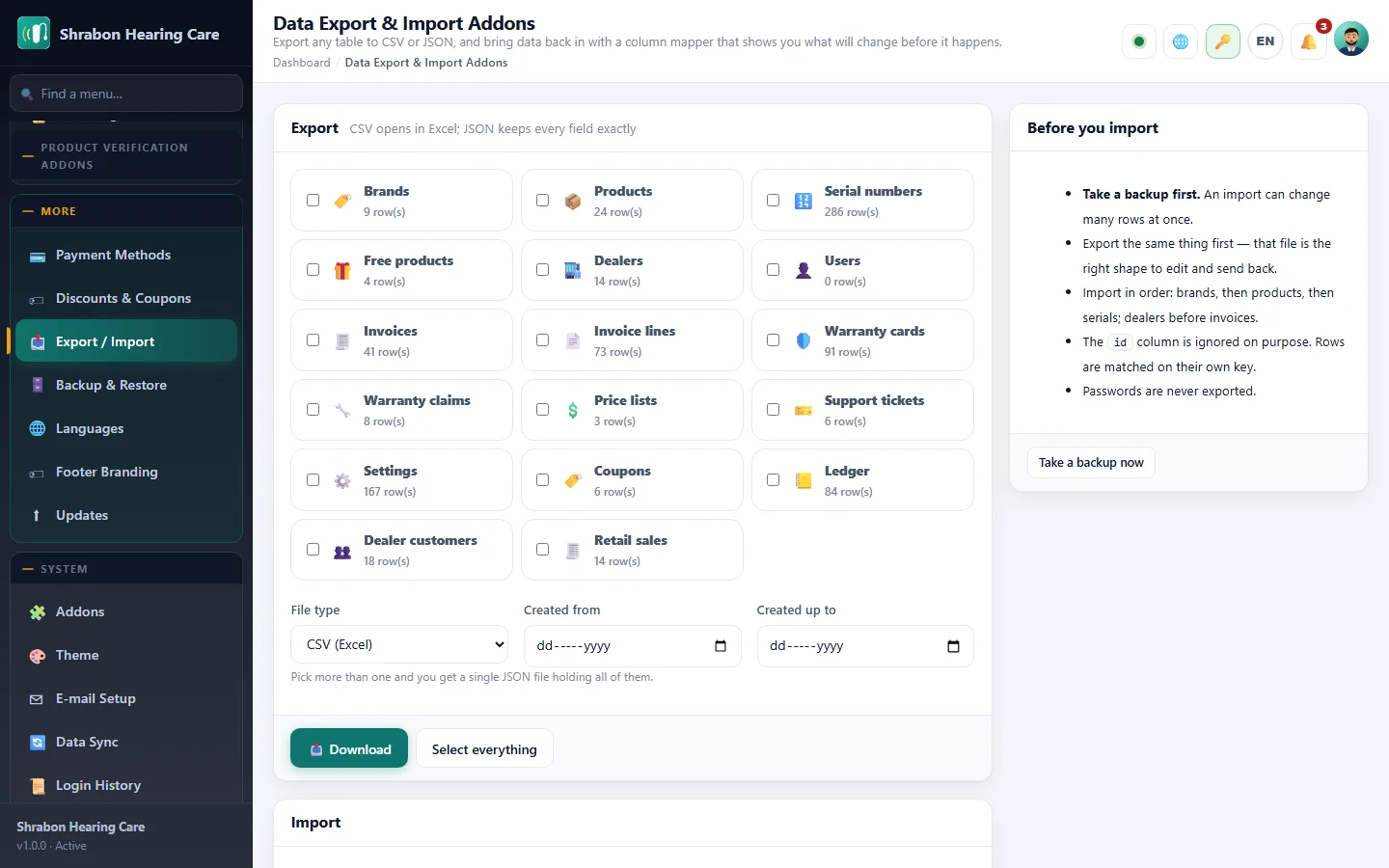
Every list in the panel can leave as a CSV that opens straight in Excel, or as JSON that keeps every field exactly as it is. Pick one thing or pick everything; more than one comes back as a single file.
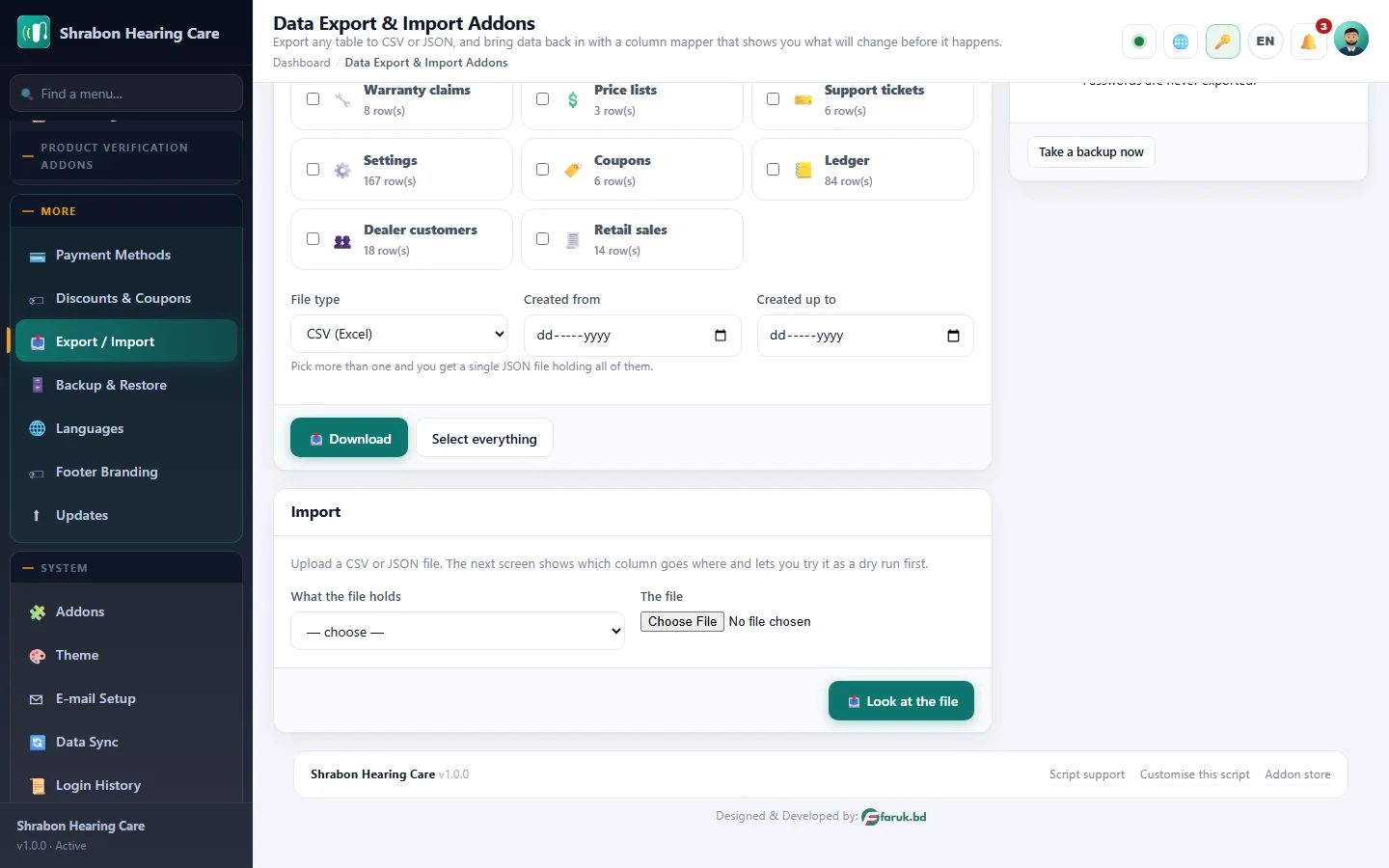
Importing is deliberately careful. You upload the file, the addon shows you which column it thinks goes where and lets you correct it, and you choose what happens when a row already exists — update it, leave it alone, or add another.
Then you run it as a dry run. Nothing is written; you are told exactly how many rows would be added, updated and skipped, and what went wrong with any of them. Only when the numbers look right do you run it for real.
Passwords are never exported, and the id column is ignored on the way in, so rows are matched on their own key instead of a number that means nothing in your database.
What you get
- CSV for Excel, JSON for exactness
- Every list: dealers, products, serials, invoices, warranties, settings
- Column mapper that guesses correctly most of the time
- Dry run that changes nothing
- Update, skip or add when a row already exists
- Date range filter
- Passwords never leave
Screenshots
Getting it running
- Install Hearing Center Business Suite — the addon ships inside it.
- Open Addons in your admin panel.
- Press Enable — that is all.
Questions
Do I have to pay for it?
No. It ships free with Hearing Center Business Suite and is included in every package.
How do I switch it on?
Open Addons in your panel and press Enable.