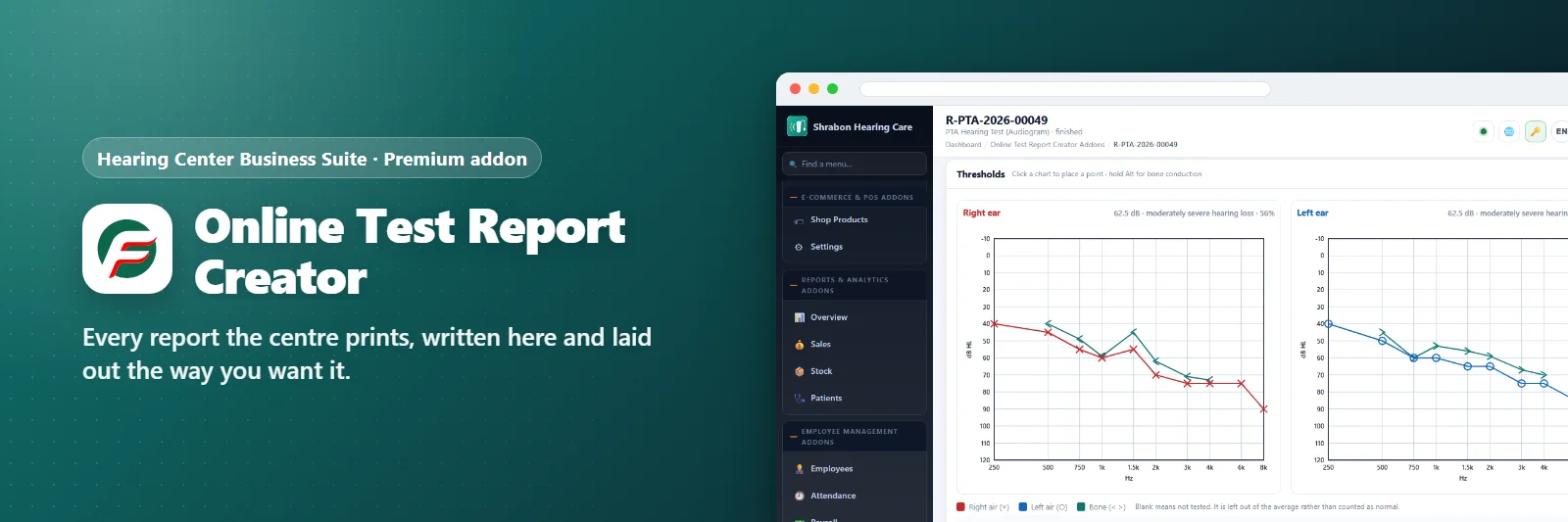

Online Test Report Creator Addons
Every report the centre prints, written here and laid out the way you want it.
Comments & suggestions Have a question or an idea? Write it here — we reply on this page.Write a commentWhat it does
What this replaces is a folder of Word templates. Every centre has one: six documents that started as one, that nobody can quite keep in step, and that somebody has to retype the patient's name into every time.
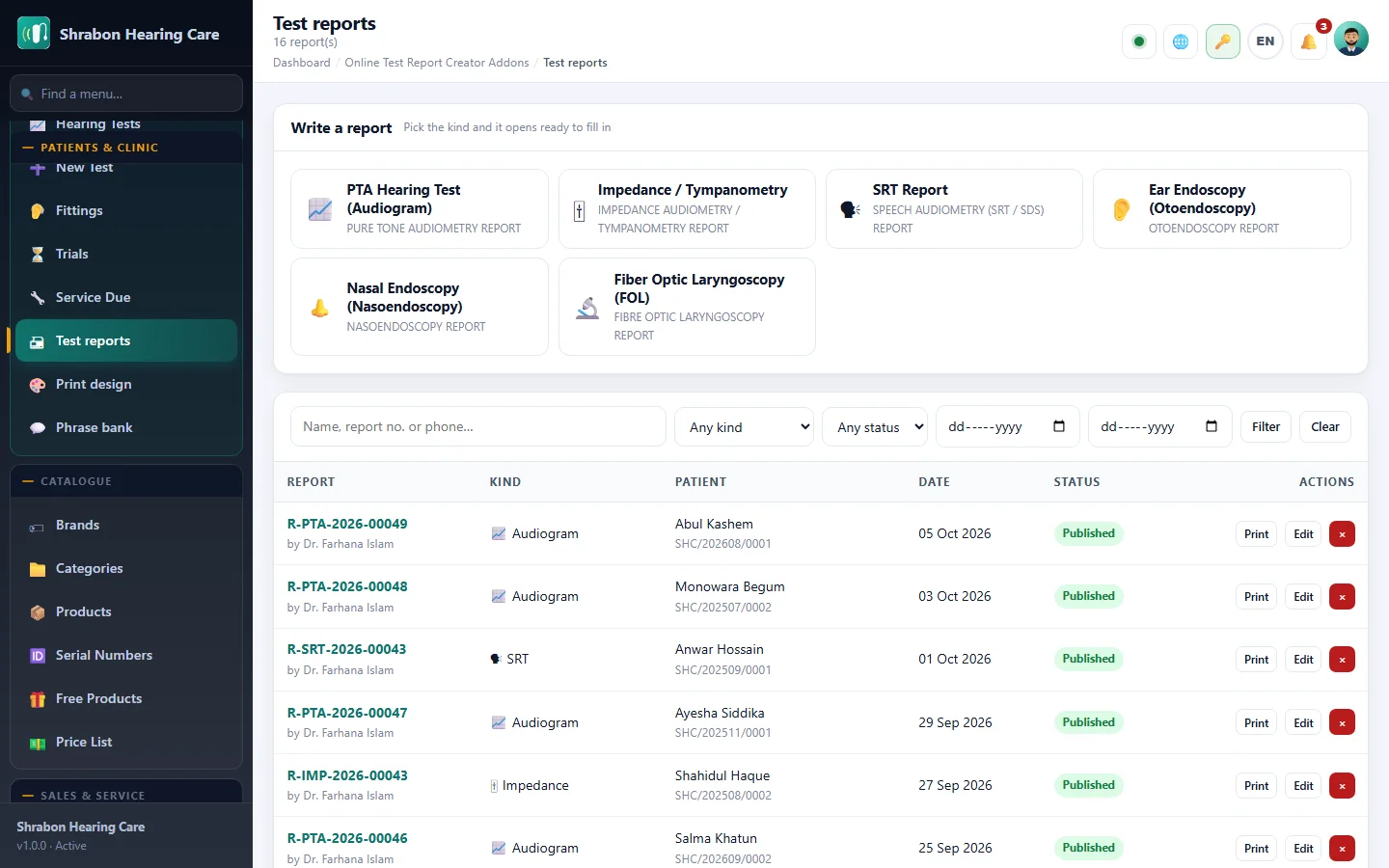
Six reports, six designs. The audiogram, impedance and tympanometry, speech audiometry, otoendoscopy, nasoendoscopy and fibre optic laryngoscopy. Each one has its own printed header — logo, name, address, telephone, e-mail, website, any of them on or off — its own footer of up to four lines and a picture, its own paper size, margins and text size, and its own signature and seal. They are separate on purpose: an audiogram wants the whole width of the page and an endoscopy report wants the surgeon's seal at the bottom, and one shared layout makes both of them worse.
It finishes your sentences. Every line typed into a report is remembered, per box, and offered back the next time somebody starts the same one. An otoendoscopy report says tympanic membrane intact, cone of light present several times a week in the same words; after the first one it is two keystrokes. The bank can be written into directly as well, so a centre's house wording is there on day one.
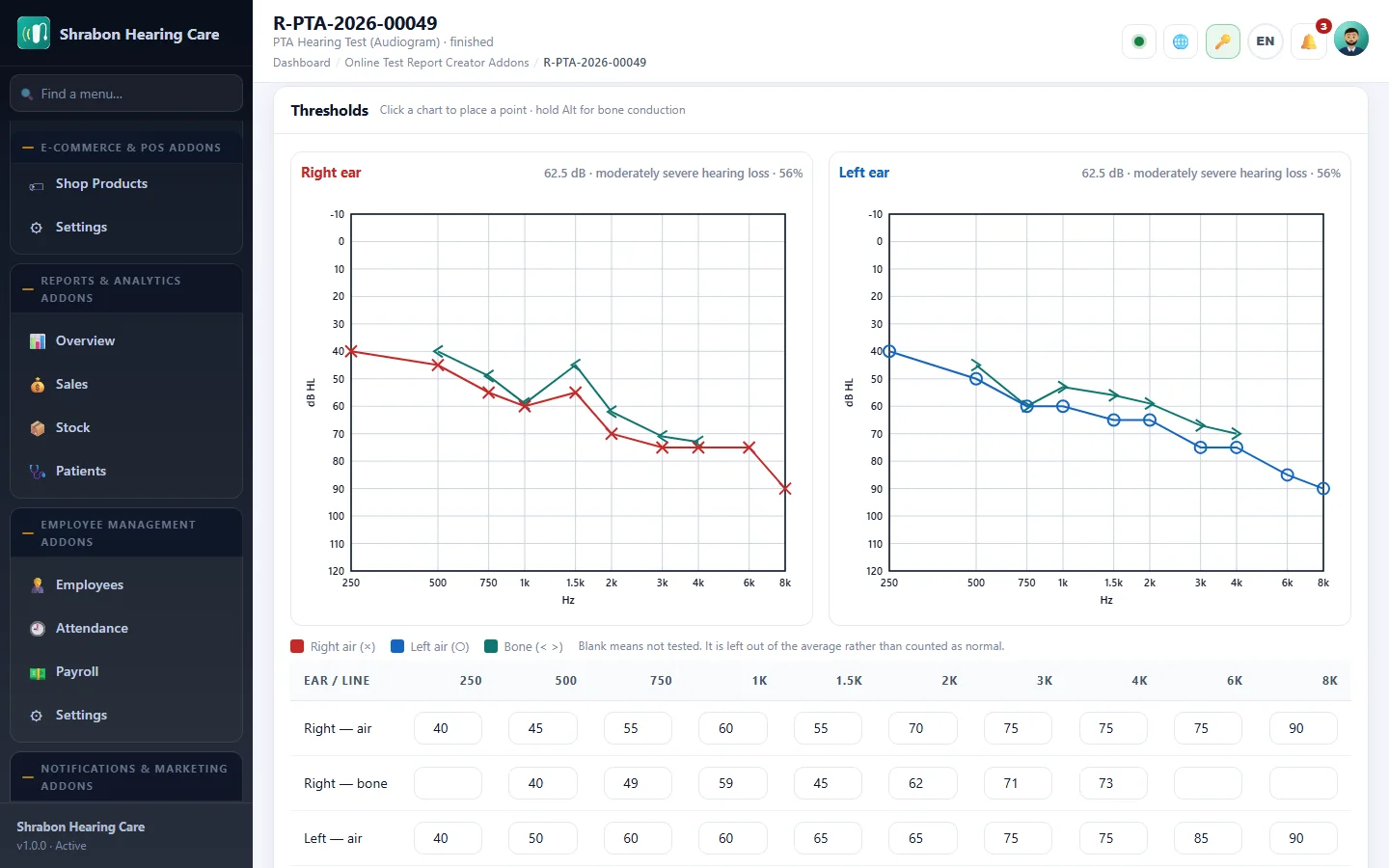
The audiogram is drawn, not pasted. Click the chart to place a threshold or type the table — both are the same numbers, and an audiologist uses both in one sitting. Air and bone with the proper marks, and the four-frequency average, the grade and the percentage handicap worked out as you go. The impression writes its own first draft from the numbers, including whether the loss reads as conductive, mixed or sensorineural — and it is a draft, editable, never printed as anybody's opinion until it has been read.
The endoscopies take pictures. Five slots to start with and as many more as the case needs, each with its own caption and its own printed width. The dark surround around a scope frame is removed and the picture cropped to what is actually in it, in the browser, before anything is uploaded — which is what makes an endoscopy report print at a readable size instead of half a page of black border.
Findings that are recorded and not printed. Each heading — RIGHT EAR, LEFT EAR, DX, Notes, and the seven a laryngoscopy needs — has a print switch beside it. Normal is worth writing down and is not always worth a paragraph on the paper, and a box that has to be emptied to keep it off the print is a box whose contents get lost.
Reports file themselves against the patient, and a finished one appears on the patient's own account page for them to read. Somebody referred in just for a scope does not need a patient file first — the report is still written, and still found by name afterwards.
What you get
- Six report types, each with its own print design
- Header: logo, name, address, phone, e-mail, website — each on or off
- Footer: four lines and a picture, aligned how you like
- Signature and seal, standing or per report
- A4 or Letter, your own margins and text size
- Copy one design onto another
- Phrase bank: every line typed comes back as a suggestion
- Audiogram drawn by clicking or typed as a table
- Four-frequency average, grade and percentage handicap
- First draft of the impression written from the numbers
- Five picture slots per endoscopy, add or remove as needed
- Dark surround removed and the frame cropped, in the browser
- Per-picture caption and printed width
- Print switch on every heading
- Finished reports appear on the patient's own account page
Screenshots

Getting it running
- Buy it with the button above — your key is issued as soon as the payment is confirmed.
- Nothing to copy: your installation collects the key on its next check.
- Open Addons in your panel and press Enable.
- In a hurry? Paste the key on the License screen and it unlocks at once.
Questions
Is it a one-time payment?
Yes — one payment, a lifetime key for one domain, and free updates.
Do I need Hearing Center Business Suite first?
Yes. The addon unlocks inside an installation of Hearing Center Business Suite that already has its own licence.
How does the key reach my site?
Your installation collects it by itself on its next check. You can also paste it on the License screen.
Can I move it to another domain?
Yes. Release the old domain in your account and activate the new one.