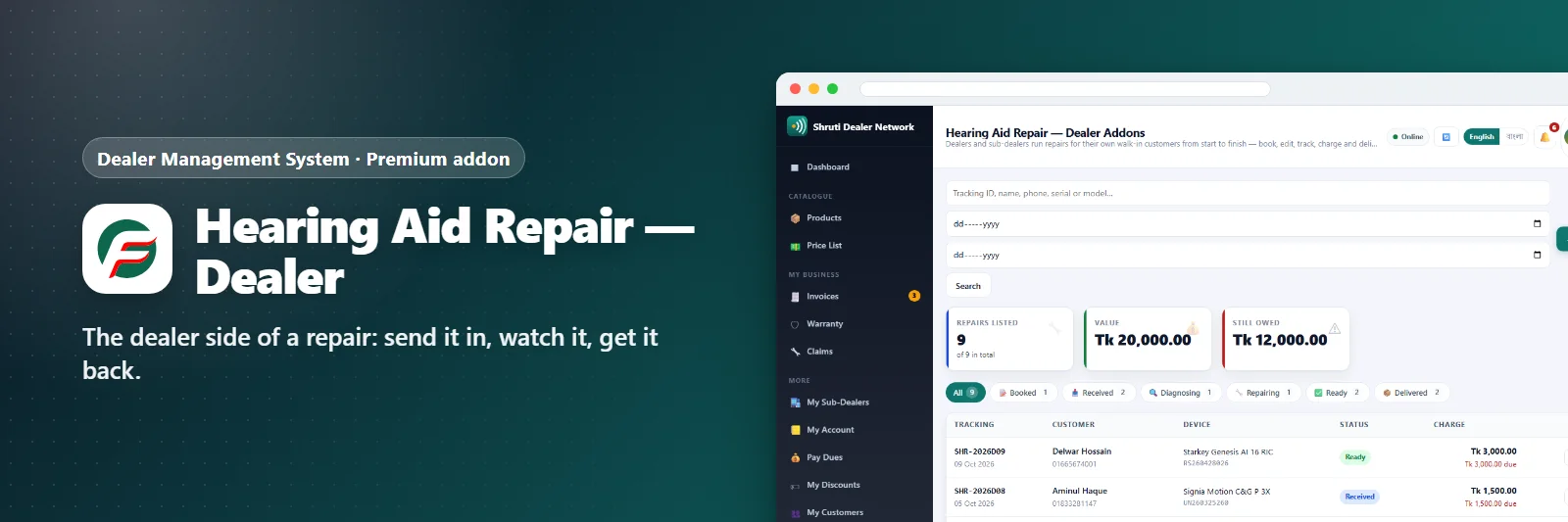

Hearing Aid Repair — Dealer Addons
The dealer side of a repair: send it in, watch it, get it back.
Comments & suggestions Have a question or an idea? Write it here — we reply on this page.Write a commentWhat it does
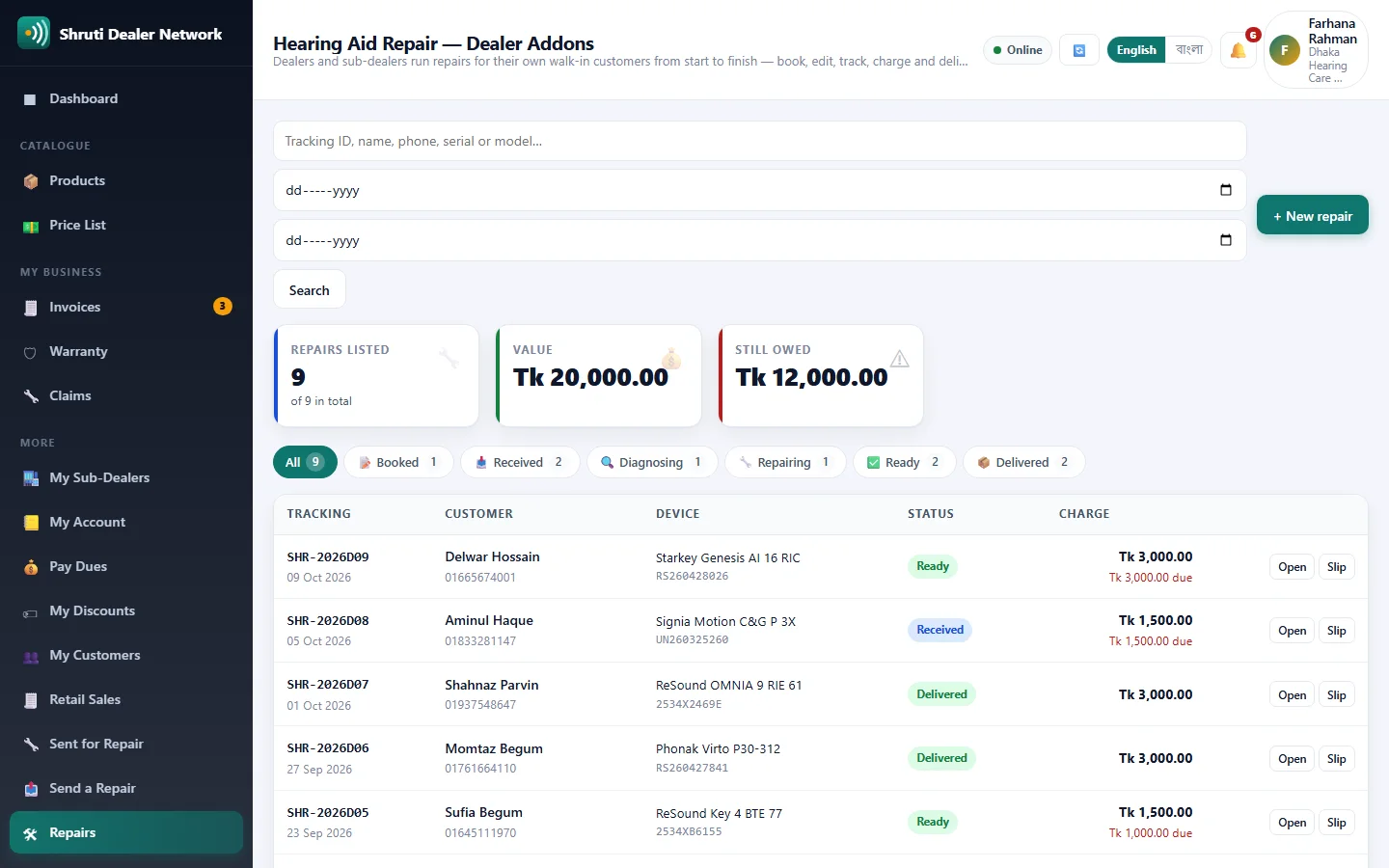
Many dealers repair hearing aids in their own shop. This addon gives every dealer and sub-dealer a repair book for their own walk-in customers: book the aid, move it through the stages, record the advance and the charge, note what an outside service centre billed, and hand it back. Head office is not in the middle, and no dealer sees another dealer's customers.
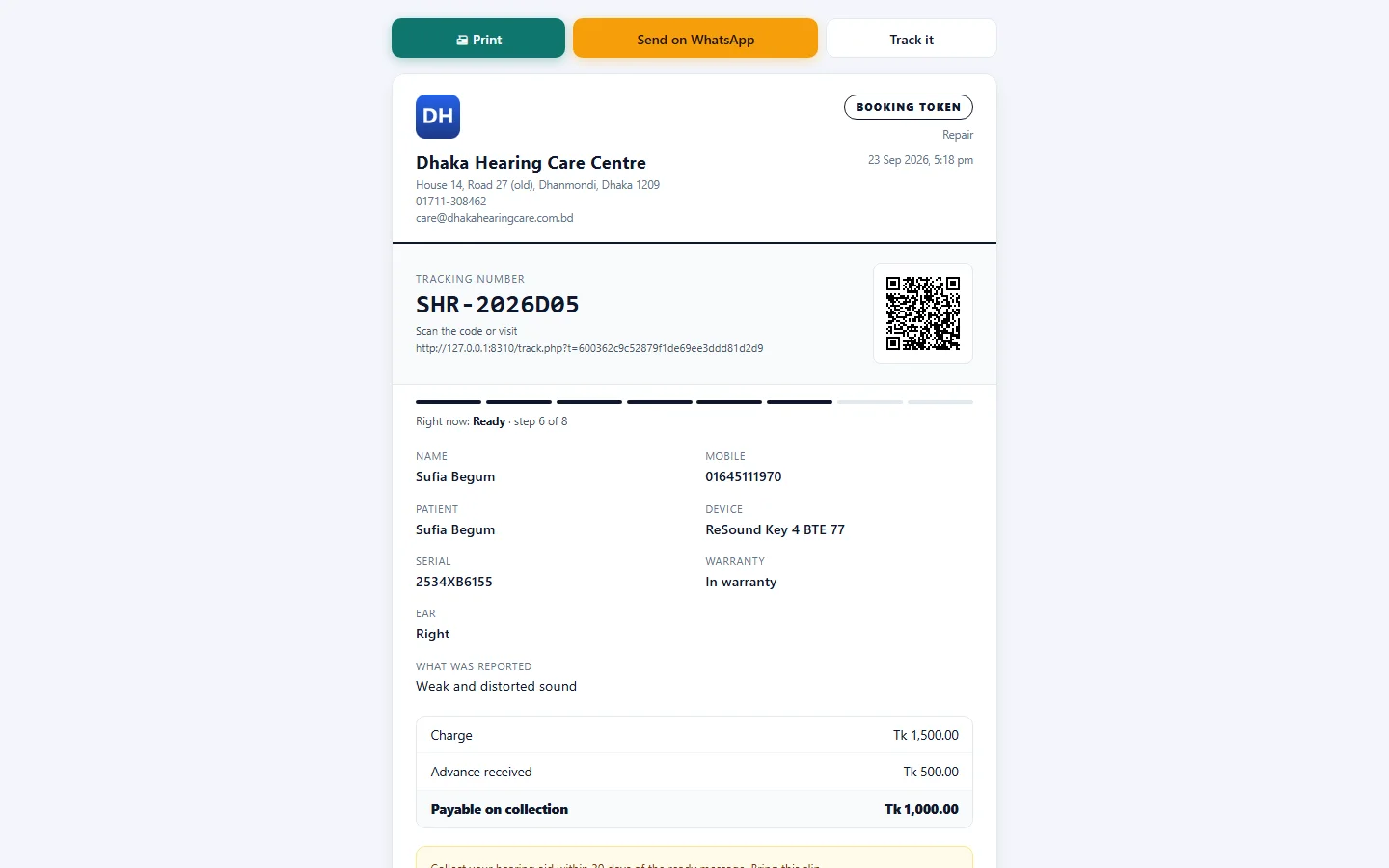
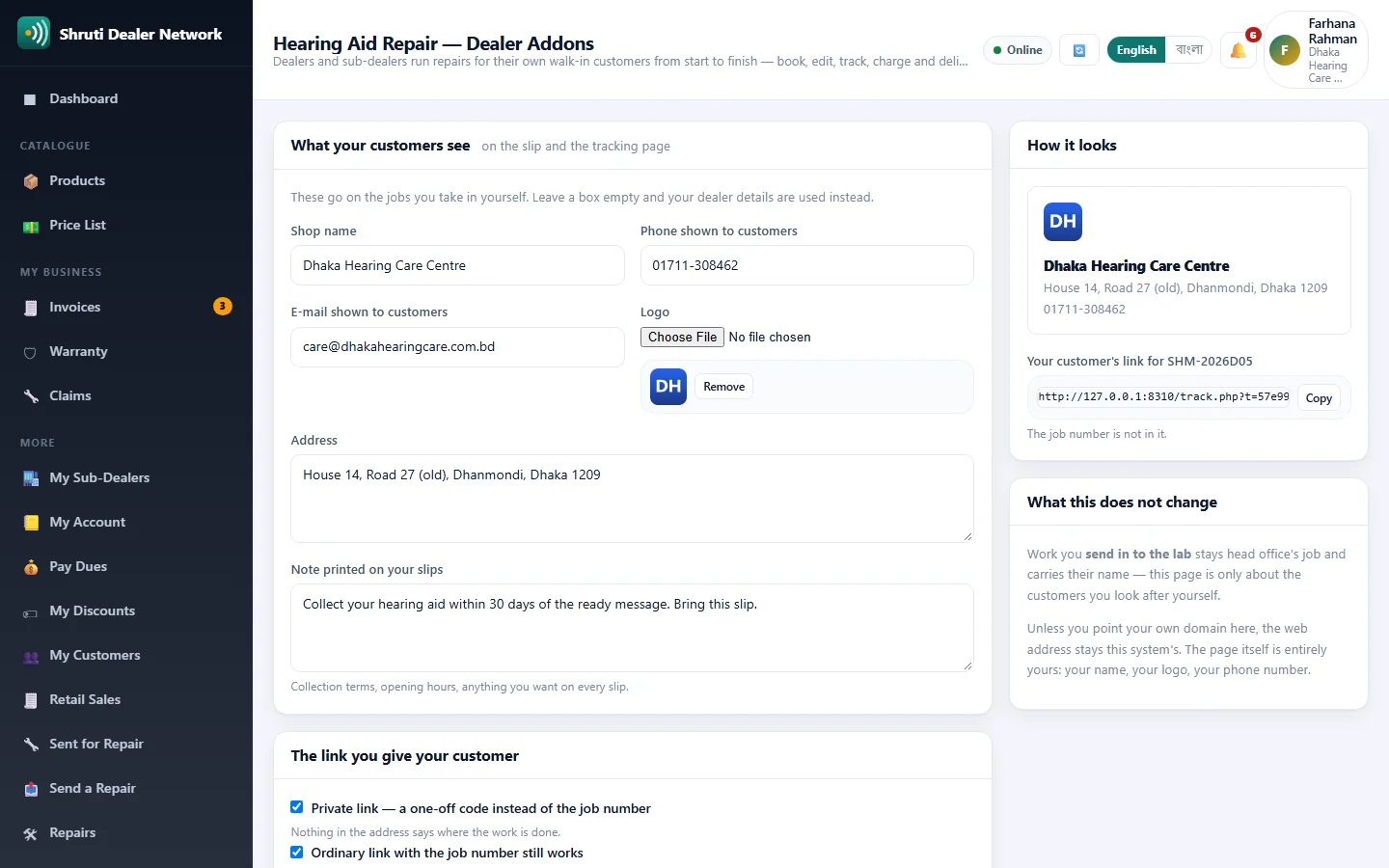
The customer meets the dealer's shop, not the supplier. My Branding puts the dealer's own name, logo, address, phone and slip note on the slip, the tracking page and the WhatsApp message, and their name and logo on the e-mail.
The link can be the dealer's too: a private code instead of the job number, the option to switch the ordinary link off, the dealer's own domain with a Check my domain button that says what is still missing, and short links through AmarURL, Bitly, Short.io, YOURLS, Cutt.ly, is.gd or another service.
Sold separately; it is not included with the lab repair addon. A dealer's numbers carry a D (REP-2026D01), so they never mix with head office's.
What you get
- Raise a repair from the dealer portal
- Live status
- Repair history per customer
- Charges on the dealer statement
Screenshots
Getting it running
- Buy it with the button above — your key is issued as soon as the payment is confirmed.
- Nothing to copy: your installation collects the key on its next check.
- Open Addons in your panel and press Enable.
- In a hurry? Paste the key on the License screen and it unlocks at once.
Questions
Is it a one-time payment?
Yes — one payment, a lifetime key for one domain, and free updates.
Do I need Dealer Management System first?
Yes. The addon unlocks inside an installation of Dealer Management System that already has its own licence.
How does the key reach my site?
Your installation collects it by itself on its next check. You can also paste it on the License screen.
Can I move it to another domain?
Yes. Release the old domain in your account and activate the new one.