
Donations
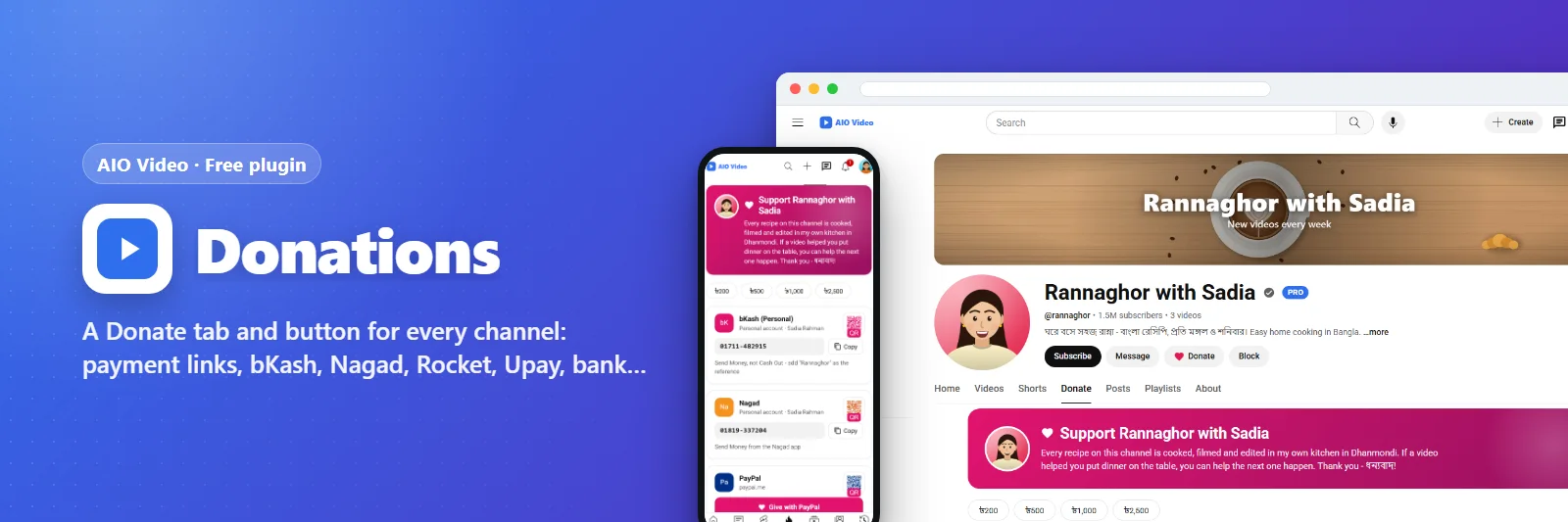
A Donate tab and button for every channel: payment links, bKash, Nagad, Rocket, Upay, bank and crypto with QR codes.
What it does
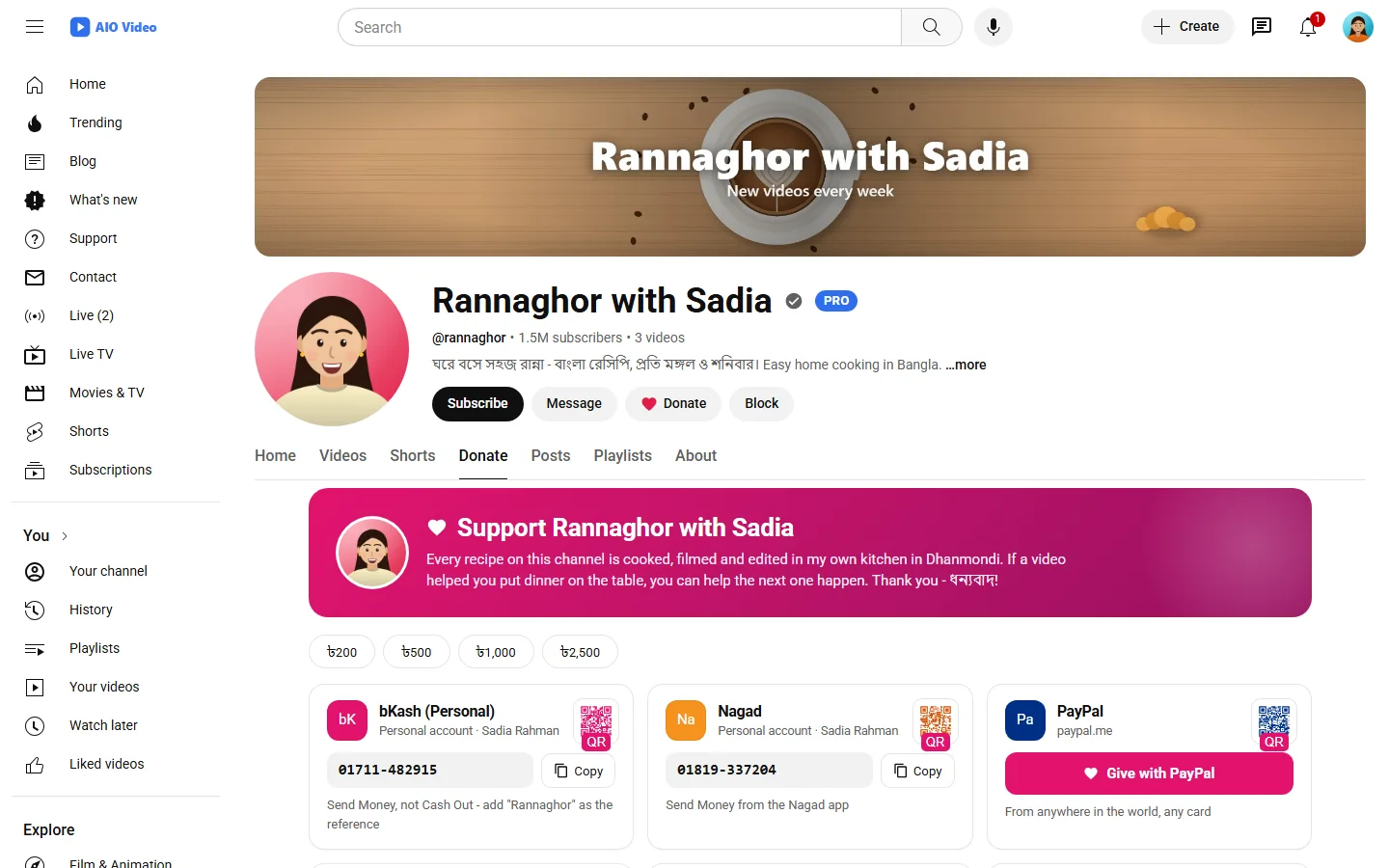
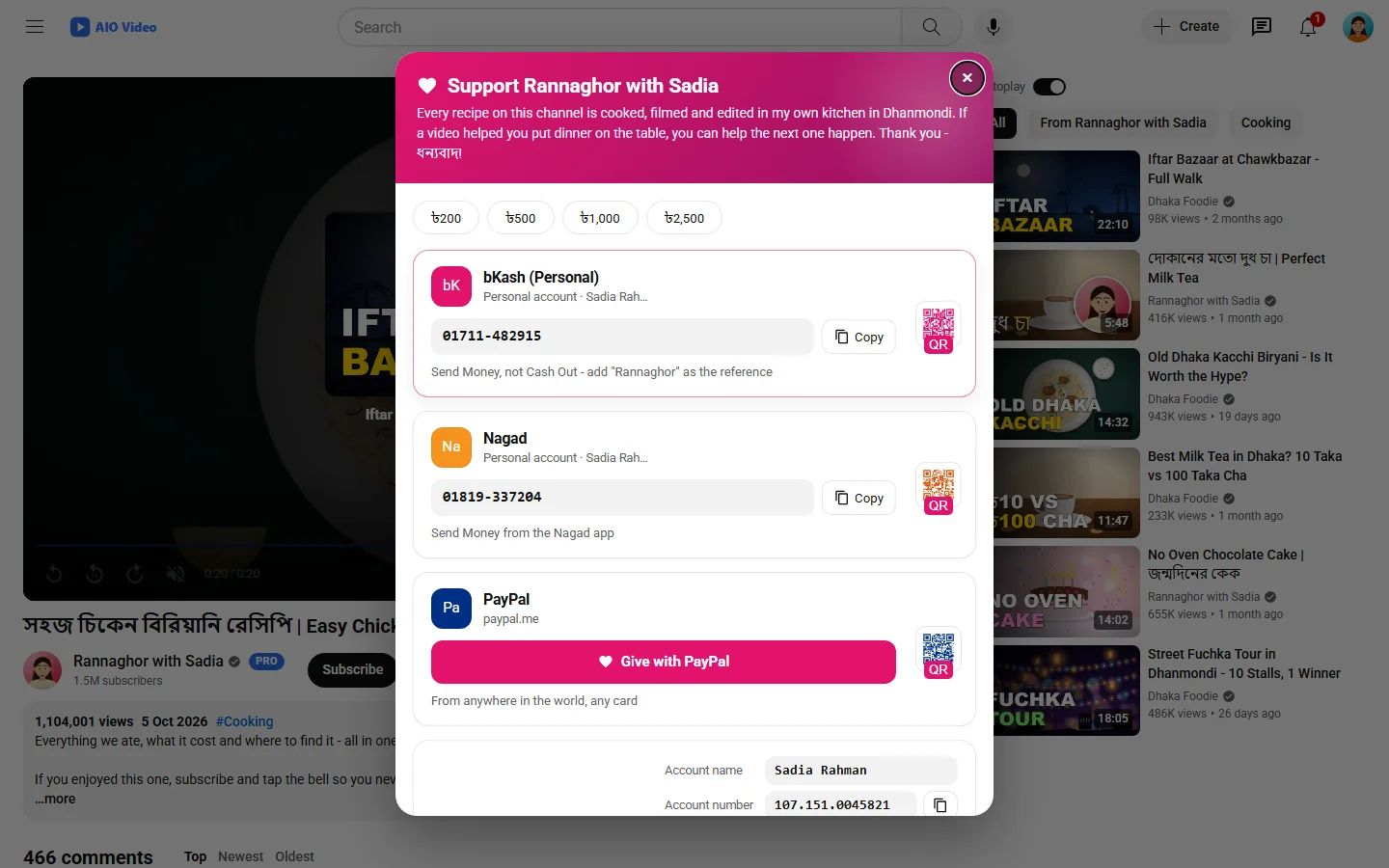
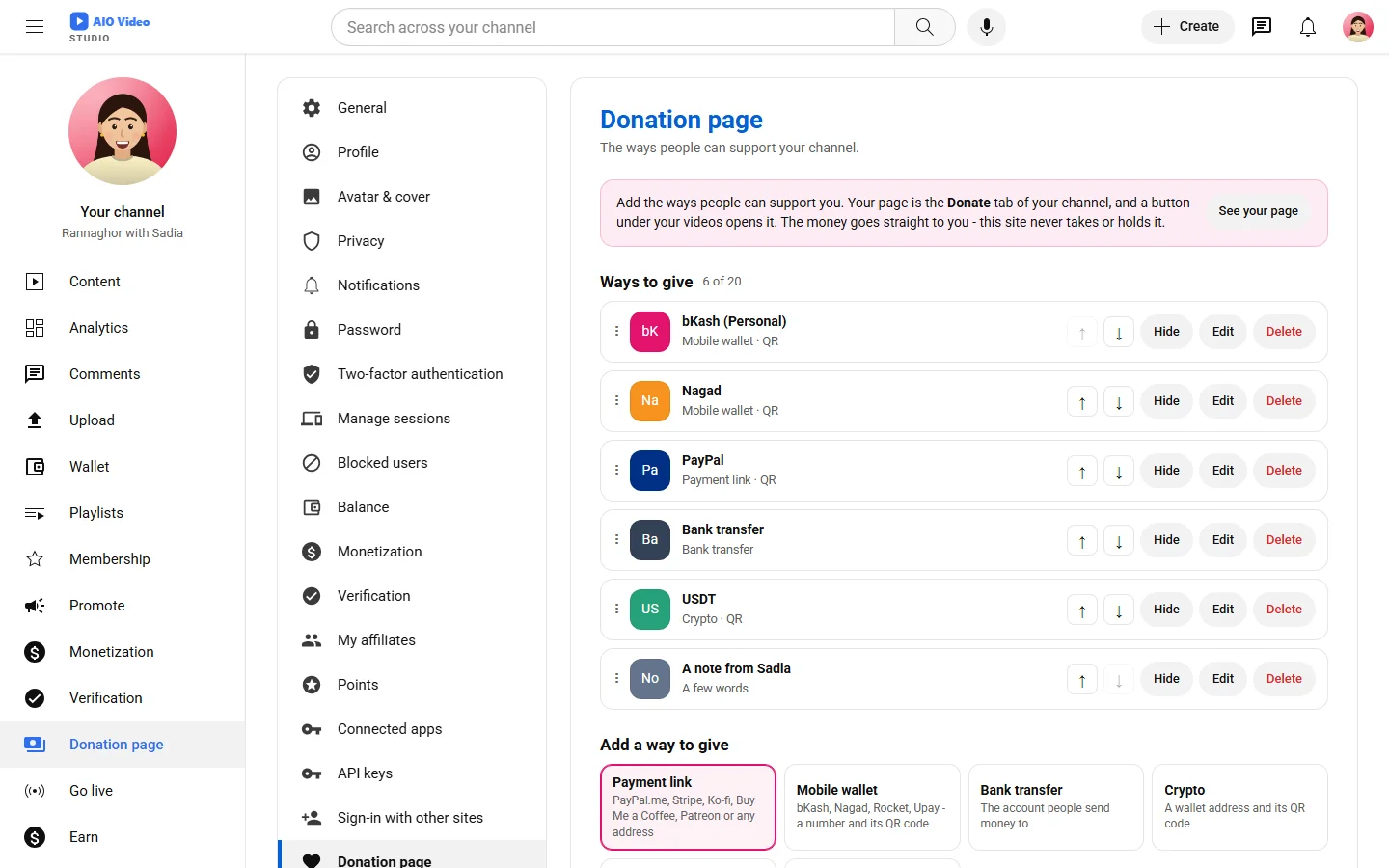
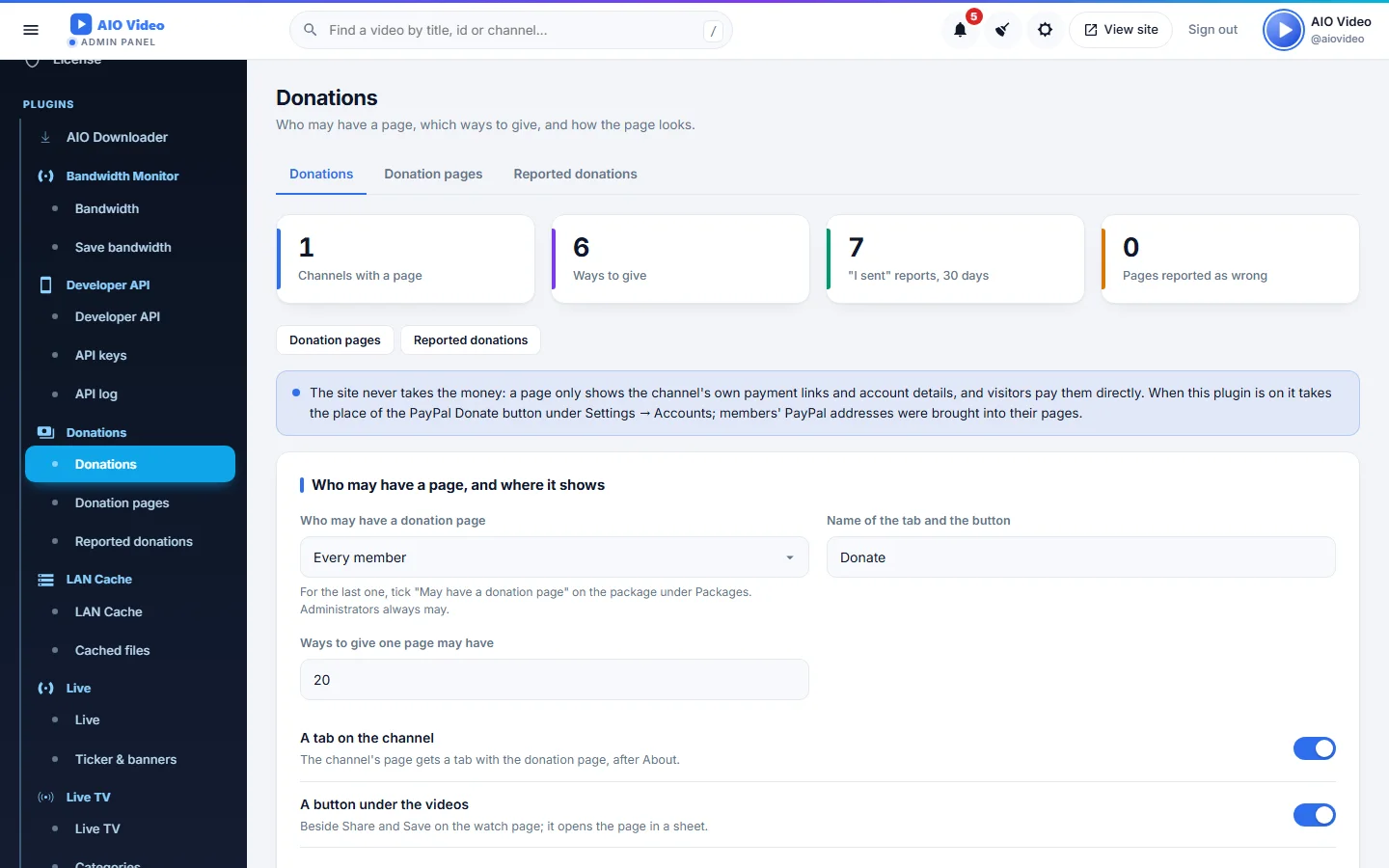
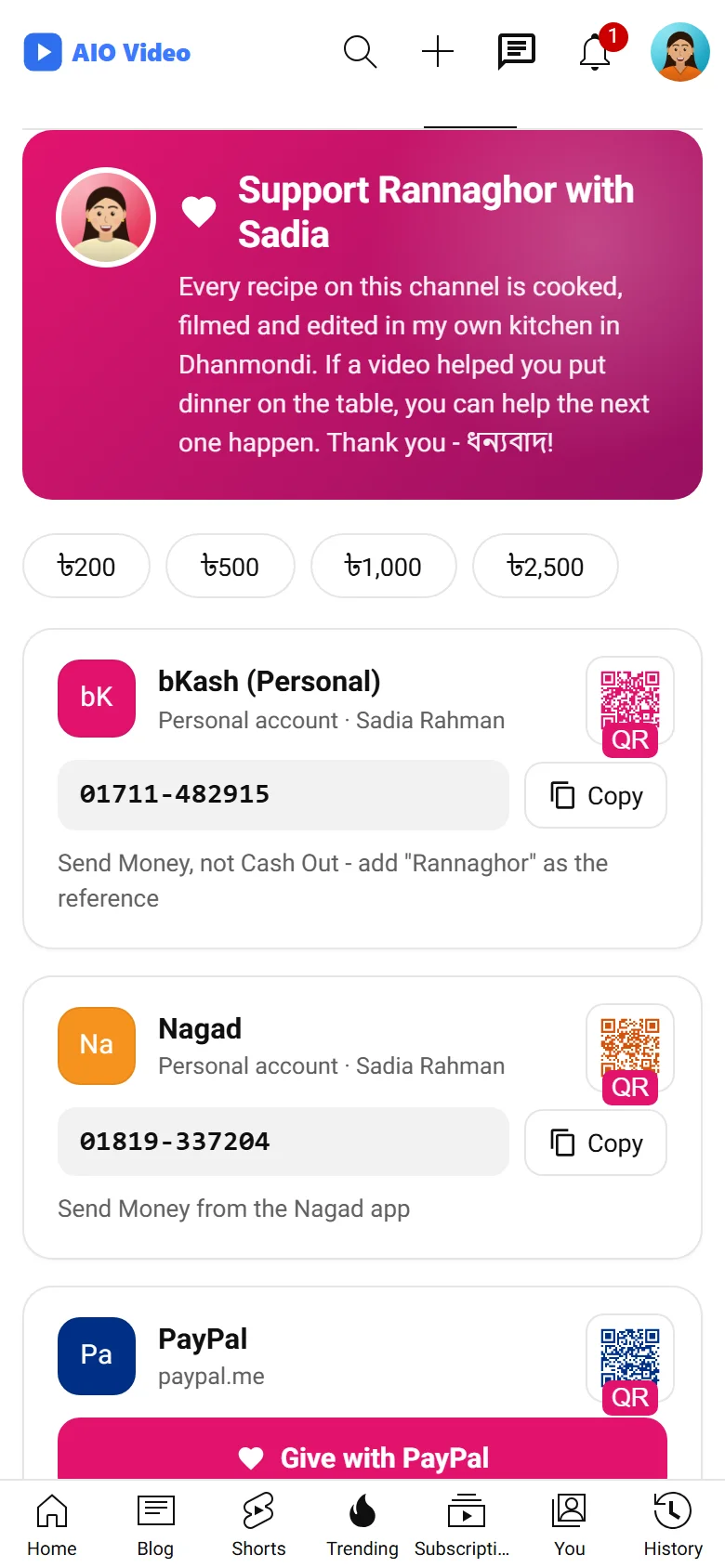
Every channel gets a donation page: a Donate tab on the channel and a Donate button under its videos that opens the page in a sheet. Members fill it themselves - payment links (PayPal.me, Stripe, Ko-fi, Buy Me a Coffee, Patreon, any address), mobile wallets (bKash, Nagad, Rocket, Upay), a bank account, crypto addresses, cash instructions and a note - each with its QR picture, in the order they drag them into. Visitors copy a number with one click, open a QR code big, pick a suggested amount. After sending, a supporter can say "I sent a donation"; the channel confirms it and it may stand on a supporters wall. The owner decides who may have a page, which ways to give are allowed and how the page looks, with a live preview. The site never takes the money: it only shows each channel's own details.
What you get
- Donate tab on the channel and a Donate button under the videos
- Payment links, bKash / Nagad / Rocket / Upay, bank, crypto, cash, with QR codes
- Members add, edit, hide, delete and drag their ways to give
- "I sent a donation", confirmed by the channel, and a supporters wall
- Who may have a page, the kinds allowed, layout, colours and amounts in the panel
- The old PayPal Donate button and addresses brought across
Screenshots
Getting it running
- Install AIO Video — the plugin ships inside it.
- Open Plugins in your admin panel.
- Press Enable — that is all.
Questions
Do I have to pay for it?
No. It ships free with AIO Video and is included in every package.
How do I switch it on?
Open Plugins in your panel and press Enable.