
Donations
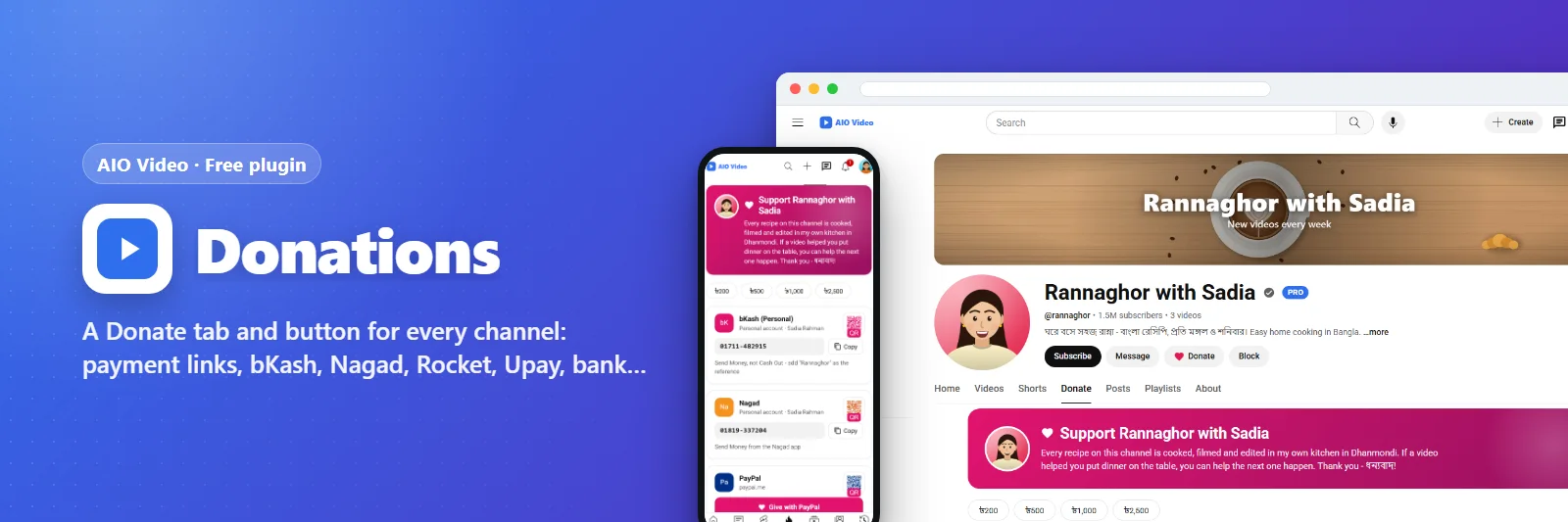
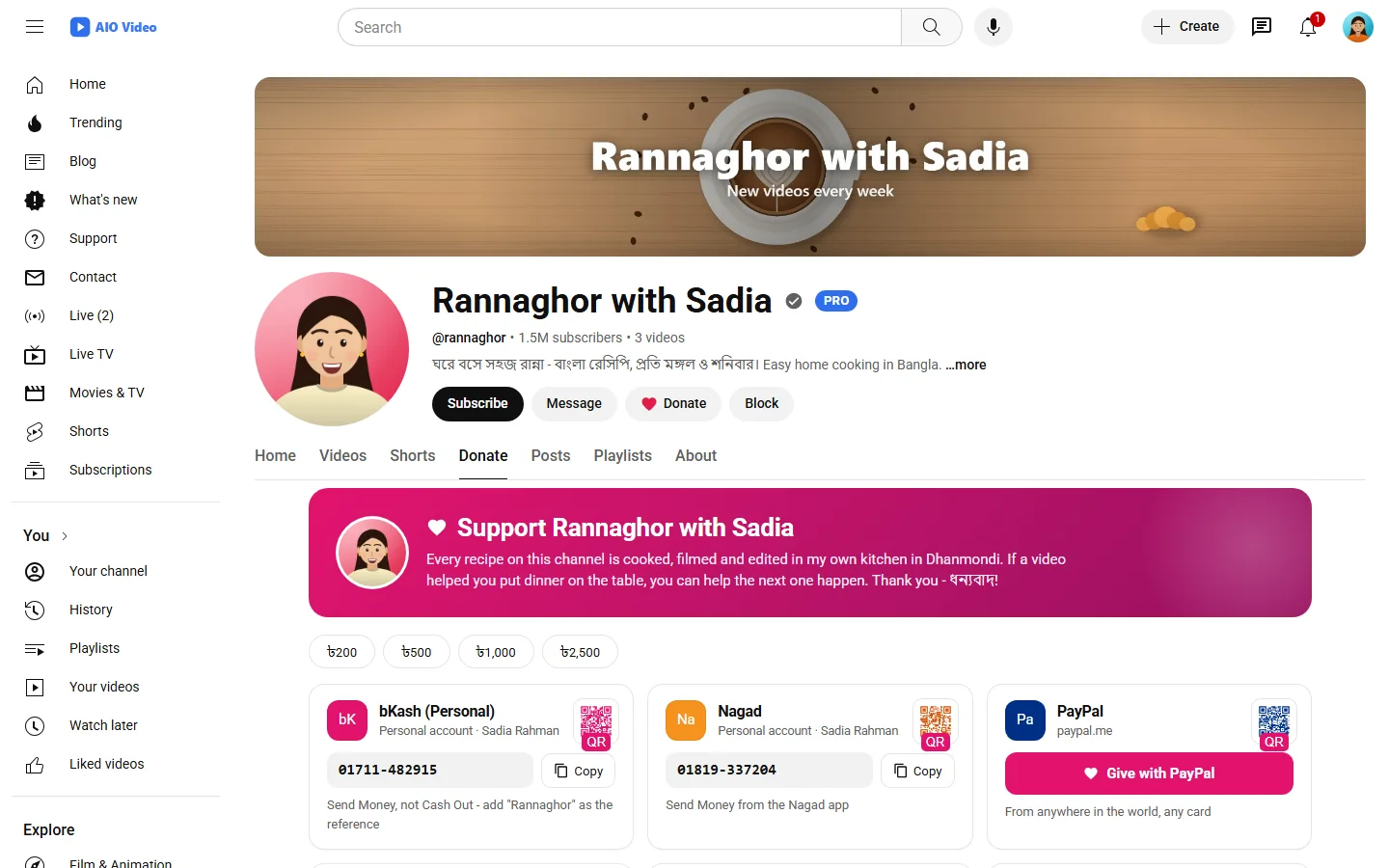
A Donate tab and button for every channel: payment links, bKash, Nagad, Rocket, Upay, bank and crypto with QR codes.
এটি কী করে
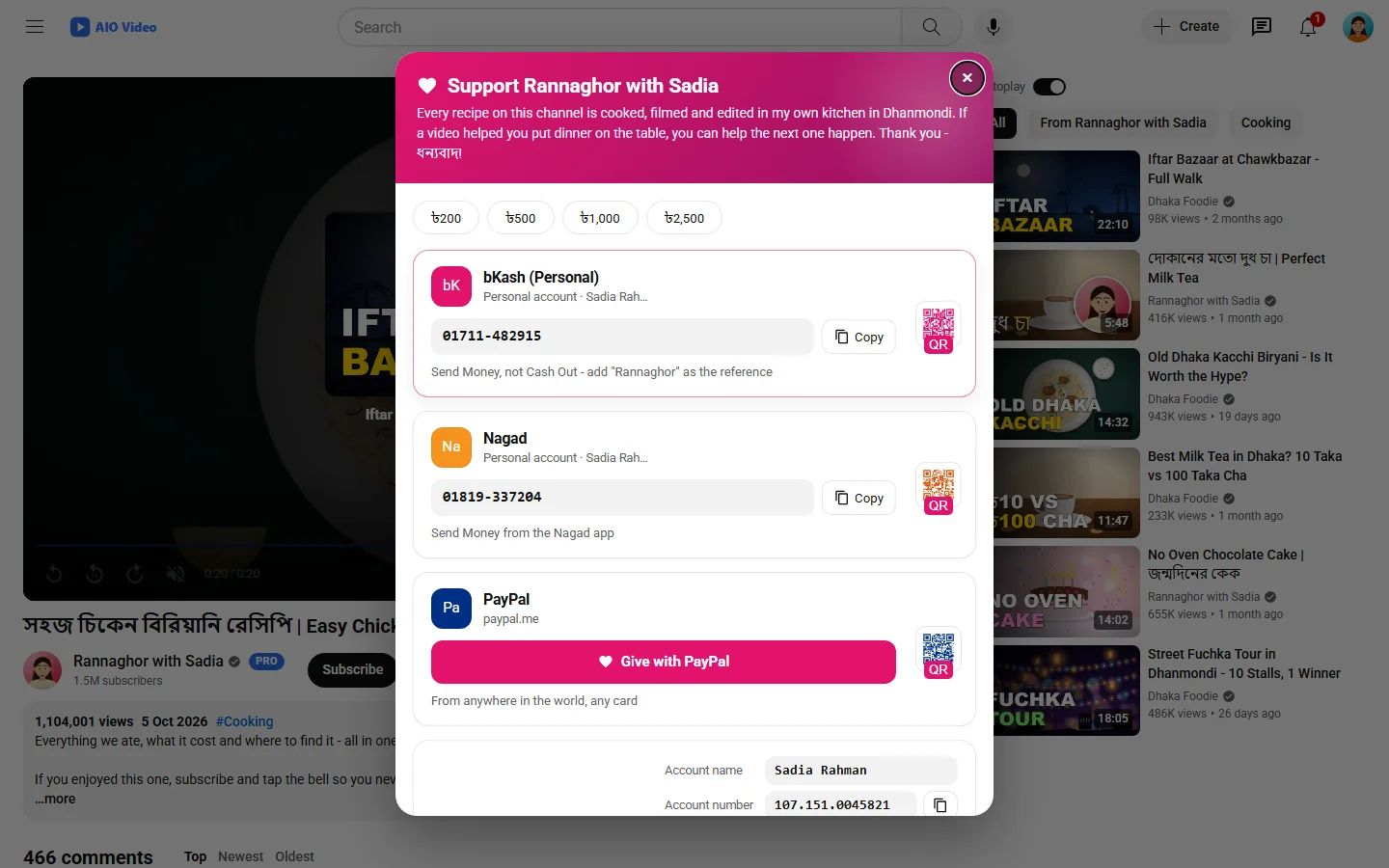
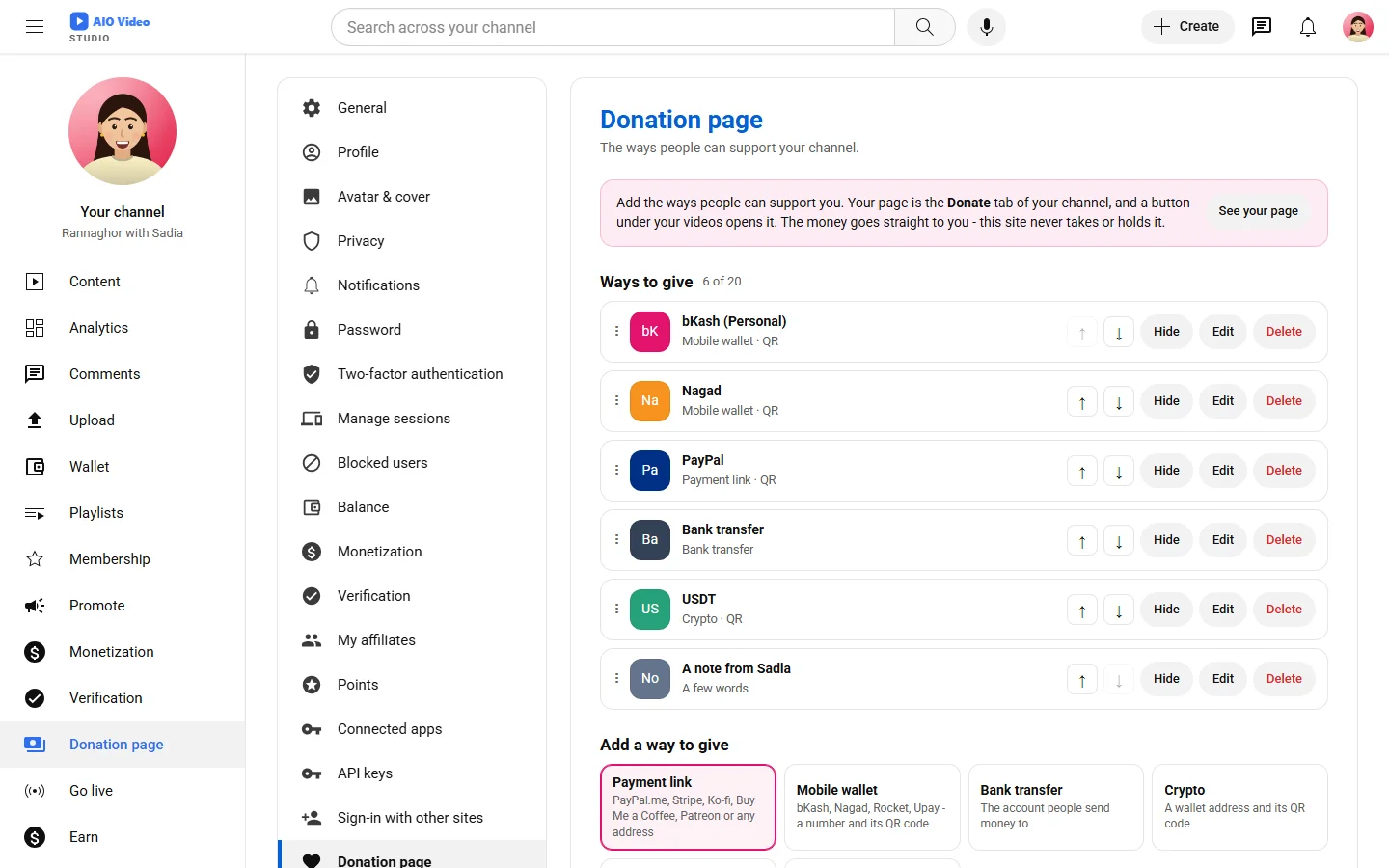
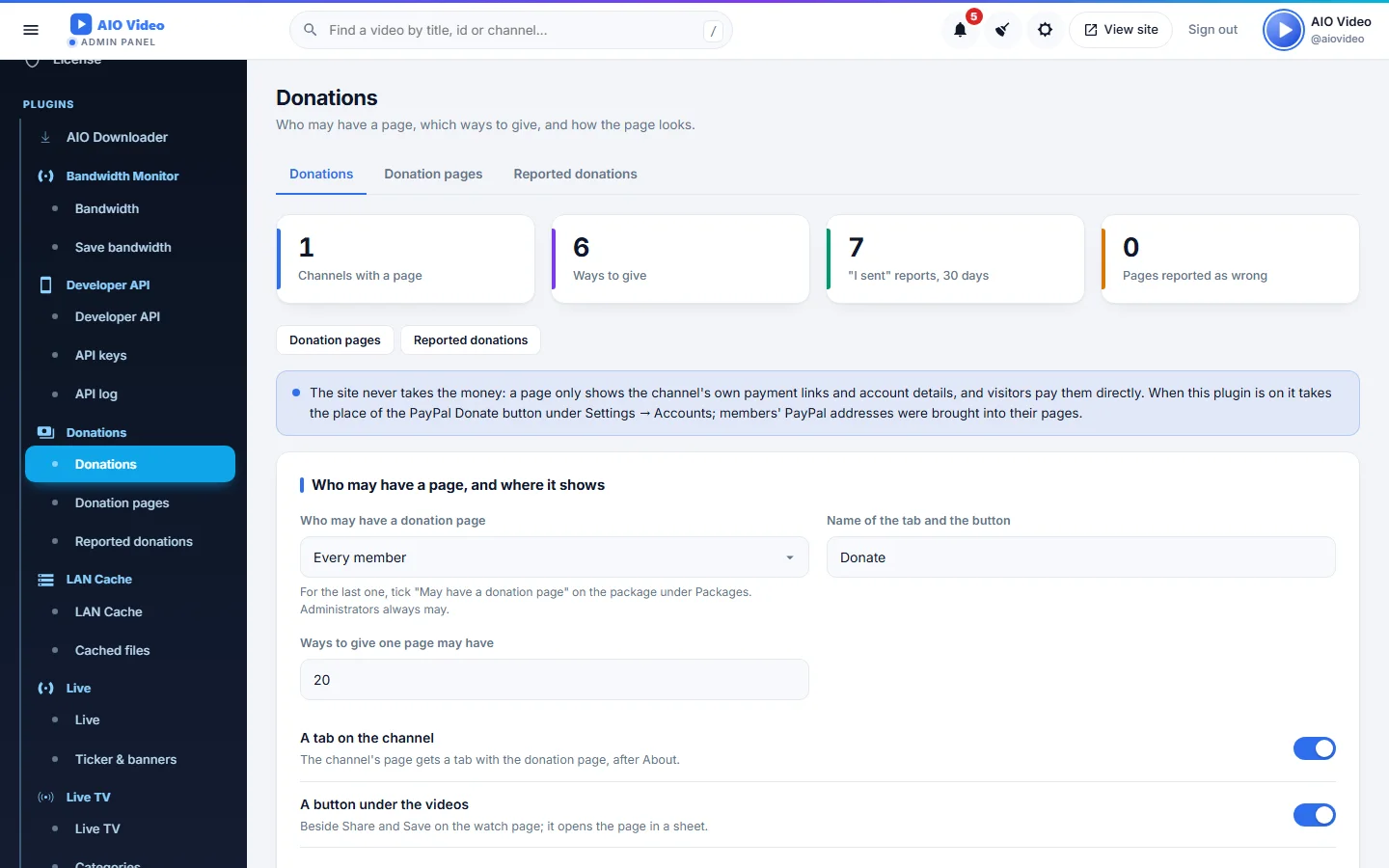
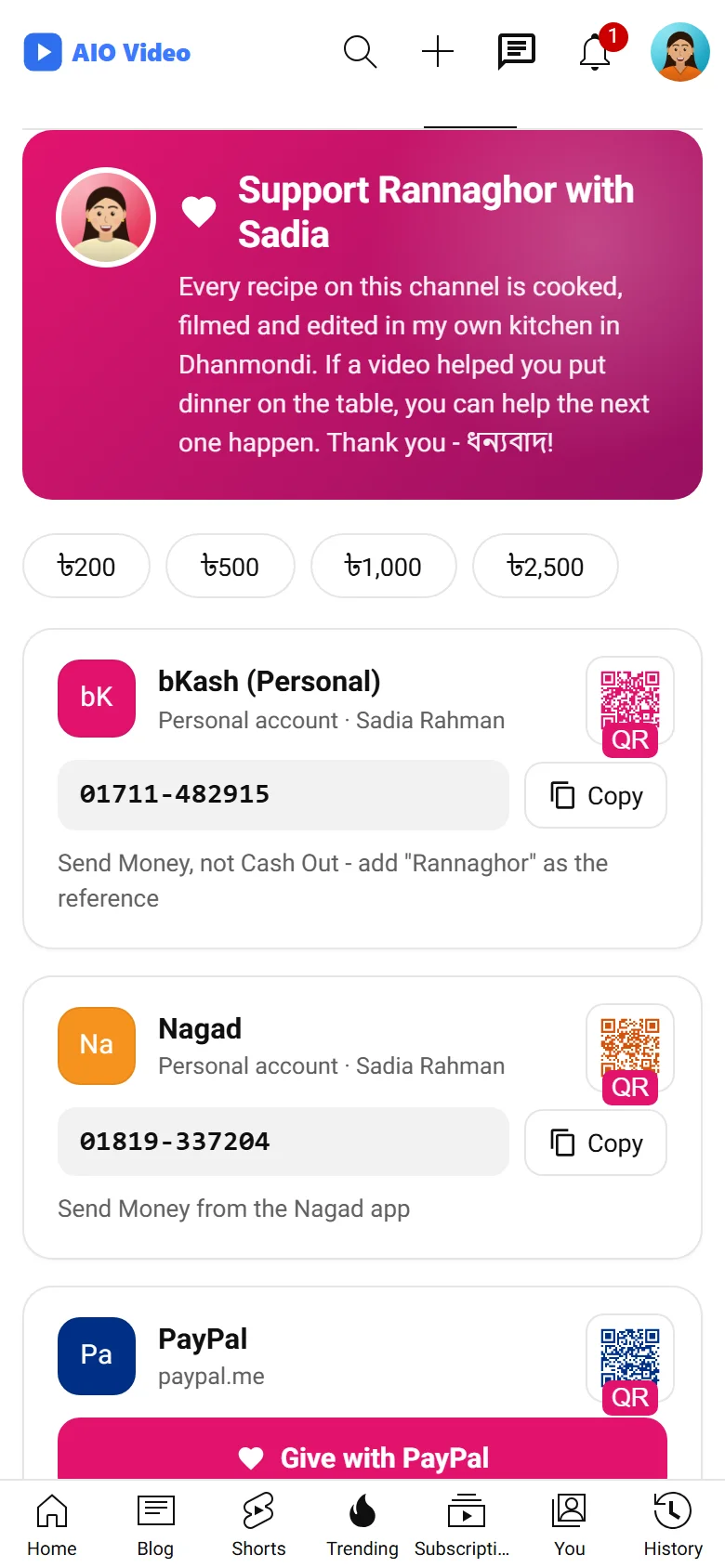
Every channel gets a donation page: a Donate tab on the channel and a Donate button under its videos that opens the page in a sheet. Members fill it themselves - payment links (PayPal.me, Stripe, Ko-fi, Buy Me a Coffee, Patreon, any address), mobile wallets (bKash, Nagad, Rocket, Upay), a bank account, crypto addresses, cash instructions and a note - each with its QR picture, in the order they drag them into. Visitors copy a number with one click, open a QR code big, pick a suggested amount. After sending, a supporter can say "I sent a donation"; the channel confirms it and it may stand on a supporters wall. The owner decides who may have a page, which ways to give are allowed and how the page looks, with a live preview. The site never takes the money: it only shows each channel's own details.
যা যা পাবেন
- Donate tab on the channel and a Donate button under the videos
- Payment links, bKash / Nagad / Rocket / Upay, bank, crypto, cash, with QR codes
- Members add, edit, hide, delete and drag their ways to give
- "I sent a donation", confirmed by the channel, and a supporters wall
- Who may have a page, the kinds allowed, layout, colours and amounts in the panel
- The old PayPal Donate button and addresses brought across
স্ক্রিনশট
যেভাবে চালু করবেন
- AIO Video ইনস্টল করুন — প্লাগিনটি এর ভেতরেই থাকে।
- আপনার অ্যাডমিন প্যানেলে Plugins খুলুন।
- Enable চাপুন — ব্যস, এটুকুই।
প্রশ্নোত্তর
এর জন্য কি টাকা দিতে হবে?
না। এটি AIO Video-এর সঙ্গে বিনামূল্যে আসে এবং প্রতিটি প্যাকেজে অন্তর্ভুক্ত।
এটি কীভাবে চালু করব?
আপনার প্যানেলে Plugins খুলে Enable চাপুন।