Sngine Migration
Move a Sngine site into MyMeetBook in an afternoon - members, posts, pages, groups, messages; files stay where they are.
What it does
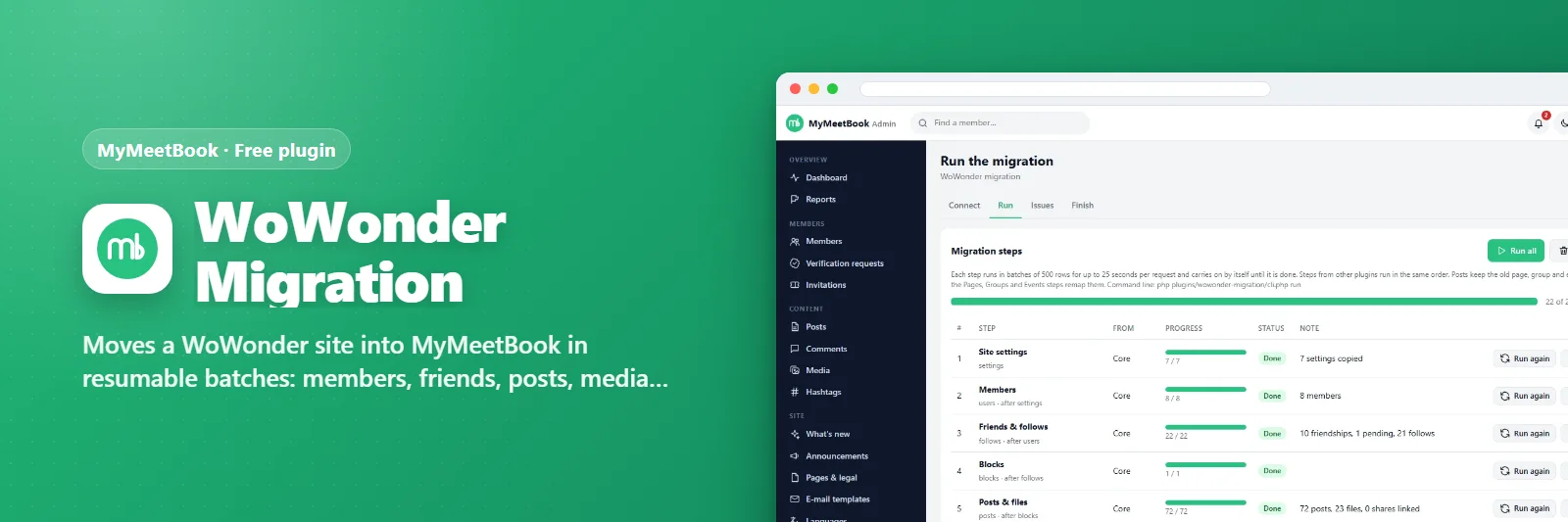
Sngine Migration connects to the database of a Sngine 3.x/4.x site, counts what is waiting and brings it across step by step - settings, members, friends and follows, blocks, posts with their files, comments and replies, reactions, saved posts, hashtags, verification requests and reports - while Pages, Groups, Events, Blog, Messenger and Stories add their own steps. Every step runs in batches, keeps its place and can be run again to pick up changes, so the move can be rehearsed on a test address and repeated on switch day; photos and videos stay in the old folder and old addresses keep working.
What you get
- Members keep their passwords (Sngine's bcrypt hashes are accepted as they are)
- Posts with photos, videos, audio, files, polls, links, shares, feelings and coloured backgrounds; comments, replies, reactions, hashtags
- Pages, Groups, Events, Blog, Messenger and Stories come through their own plugins
- Nothing is copied: uploads are served from the old content/uploads folder or its URL
- Batches that resume, "Run again" that updates instead of duplicating, a command-line runner
- Issues log with CSV and a Finish checklist
- Old Sngine links (posts, pages, groups, events, blogs, profiles) answer with a 301 to the new address
Requirements
- MyMeetBook 1.0.3 or newer
Getting it running
- Install MyMeetBook — the plugin ships inside it.
- Open Plugins in your admin panel.
- Press Enable — that is all.
Questions
Do I have to pay for it?
No. It ships free with MyMeetBook and is included in every package.
How do I switch it on?
Open Plugins in your panel and press Enable.