
Hearing Aid Repair — Lab Addons
The repair bench at head office: intake, diagnosis, parts and return.
What it does
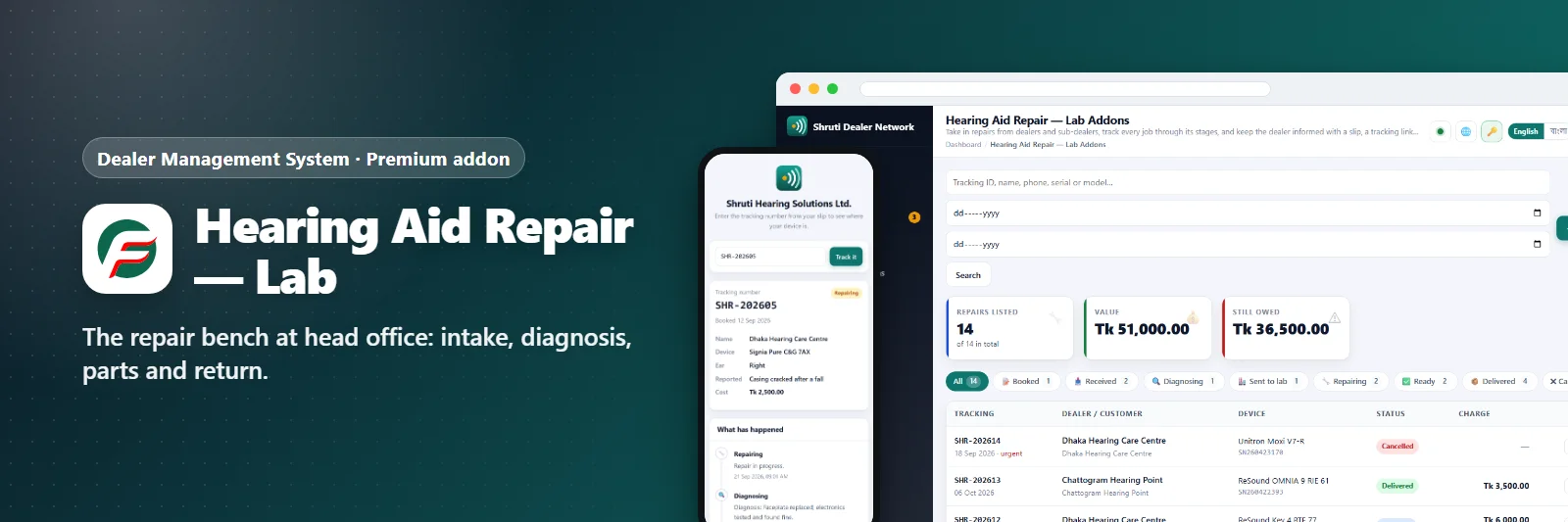
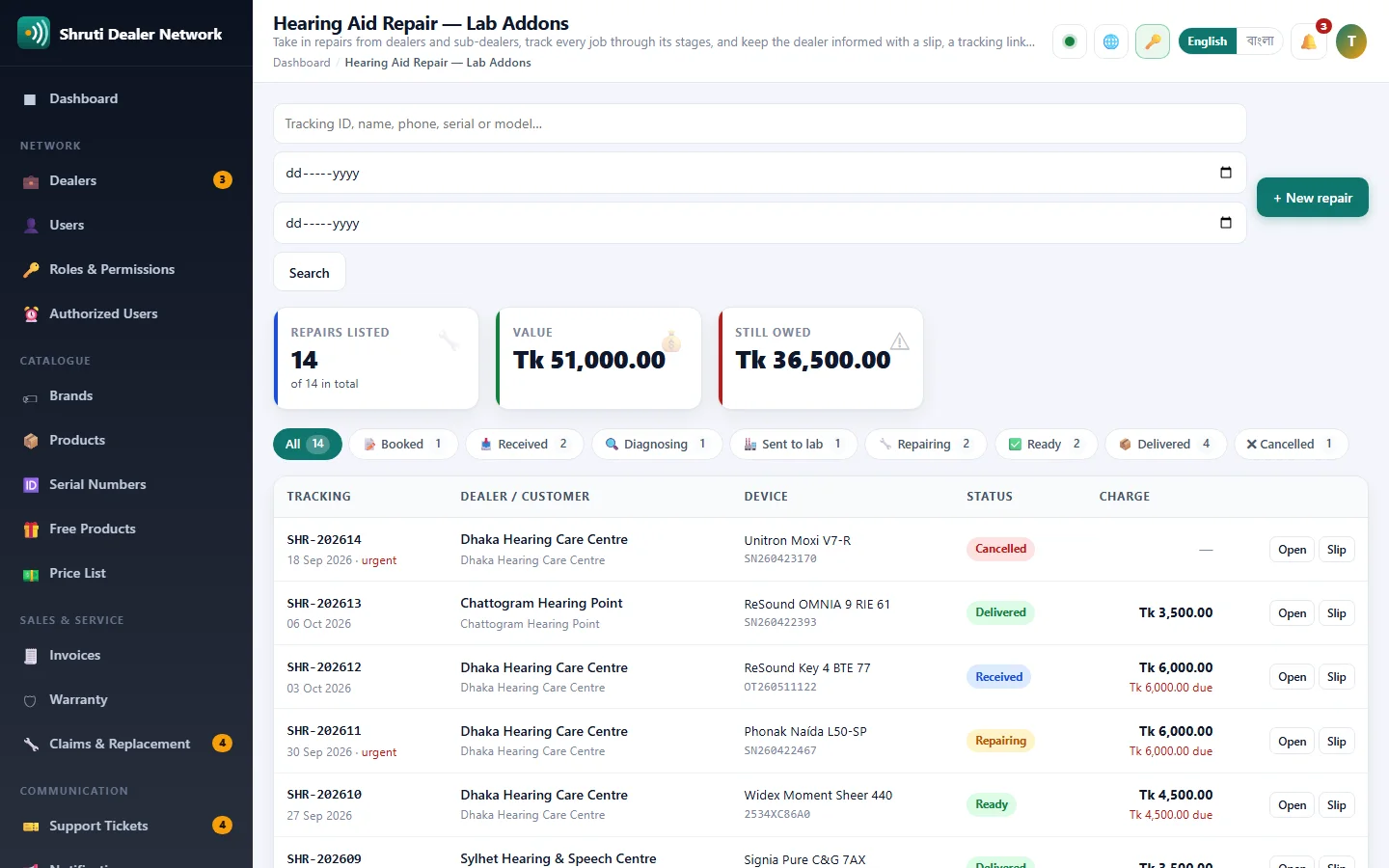
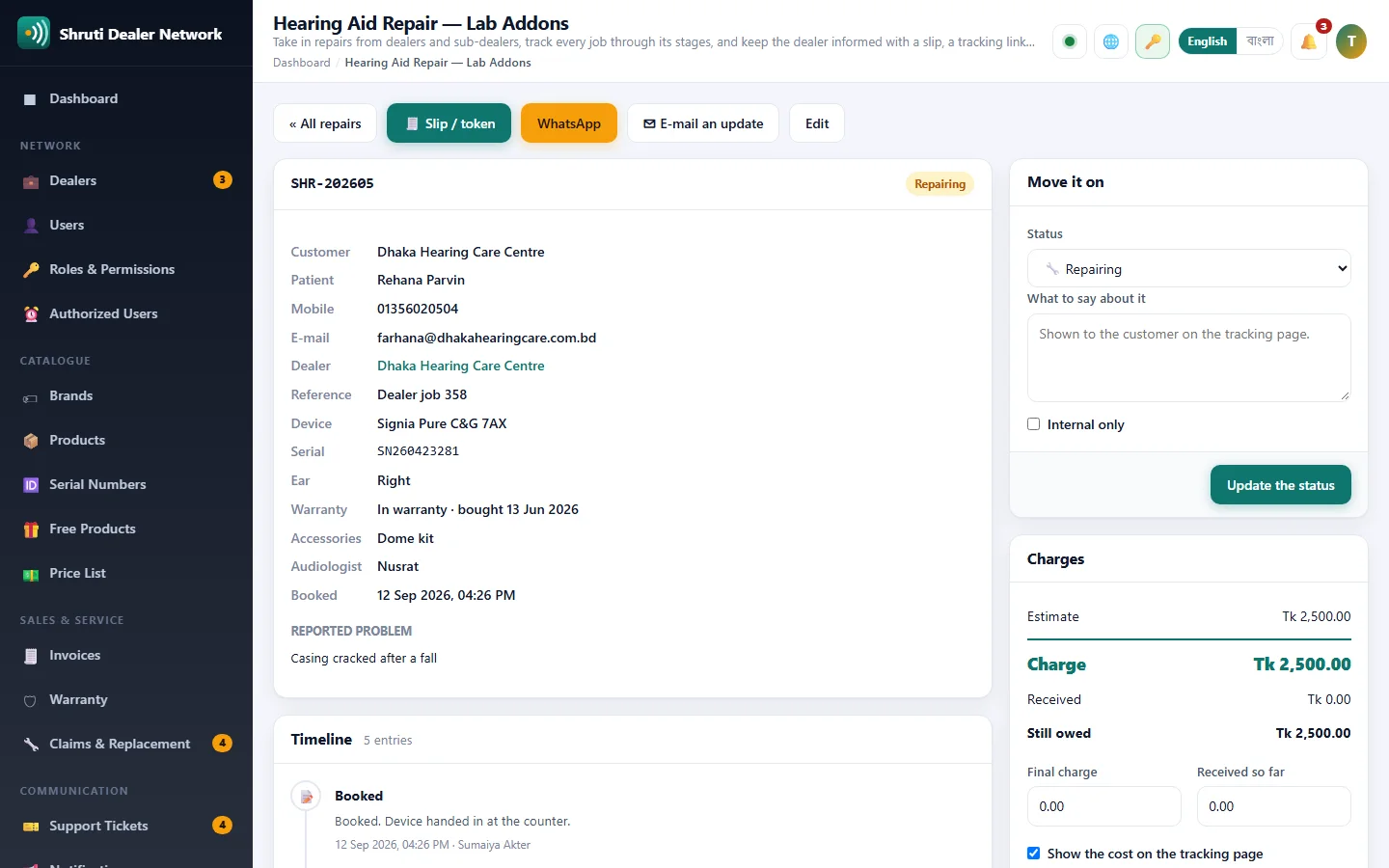
Hearing aids come in from dealers and sub-dealers, and over your own counter. This addon turns each one into a job with a tracking number (REP-202601, REP-202602 ...) and moves it through Booked, Received, Diagnosing, Sent to lab, Repairing, Ready and Delivered, every step dated on a timeline with the name of whoever made it.
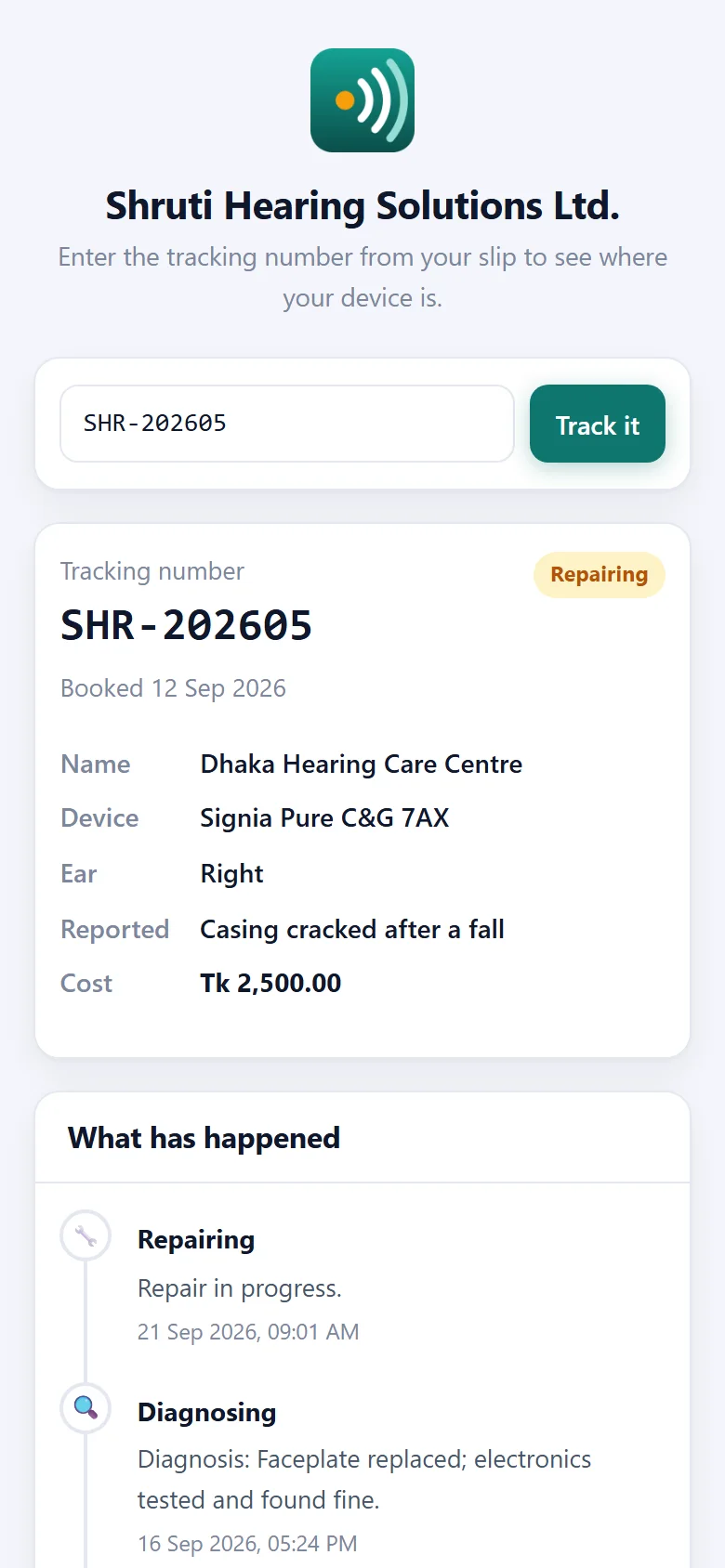
Every job prints a booking slip with a QR code drawn on your own server, and has a public tracking page the customer opens without a password. You choose what that page shows: the name, the device, the reported fault, the cost, the timeline, the outside lab. The customer can be e-mailed on booking and on every status change, and one click opens the same update in WhatsApp.
Money stays on the job: the estimate (shown to the customer or not), the advance, the final charge and what an outside lab billed you, so the list always shows what is still owed. Notes are either for the customer's page or internal.
Dealers send repairs in from their own portal and head office is notified. Once the lab has a job, the status and the charges are the lab's to set, and the dealer follows them from their portal. The lab can also book a repair on a dealer's behalf, and that dealer is told. Sold separately from the dealer's own repair addon.
What you get
- Repair intake and job numbers
- Diagnosis and parts used
- Turnaround tracking
- Return and billing
Screenshots
Getting it running
- Buy it with the button above — your key is issued as soon as the payment is confirmed.
- Nothing to copy: your installation collects the key on its next check.
- Open Addons in your panel and press Enable.
- In a hurry? Paste the key on the License screen and it unlocks at once.
Questions
Is it a one-time payment?
Yes — one payment, a lifetime key for one domain, and free updates.
Do I need Dealer Management System first?
Yes. The addon unlocks inside an installation of Dealer Management System that already has its own licence.
How does the key reach my site?
Your installation collects it by itself on its next check. You can also paste it on the License screen.
Can I move it to another domain?
Yes. Release the old domain in your account and activate the new one.