
Dealer Network Addons
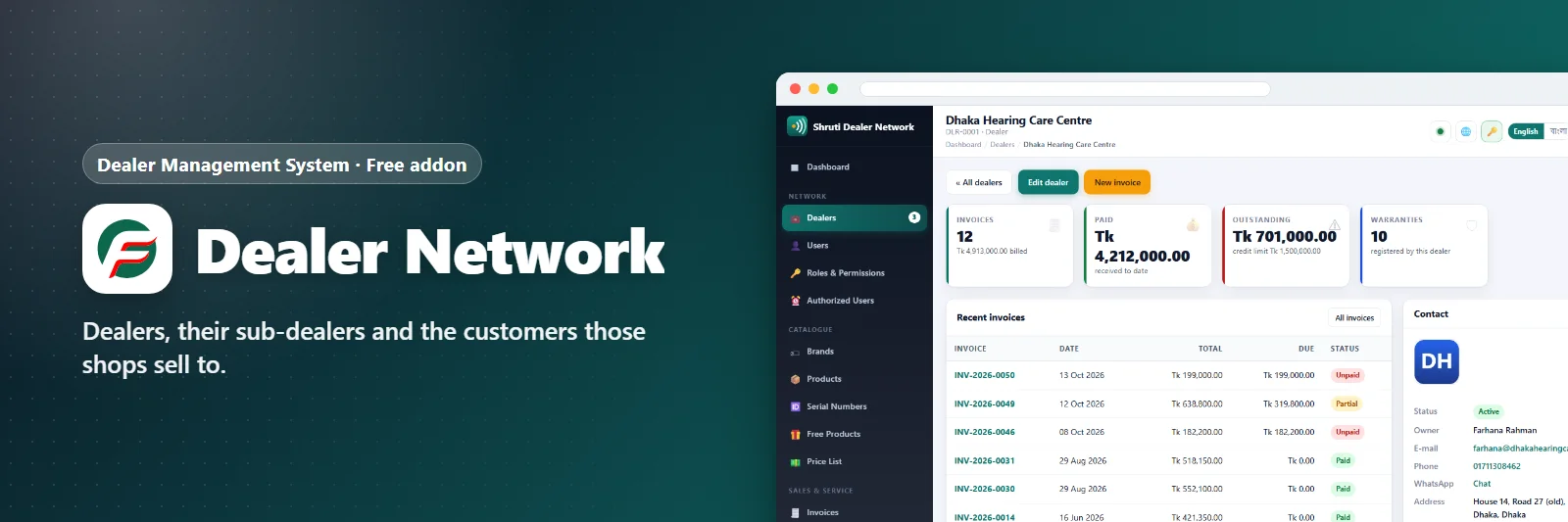
Dealers, their sub-dealers and the customers those shops sell to.
What it does
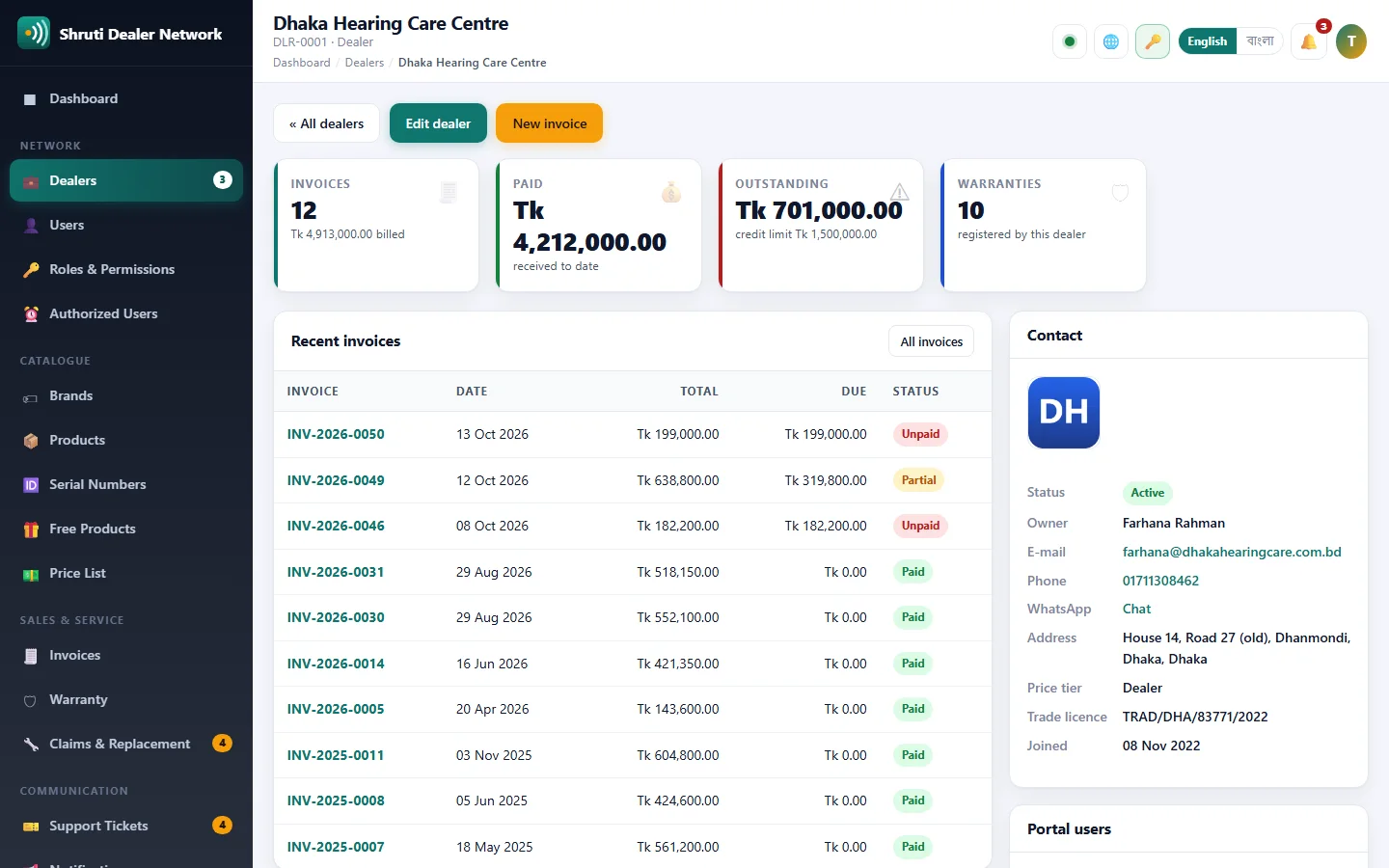
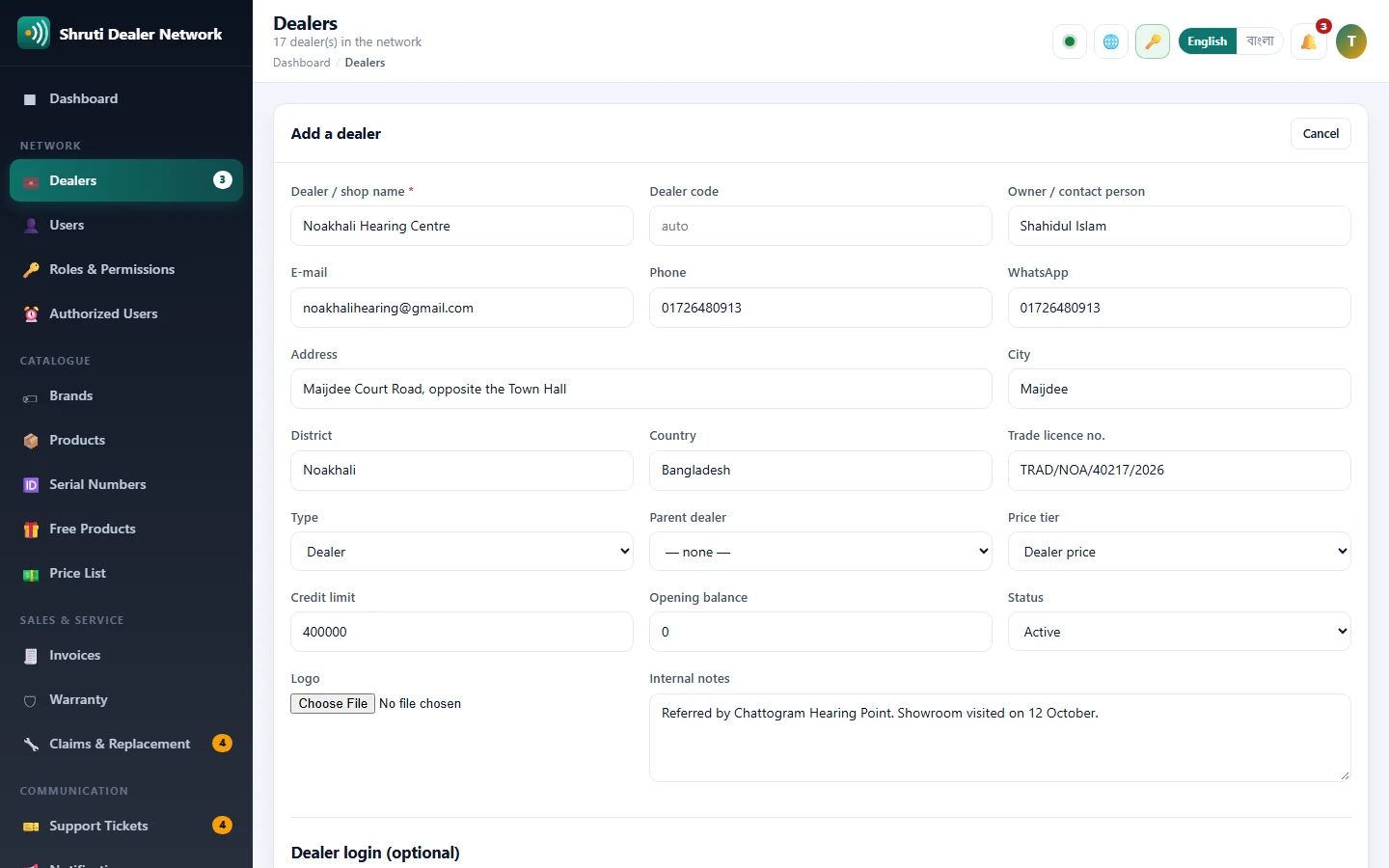
Every dealer in one place: shop and owner details, city and district, trade licence, logo, internal notes, the invoices they have received and what they still owe.
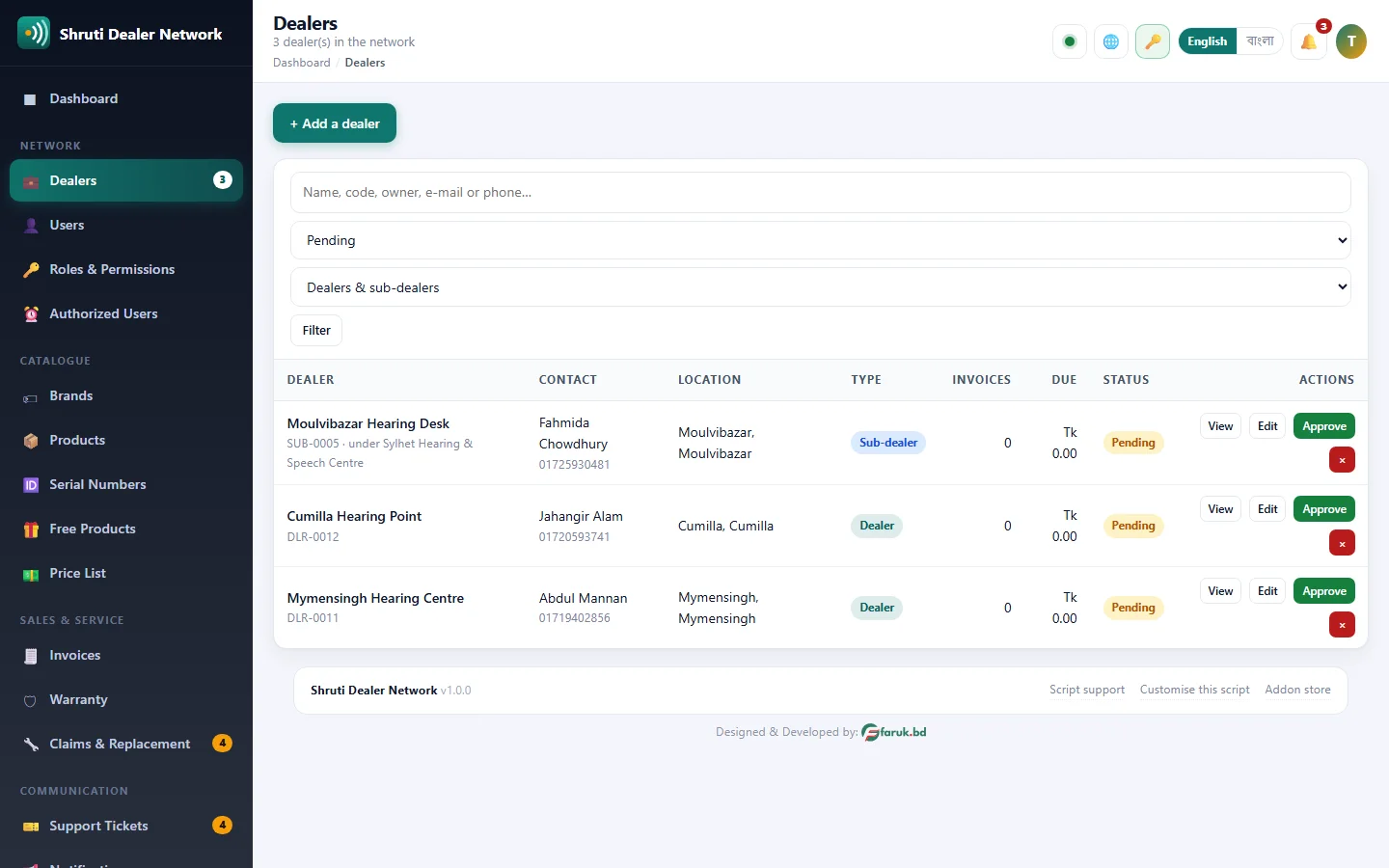
Applications from your website arrive as pending and wait for your approval, so nobody reaches the dealer portal before you say so. One click approves a dealer and switches on their sign-in; one click suspends them again. If you prefer, an application can go live by itself.
Each dealer sits on a price tier (dealer price, sub-dealer price or MRP), which decides the prices they see in the portal and the price your invoice starts with. A credit limit shows them on their own dashboard how much room they have left.
When you add a dealer yourself, their portal login is made in the same step, and the welcome goes out by e-mail and WhatsApp with their dealer code and sign-in details.
What you get
- Dealer profiles with logo and trade licence
- Approval workflow
- Price tiers and credit limits
- Per-dealer statements
Screenshots
Getting it running
- Install Dealer Management System — the addon ships inside it.
- Open Addons in your admin panel.
- Press Enable — that is all.
Questions
Do I have to pay for it?
No. It ships free with Dealer Management System and is included in every package.
How do I switch it on?
Open Addons in your panel and press Enable.