
Data Export & Import Addons
Get data in at the start, and out whenever you want it.
What it does
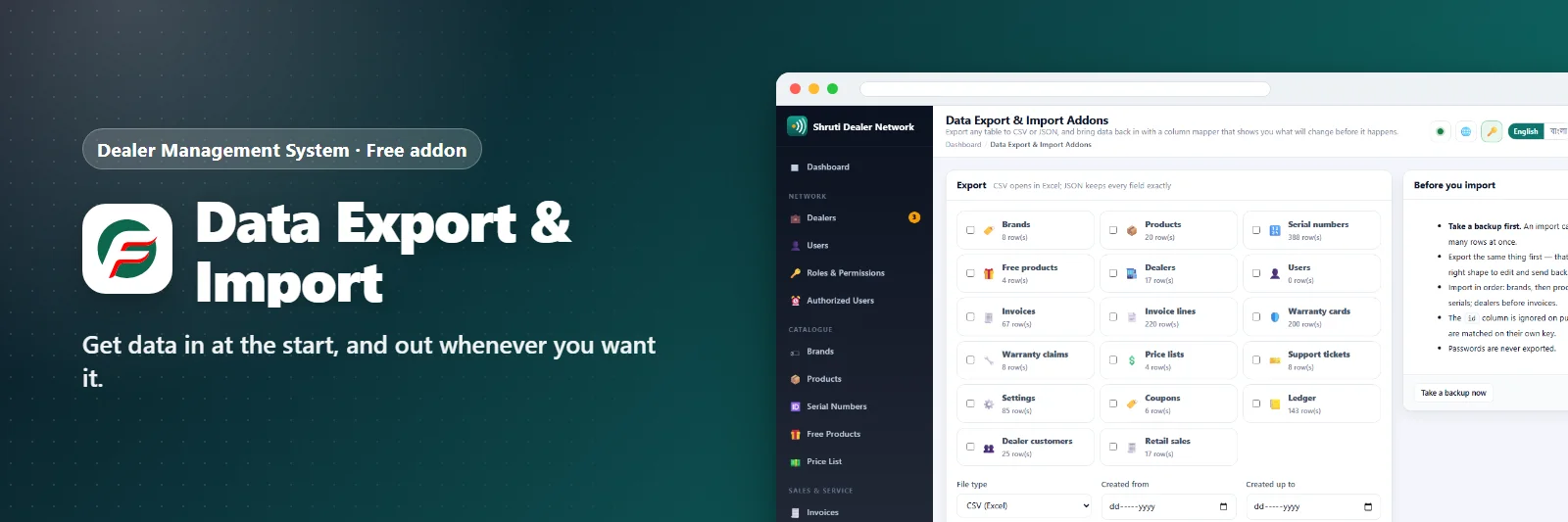
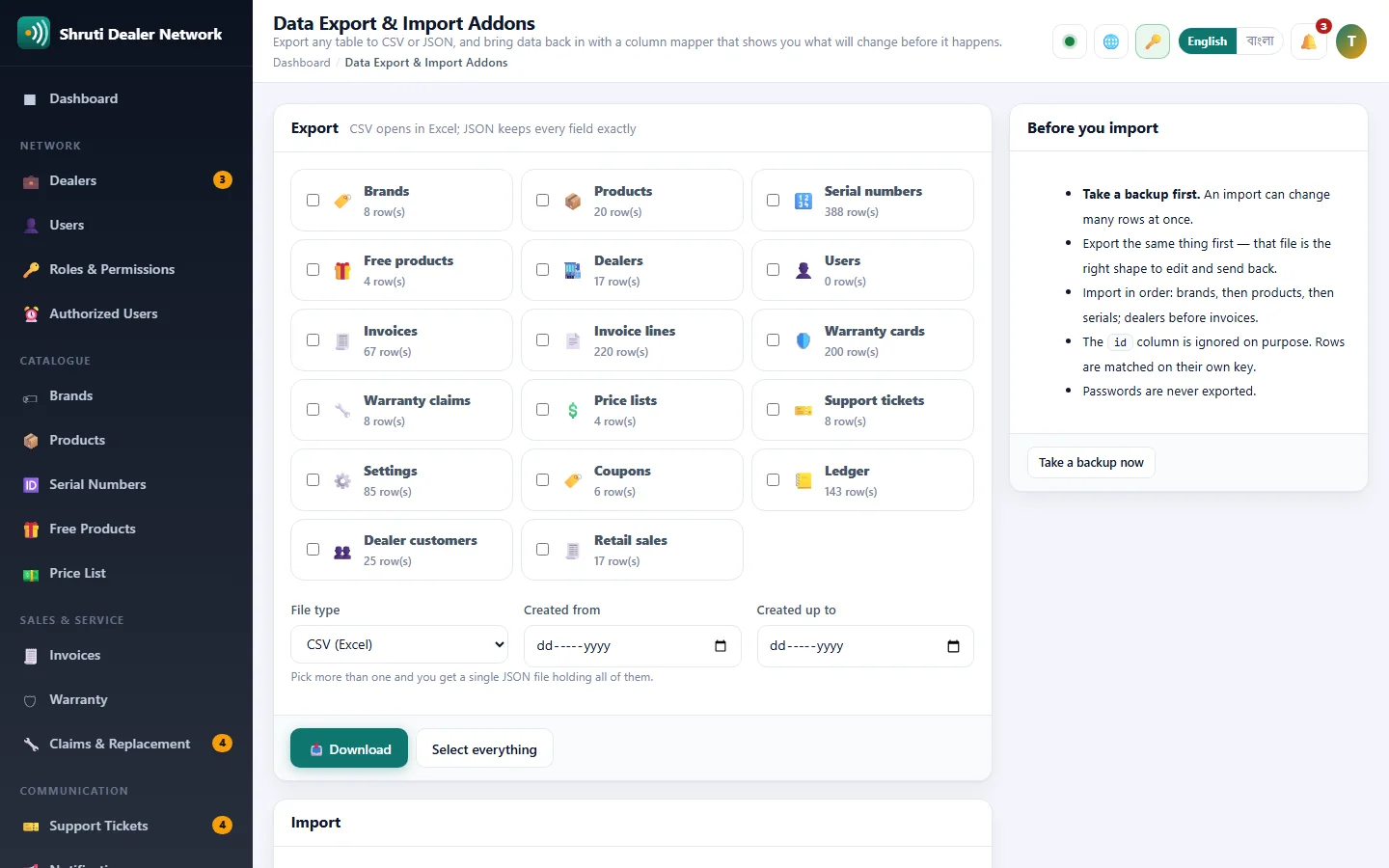
Take any list out of the panel as CSV for Excel or as JSON: dealers, products, serial numbers, invoices, warranty cards, claims, tickets, users, settings, and the lists of the Accounts, Coupons and Dealer Customers addons when they are on. Filter by creation date, or tick several lists and get them in one file. Passwords never leave.
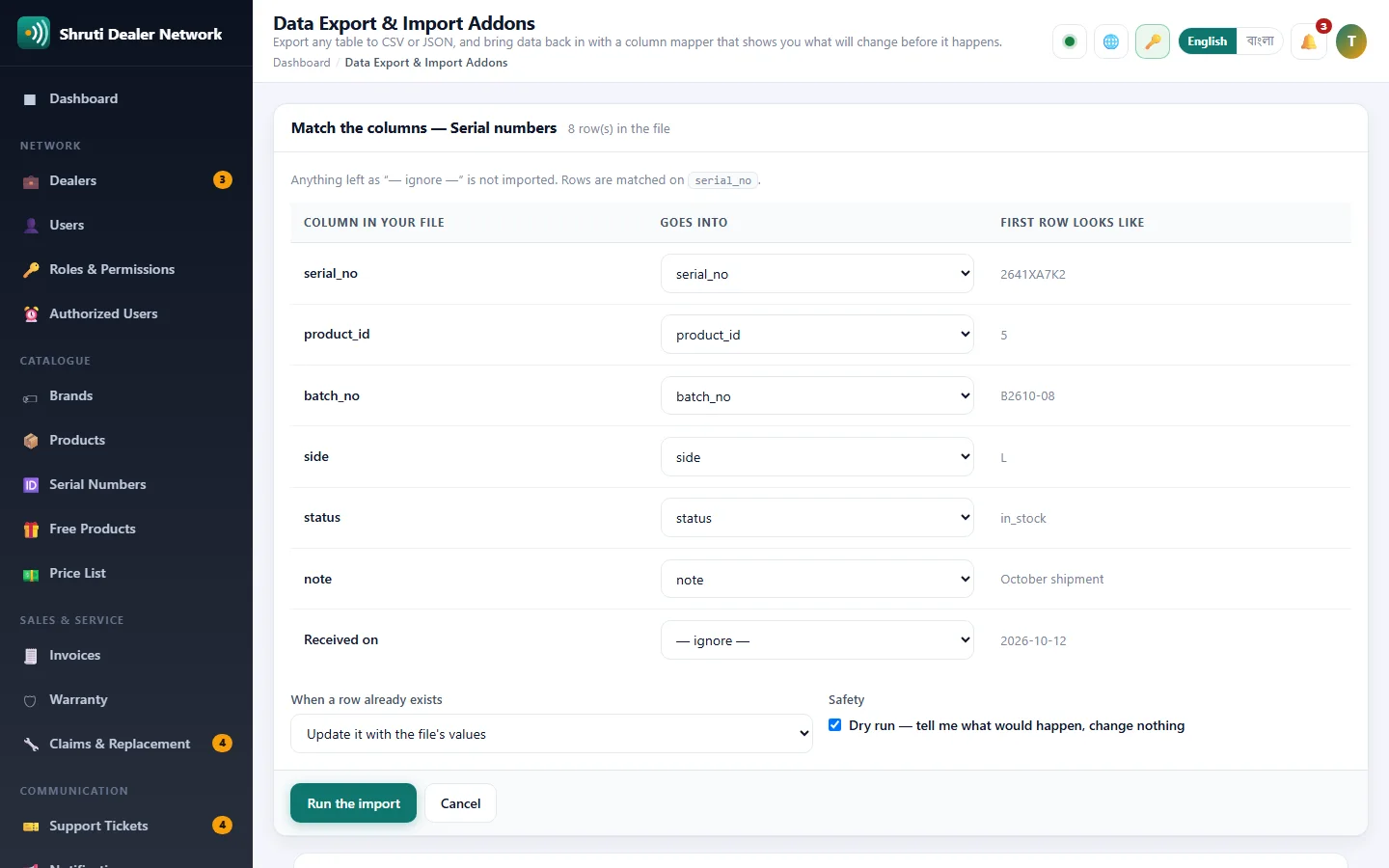
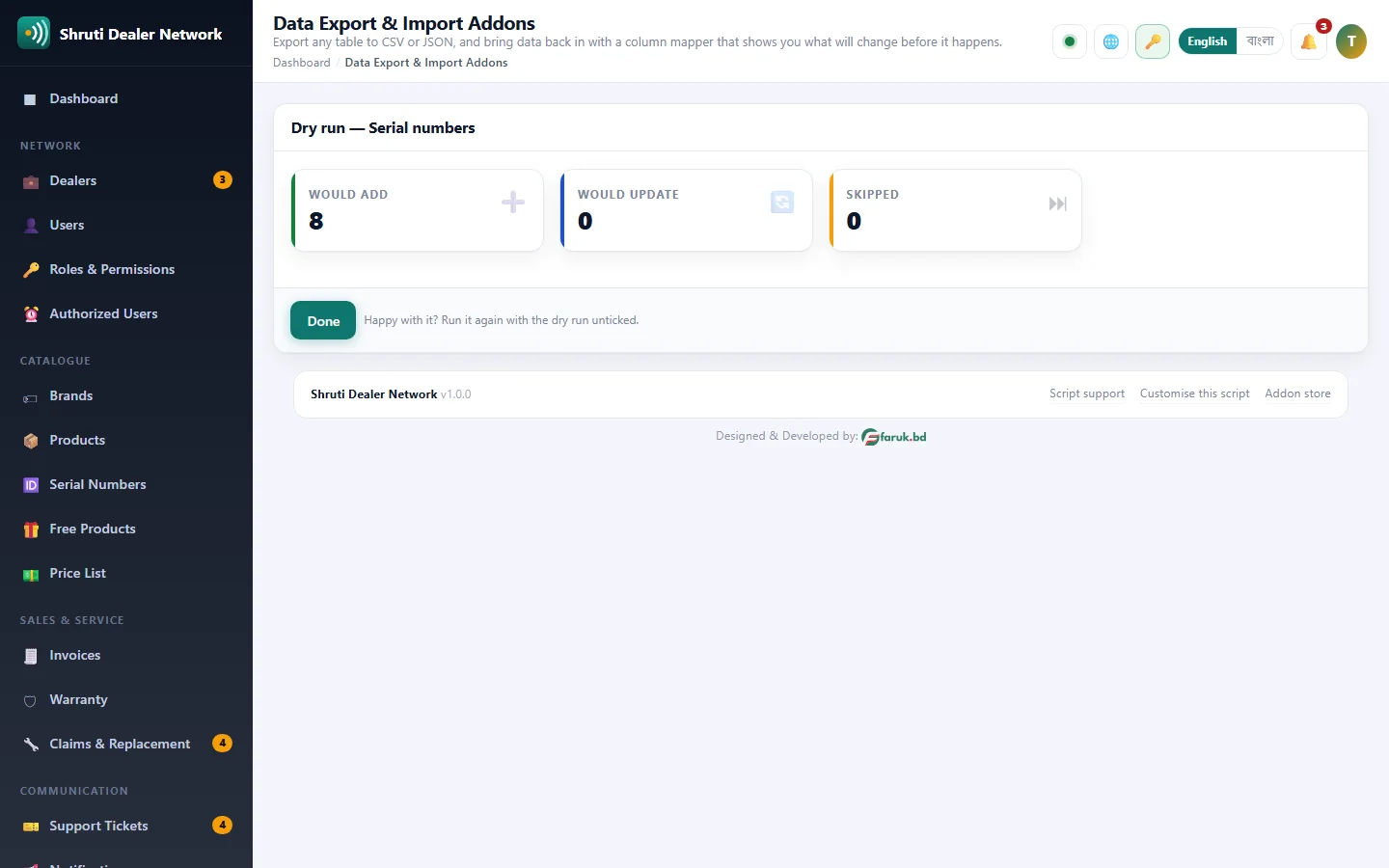
Bringing data in is careful by design. Upload a CSV or JSON file, match each column to a field (columns with the same name are matched for you), choose whether existing rows are updated, left alone or added again, and run it first as a dry run. The dry run changes nothing and tells you how many rows would be added, updated or skipped, with the row number of every problem.
Rows are matched on their natural key (a dealer's code, a product's SKU, a serial number), never on database numbers, so a file from another installation or from Excel lands in the right place. Free with every licence.
What you get
- CSV and Excel
- Column mapping
- Validation before import
- Export any list
Screenshots
Getting it running
- Install Dealer Management System — the addon ships inside it.
- Open Addons in your admin panel.
- Press Enable — that is all.
Questions
Do I have to pay for it?
No. It ships free with Dealer Management System and is included in every package.
How do I switch it on?
Open Addons in your panel and press Enable.