
Google Drive Storage
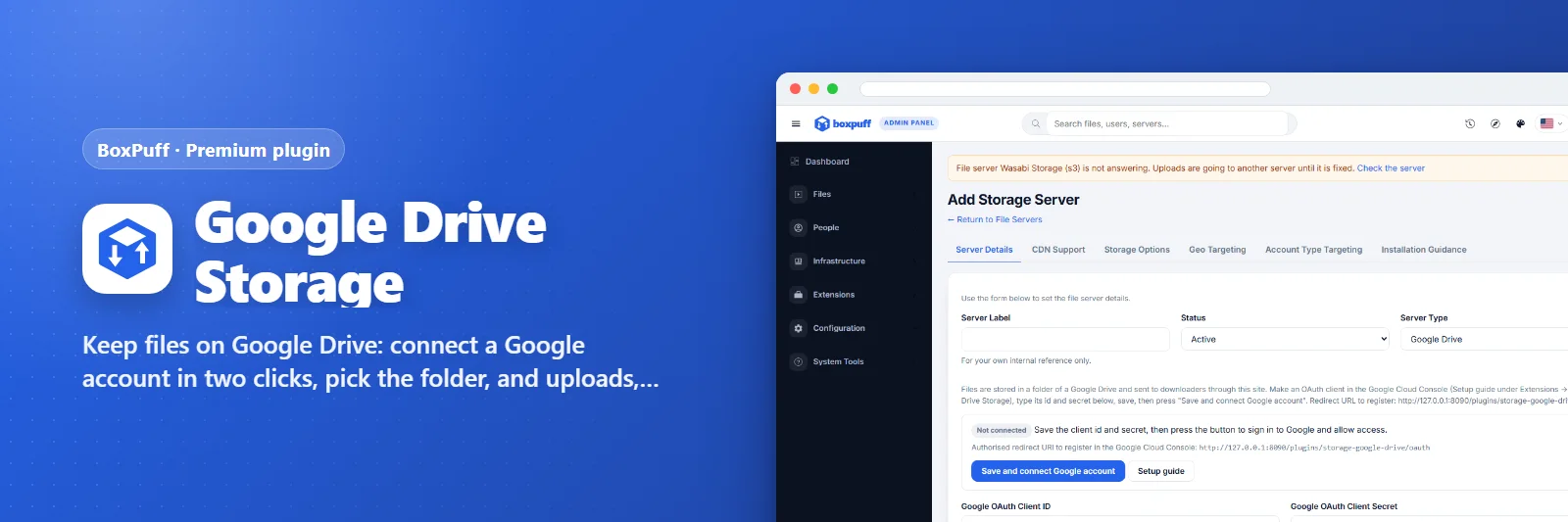
Keep files on Google Drive: connect a Google account in two clicks, pick the folder, and uploads, downloads and deletes go through the Drive API.
What it does
Adds Google Drive as a file server type. The admin makes an OAuth client in Google Cloud (the plugin shows the six steps and the redirect address), presses Connect and signs in with the Google account; the refresh token stays on the server row. Files are uploaded in resumable pieces into the chosen Drive folder (or shared drive), streamed back through the site with Range support so downloads resume and the player seeks, deleted when the member deletes them; the quota is read for the servers list. Direct links optional.
What you get
- Connect with a Google account
- Resumable uploads to a Drive folder
- Streams with resume and seeking
Screenshots
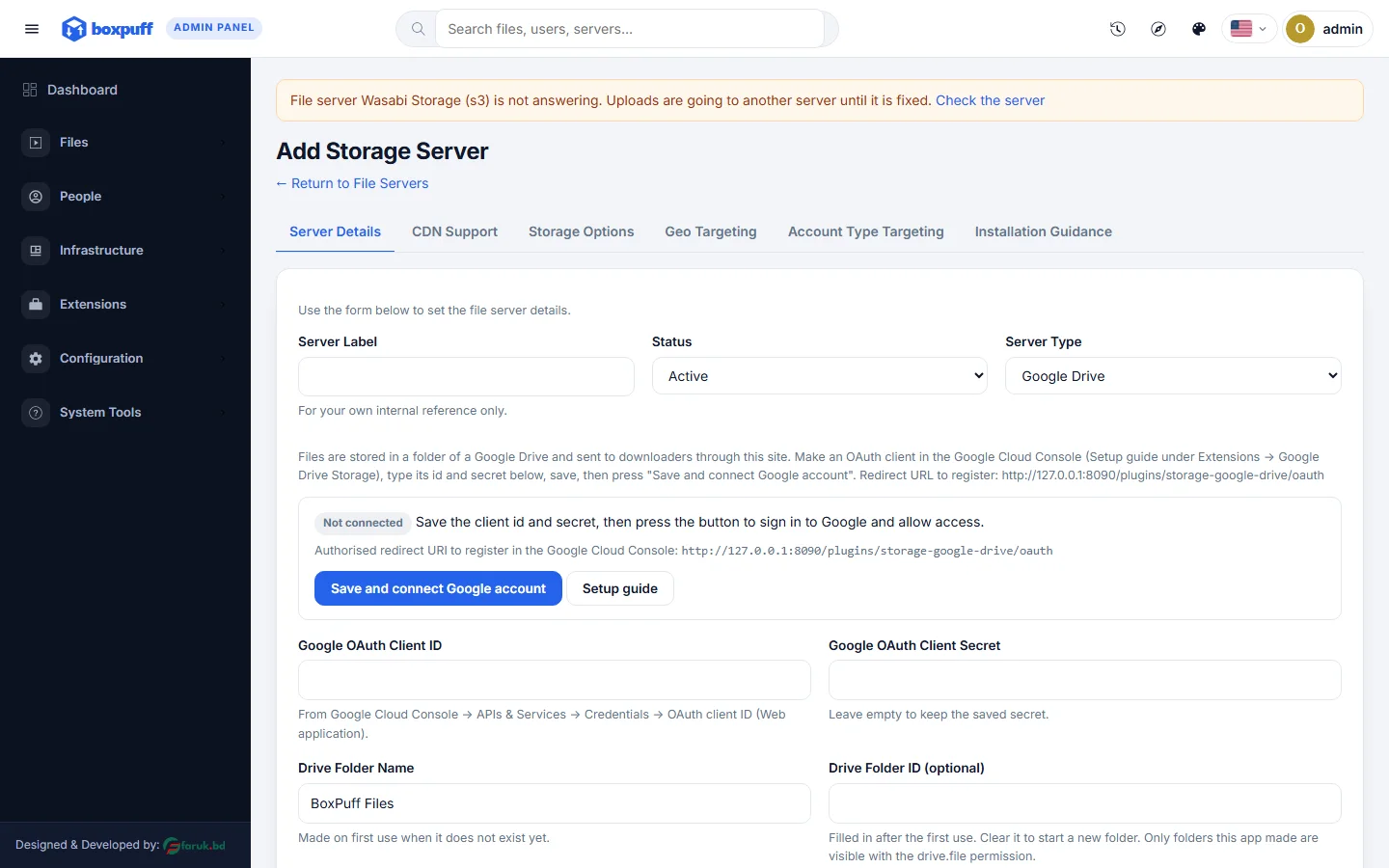
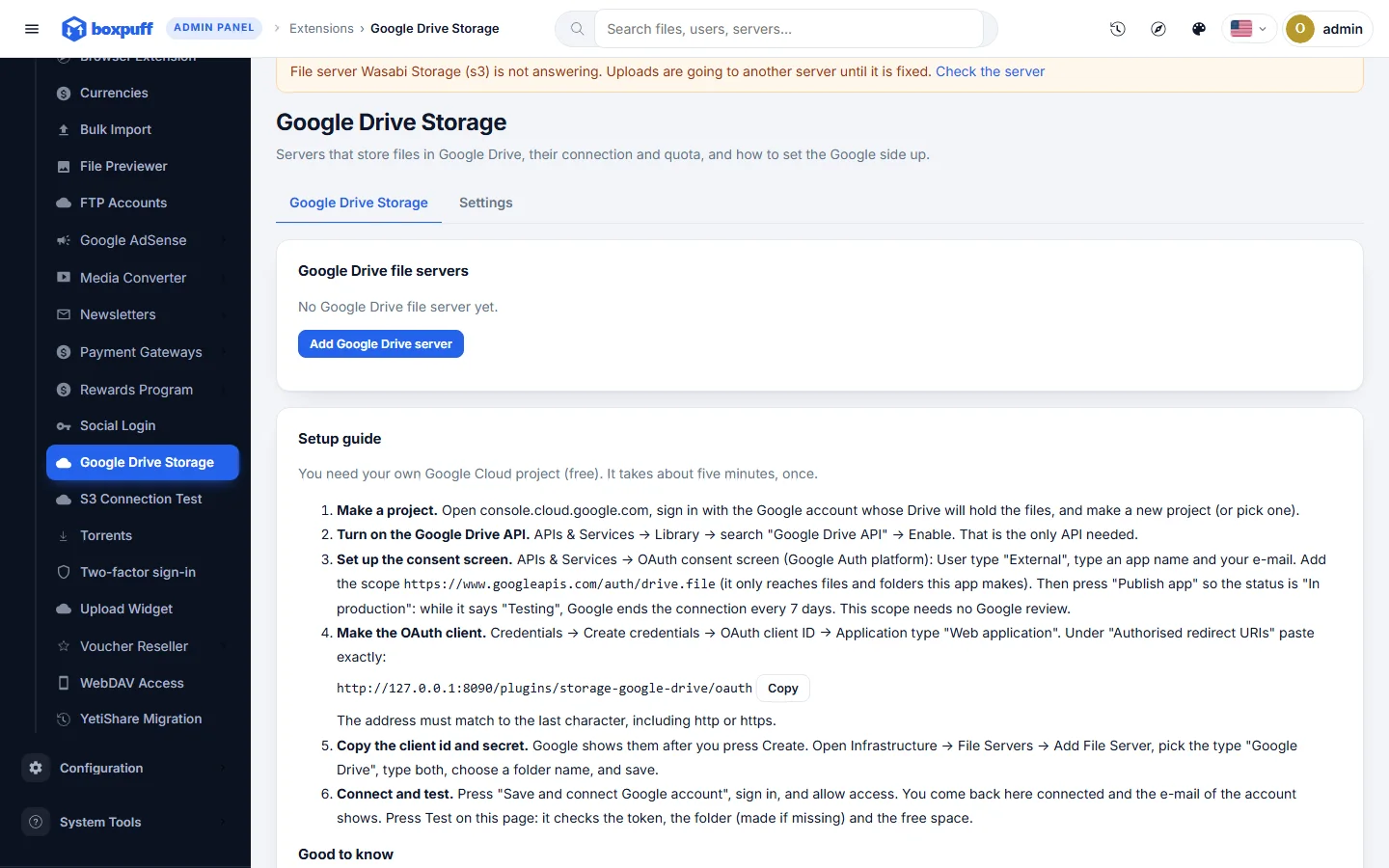
Requirements
- BoxPuff 1.0.0 or newer
Getting it running
- Buy it with the button above — your key is issued as soon as the payment is confirmed.
- Nothing to copy: your installation collects the key on its next check.
- Open Plugins in your panel and press Enable.
- In a hurry? Paste the key on the License screen and it unlocks at once.
Questions
Is it a one-time payment?
Yes — one payment, a lifetime key for one domain, and free updates.
Do I need BoxPuff first?
Yes. The plugin unlocks inside an installation of BoxPuff that already has its own licence.
How does the key reach my site?
Your installation collects it by itself on its next check. You can also paste it on the License screen.
Can I move it to another domain?
Yes. Release the old domain in your account and activate the new one.