
Plugin for BoxPuff
FTP Upload
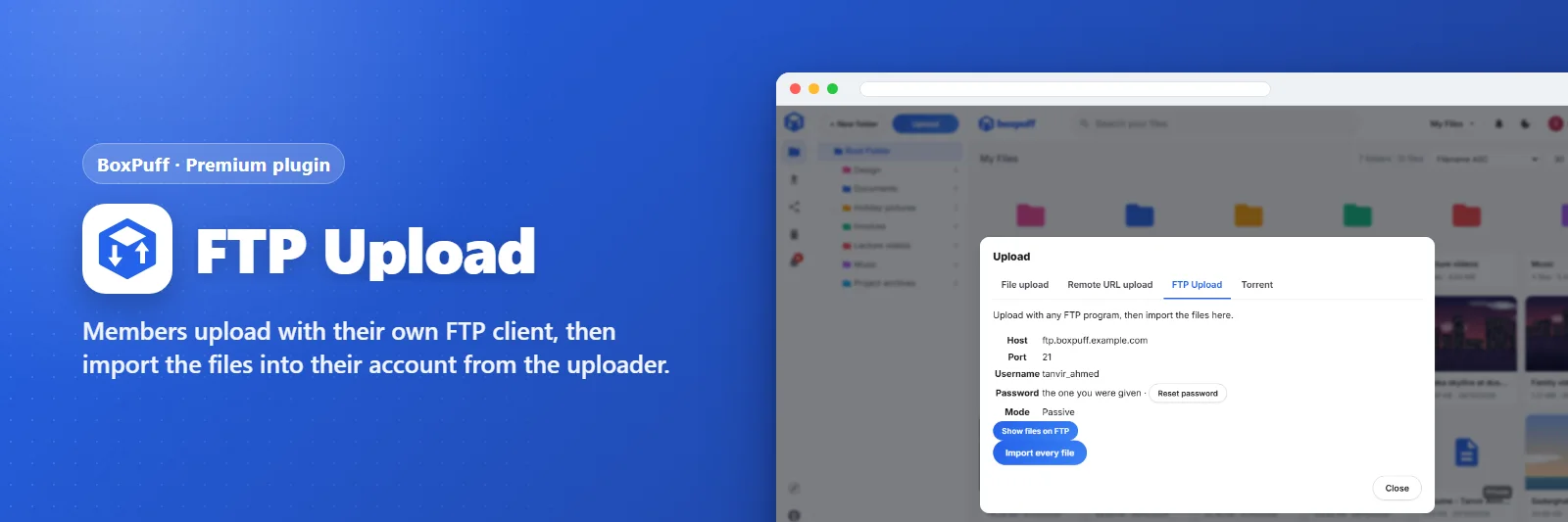
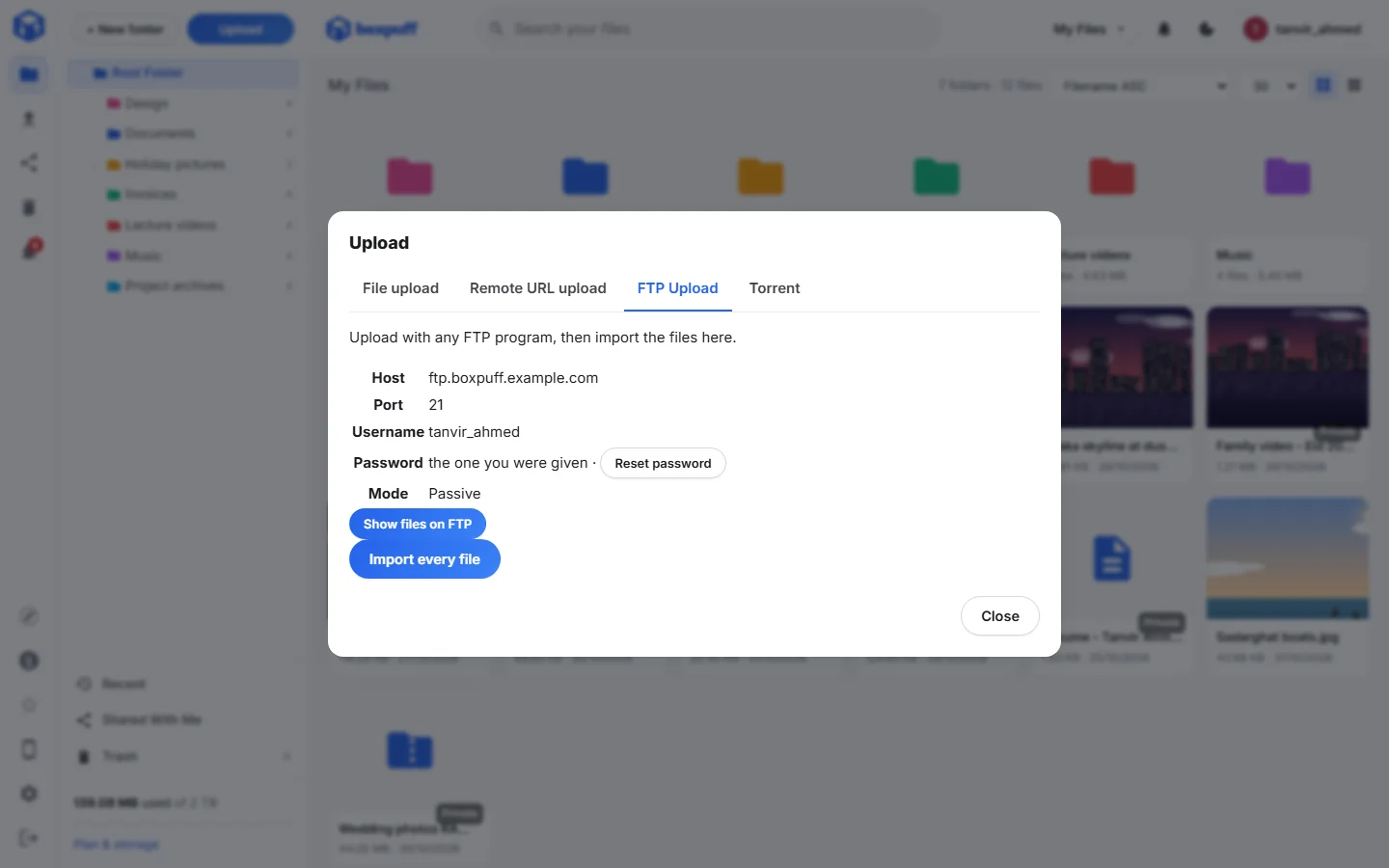
Members upload with their own FTP client, then import the files into their account from the uploader.
What it does
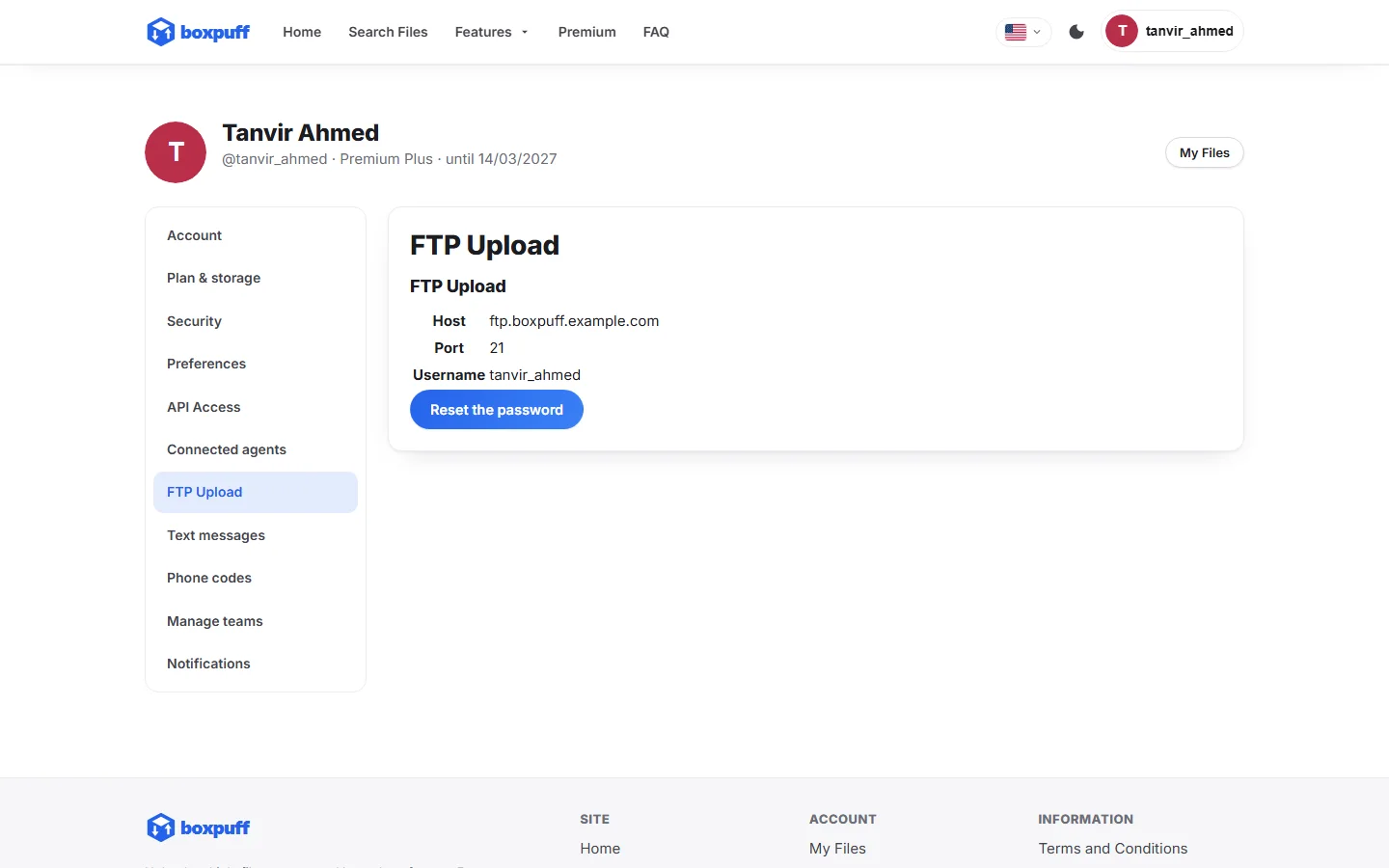
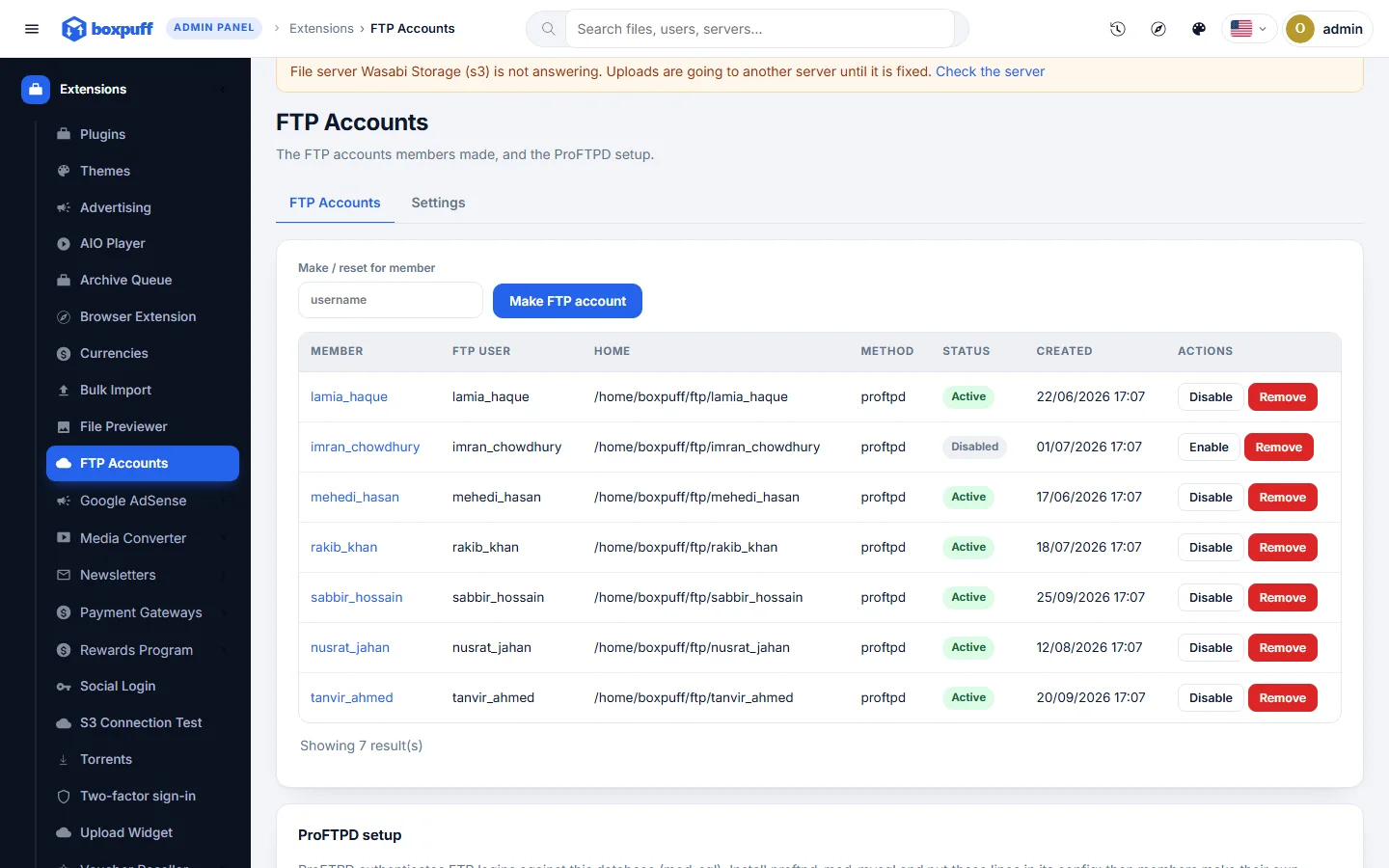
Gives every member an FTP account (made through cPanel/WHM, aaPanel, or a ProFTPD virtual user authenticated against the site's database). Big batches go up with FileZilla or any FTP program; an FTP tab on the uploader imports them into the account, with the package's size and type rules still applied.
What you get
- cPanel/WHM, aaPanel or ProFTPD accounts
- Import tab on the uploader
- Accounts removed when the member's account is locked
- Paid-only or paid and free
Screenshots
Requirements
- BoxPuff 1.0.0 or newer
Getting it running
- Buy it with the button above — your key is issued as soon as the payment is confirmed.
- Nothing to copy: your installation collects the key on its next check.
- Open Plugins in your panel and press Enable.
- In a hurry? Paste the key on the License screen and it unlocks at once.
Questions
Is it a one-time payment?
Yes — one payment, a lifetime key for one domain, and free updates.
Do I need BoxPuff first?
Yes. The plugin unlocks inside an installation of BoxPuff that already has its own licence.
How does the key reach my site?
Your installation collects it by itself on its next check. You can also paste it on the License screen.
Can I move it to another domain?
Yes. Release the old domain in your account and activate the new one.