
Plugin for BoxPuff
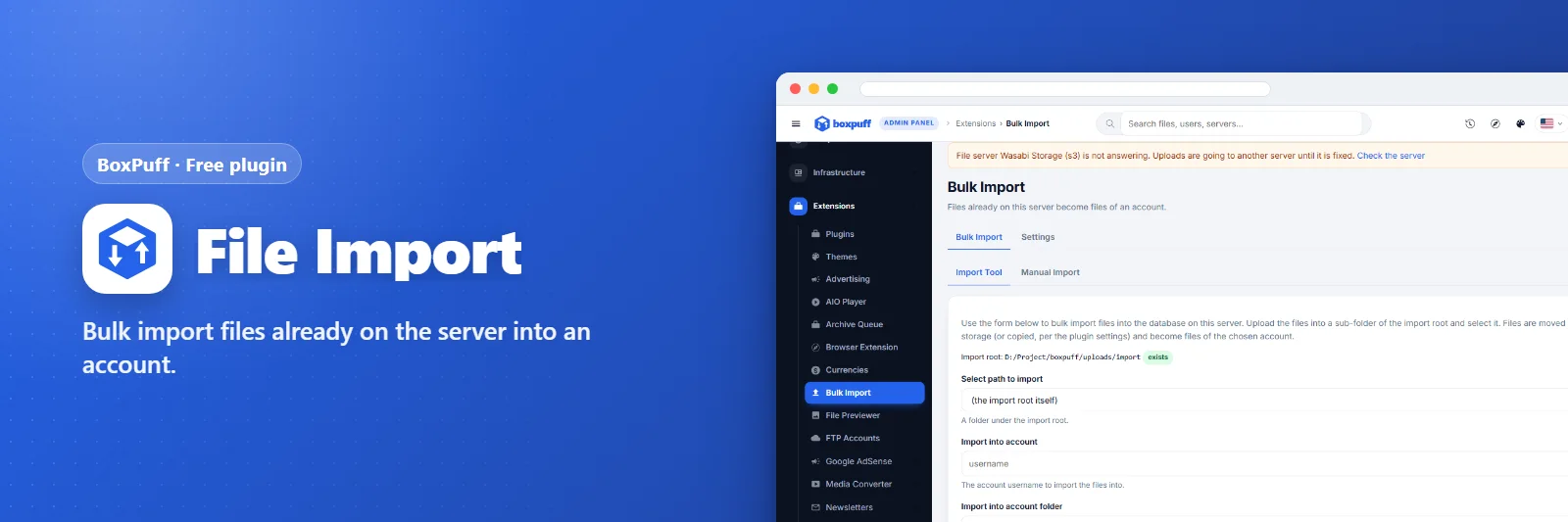
File Import
Bulk import files already on the server into an account.
What it does
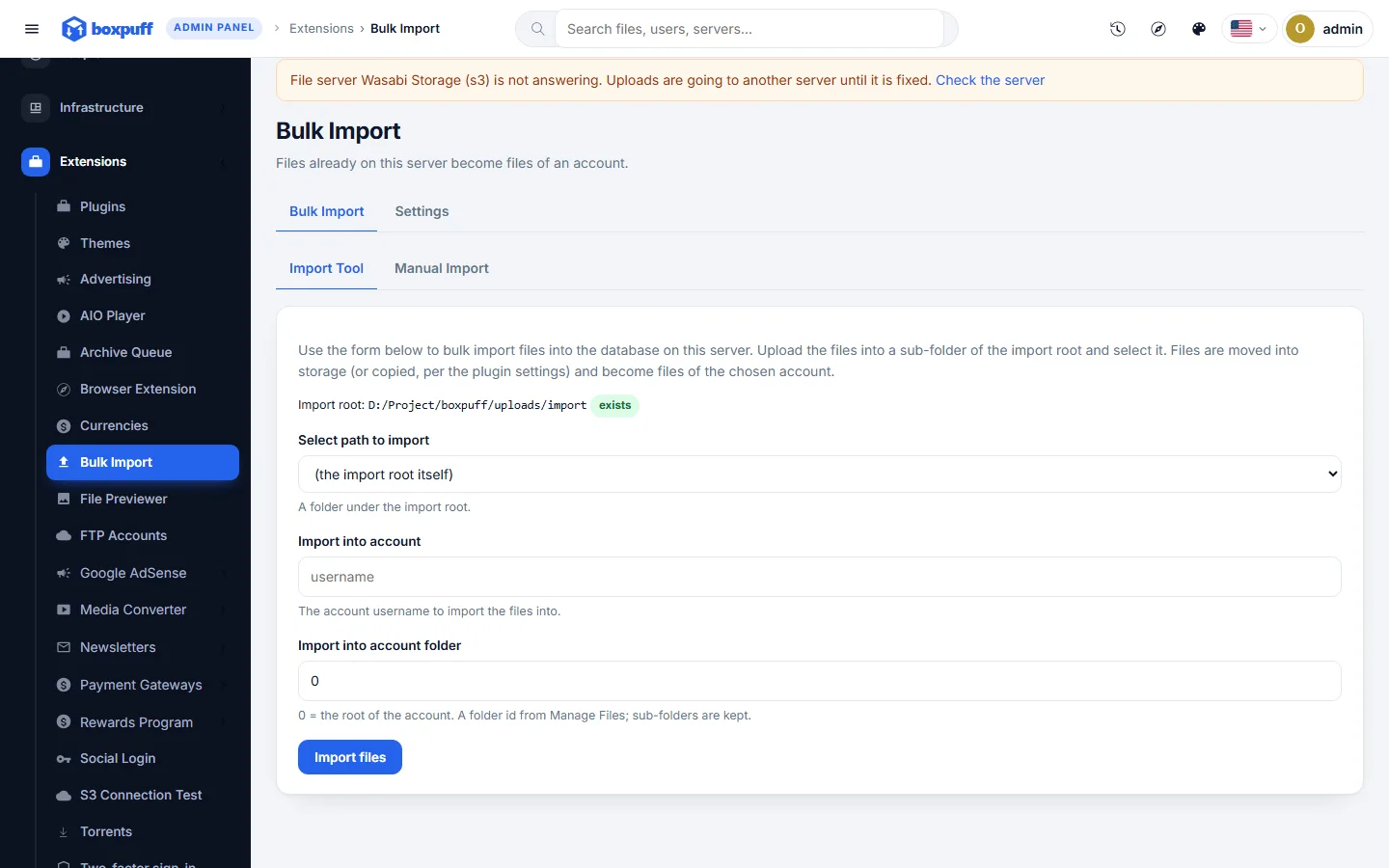
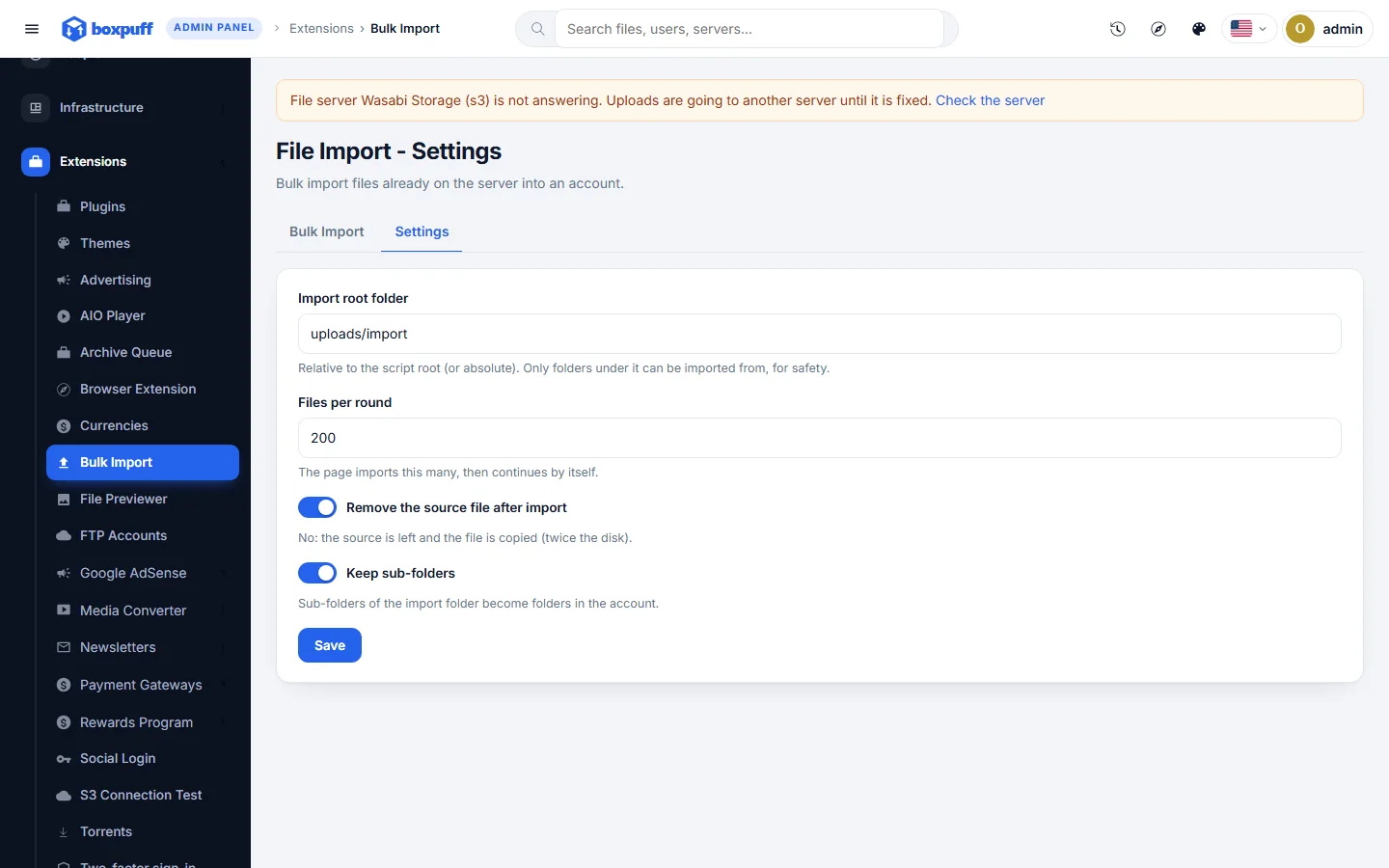
Point the tool at a folder on the server and every file in it becomes a row in an account of your choice, in the folder you pick. A command-line mode for very large imports that can be run again until done.
What you get
- Folder scan
- Into any account and folder
- Command-line mode for big batches
Screenshots
Requirements
- BoxPuff 1.0.0 or newer
Getting it running
- Install BoxPuff — the plugin ships inside it.
- Open Plugins in your admin panel.
- Press Enable — that is all.
Questions
Do I have to pay for it?
No. It ships free with BoxPuff and is included in every package.
How do I switch it on?
Open Plugins in your panel and press Enable.