
App
Live AIOScreen
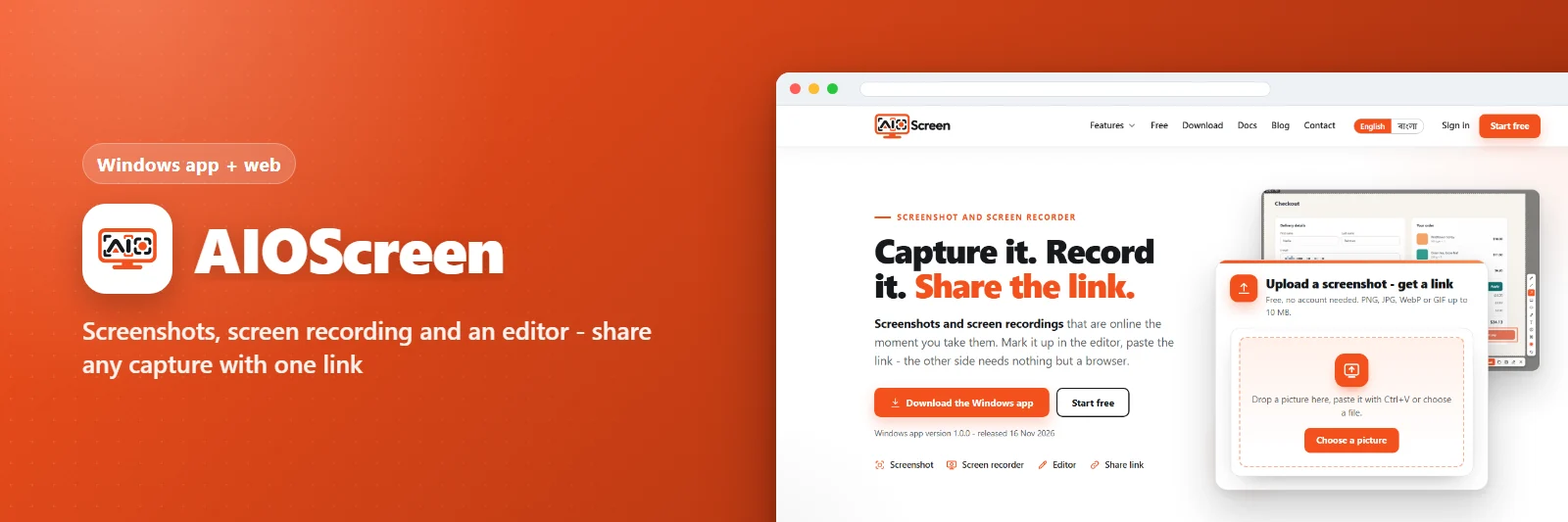
Screenshots, screen recording and an editor - share any capture with one link
Overview
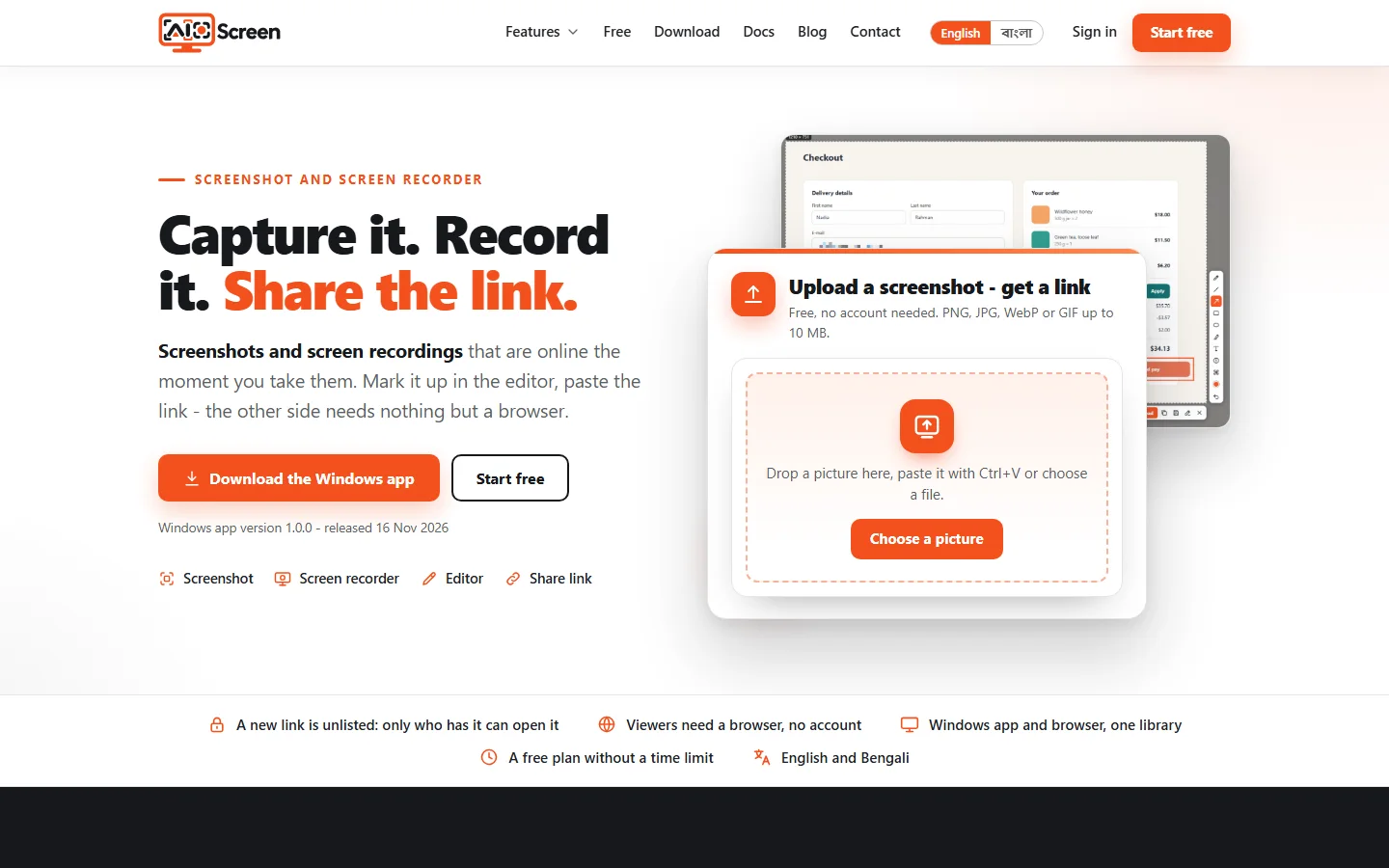
AIOScreen captures your screen as a picture or a video, lets you mark it up in the built-in image and video editor, and uploads it to a short link you can paste anywhere. A Windows tray app with hotkeys and a web panel where every capture is kept, organised and shared.
What it does
- Screenshot of the full screen, a window or a region
- Screen recorder with sound
- Image and video editor: arrows, text, blur, trim
- One short link per capture, copied at once
- Web panel with folders, search and sharing
- Windows tray app with hotkeys and auto-update
Screenshots