
AIOMeeting
All-in-One Video Conferencing & Online Meeting Platform
- Licence key issued on payment
- One-click updates with backup
- Support tickets from your panel
Overview
AIOMeeting is a video conferencing and online meeting platform you host yourself: full source code on your own server, licensed through lcpanel.com, laid out the way people already know from the big meeting apps.
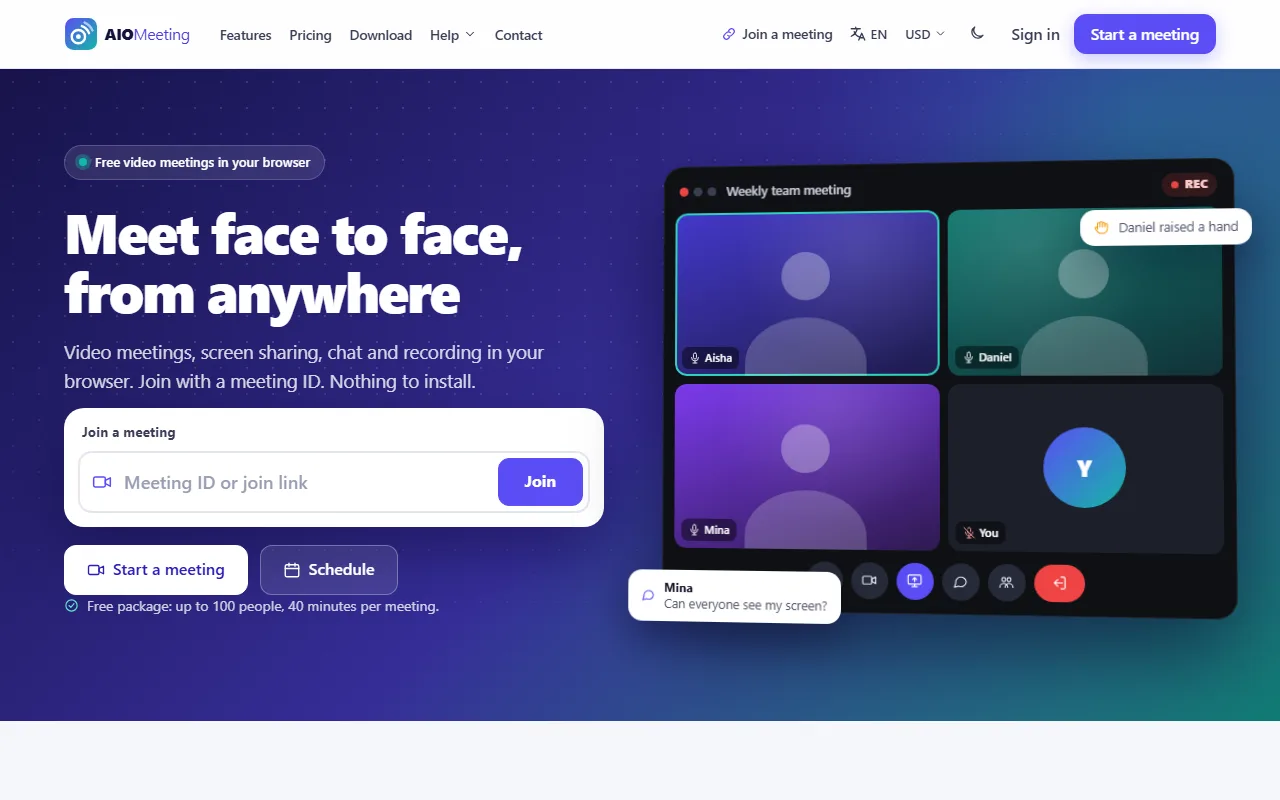
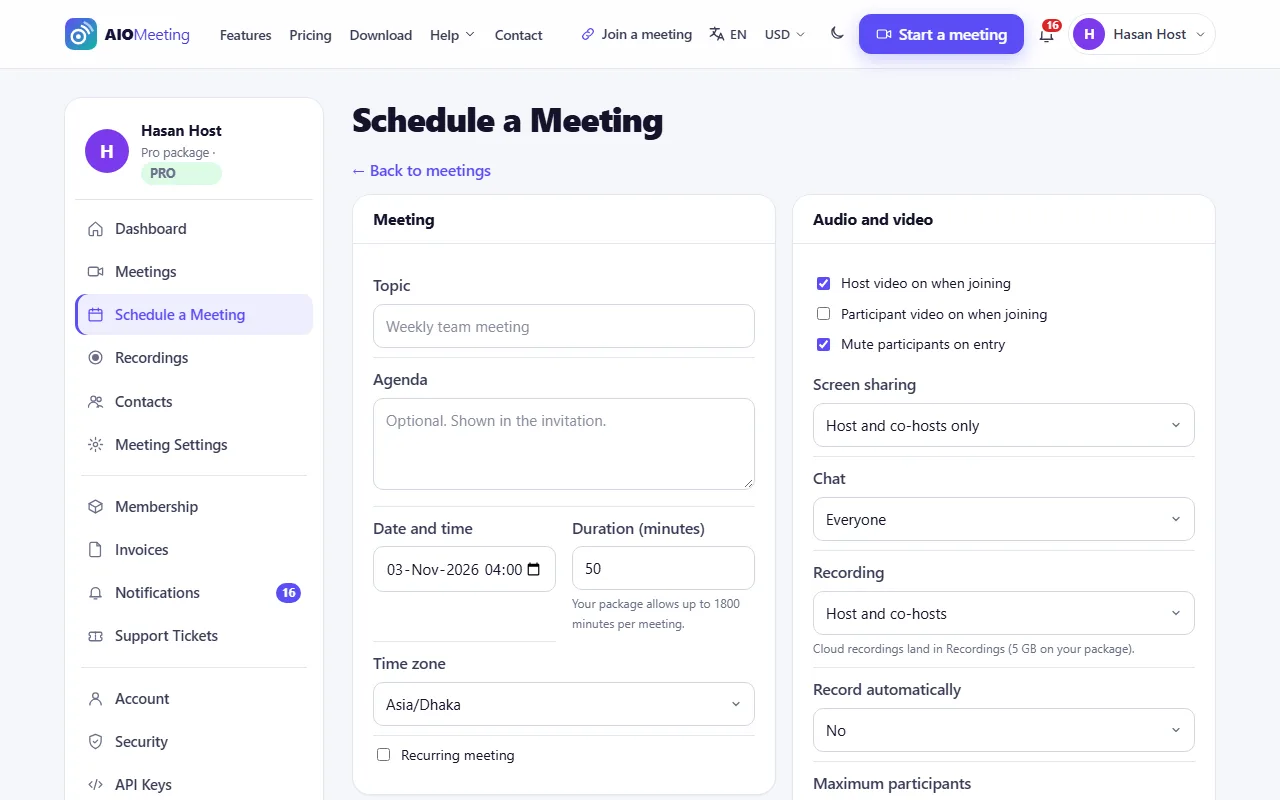
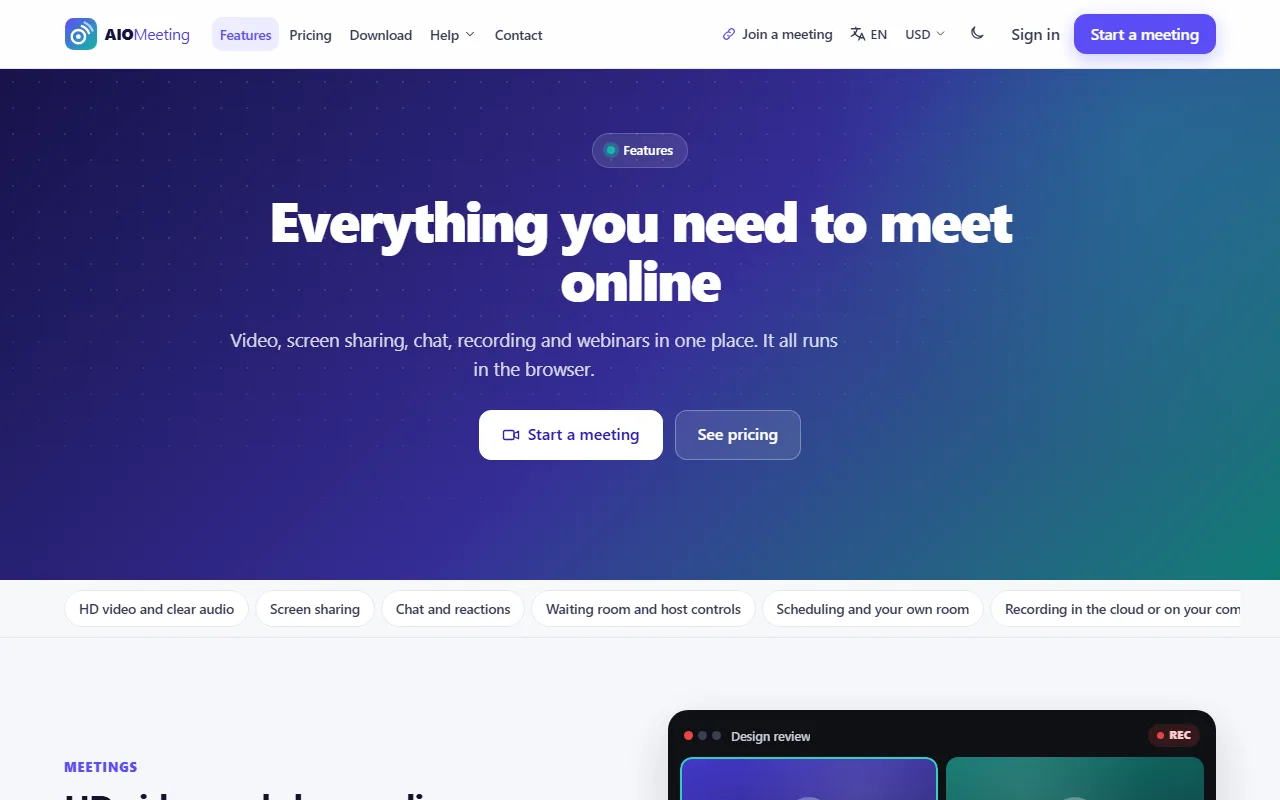
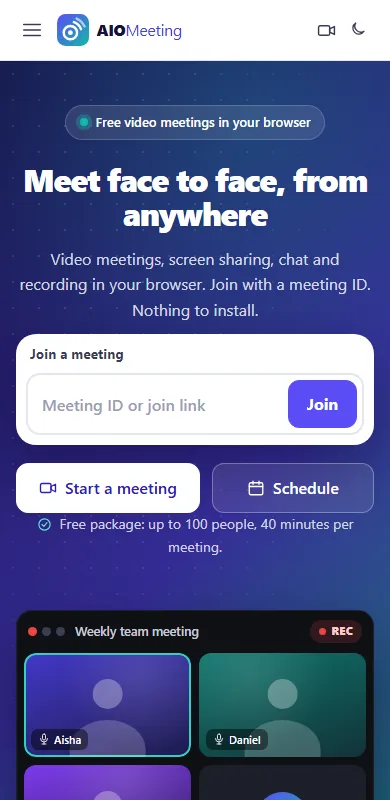
A host starts an instant meeting with one click, schedules one with a date, time zone and passcode, repeats it daily, weekly or monthly, or shares a personal room with a fixed ID. People join from a link or an 11-digit ID in the browser, with no app to install: they pass a camera and microphone check, wait in the waiting room if the host wants it, and appear in a gallery or speaker view. Inside the room there is chat, private messages, emoji reactions, raise hand, screen sharing with sound, picture-in-picture, and recording to the computer or to the cloud.
Hosts control the room: mute one or everyone, ask people to start video, remove, lock the meeting, make co-hosts, spotlight a speaker, admit people from the waiting room, and decide who may chat, share or record. Webinars separate panelists from viewers and add registration with approval. Plugins add polls, a shared whiteboard, live captions and virtual backgrounds; a premium App Builder makes Android, Android TV, iPhone and Smart TV apps.
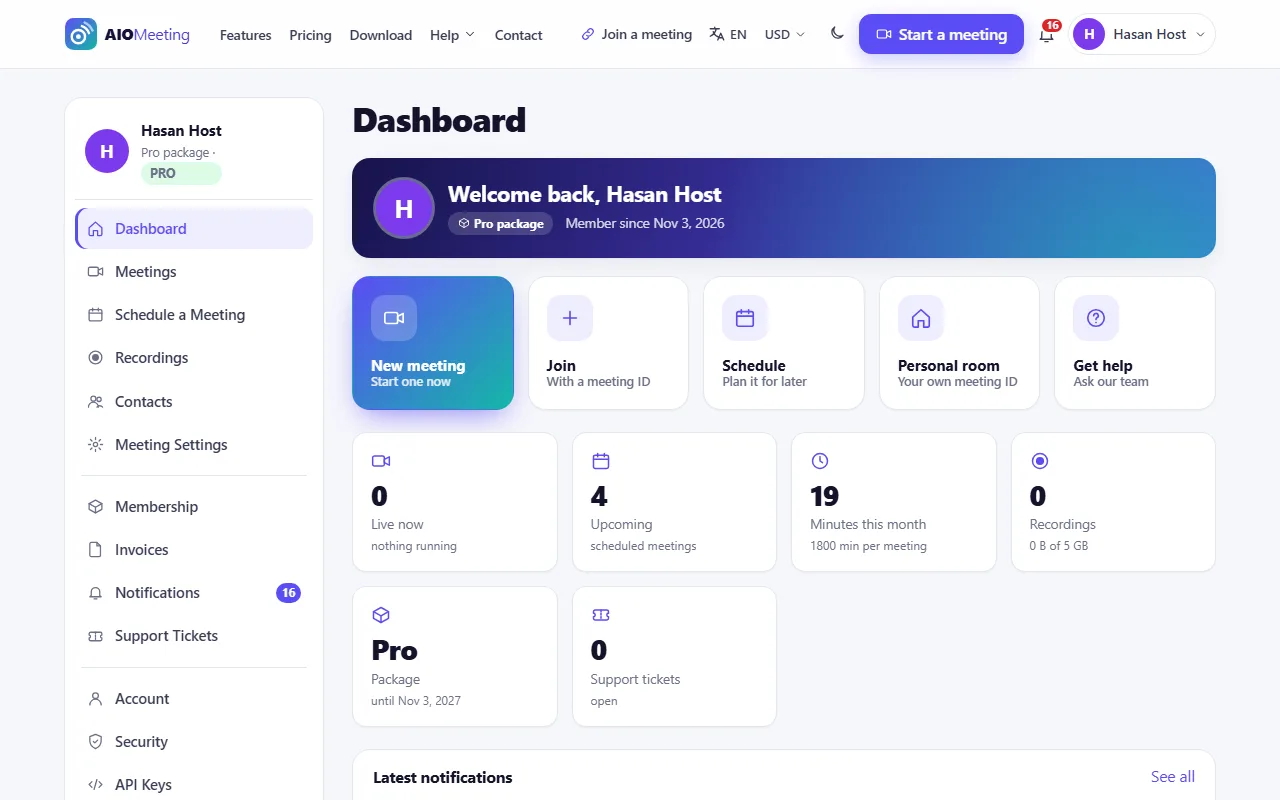
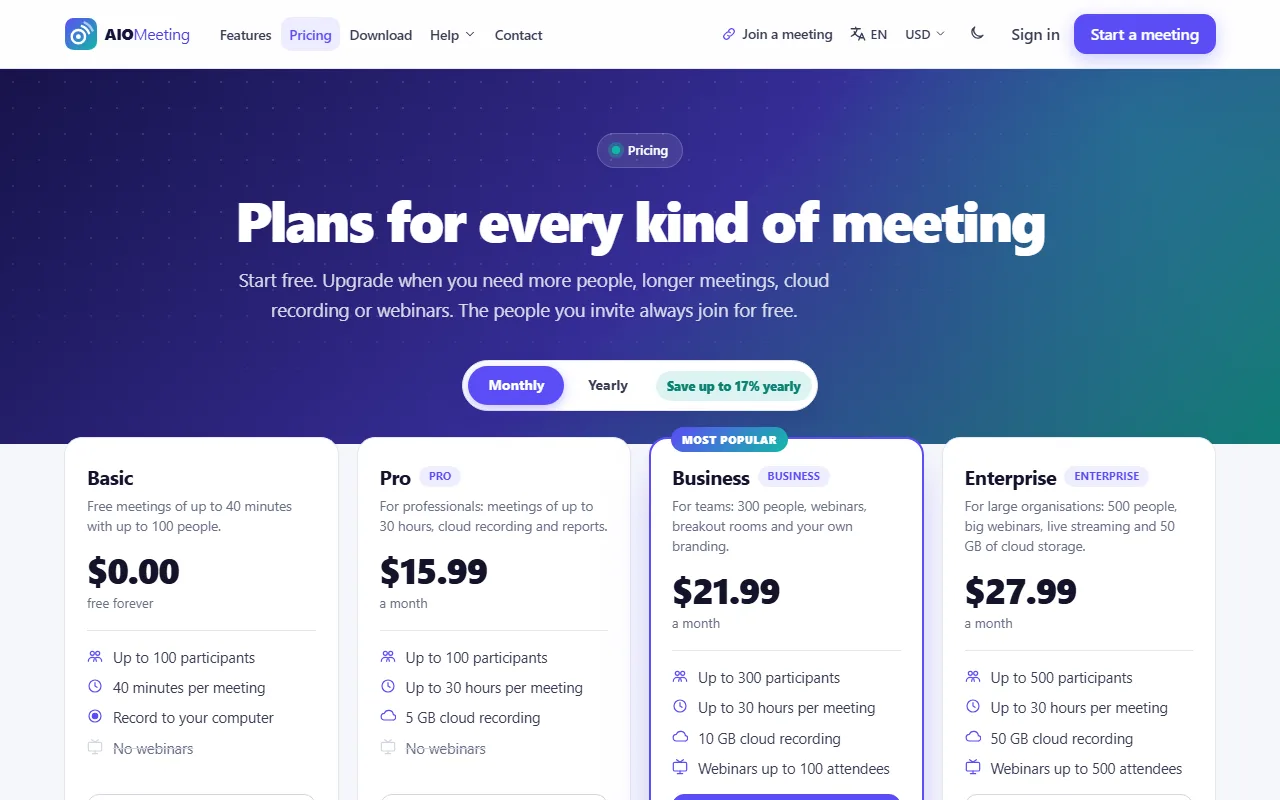
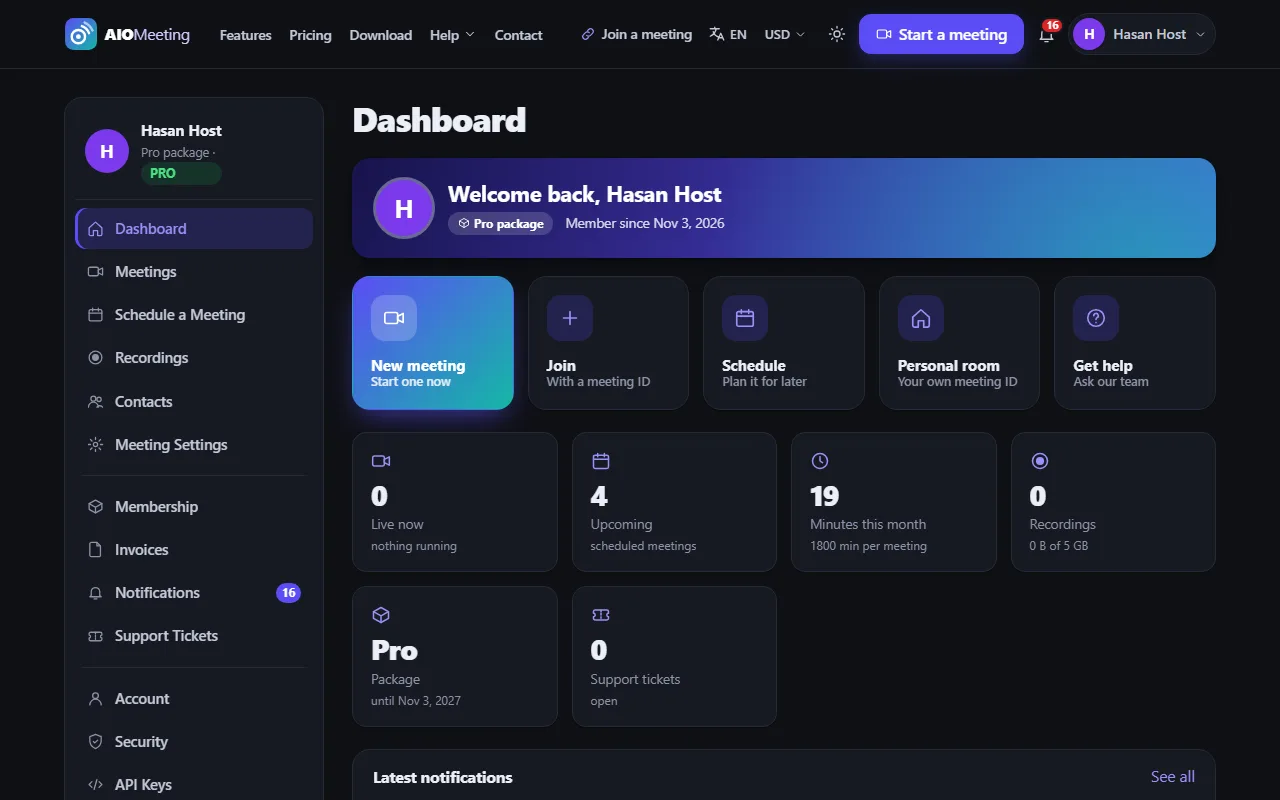
Run it as a business: Basic, Pro, Business and Enterprise packages that limit participants, meeting length, concurrent meetings, cloud storage and features; orders, invoices, coupons, tax, affiliates and eight payment gateways, including bKash, Nagad and SSLCommerz. The admin panel covers users and roles, every meeting and what is live now, recordings, reports, tickets, pages, blog, FAQ, languages, themes, plugins, API keys, webhooks, health checks and the cron queue.
There is no media server to buy or install. Each browser sends its video to the others (mesh WebRTC), which suits rooms of up to about a dozen people on video and more with audio only, and it works on a plain cPanel account. When people sit behind strict firewalls you add a TURN server (coturn) in one settings tab. Every licence receives the updates for a year.
What it does
- Zoom plugin: run meetings on a connected Zoom account, join in the Zoom app or the browser, reports, recordings and webhooks
- TURN relays for meetings of 3 or more on any network (Cloudflare, Metered or your own coturn) with a connection test
- 18 SEO blog posts with covers and screenshots; the new brand blue, logo and icon; new sign-in and 404 pages
- Nova admin: a grouped sidebar with live counters, Find a page, Ctrl+K search, light and dark mode, five more admin themes and six site themes with colour palettes
- SMS through many gateways and WhatsApp through GREEN-API, Twilio or Meta, templates, report, phone verification and sign-in codes by phone; the look of the e-mails
- Payment Gateways plugin: bKash, Nagad, Rocket and more, bank accounts, Wise, PayPal, Binance, USDT and payment links, approved by staff
- Breakout rooms: up to 50 rooms, assigned automatically, by hand or chosen by the people, with a timer, a broadcast to every room, host visits, a countdown close and ask for help
- TV screen (/tv) for Android TV, Samsung and LG with remote navigation and a number pad; sign in a TV or app by QR code or a 6-letter code (/device); the room in TV mode
- Media Server (SFU) plugin: LiveKit for rooms of hundreds, simulcast and built-in TURN, with a mesh fallback; Live Streaming plugin: YouTube Live, Facebook Live or any RTMP address through FFmpeg
- Instant, scheduled, recurring and personal-room meetings with 11-digit IDs, passcodes, invitation text, .ics files and e-mail invitations
- HD video and audio in the browser with no install; camera and microphone check before joining; gallery, speaker, pinned and spotlight layouts; picture-in-picture
- Screen sharing with sound, chat with private messages, emoji reactions, raise hand, keyboard shortcuts, push to talk
- Waiting room, passcodes, join before host, lock meeting, mute on entry, mute all, remove, co-hosts, spotlight, chat and share modes
- Cloud recording (uploaded in pieces) and local recording, share links with passcodes, storage limits per package, retention
- Webinars with registration pages, approval and viewer-only attendees (Webinar Pro adds Q&A and up to 1,000 attendees)
- Polls, whiteboard, live captions and virtual background plugins; App Builder for Android, Android TV, iPhone and Smart TV
- Automatic video quality (HD, SD, low, audio only), data saver, connection meter and reconnect after a network drop
- Packages Basic, Pro, Business and Enterprise; orders, invoices, coupons, tax rules, affiliates; Stripe, PayPal, bKash, Nagad, SSLCommerz, Razorpay, Paystack and bank transfer
- Admin panel: users, roles, meetings, live now, recordings, reports, finance, tickets, help center, pages, blog, FAQ, menus, languages, themes, plugins, health check
- REST API and webhooks (meeting.started, meeting.ended, participant.joined, participant.left, recording.ready), API keys with scopes
- E-mail, in-app, push and SMS notifications (Twilio, BulkSMSBD, HTTP SMS); meeting reminders and summaries
- English and Bengali on the way out, light and dark themes, SEO, sitemap, 2FA, rate limits, security headers
- Runs on cPanel shared hosting with no media server (mesh WebRTC); optional TURN server for strict networks
Screenshots
Requirements
- PHP 7.4 or newer (8.x recommended)
- MySQL 5.7+ or MariaDB 10.3+
- Extensions: pdo_mysql, curl, json, mbstring, openssl (gd and zip recommended)
- HTTPS on the domain: browsers allow the camera and microphone only on HTTPS
- cPanel or any PHP host (Apache with .htaccess, LiteSpeed or Nginx)
- A cron job every 5 minutes (reminders, ending stale meetings, queue)
- Optional: a coturn TURN server for people behind strict firewalls and mobile carriers
Documentation
The manual, chapter by chapter: installing, updating, and everything in between.