
AIOhPanel
Your own hosting control panel: the Host Manager for the server owner and resellers, the hosting panel for every account, on your own server, under your own brand.
- Licence key issued on payment
- One-click updates with backup
- Support tickets from your panel
Overview
AIOhPanel is a web hosting control panel laid out the way every hosting user already knows, so nobody has to learn anything new.
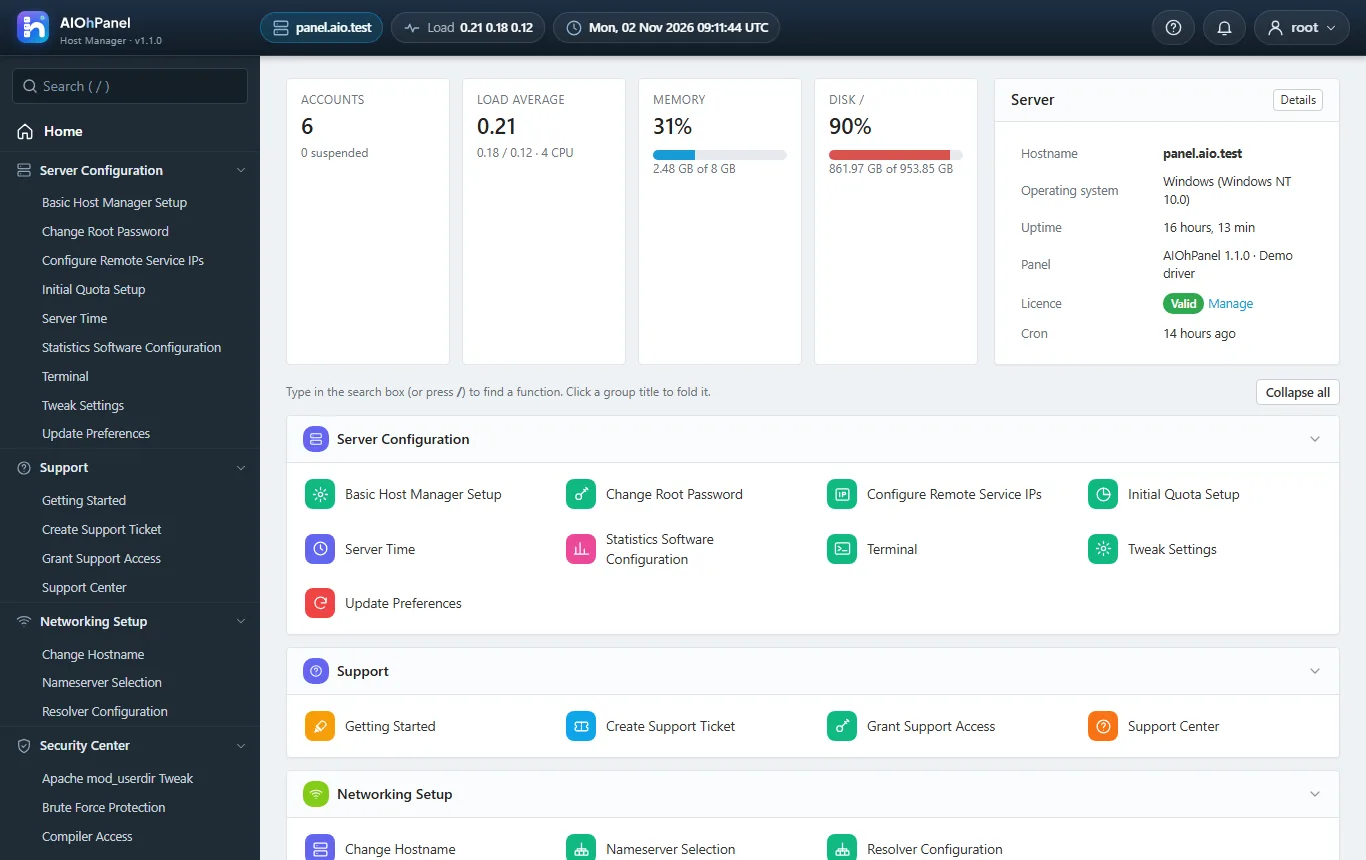
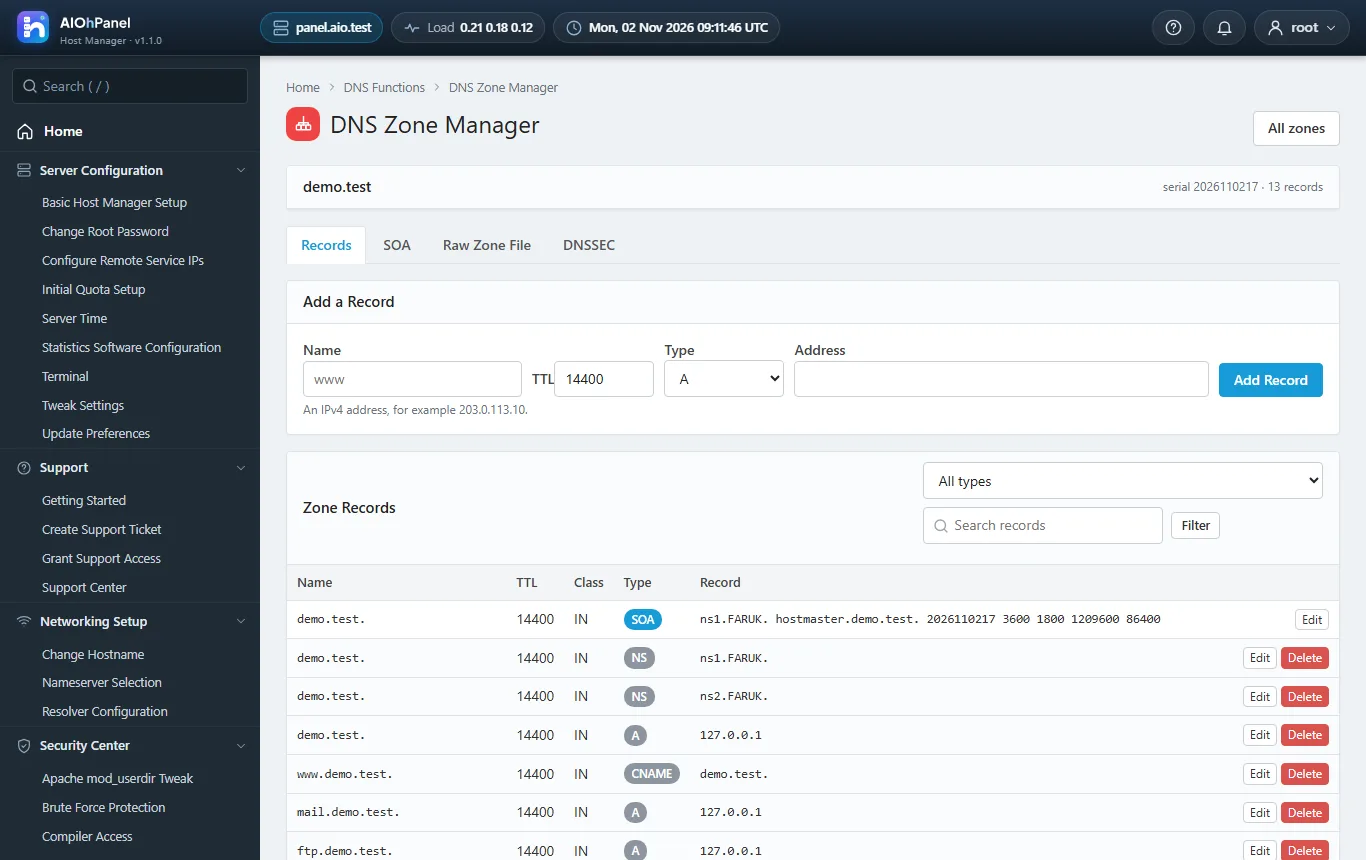
The Host Manager is the admin panel: Server Configuration, Security Center, Resellers, Service Configuration, Backup, System Health, SQL Services, IP Functions, Software, Email, Server Status, Account Information and Account Functions, Packages, DNS Functions, SSL/TLS, Themes, Plugins, Development and Restart Services - the same groups, the same functions, the same left menu with search and the same icon grid.
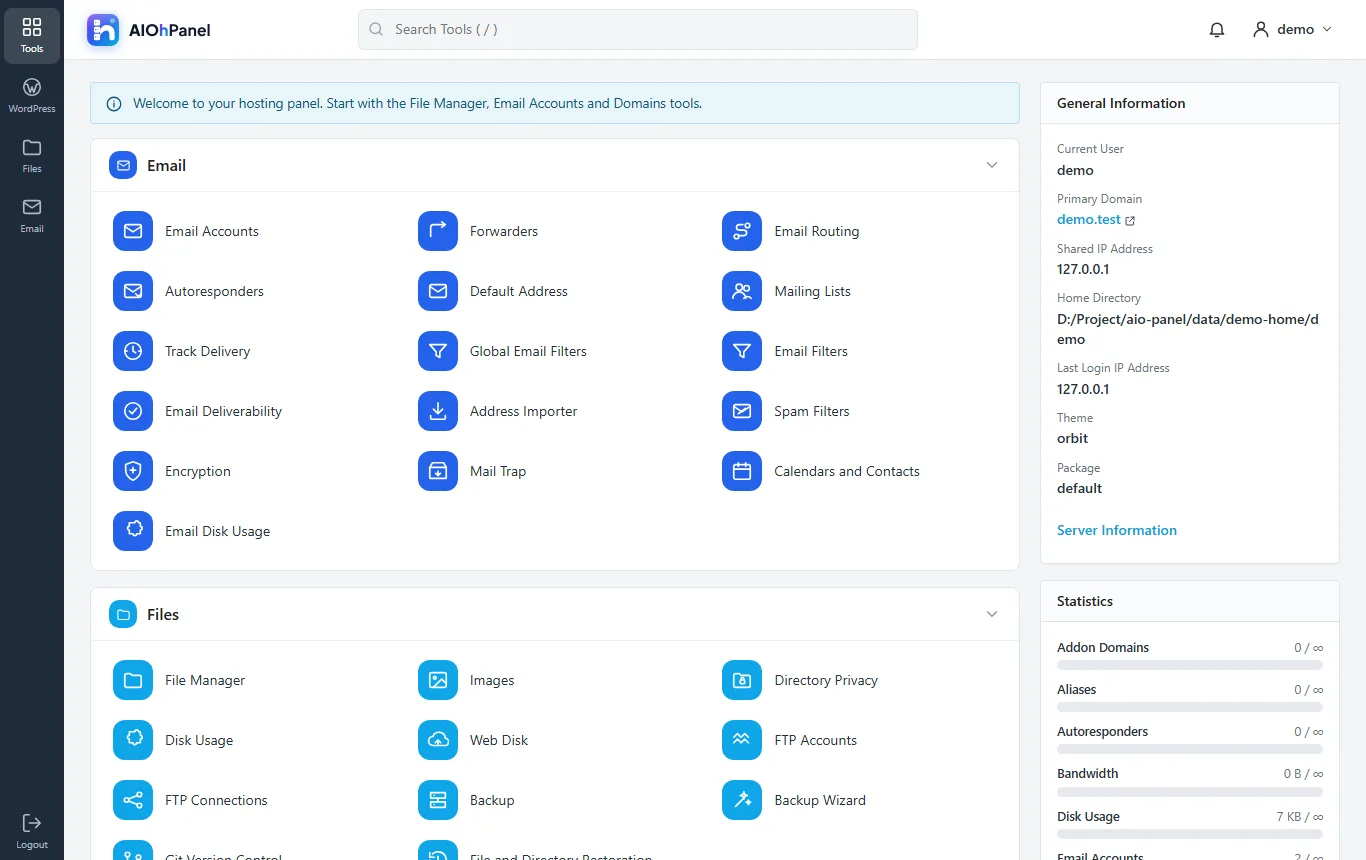
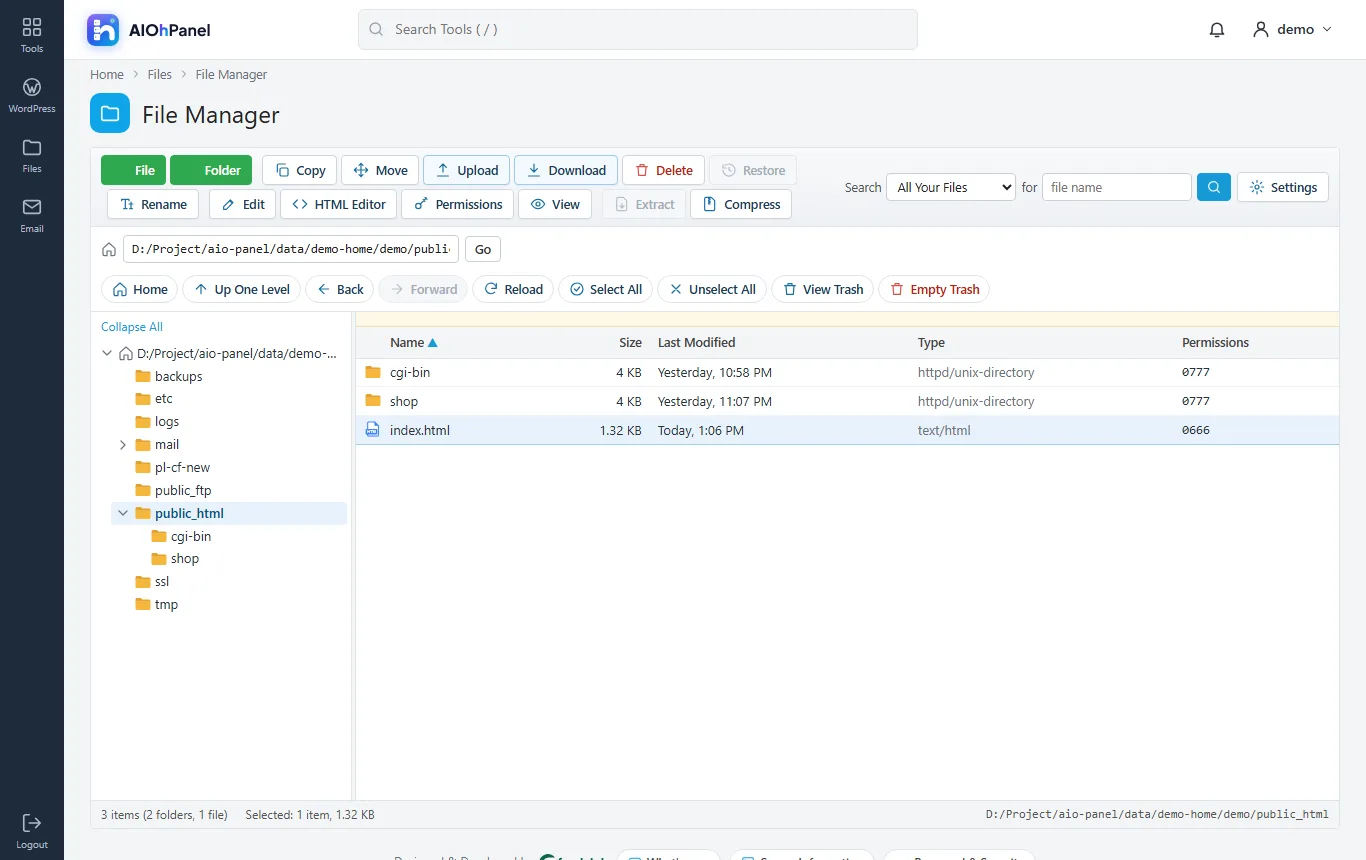
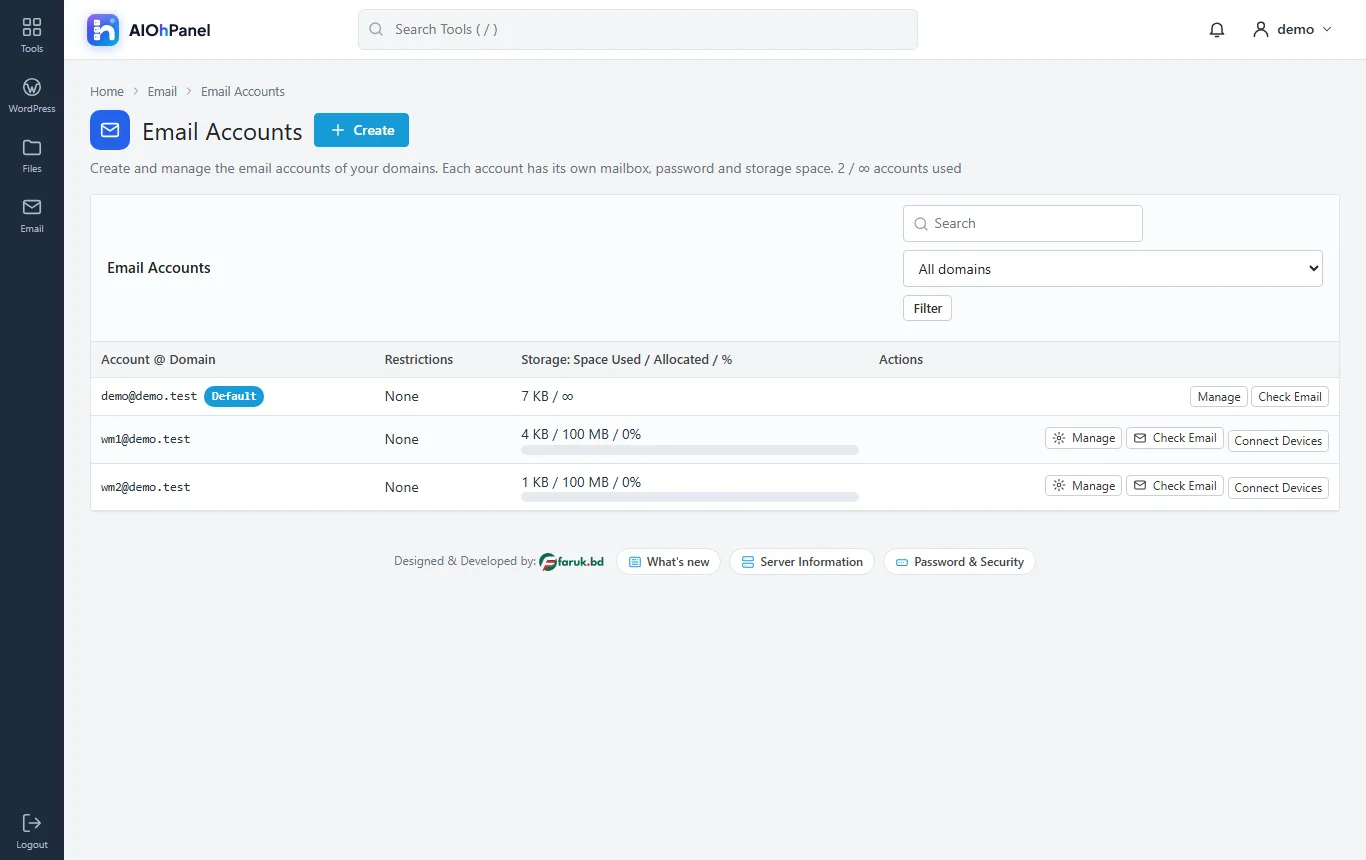
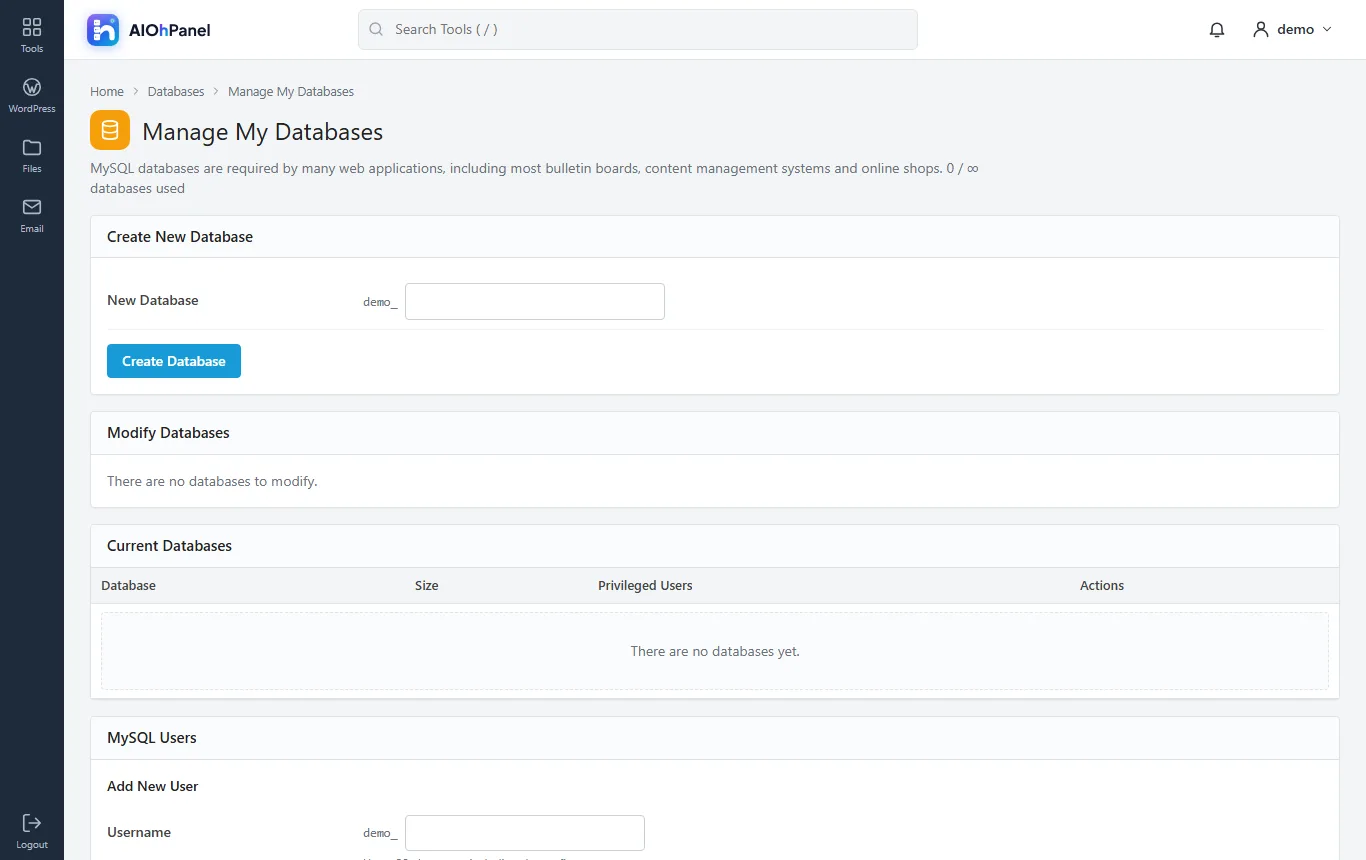
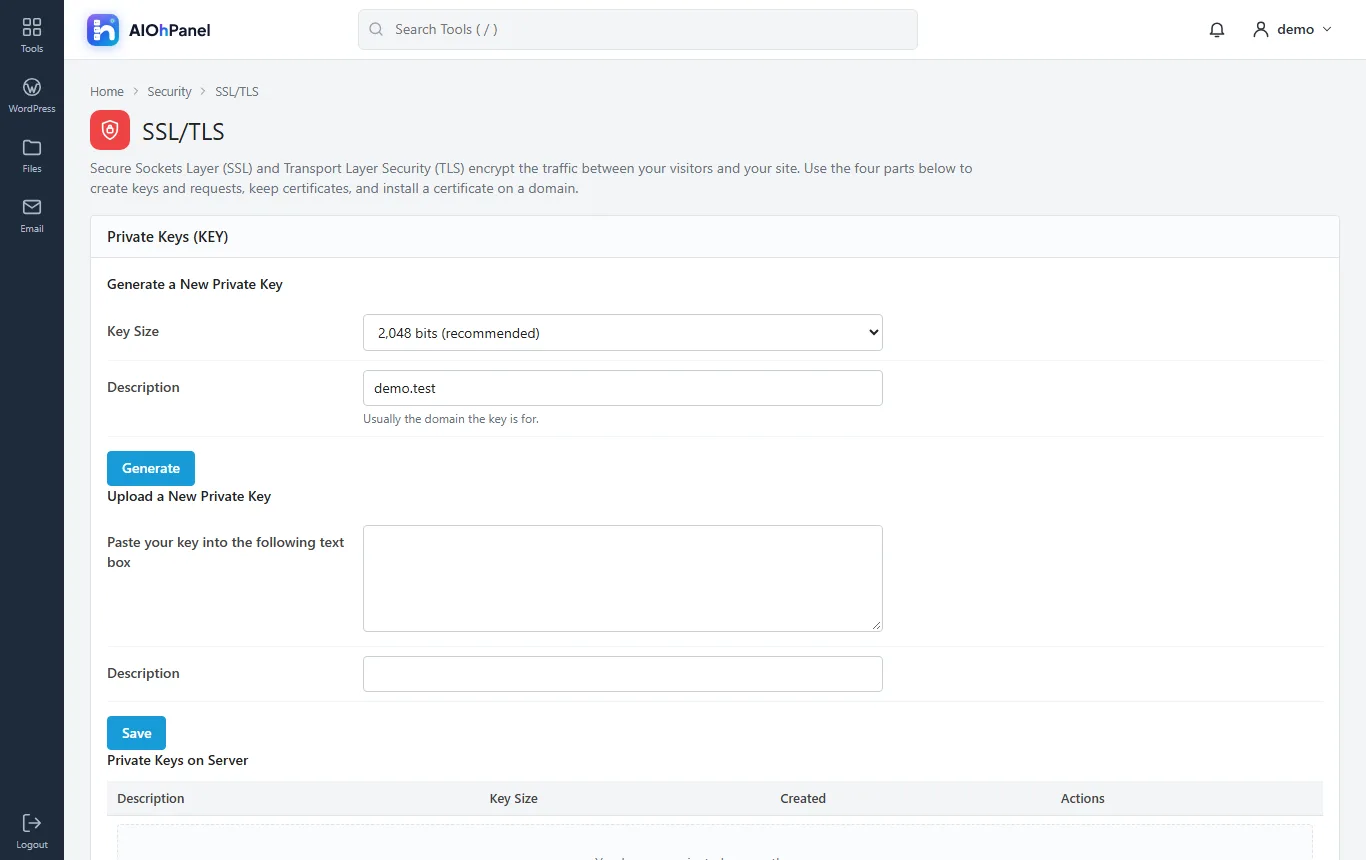
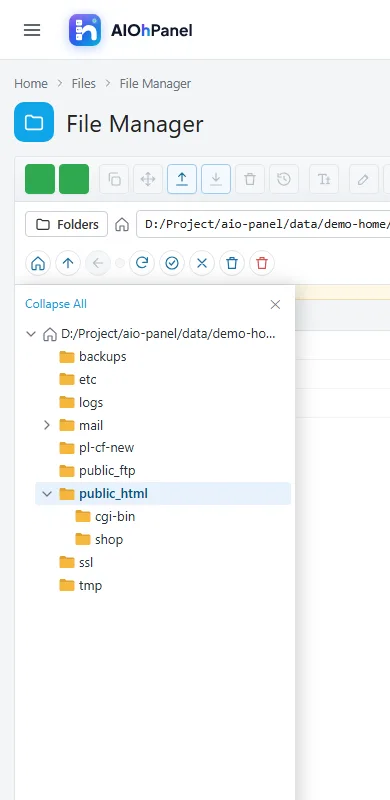
Every hosting account gets the Hosting Panel in the Orbit look: Email, Files with a full File Manager (upload, edit, HTML editor, permissions, compress, extract, trash), Databases with phpMyAdmin, Domains with the Zone Editor, Metrics, Security with SSL/TLS, Software with PHP Versions, Advanced with Cron Jobs and Terminal, Preferences - with the General Information and Statistics column on the right.
install.sh prepares a fresh Ubuntu, Debian, AlmaLinux or Rocky server in one command, the panel runs on ports 2082/2083 and 2086/2087, Auto SSL issues Let's Encrypt certificates, and the panel's own cron collects bandwidth, disk usage and service health. Plugins and themes come from lcpanel.com; the licence sets how many hosting accounts the server may hold.
What it does
- Host Manager with every group and function, menu search, icon grid, dark sidebar
- Hosting Panel (Orbit look) with every tool group and the General Information / Statistics column
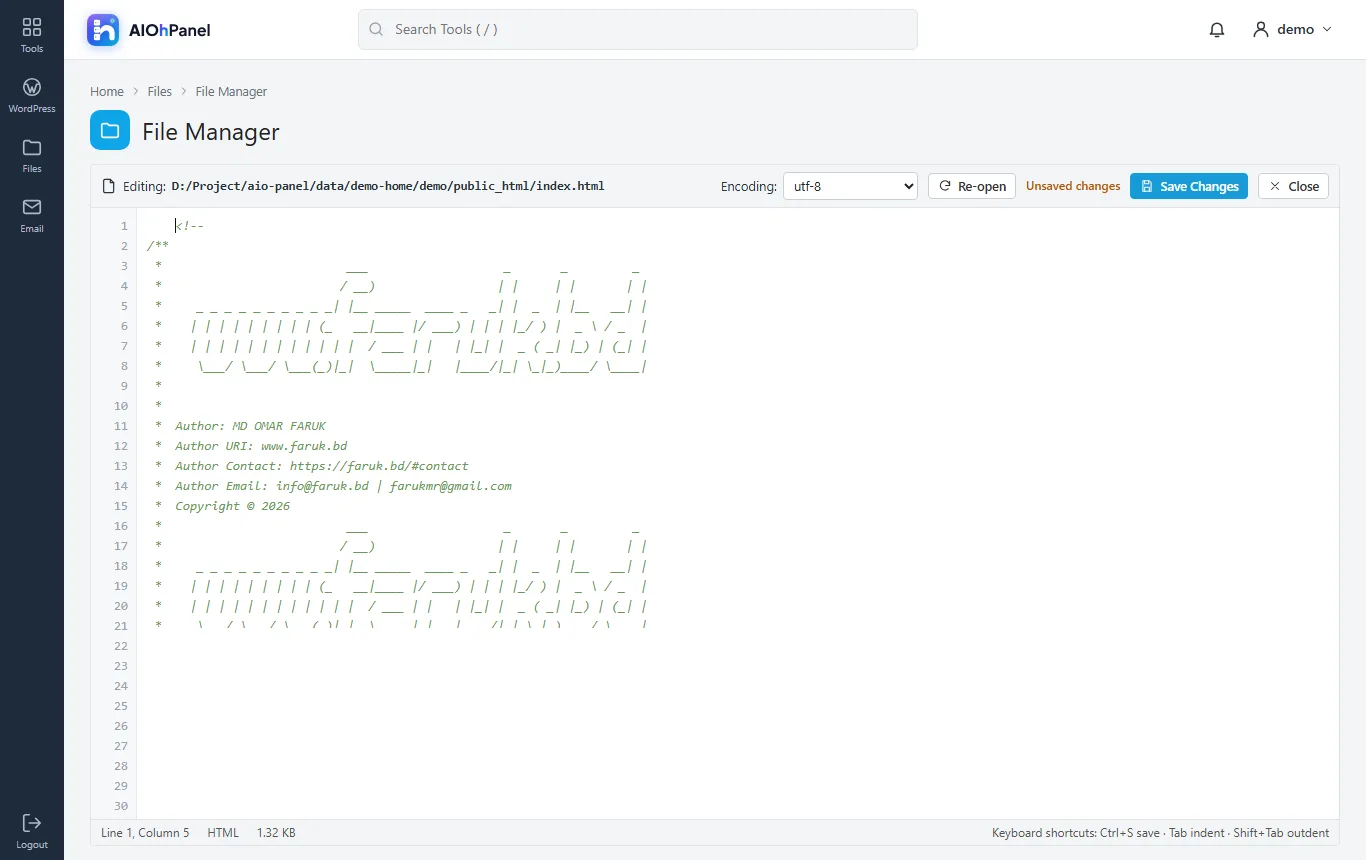
- File Manager: upload, new file/folder, copy, move, rename, edit, HTML editor, permissions, compress, extract, trash
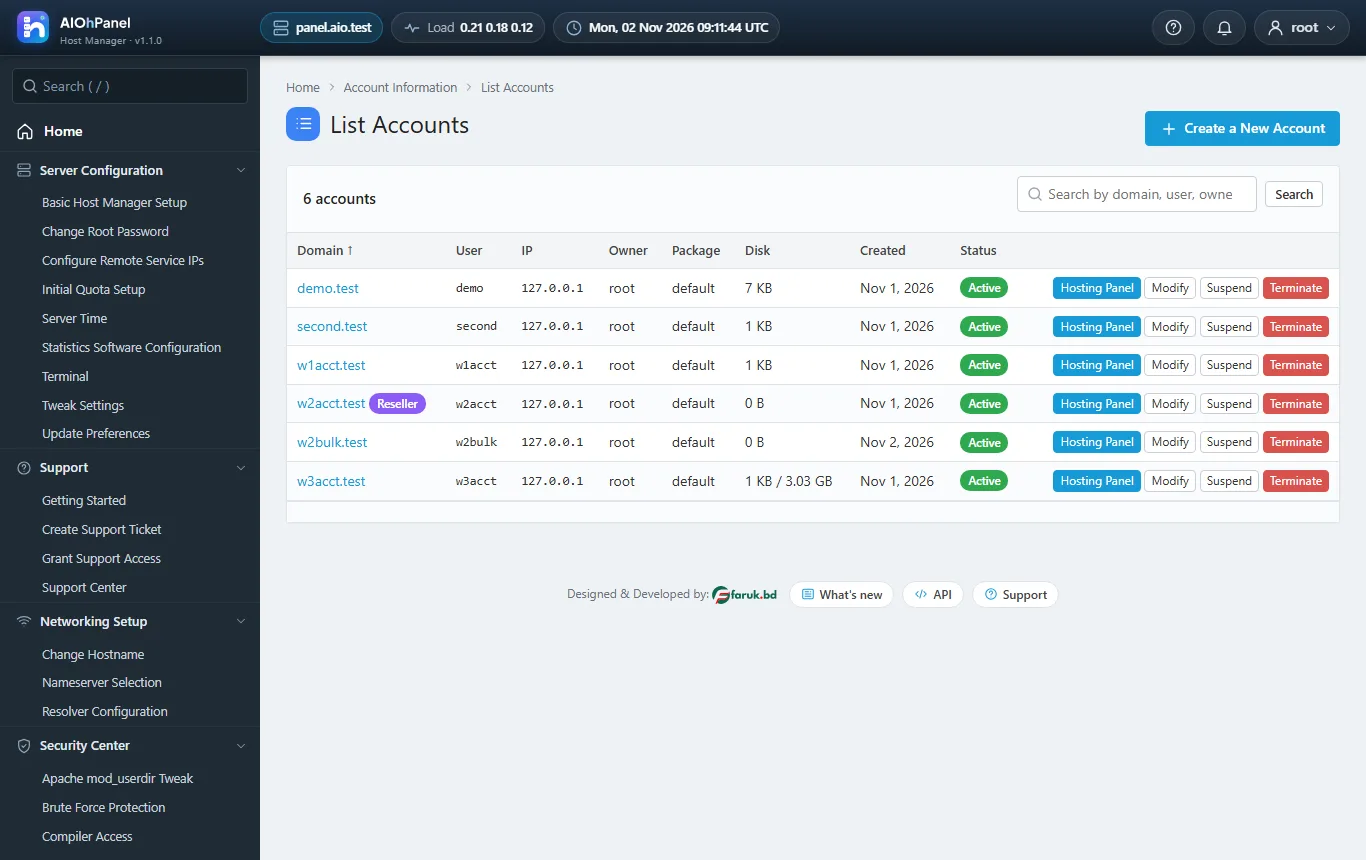
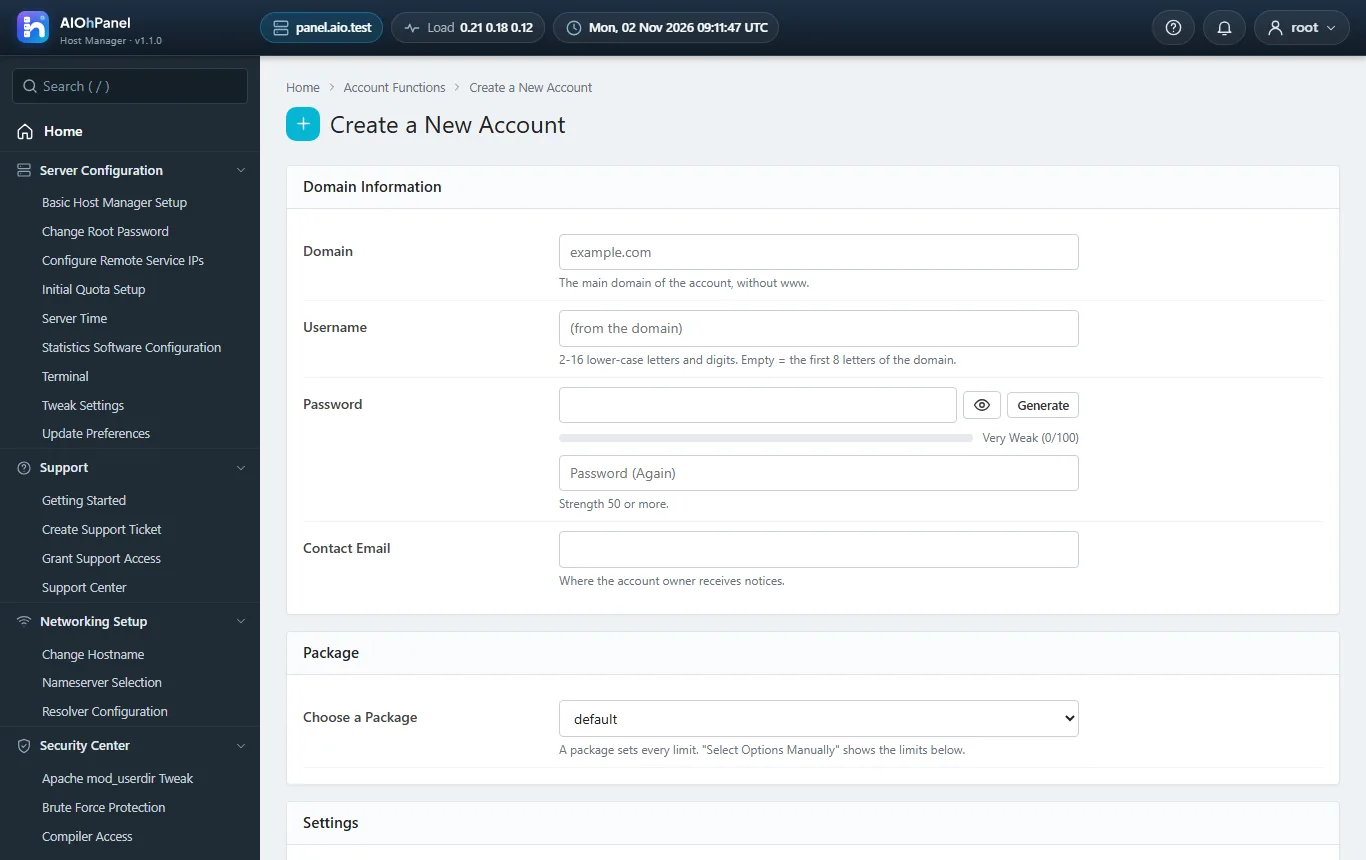
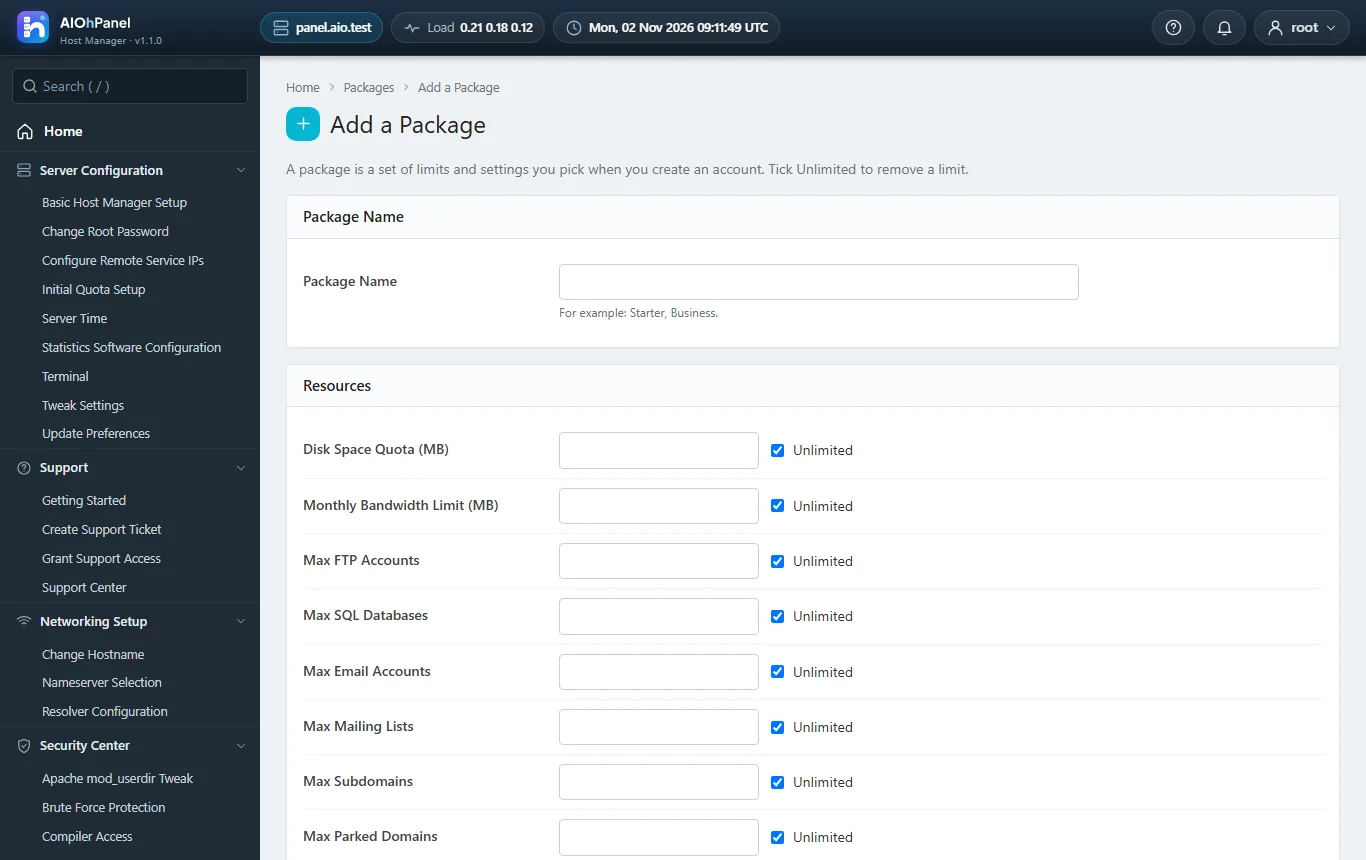
- Accounts, packages, feature lists, resellers with ACLs, suspension, quotas, bandwidth limits, demo mode
- Apache virtual hosts + PHP-FPM pools per account, PHP Versions, INI editor
- BIND DNS zones with the Zone Editor, e-mail routing, MX, SPF/DKIM/DMARC
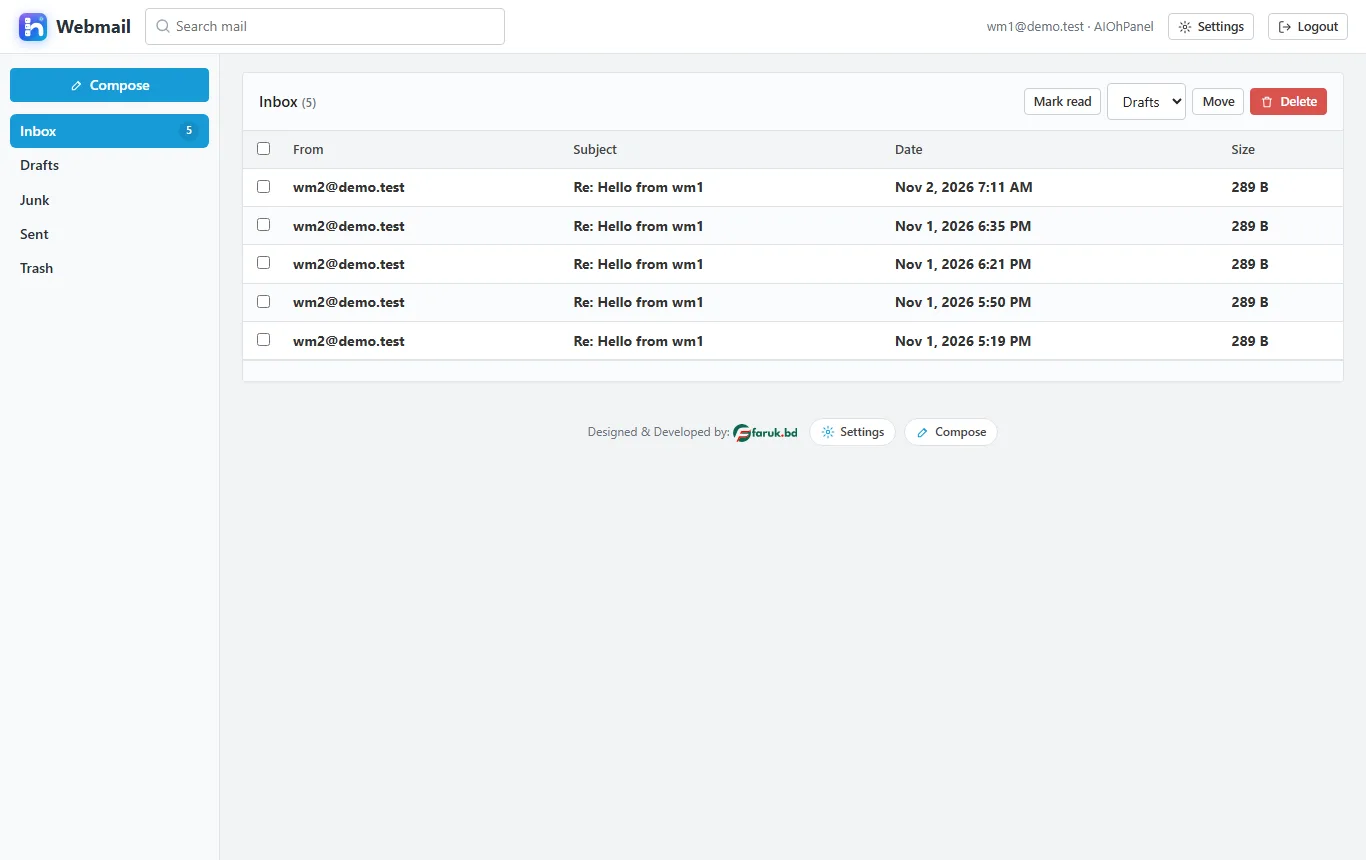
- Postfix + Dovecot mailboxes, forwarders, autoresponders, filters, mailing lists, queue manager
- MariaDB databases and users with privileges, remote hosts, phpMyAdmin, repair and process list
- Auto SSL (Let's Encrypt), CSR / key / self-signed generation, install on a domain, service certificates
- Backups (full / home / mysql / email), restore, scheduled runs with retention
- Brute Force Protection, host access control, two-factor sign-in, API tokens, hooks
- Manager API and Panel API JSON APIs, a CLI (aiohpanel), the panel cron with heartbeat
- Plugins (free and premium) and themes with zip upload; English and Bengali
- install.sh for Ubuntu 22.04/24.04, Debian 12, AlmaLinux / Rocky 8/9; a demo driver to try the panel anywhere
Screenshots
Requirements
- A fresh Linux server (Ubuntu 22.04/24.04, Debian 12, AlmaLinux / Rocky 8/9) with root access
- 1 CPU, 2 GB RAM, 20 GB disk at least
- A hostname that resolves to the server (the licence is bound to it)
- PHP 8.1+ with pdo_mysql, curl, json, mbstring, openssl, zip (installed by install.sh)
- To try it anywhere: PHP 7.4+ and MySQL / MariaDB with the Demo driver
Documentation
The manual, chapter by chapter: installing, updating, and everything in between.