
Plugin for AIOBilling
Nova Admin Theme
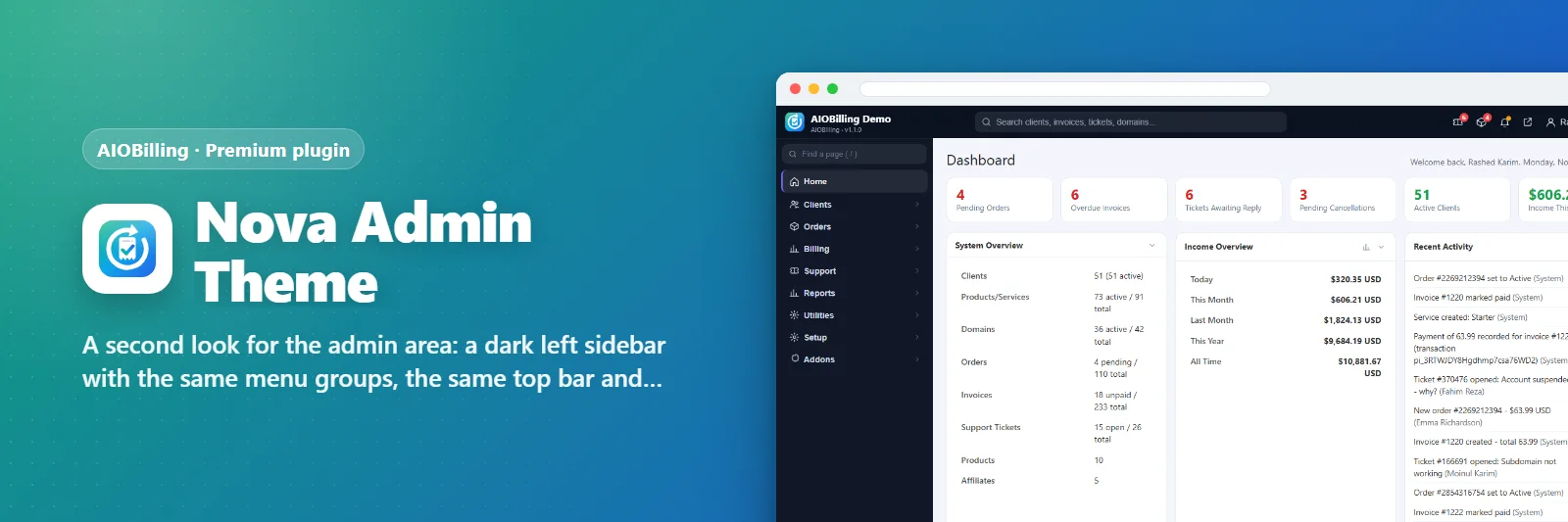
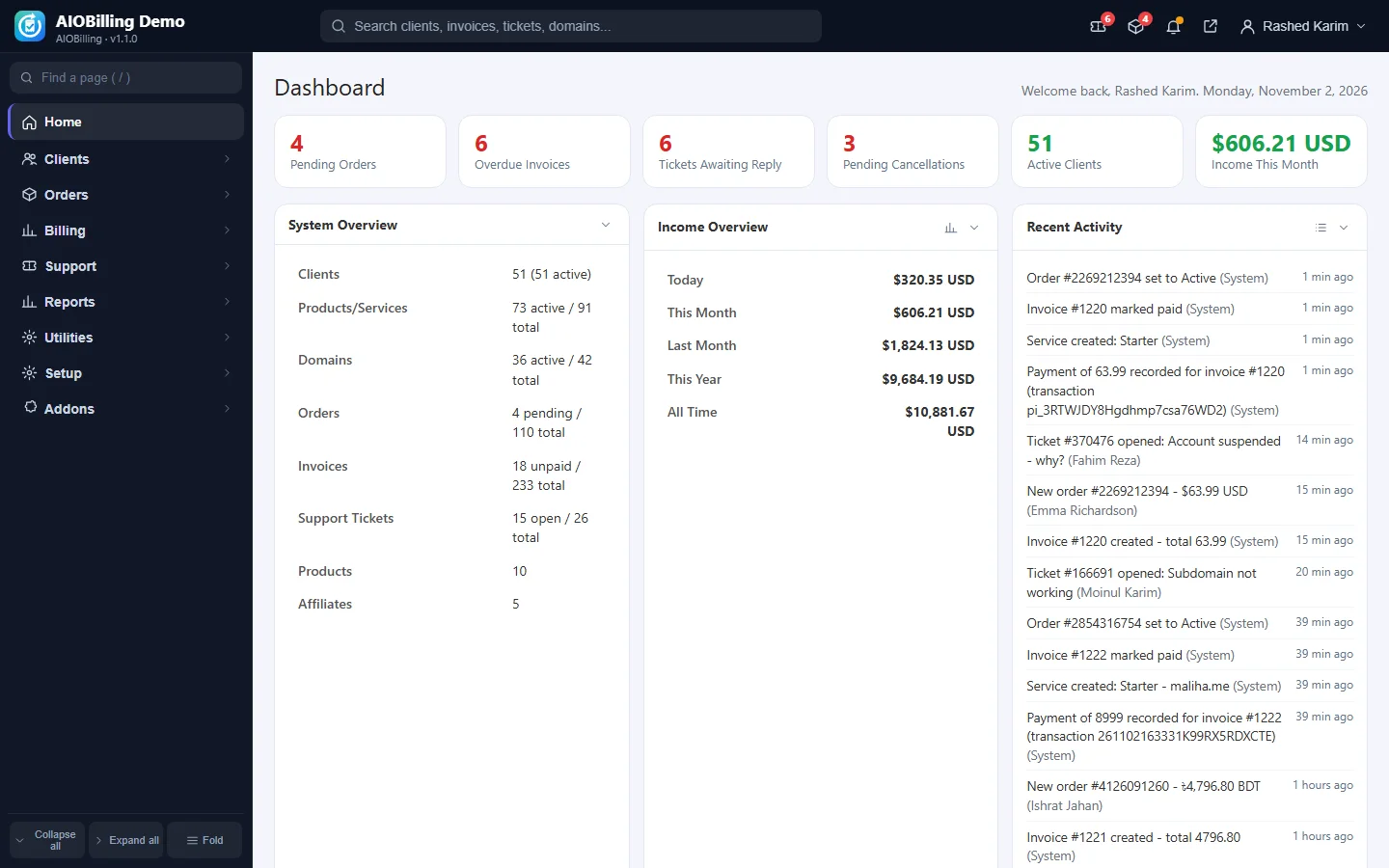
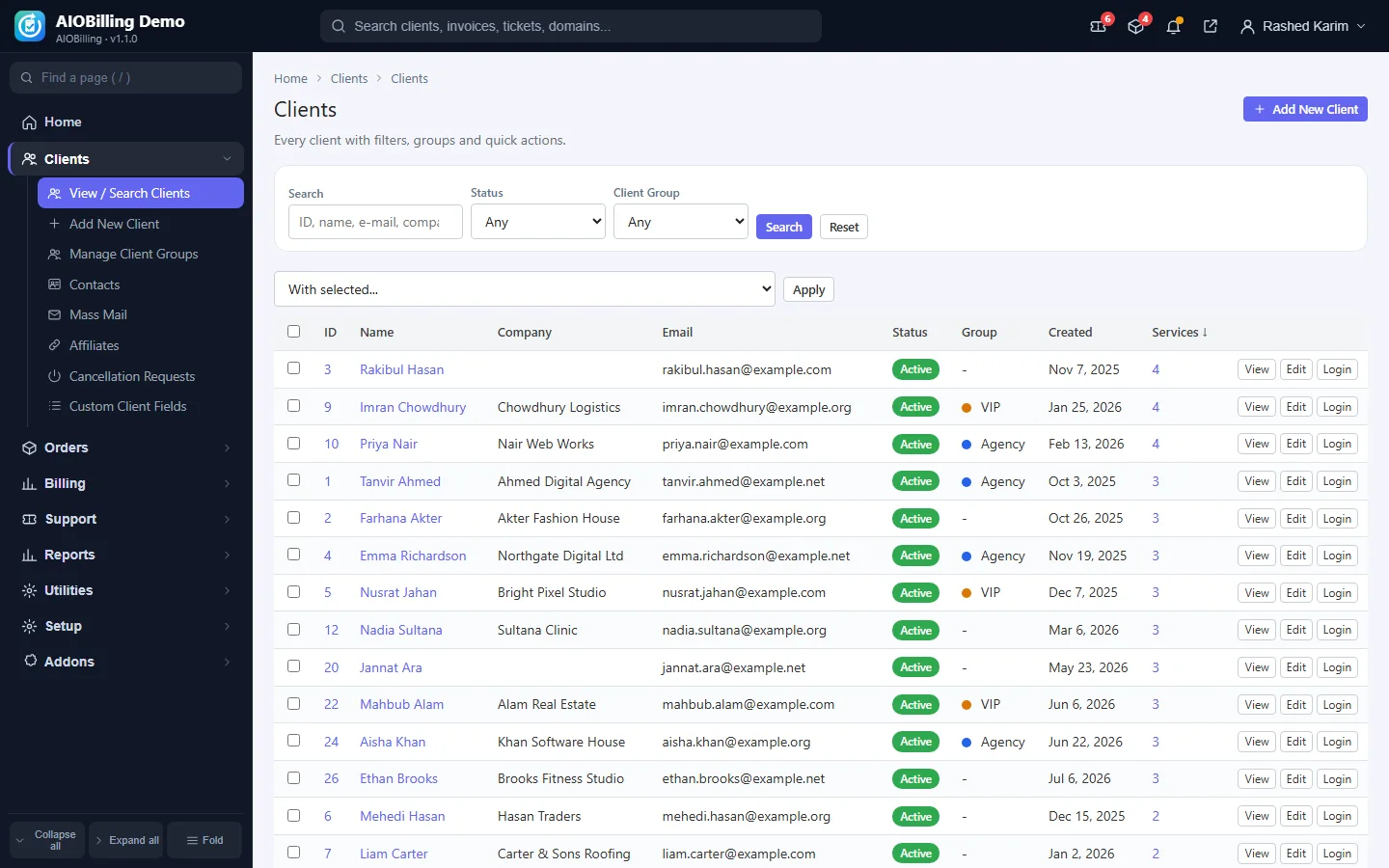
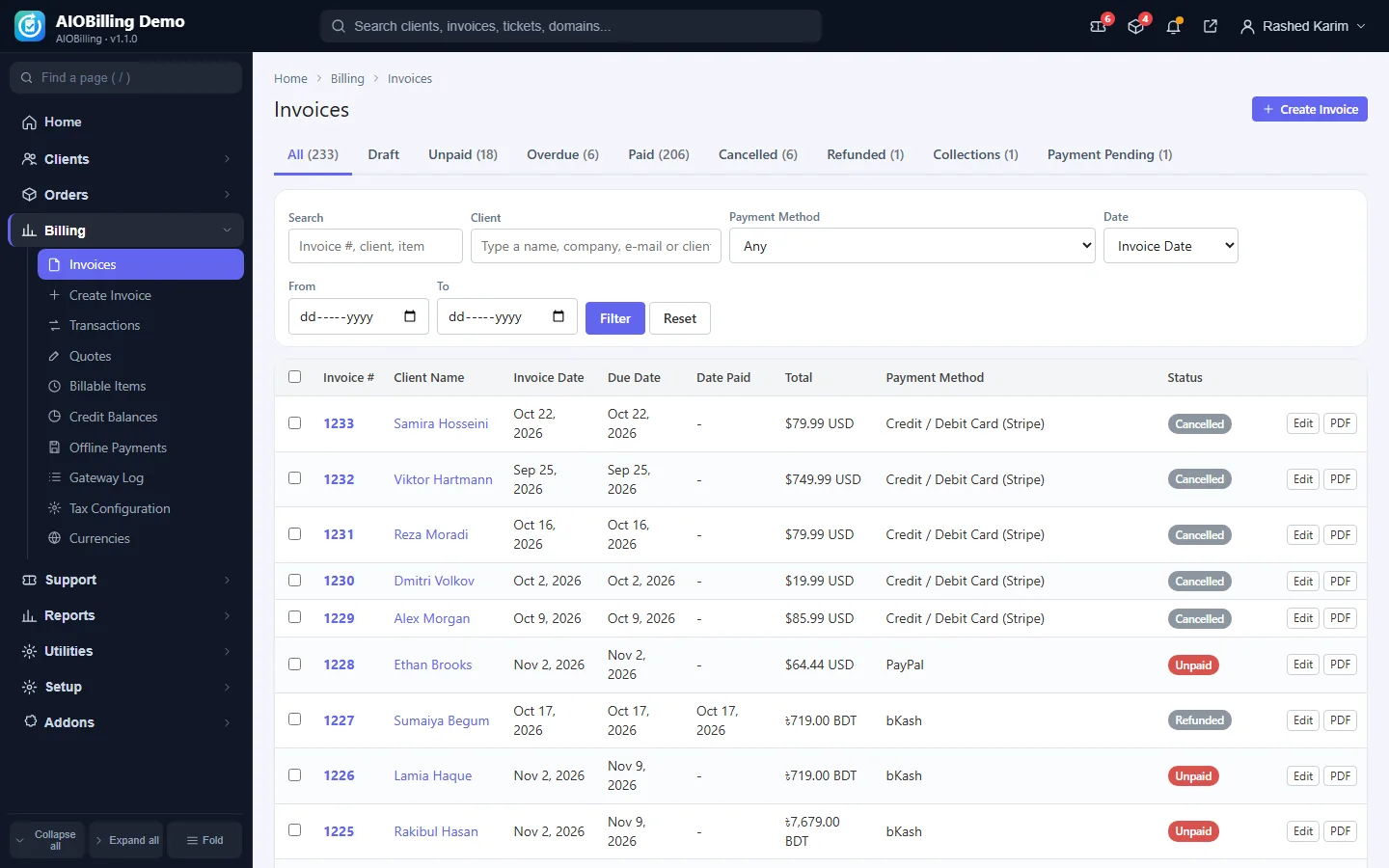
A second look for the admin area: a dark left sidebar with the same menu groups, the same top bar and work area.
What it does
Nova keeps every admin page as it is and changes the chrome: the menu moves into a dark, collapsible left sidebar with search, the top bar keeps the global search, notifications and the account menu. Colours are set under Setup -> Themes & Appearance.
What you get
- Dark left sidebar instead of the top menu bar
- Same pages, same shortcuts
- Accent and sidebar colours
- Switch per administrator
Screenshots
Requirements
- AIOBilling 1.0.0 or newer
Getting it running
- Buy it with the button above — your key is issued as soon as the payment is confirmed.
- Nothing to copy: your installation collects the key on its next check.
- Open Plugins in your panel and press Enable.
- In a hurry? Paste the key on the License screen and it unlocks at once.
Questions
Is it a one-time payment?
Yes — one payment, a lifetime key for one domain, and free updates.
Do I need AIOBilling first?
Yes. The plugin unlocks inside an installation of AIOBilling that already has its own licence.
How does the key reach my site?
Your installation collects it by itself on its next check. You can also paste it on the License screen.
Can I move it to another domain?
Yes. Release the old domain in your account and activate the new one.