
Plugin for AIOBilling
Bank Transfer
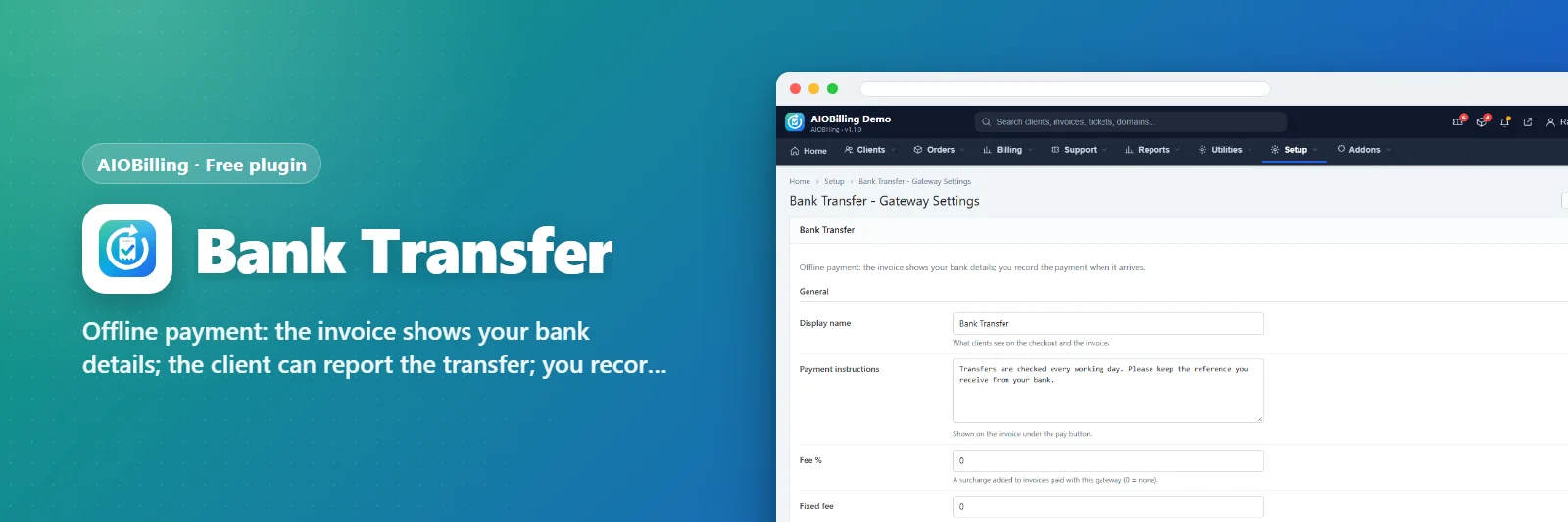
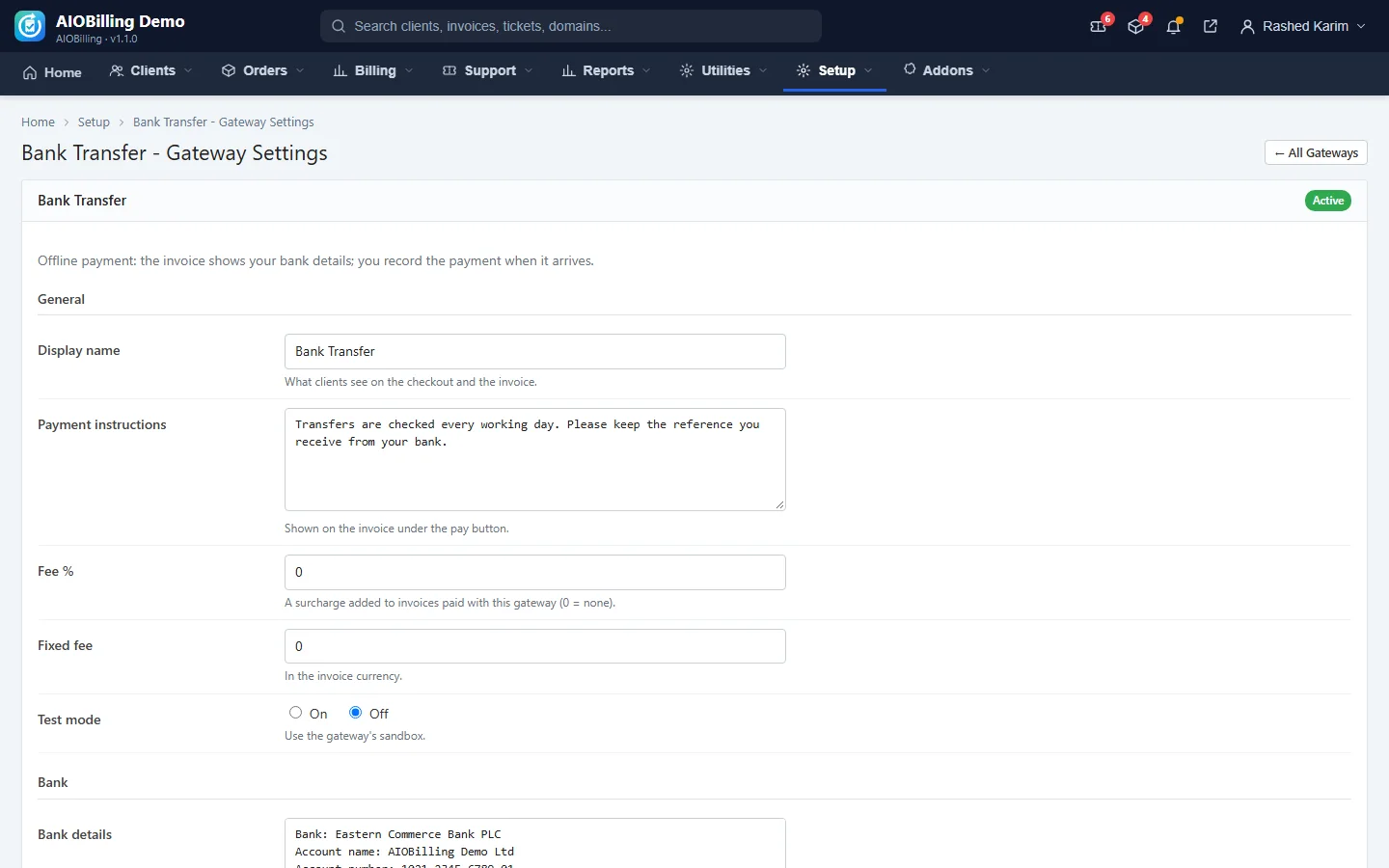
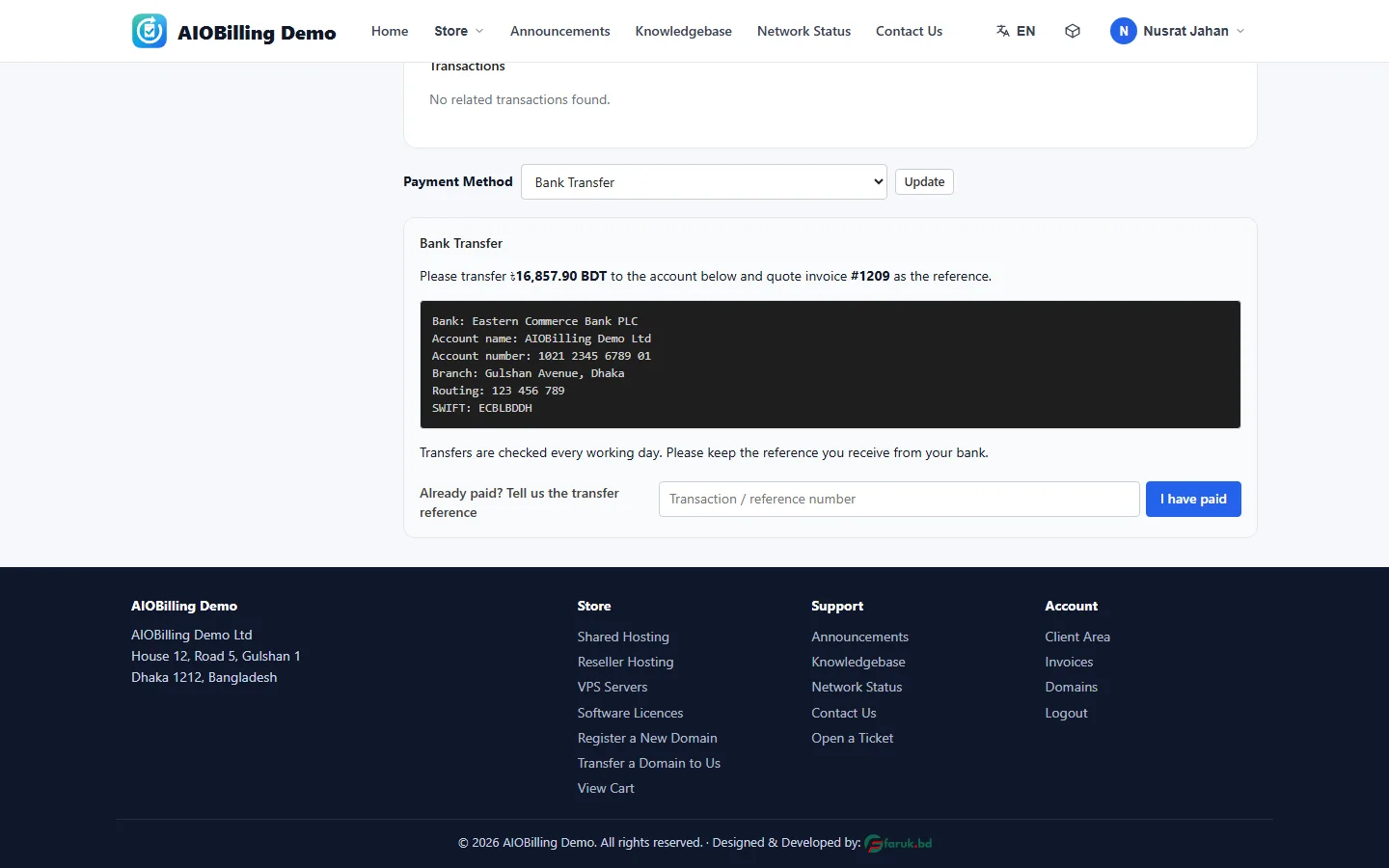
Offline payment: the invoice shows your bank details; the client can report the transfer; you record the payment when it arrives.
What it does
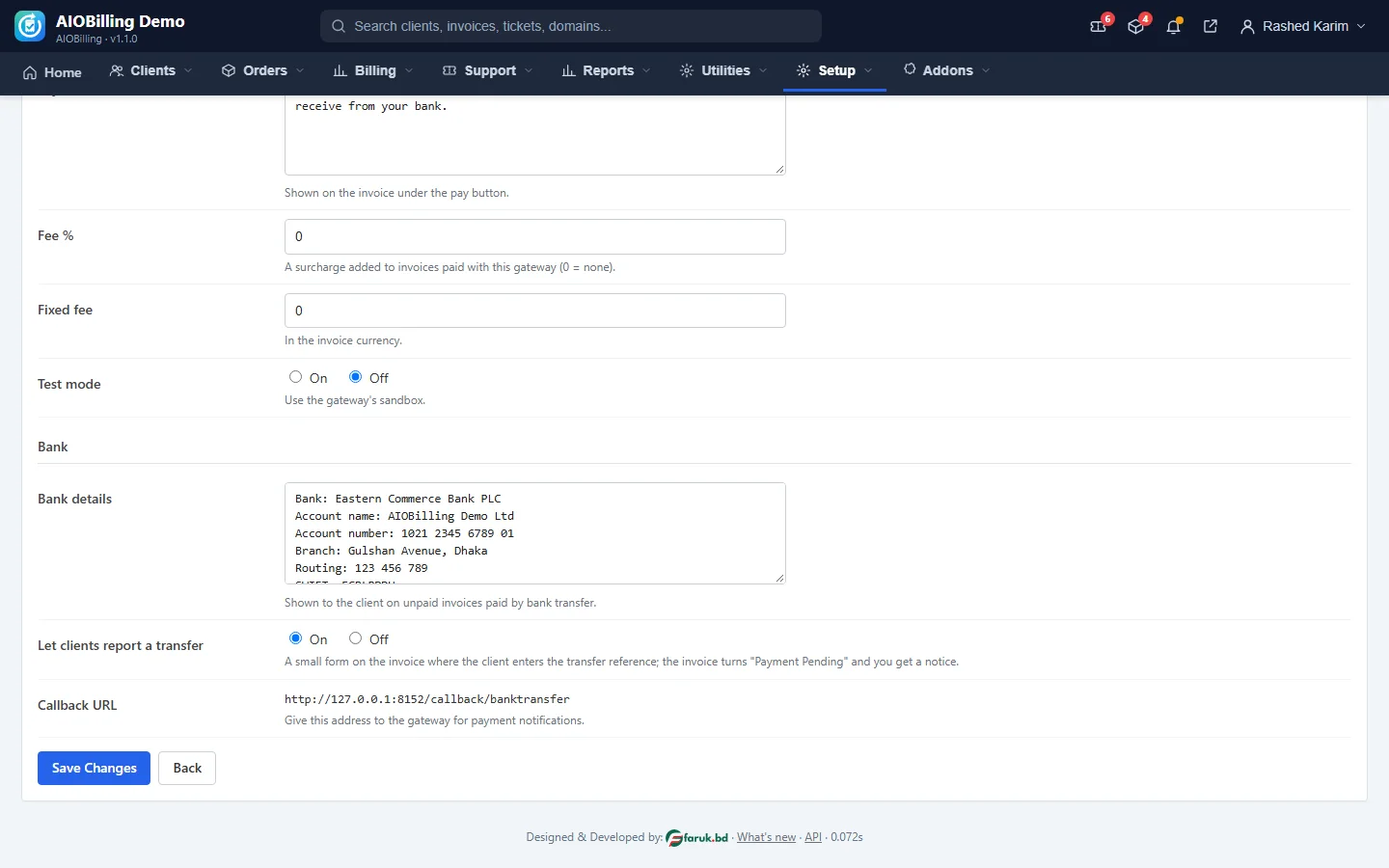
Shows your bank account details on unpaid invoices. The client may report the transfer reference, which marks the invoice Payment Pending and notifies you; you record the payment from the invoice page.
What you get
- Bank details on the invoice
- Client transfer report
- Admin notification
- Record the payment when it arrives
Screenshots
Requirements
- AIOBilling 1.0.0 or newer
Getting it running
- Install AIOBilling — the plugin ships inside it.
- Open Plugins in your admin panel.
- Press Enable — that is all.
Questions
Do I have to pay for it?
No. It ships free with AIOBilling and is included in every package.
How do I switch it on?
Open Plugins in your panel and press Enable.