
Storage & FTP Upload
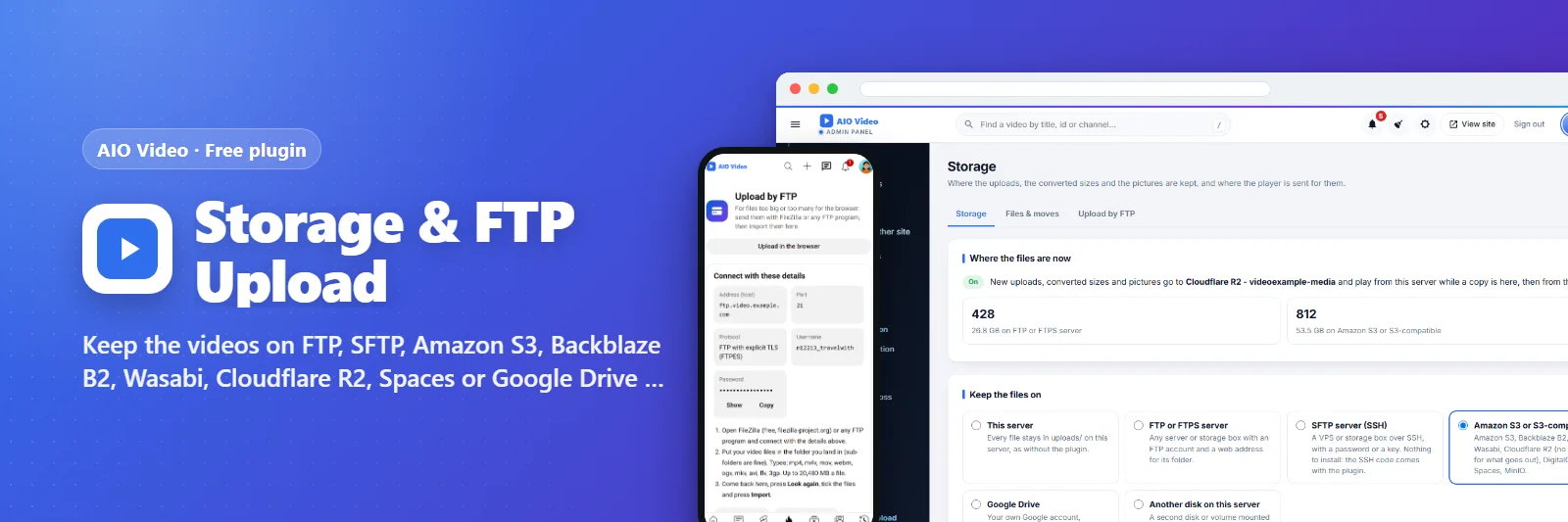
Keep the videos on FTP, SFTP, Amazon S3, Backblaze B2, Wasabi, Cloudflare R2, Spaces or Google Drive - and let members upload big files by FTP.
What it does
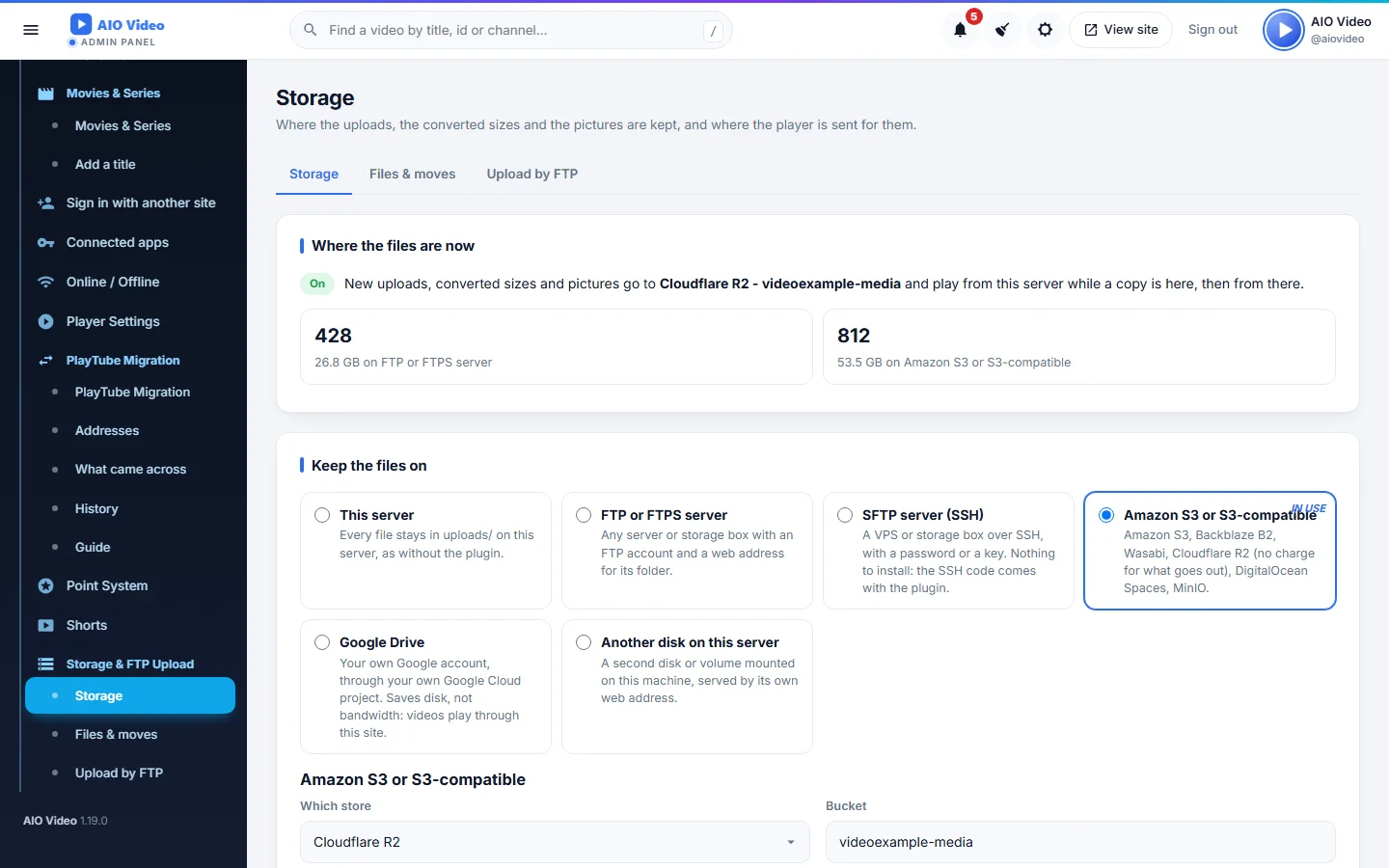
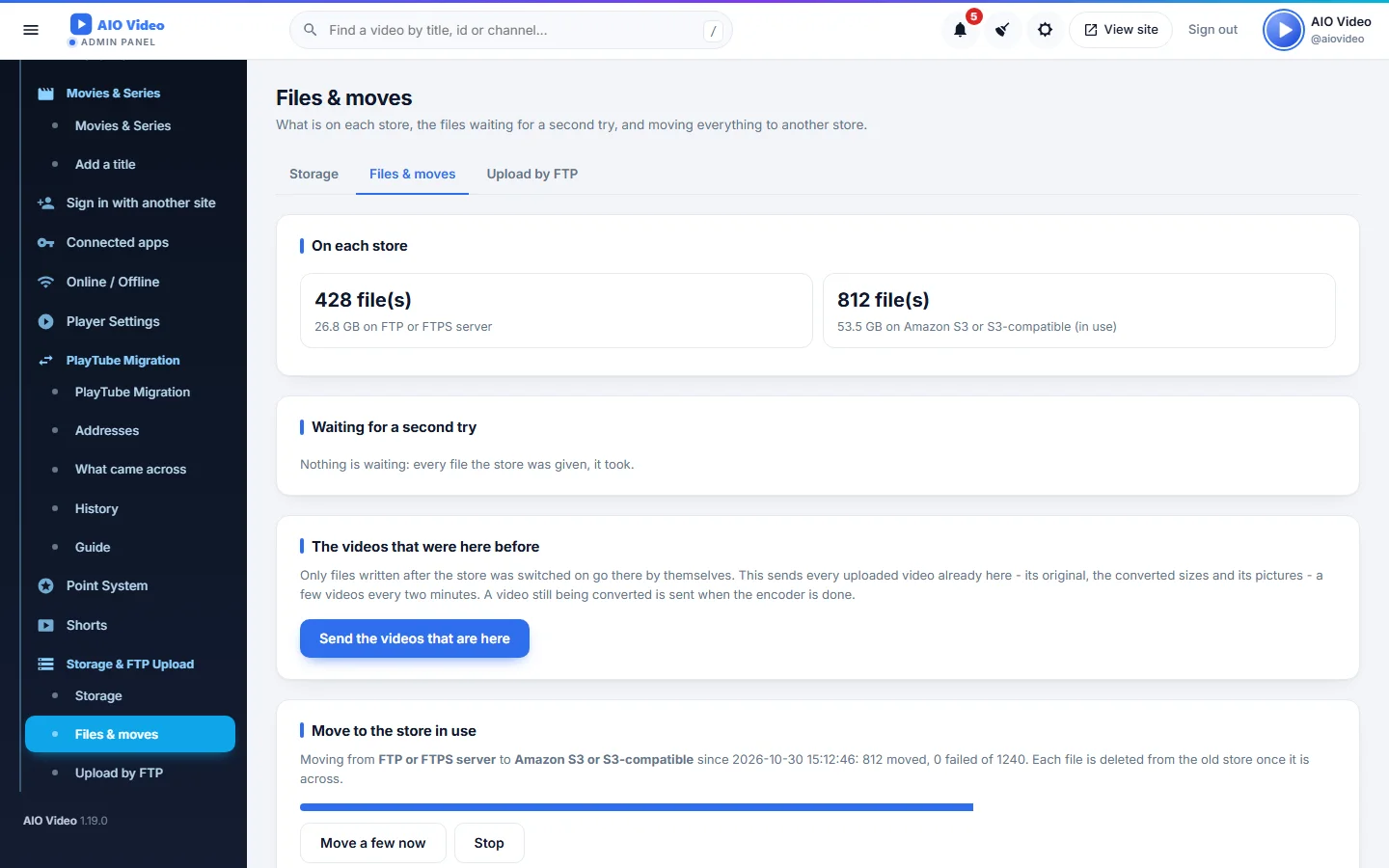
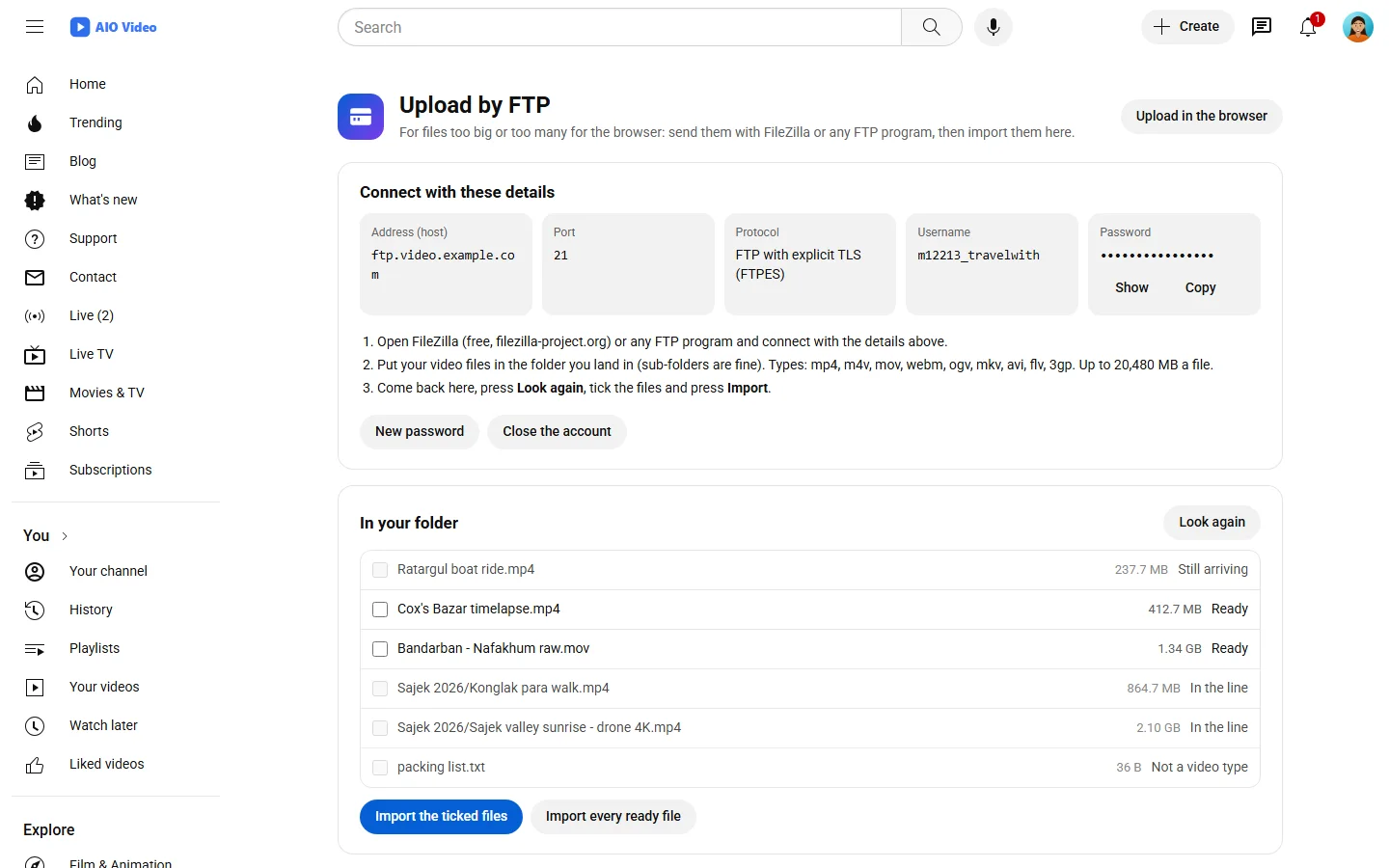
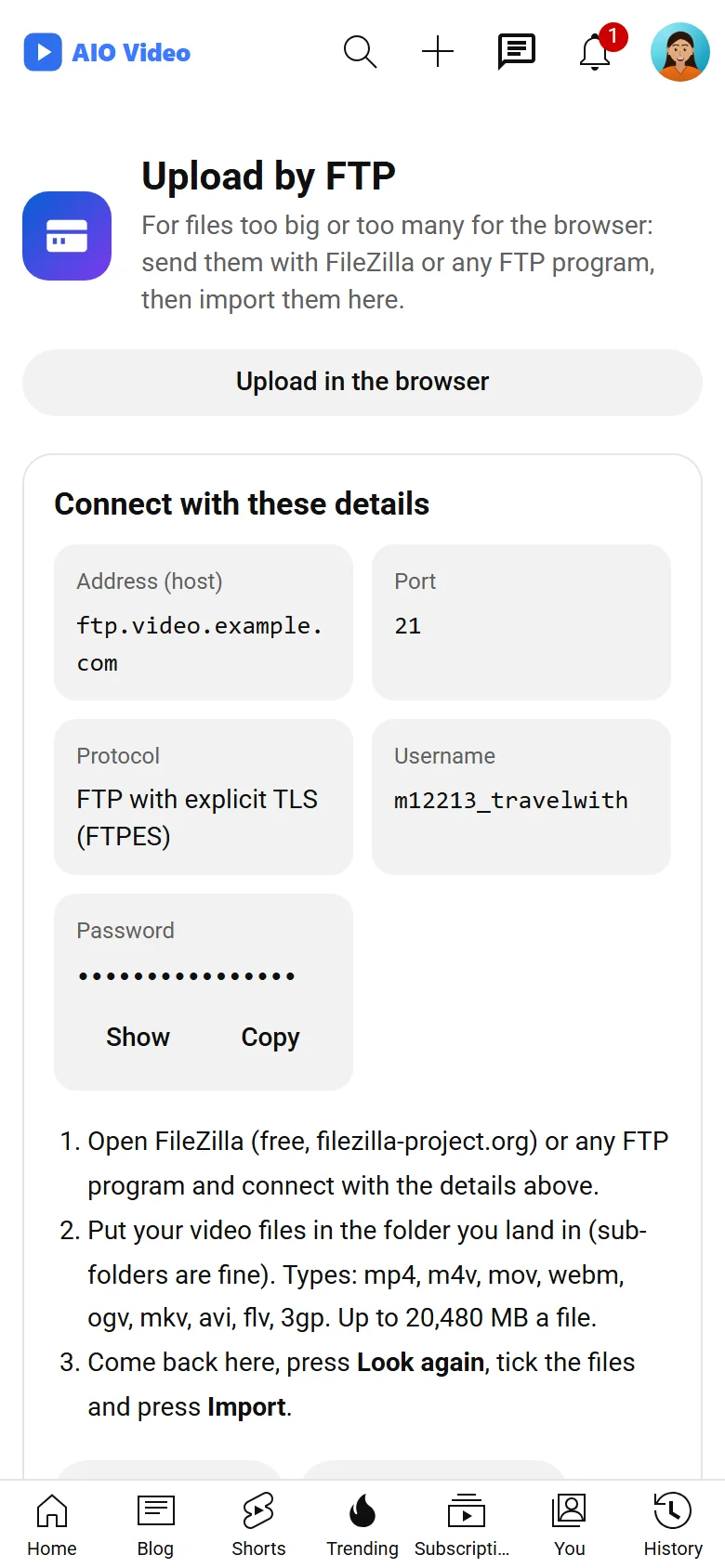
A video site fills a web host quickly. This plugin keeps every upload, converted size and picture where there is room and plays them from there: an FTP or FTPS server, an SFTP server with a password or a key (the SSH code comes with it), Amazon S3 or any S3-compatible store - Backblaze B2, Wasabi, Cloudflare R2 (no charge for what goes out), DigitalOcean Spaces, MinIO - with signed links for a private bucket and big files in parts, Google Drive through your own Google Cloud project, or a second disk. One click sends the videos that were already here, another moves everything to a new store while it keeps playing. And Upload by FTP: members get an FTP account of their own, made through cPanel, aaPanel or your own FTP server, upload with FileZilla and import - the site turns the files into videos with the same rules as a browser upload.
What you get
- FTP / FTPS, SFTP, S3-compatible (B2, Wasabi, R2, Spaces), Google Drive, another disk
- Save and test: connect, send, read back, fetch, open, delete
- Send the videos that are here; move every file to a new store
- Upload by FTP: accounts through cPanel, aaPanel or ProFTPD / Pure-FTPd
- Private or public imports, automatic pick-up, a package switch
- More stores from other plugins through a filter
Screenshots
Getting it running
- Install AIO Video — the plugin ships inside it.
- Open Plugins in your admin panel.
- Press Enable — that is all.
Questions
Do I have to pay for it?
No. It ships free with AIO Video and is included in every package.
How do I switch it on?
Open Plugins in your panel and press Enable.