
Online / Offline
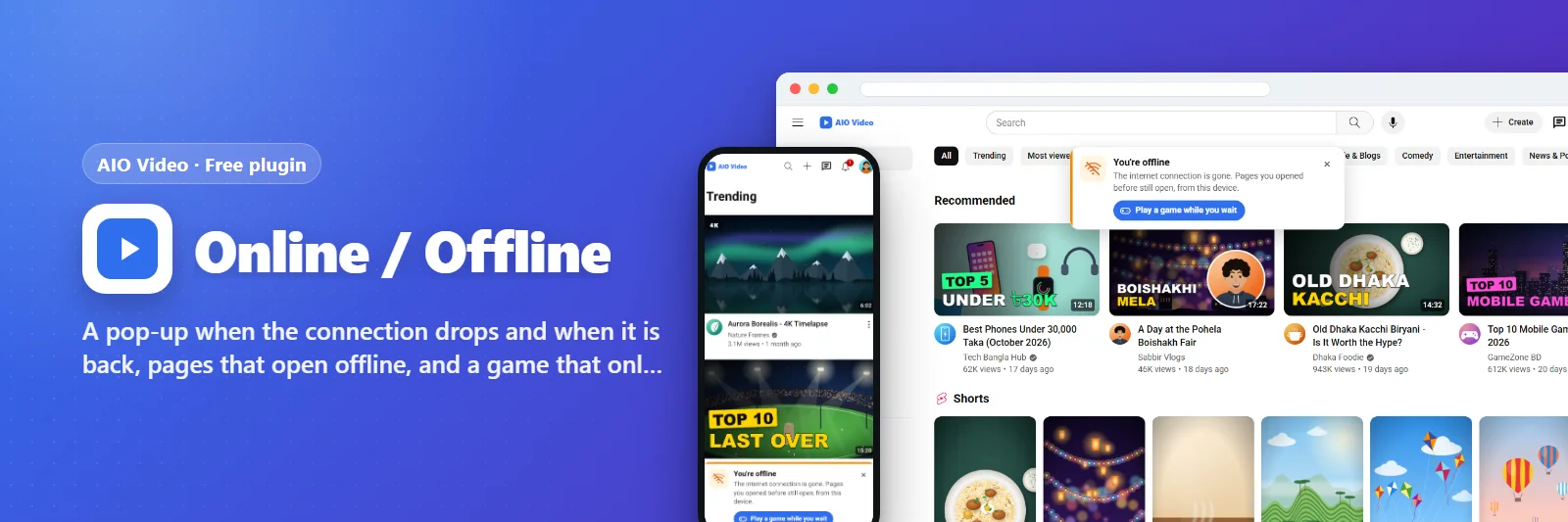
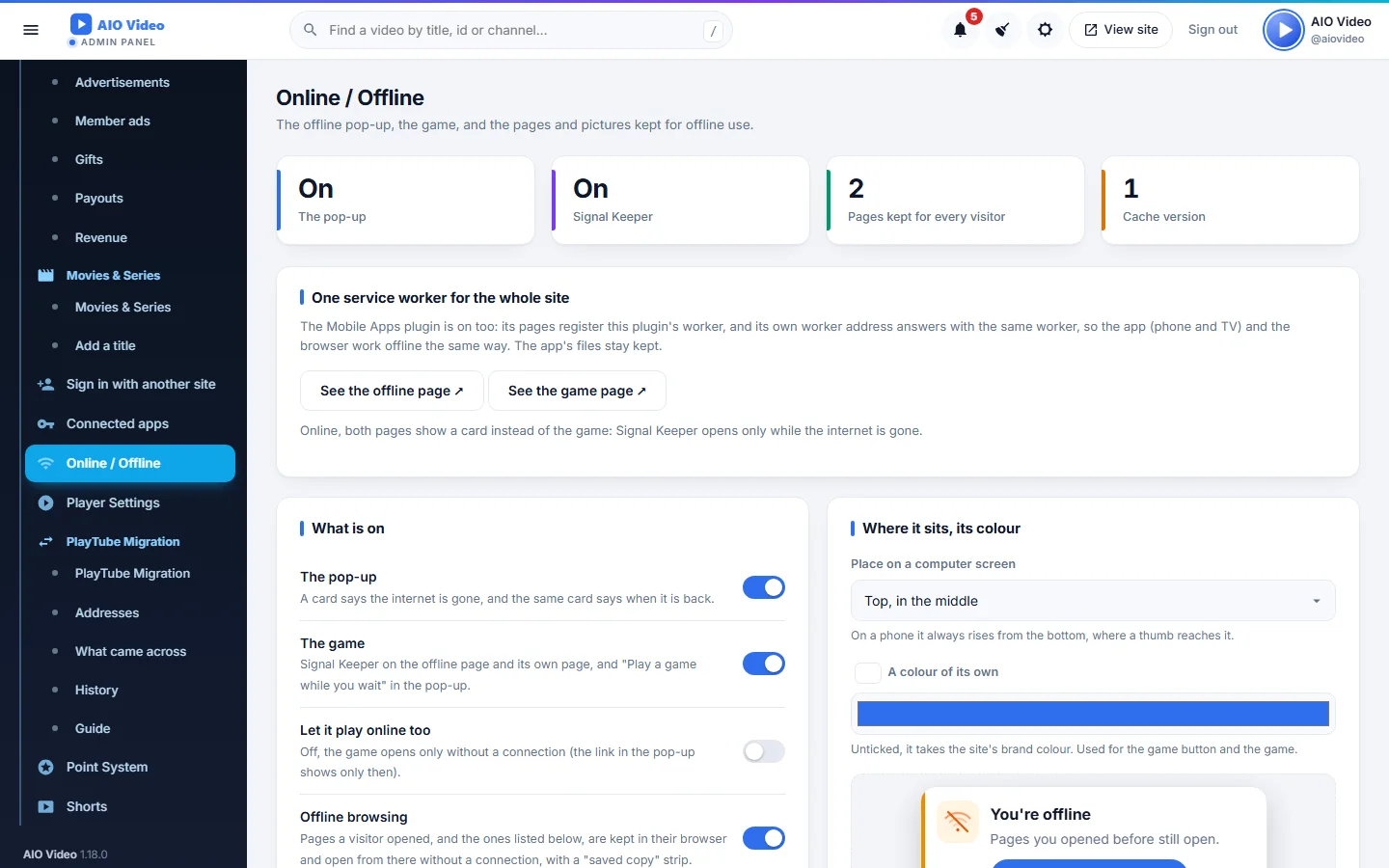
A pop-up when the connection drops and when it is back, pages that open offline, and a game that only opens without a connection.
What it does
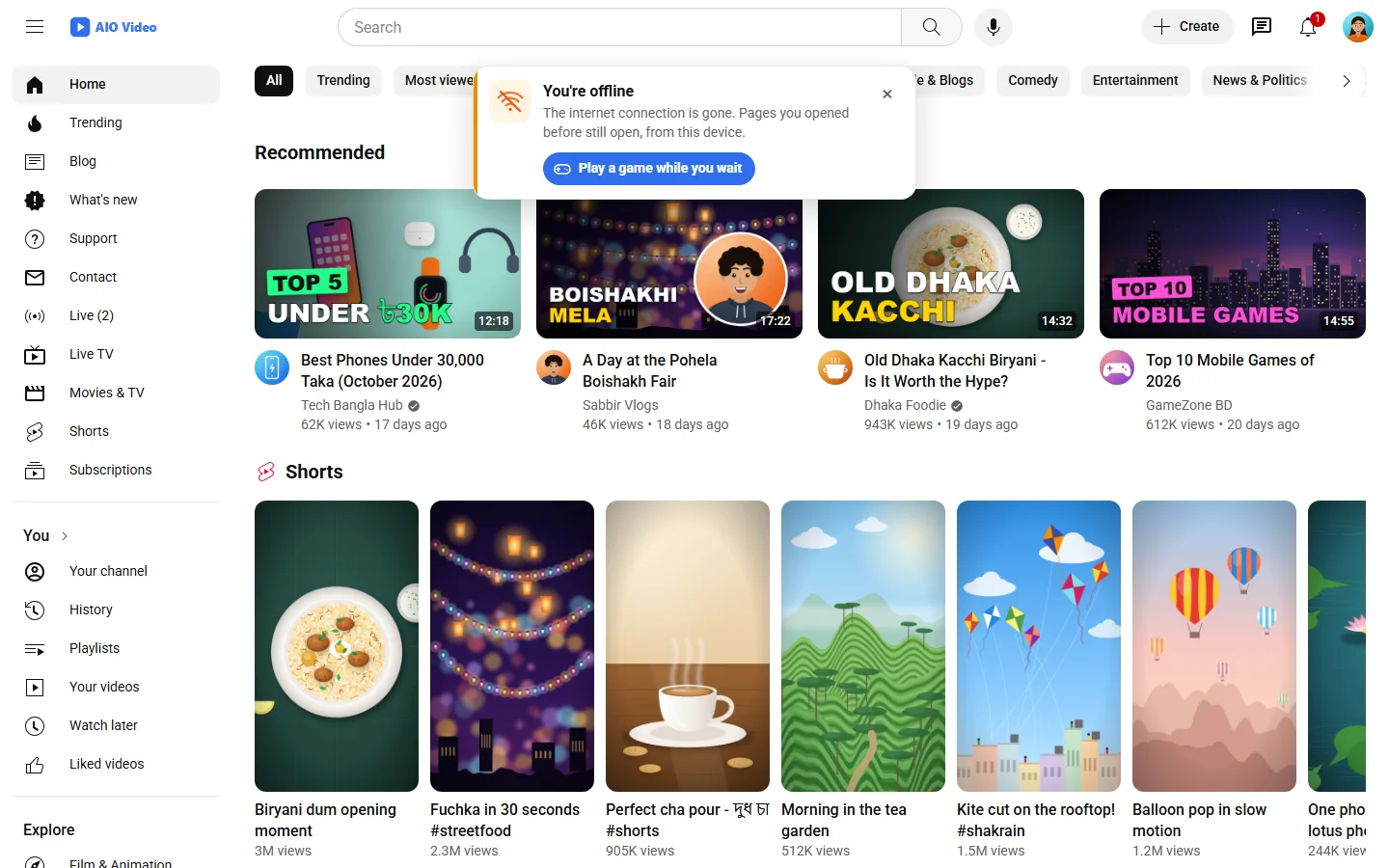
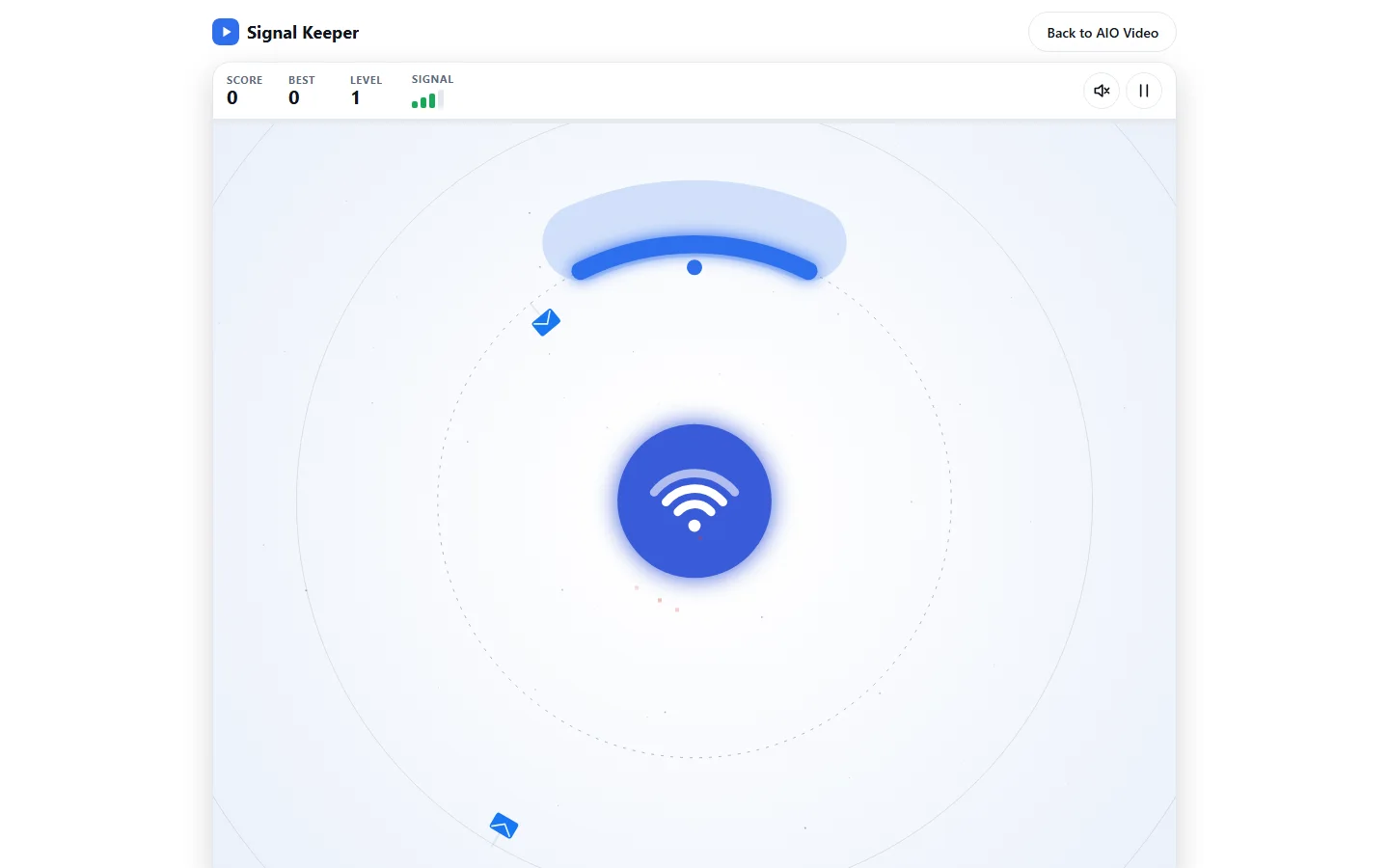
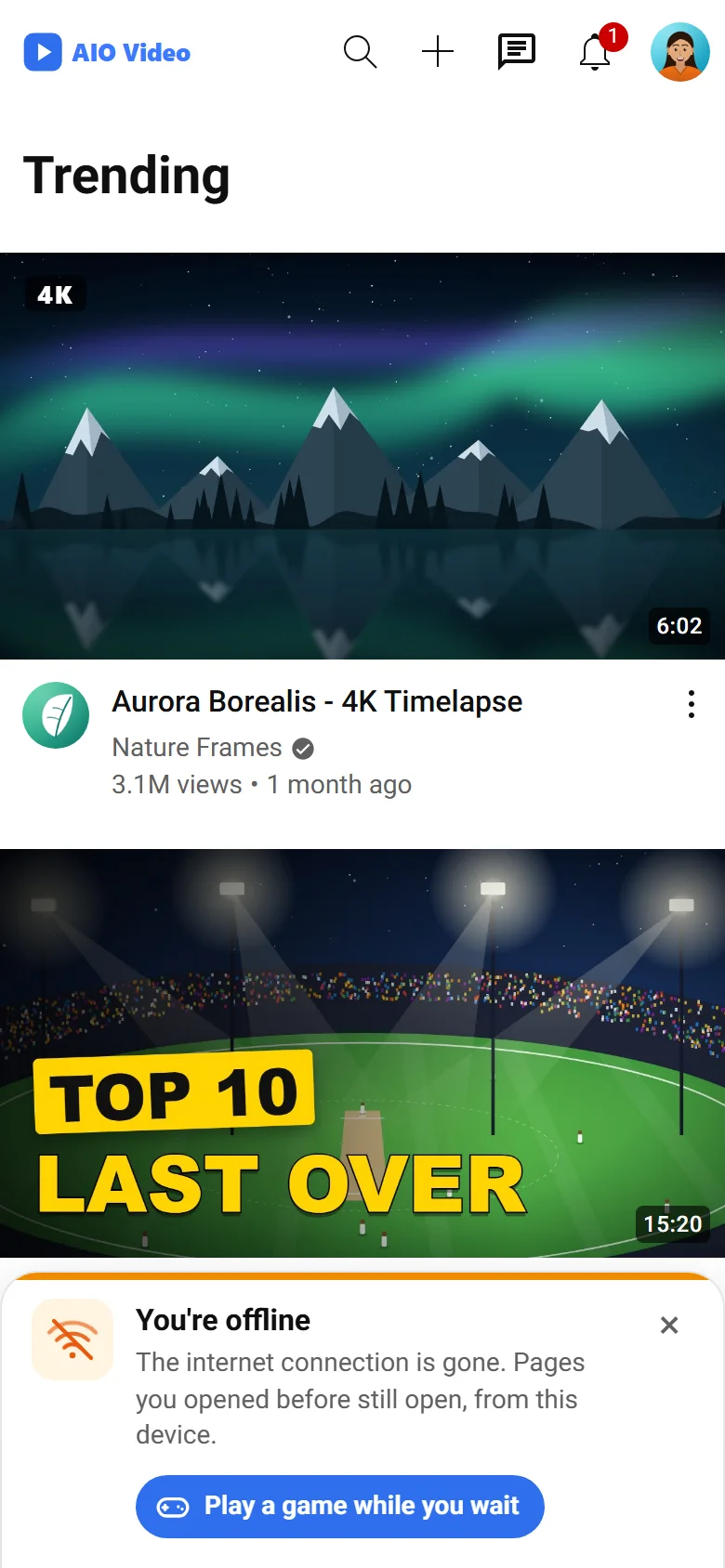
When a visitor's internet goes, a card says so - at the top, the bottom or a corner, in the site's colour and the owner's words - and offers Signal Keeper, a small game that opens only while the network is gone; when it comes back the same card says so, and a game in progress asks "keep playing?". A service worker keeps the site's files, the pages the visitor opened, a list of pages the owner picks and the pictures, so those pages open offline with a "saved copy" note, in the browser and inside the Mobile Apps phone and TV apps. The panel, signing in, money, uploads, the API, streams and live pages are never kept. With Mobile Apps on, the two share one worker through filters.
What you get
- Offline and back-online pop-up: place, colour, words
- Signal Keeper - a game that opens only while offline
- Pages, pictures and the site's files kept for offline use, with a saved-copy note
- Size limits, a never-kept list and Clear for everyone
Screenshots
Getting it running
- Install AIO Video — the plugin ships inside it.
- Open Plugins in your admin panel.
- Press Enable — that is all.
Questions
Do I have to pay for it?
No. It ships free with AIO Video and is included in every package.
How do I switch it on?
Open Plugins in your panel and press Enable.