
Sign in with another site
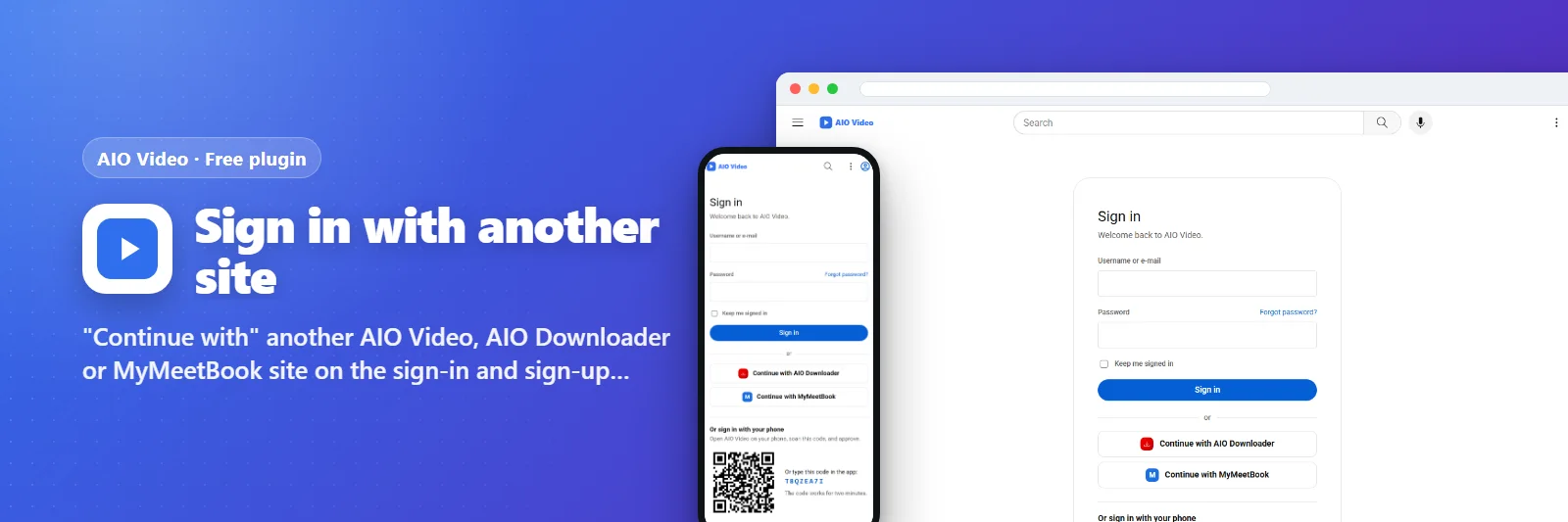
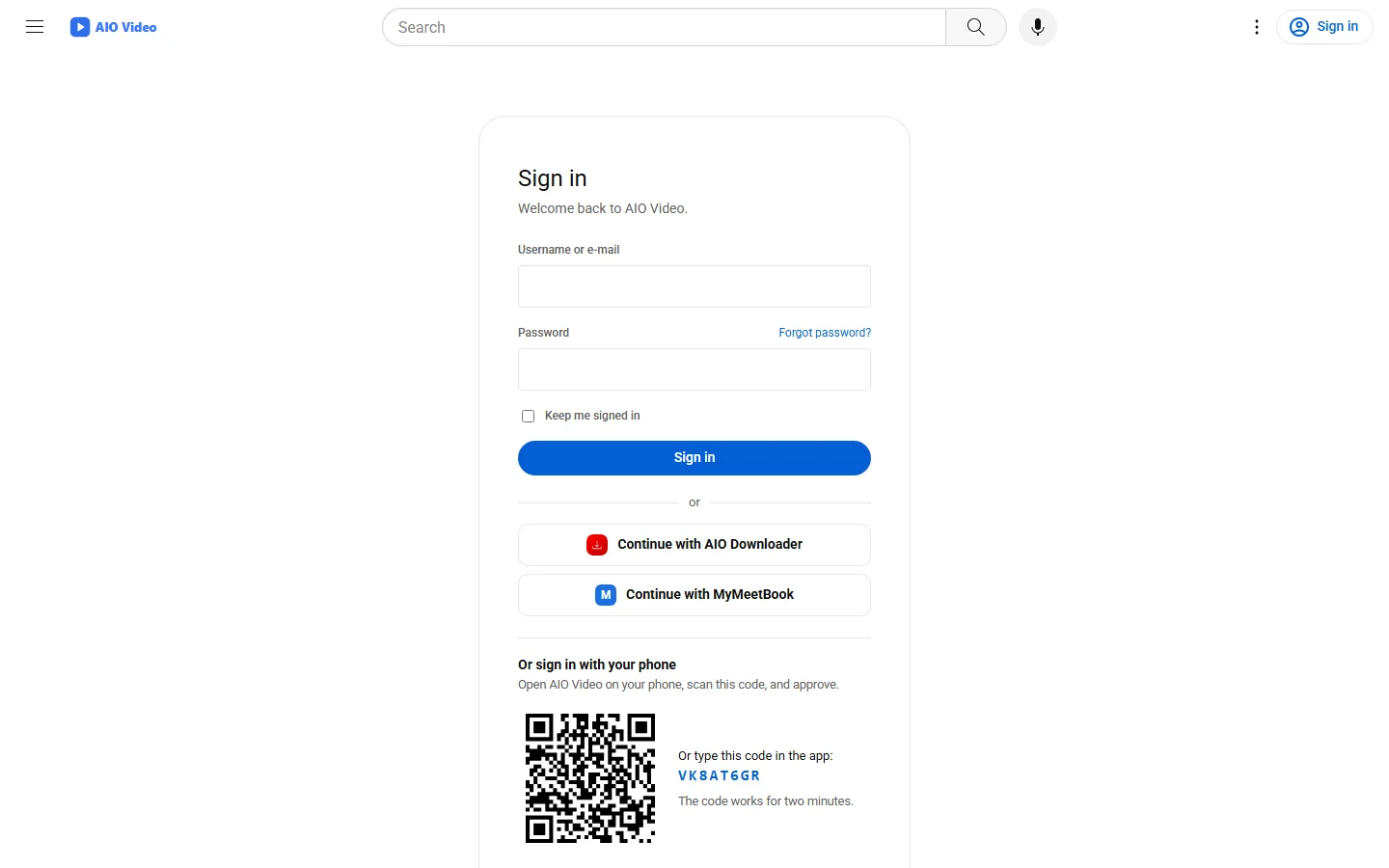
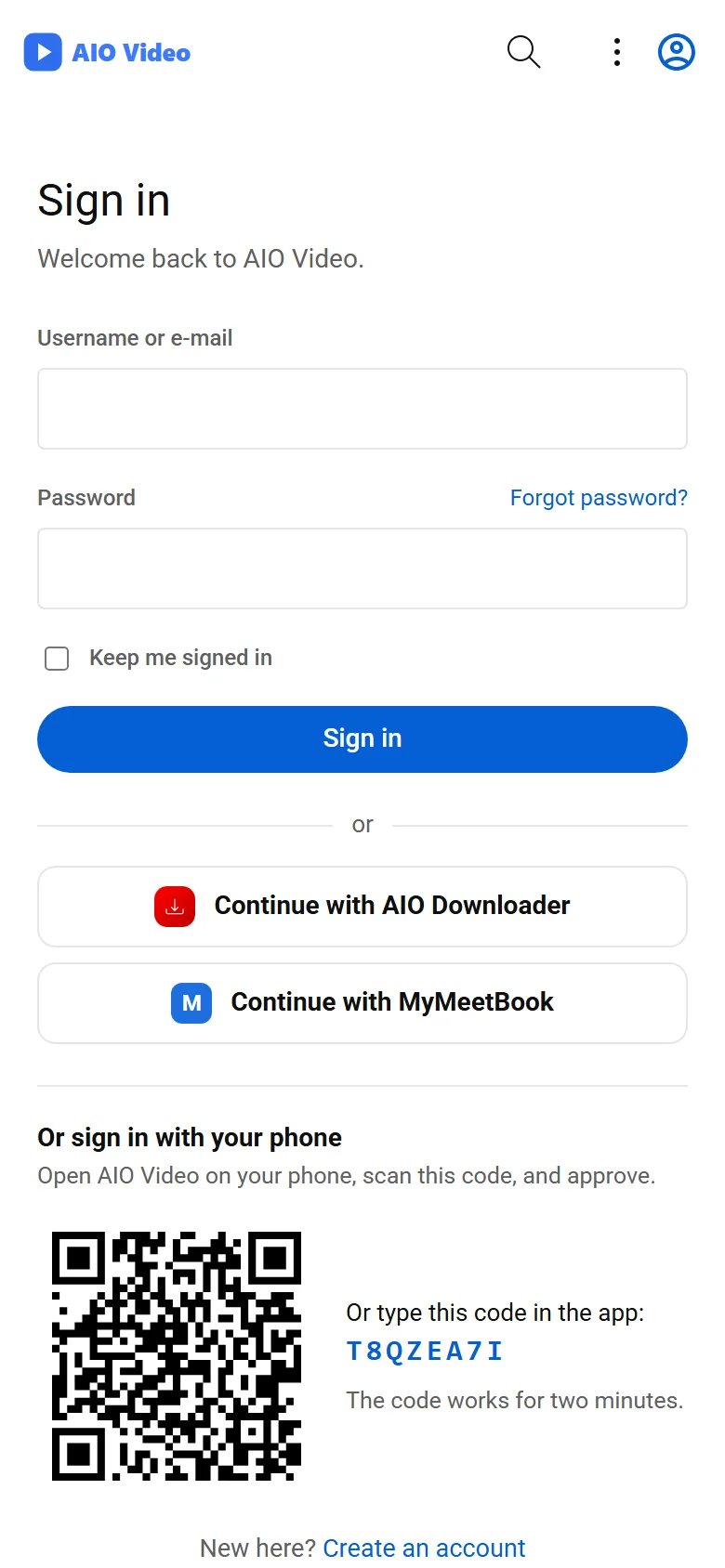
"Continue with" another AIO Video, AIO Downloader or MyMeetBook site on the sign-in and sign-up pages - just type its address.
What it does
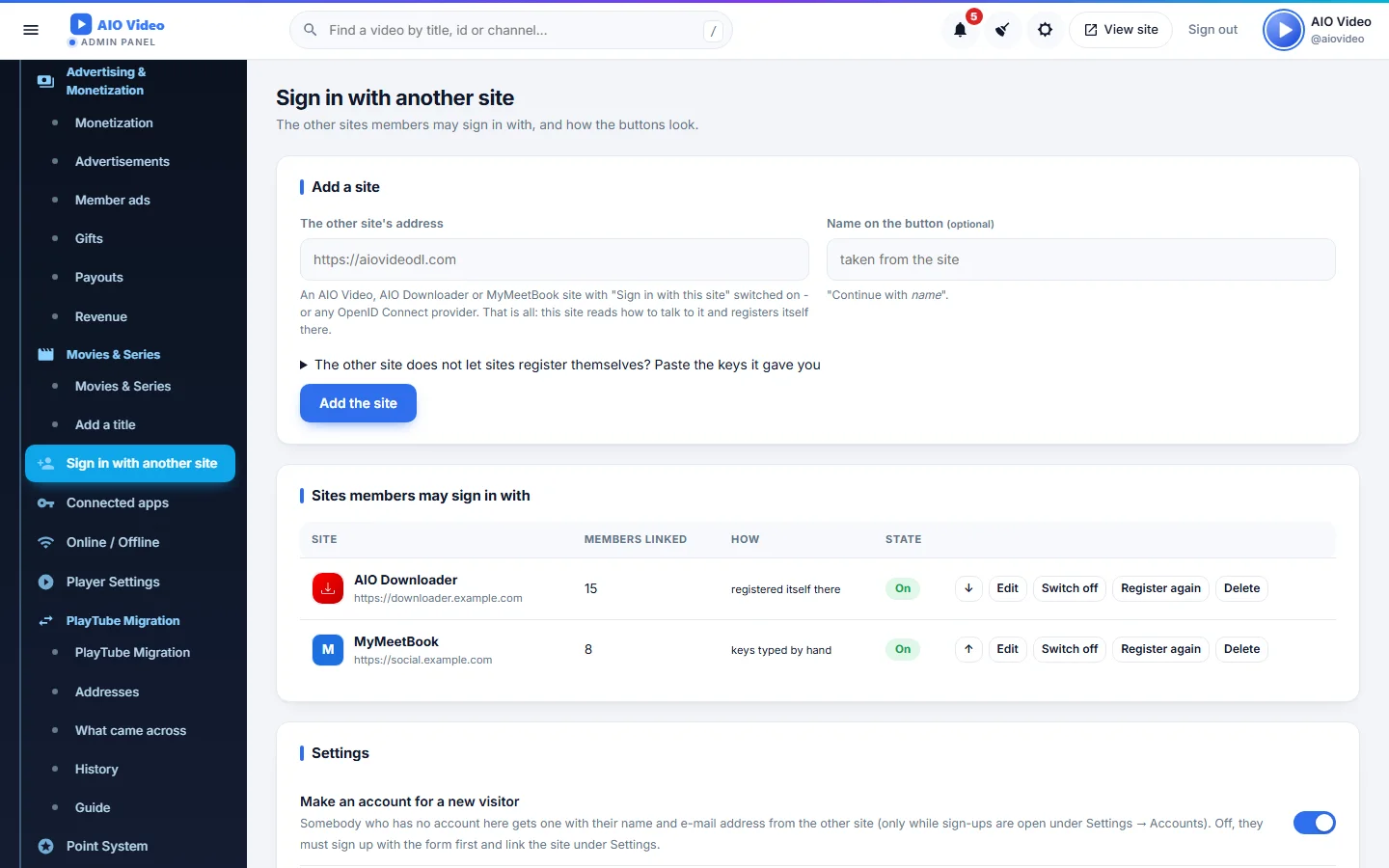
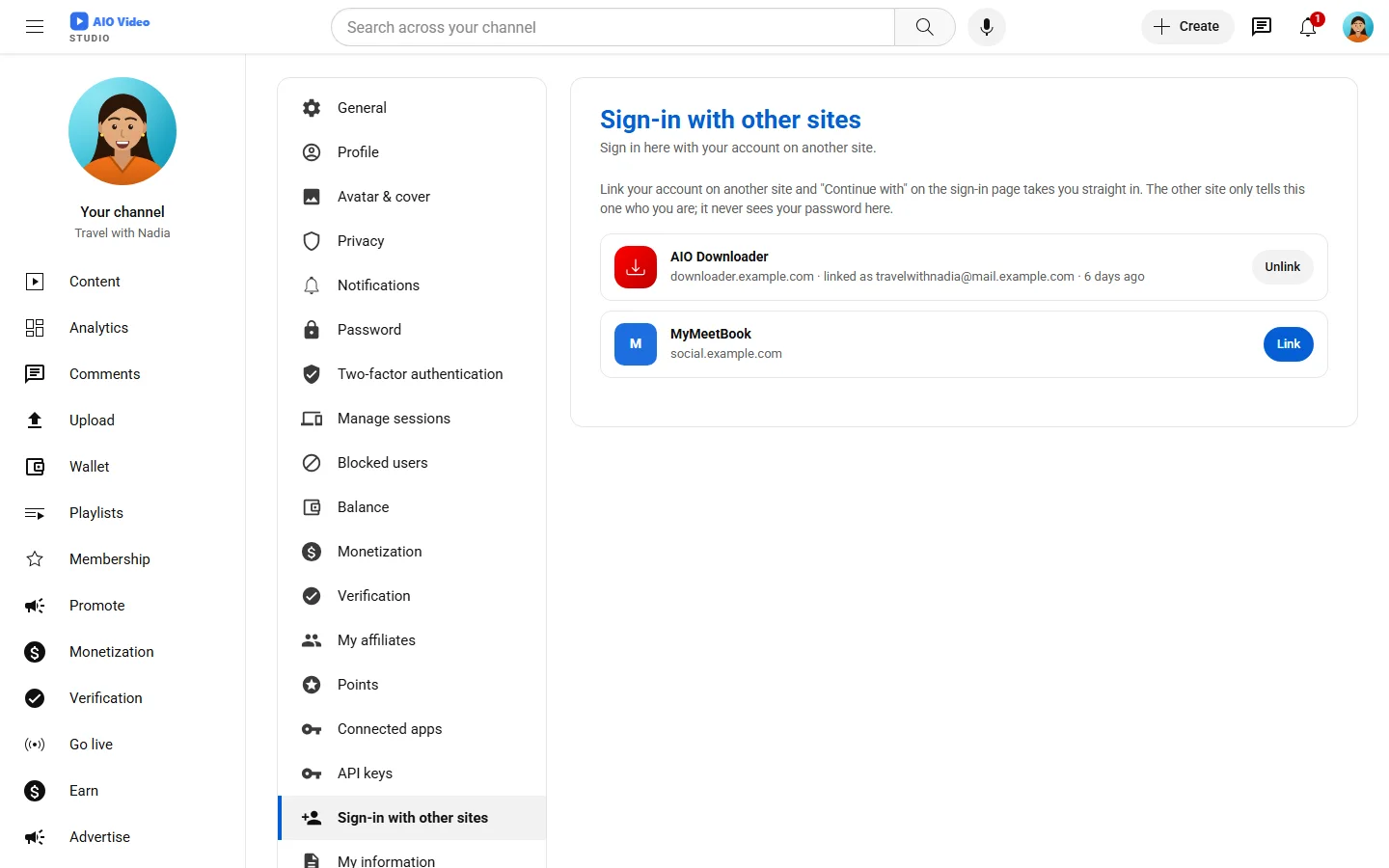
Type another site's address and the plugin does the rest: it reads how that site signs people in, registers itself there (or takes the keys that site's owner gives you), and puts a "Continue with <site>" button with its name, logo and colour on the sign-in and sign-up pages. A new visitor gets an account here with the name and e-mail from there; when the e-mail already belongs to an account here, the visitor is asked first and the two are linked with a click or this site's password. Members link and unlink other sites under Settings. Works with AIO Video, AIO Downloader and MyMeetBook sites and with any OpenID Connect provider.
What you get
- Add a site by its address: discovery and self-registration
- Continue with buttons on sign-in and sign-up, in order and colour
- New accounts from the other site, or linking only after a yes
- Two-step sign-in respected, PKCE on every sign-in
- Link and unlink under Settings; client keys pasted by hand when needed
Screenshots
Getting it running
- Install AIO Video — the plugin ships inside it.
- Open Plugins in your admin panel.
- Press Enable — that is all.
Questions
Do I have to pay for it?
No. It ships free with AIO Video and is included in every package.
How do I switch it on?
Open Plugins in your panel and press Enable.