
Sign in with another site
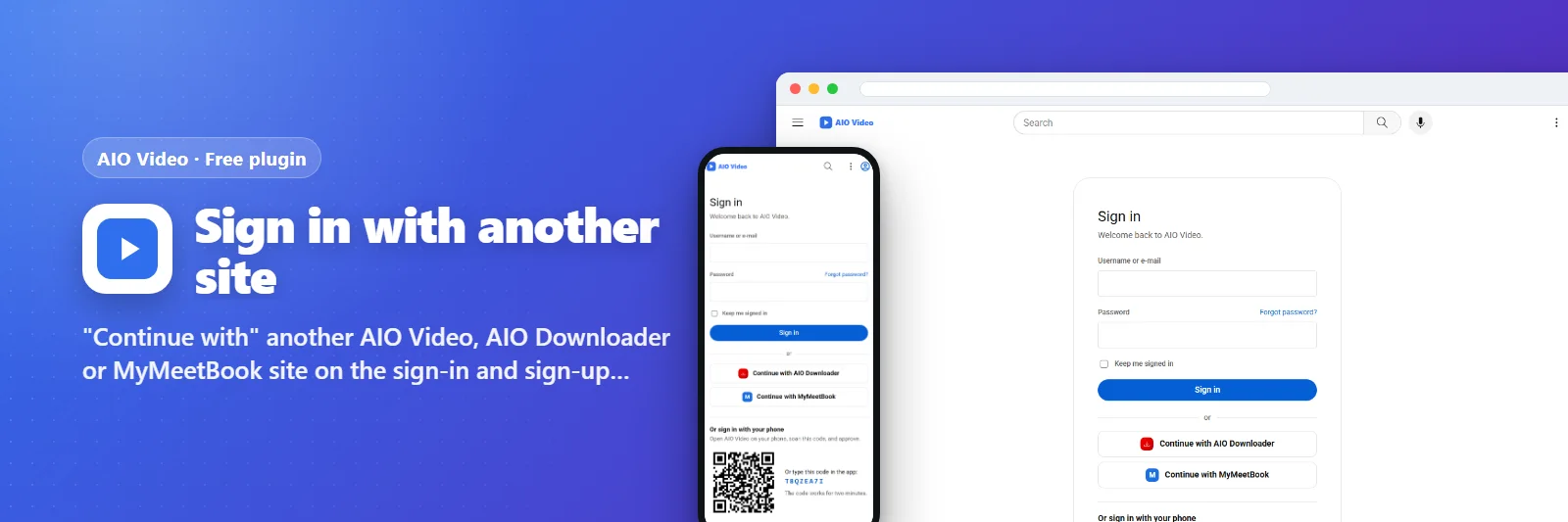
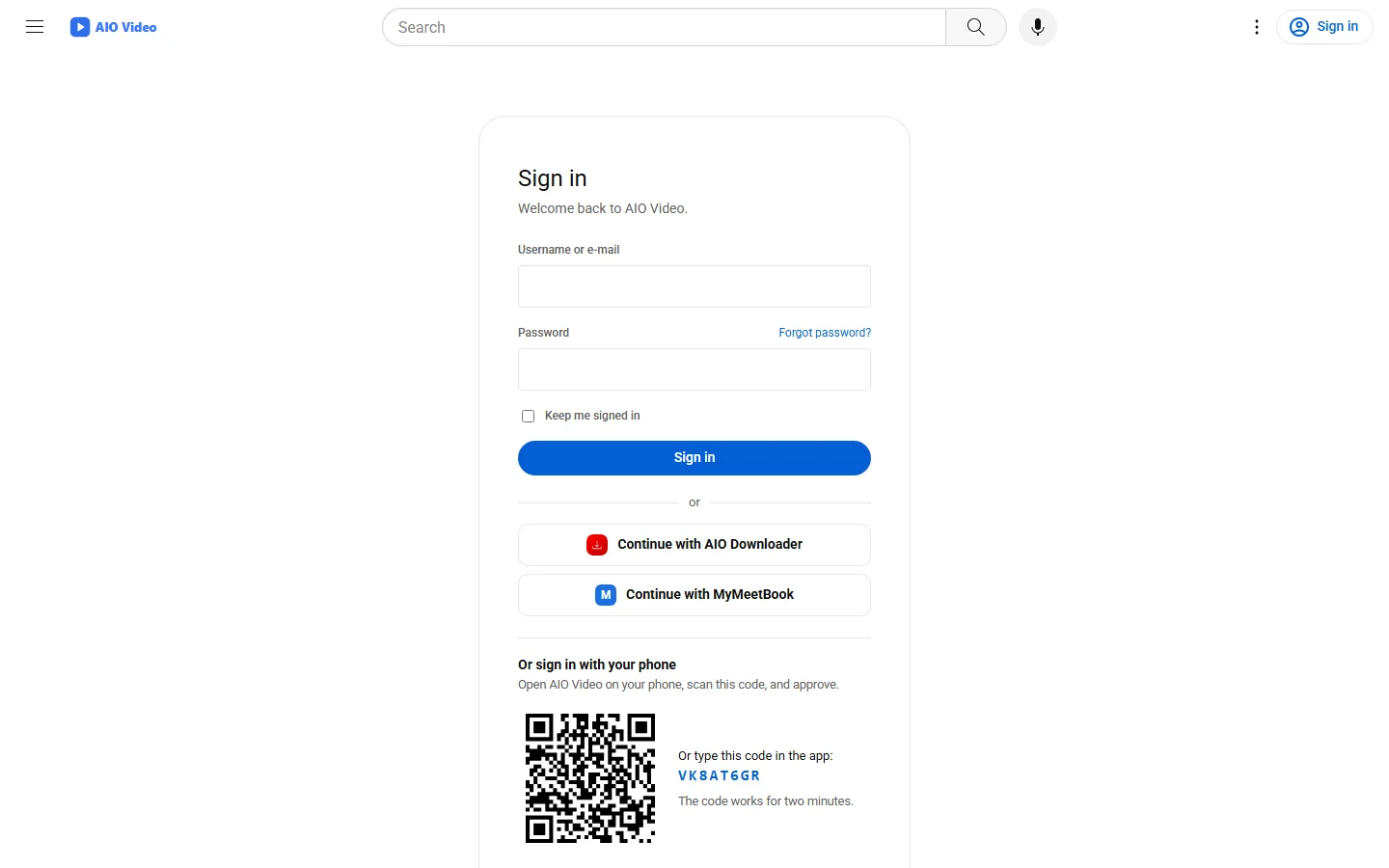
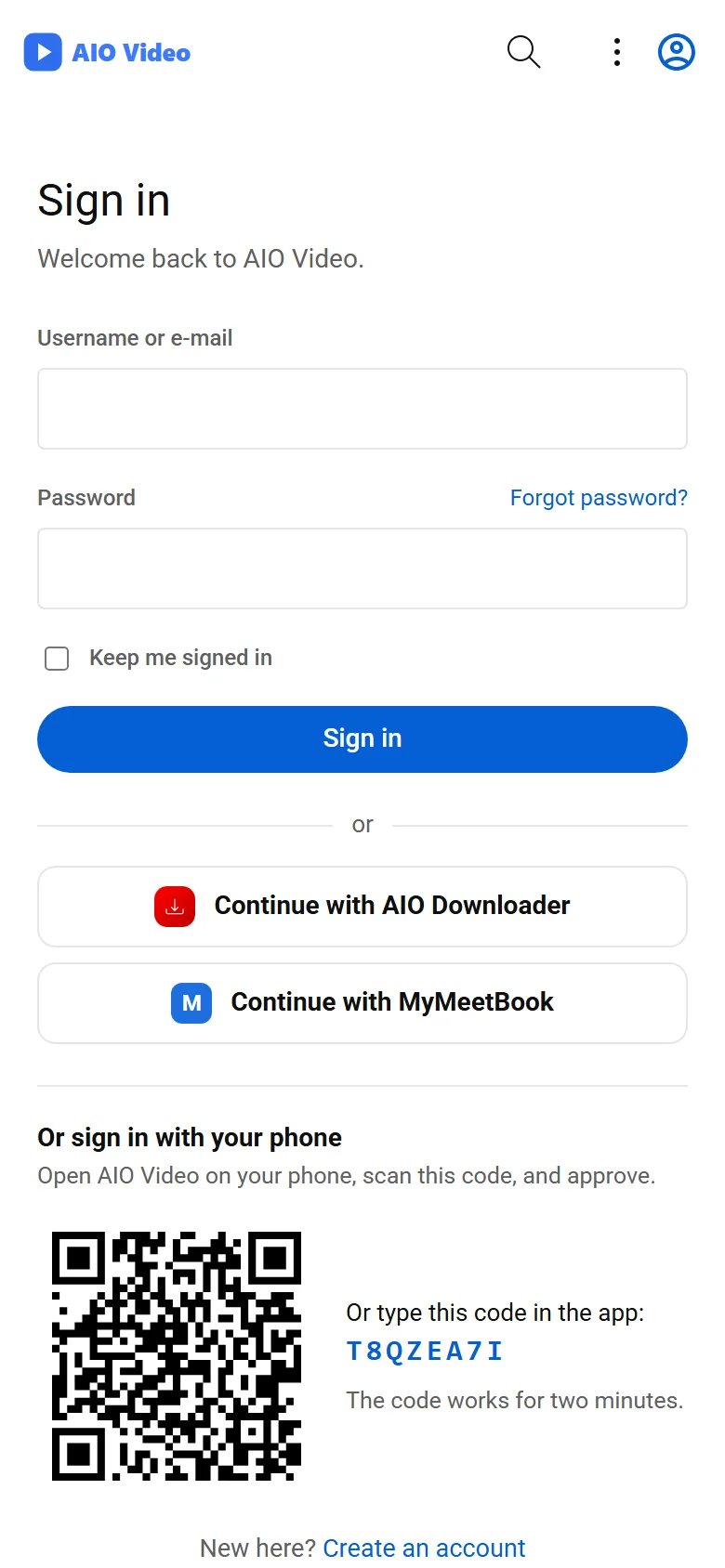
"Continue with" another AIO Video, AIO Downloader or MyMeetBook site on the sign-in and sign-up pages - just type its address.
এটি কী করে
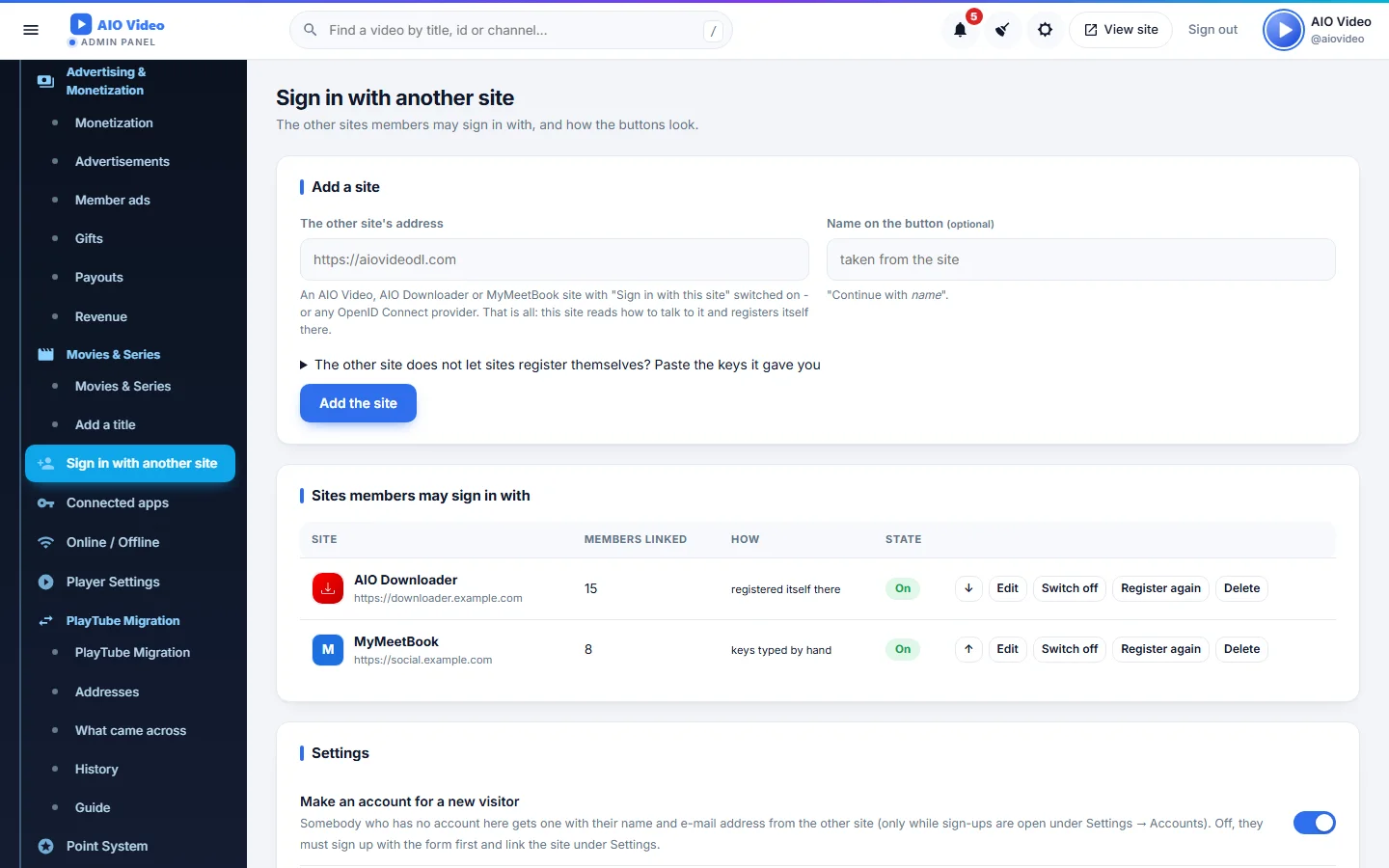
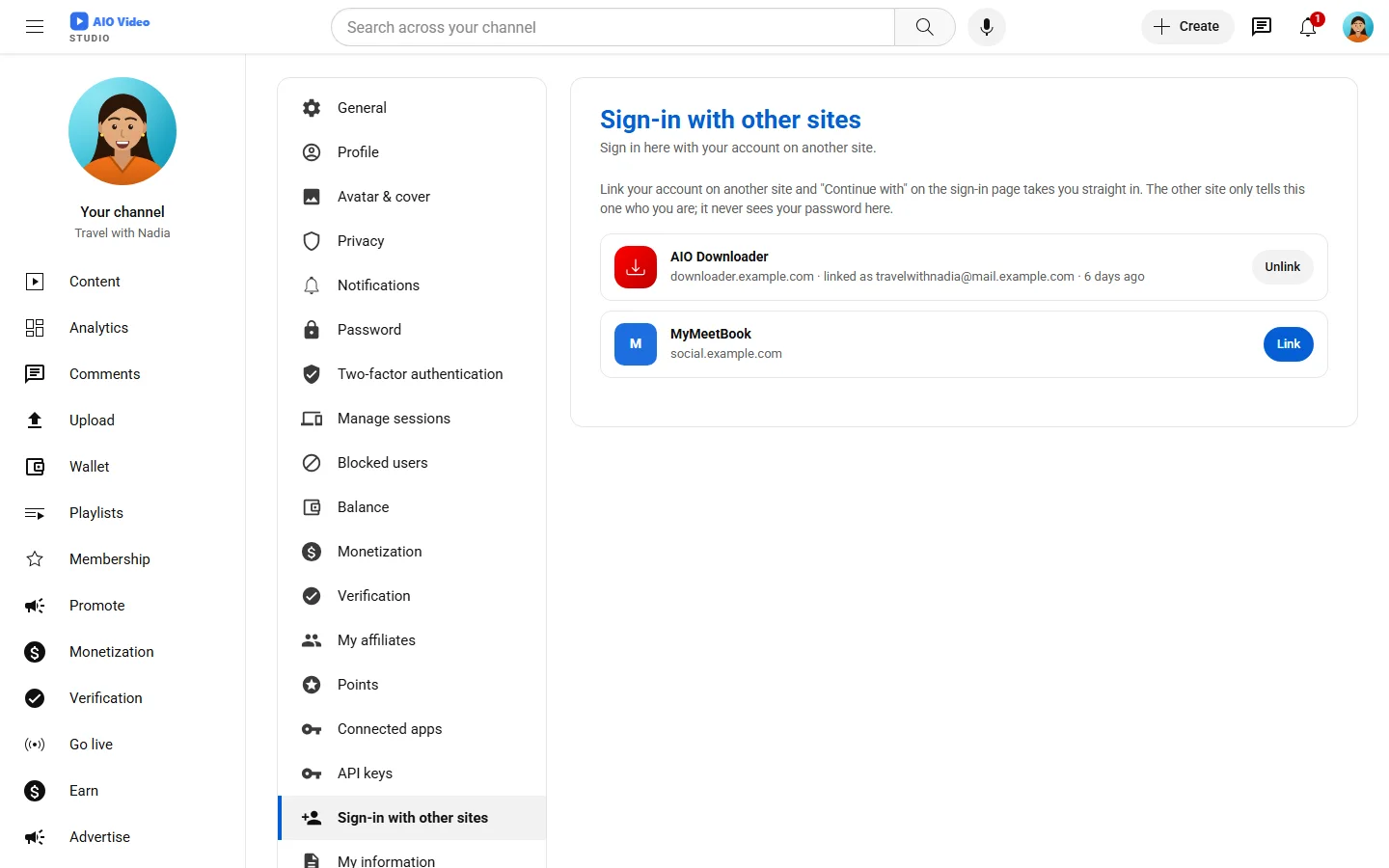
Type another site's address and the plugin does the rest: it reads how that site signs people in, registers itself there (or takes the keys that site's owner gives you), and puts a "Continue with <site>" button with its name, logo and colour on the sign-in and sign-up pages. A new visitor gets an account here with the name and e-mail from there; when the e-mail already belongs to an account here, the visitor is asked first and the two are linked with a click or this site's password. Members link and unlink other sites under Settings. Works with AIO Video, AIO Downloader and MyMeetBook sites and with any OpenID Connect provider.
যা যা পাবেন
- Add a site by its address: discovery and self-registration
- Continue with buttons on sign-in and sign-up, in order and colour
- New accounts from the other site, or linking only after a yes
- Two-step sign-in respected, PKCE on every sign-in
- Link and unlink under Settings; client keys pasted by hand when needed
স্ক্রিনশট
যেভাবে চালু করবেন
- AIO Video ইনস্টল করুন — প্লাগিনটি এর ভেতরেই থাকে।
- আপনার অ্যাডমিন প্যানেলে Plugins খুলুন।
- Enable চাপুন — ব্যস, এটুকুই।
প্রশ্নোত্তর
এর জন্য কি টাকা দিতে হবে?
না। এটি AIO Video-এর সঙ্গে বিনামূল্যে আসে এবং প্রতিটি প্যাকেজে অন্তর্ভুক্ত।
এটি কীভাবে চালু করব?
আপনার প্যানেলে Plugins খুলে Enable চাপুন।