
Live TV
TV channels in the AIO Player - official broadcasters' YouTube lives, HLS streams and M3U playlists - on phones, computers and Smart TVs.
What it does
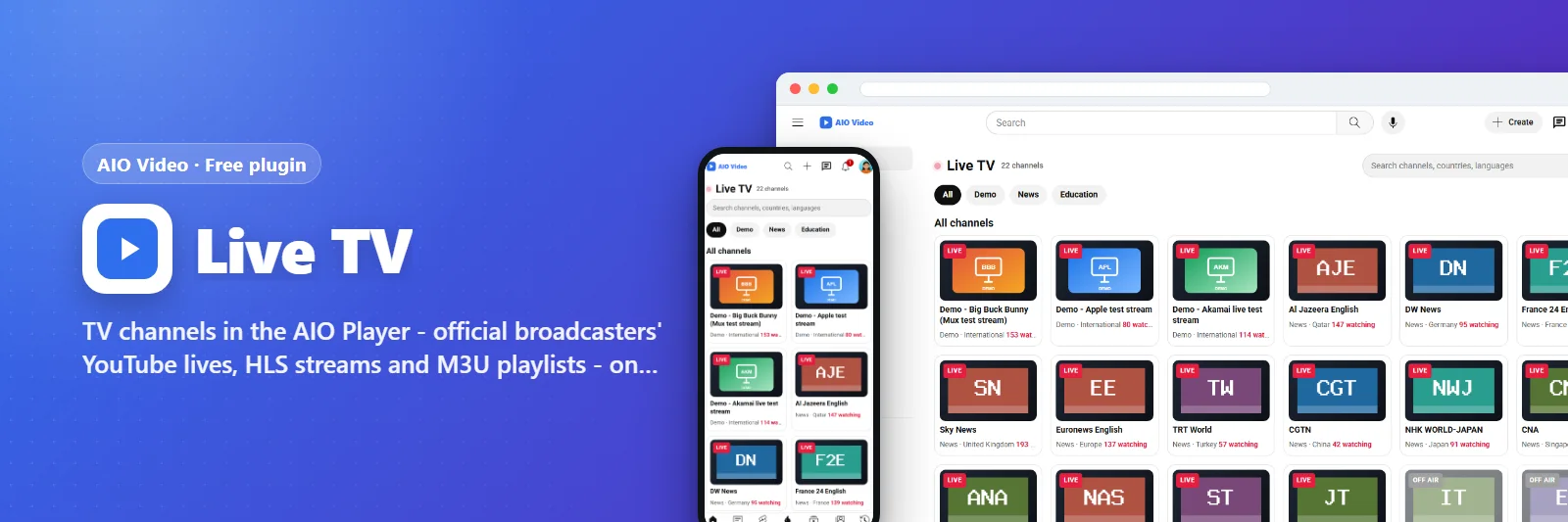
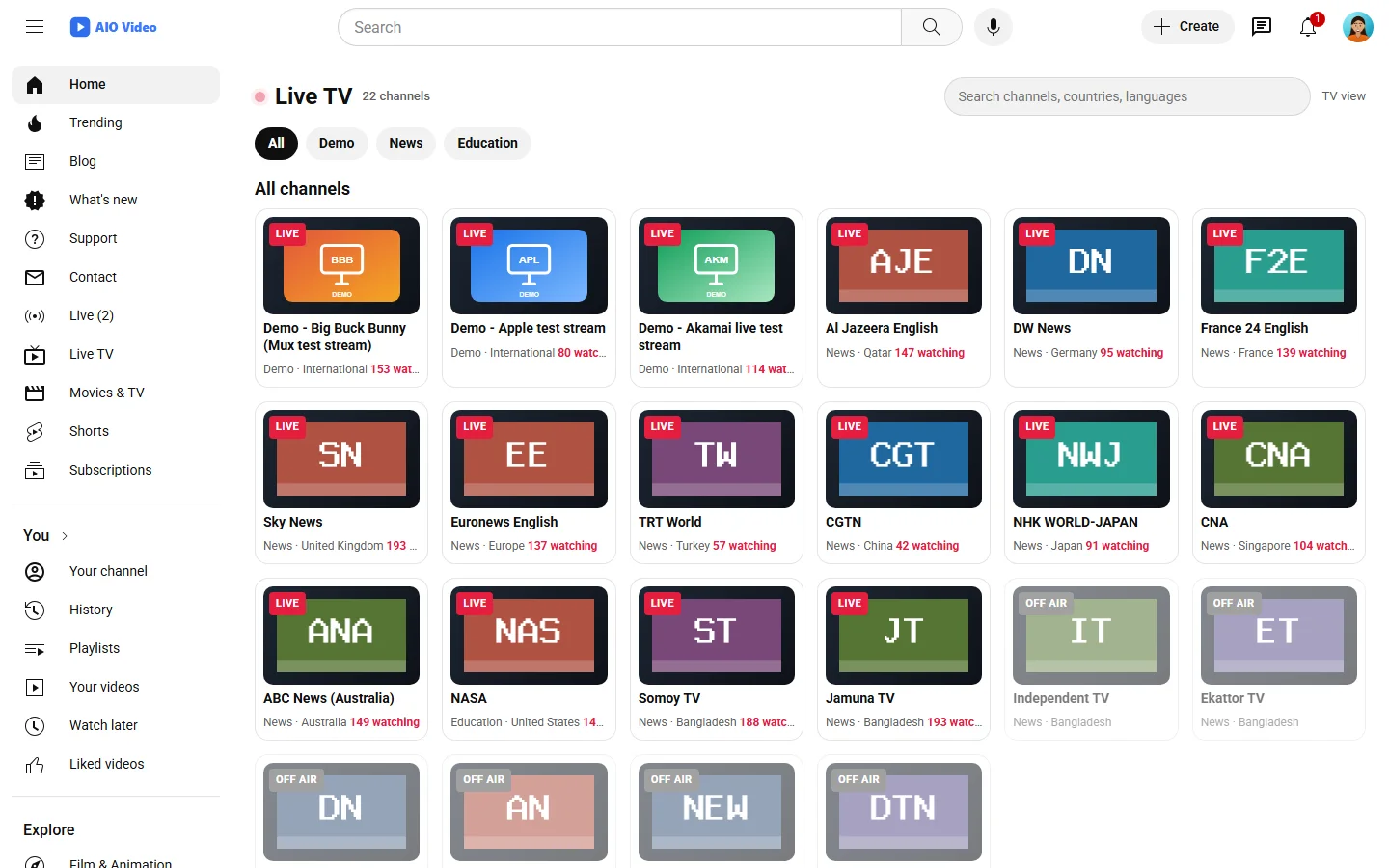
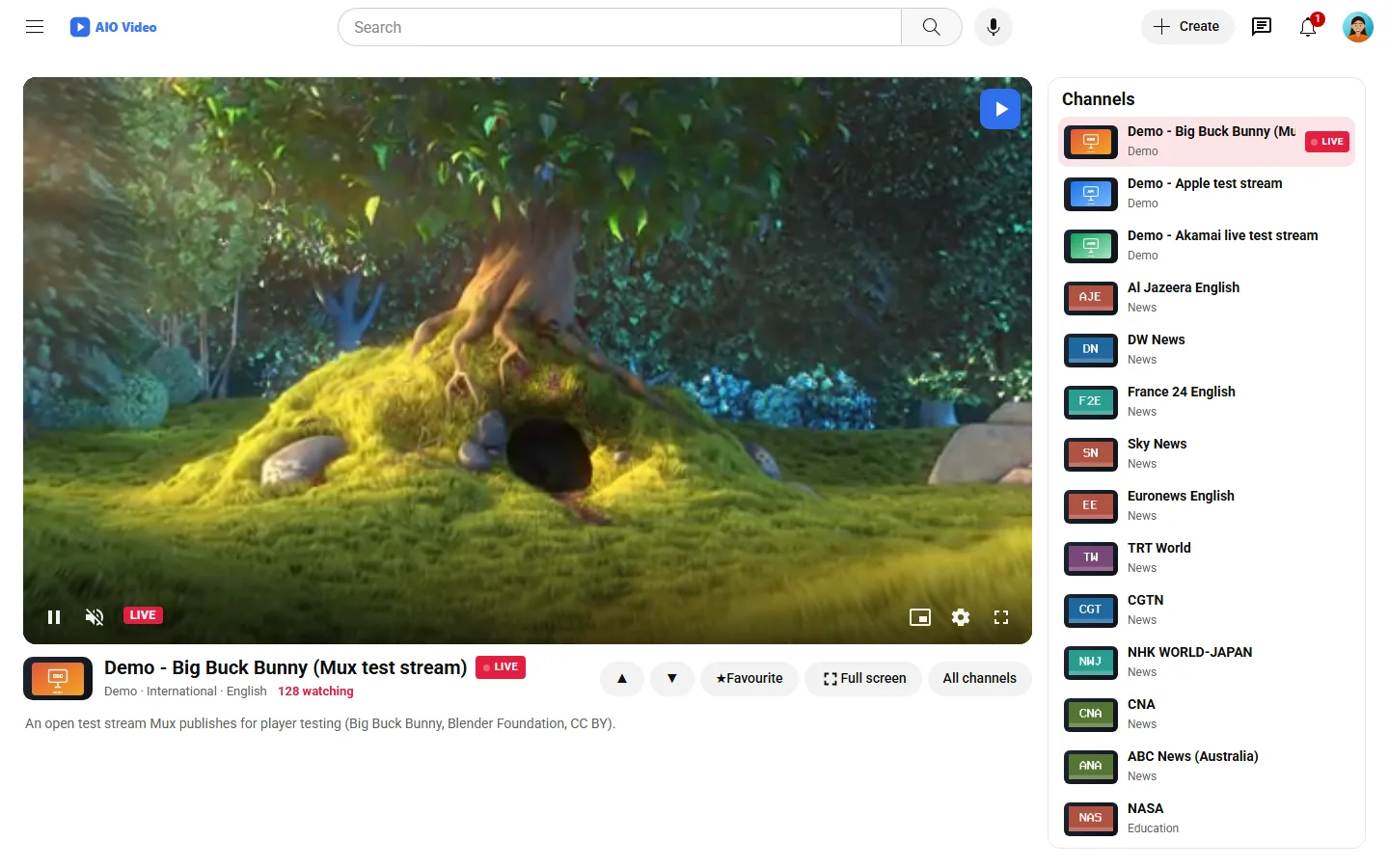
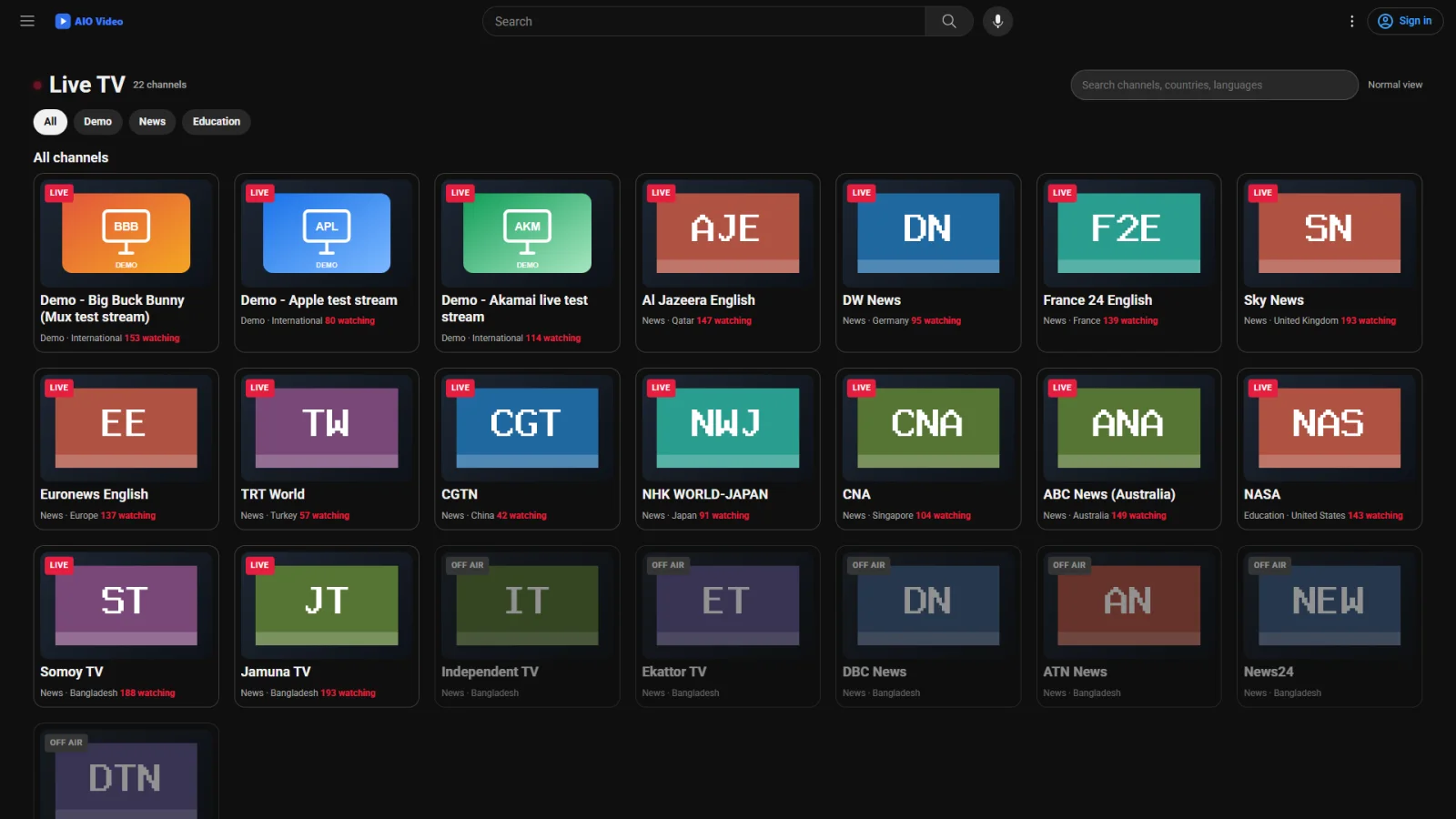
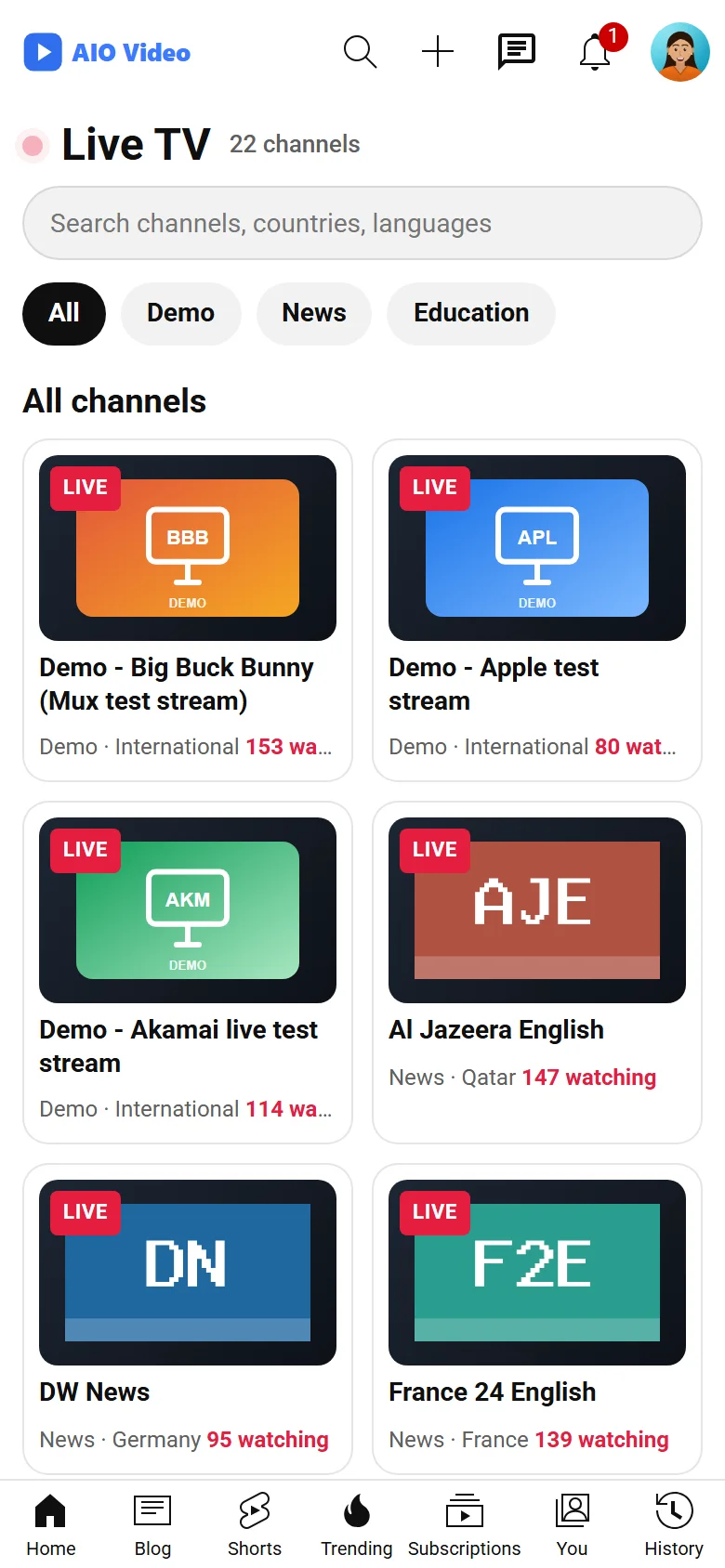
A TV section for the site: channels in categories, a channel page that plays in the AIO Player with the site's own advertisements (and a break every few minutes), favourites and "watching now". Smart TVs get big tiles, the remote moves between them, a channel fills the screen and Up/Down change it. Channels come from legal sources only: HLS or MP4 addresses the owner adds or imports from an M3U playlist, the official broadcasters' own 24/7 YouTube lives - found by a cron job, never in a visitor's request - and open test streams. Nineteen official news channels and three demo streams are there from the start; a channel that stops or that YouTube refuses shows off air and moves on to the next. The channels are the site owner's responsibility.
What you get
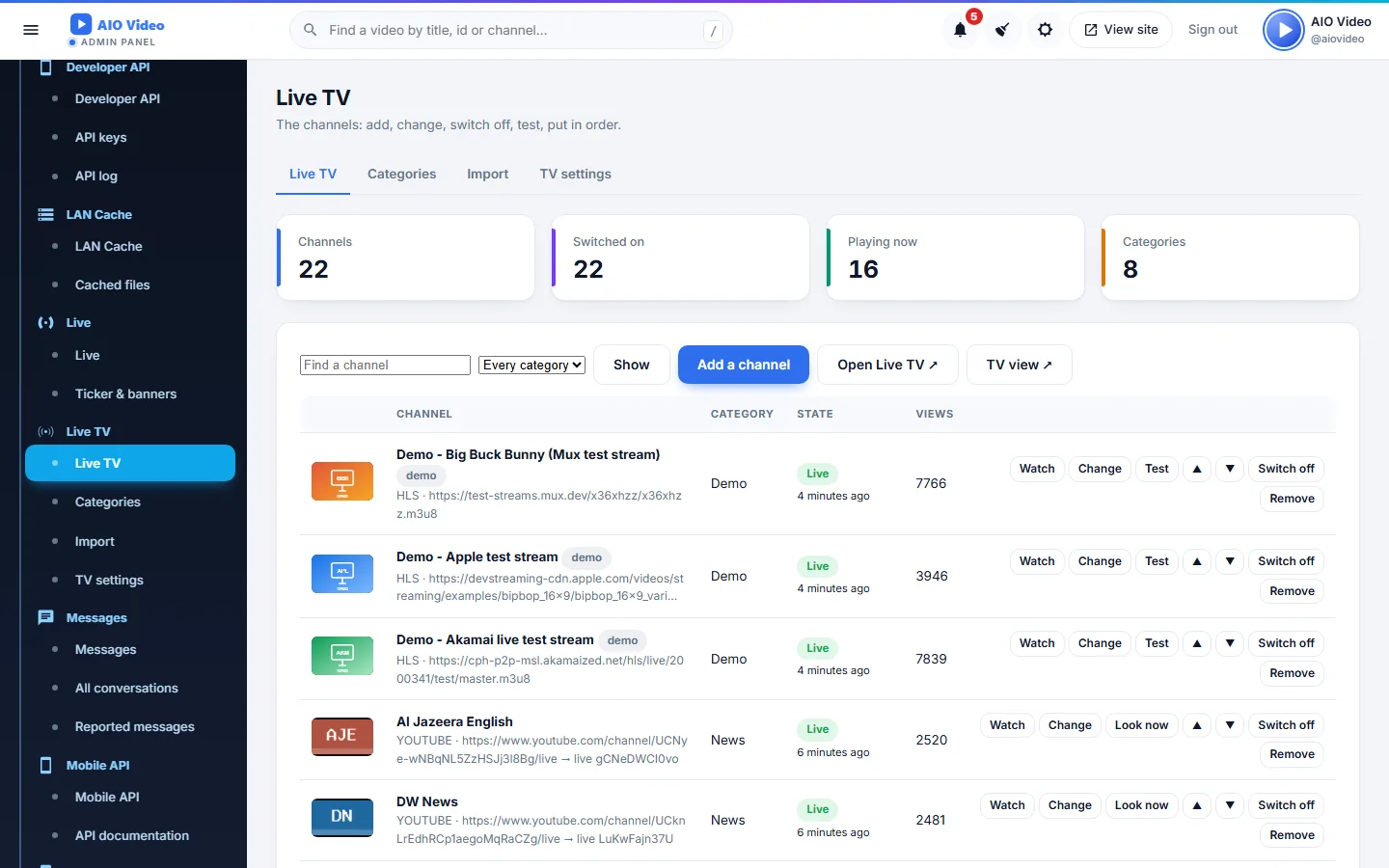
- Official YouTube lives by channel id, found by cron every 10 minutes
- HLS / MP4 addresses, M3U import and export
- Our advertisements with a break every few minutes; per-channel switch
- Smart TV layout: remote, full screen, Up/Down change the channel
- Categories, search, favourites, watching now, off-air with the next channel
Screenshots
Getting it running
- Install AIO Video — the plugin ships inside it.
- Open Plugins in your admin panel.
- Press Enable — that is all.
Questions
Do I have to pay for it?
No. It ships free with AIO Video and is included in every package.
How do I switch it on?
Open Plugins in your panel and press Enable.