
AIO Downloader (aiovideodl.com)
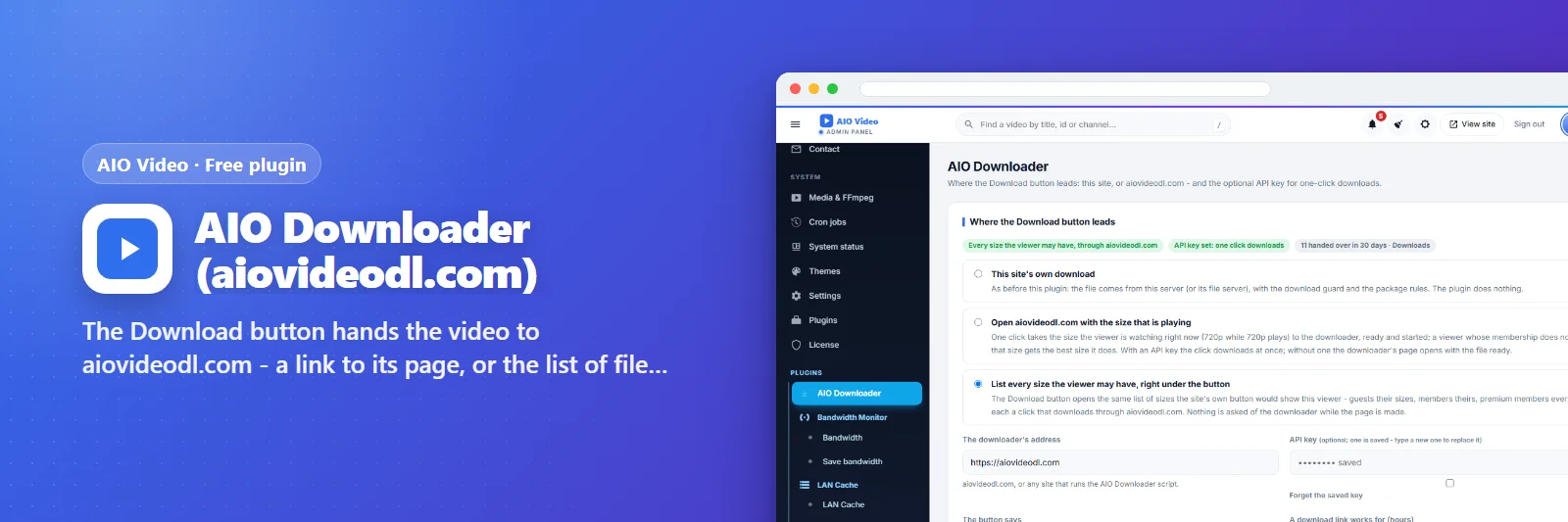
The Download button hands the video to aiovideodl.com - a link to its page, or the list of files from its API.
What it does
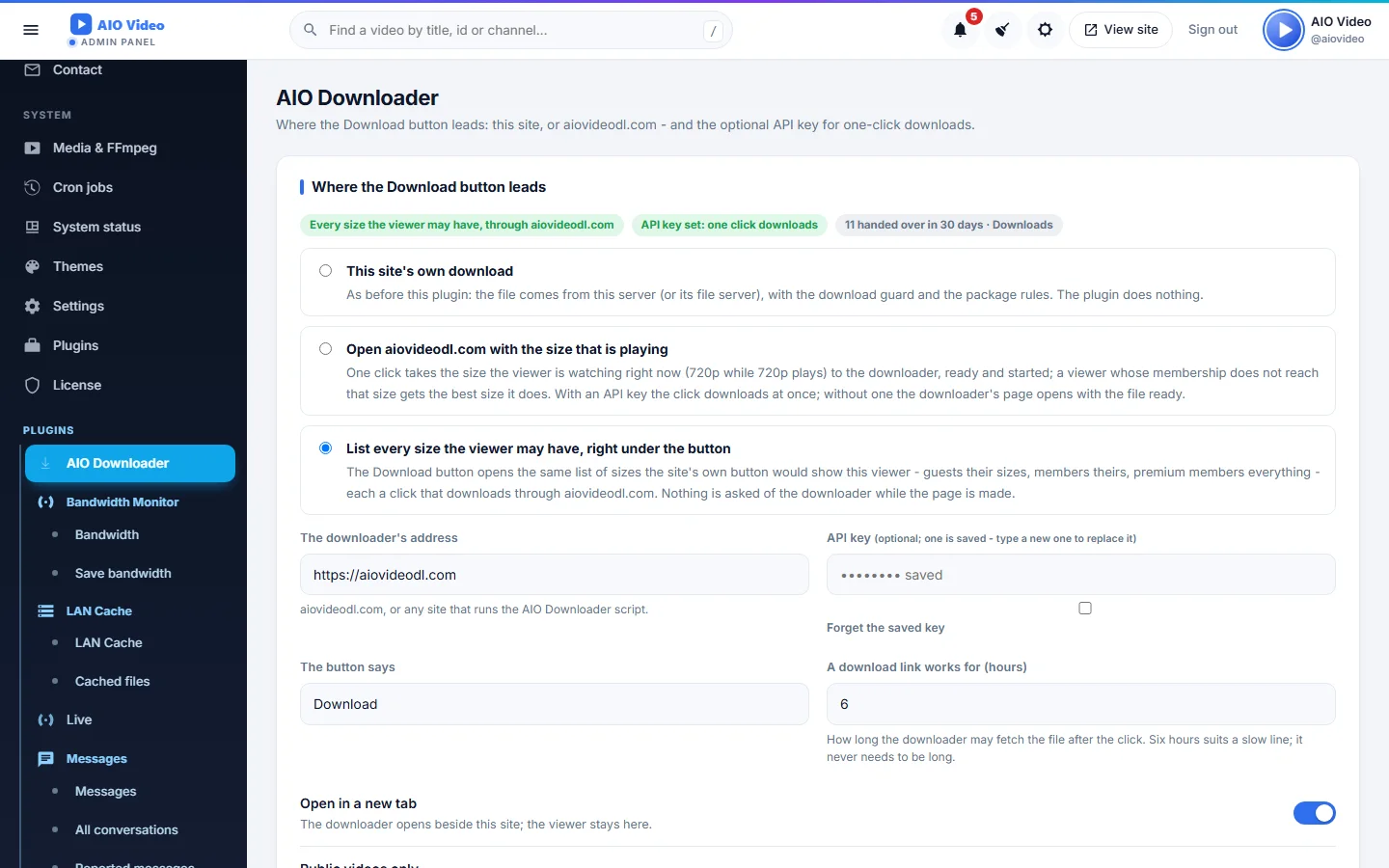
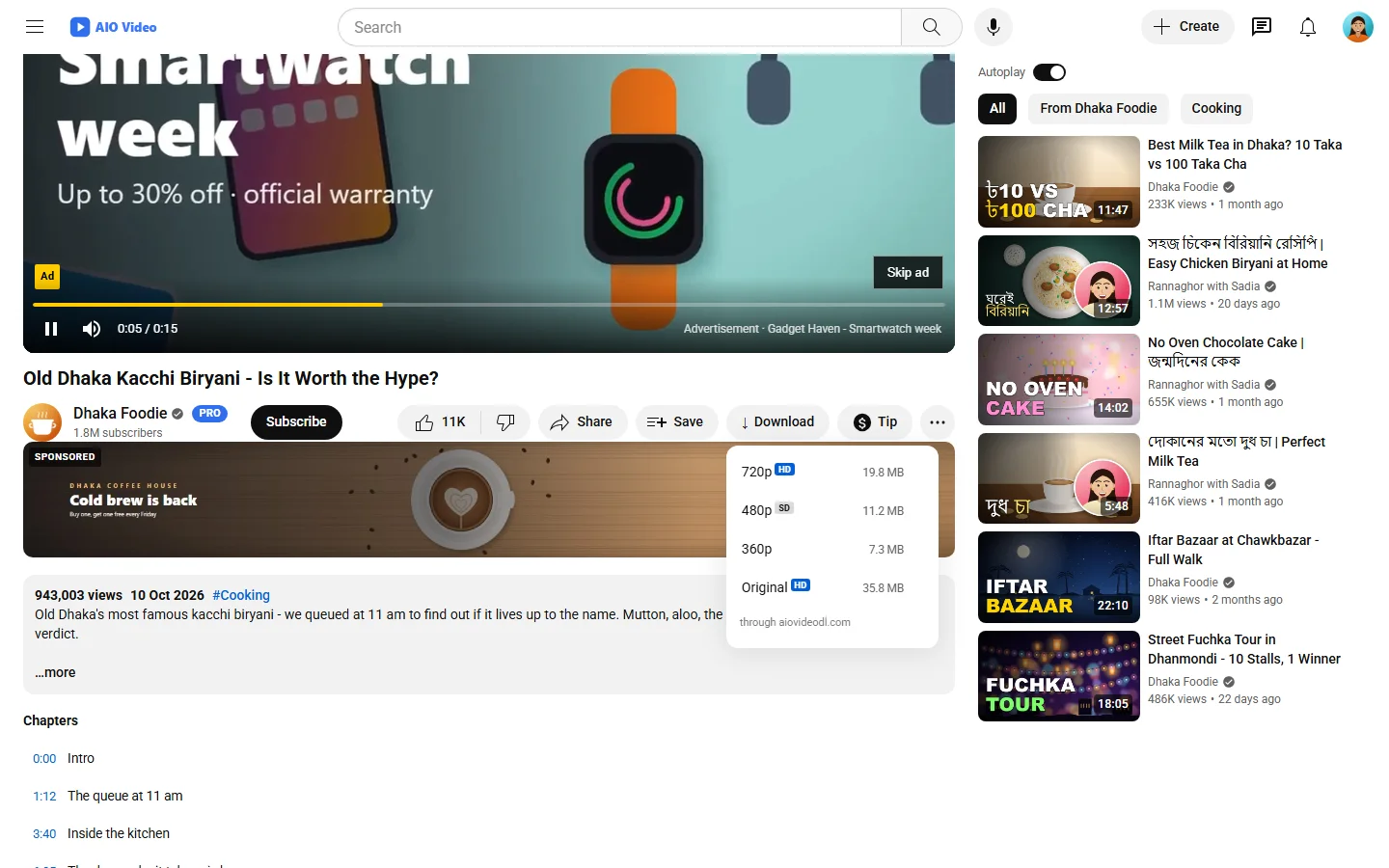
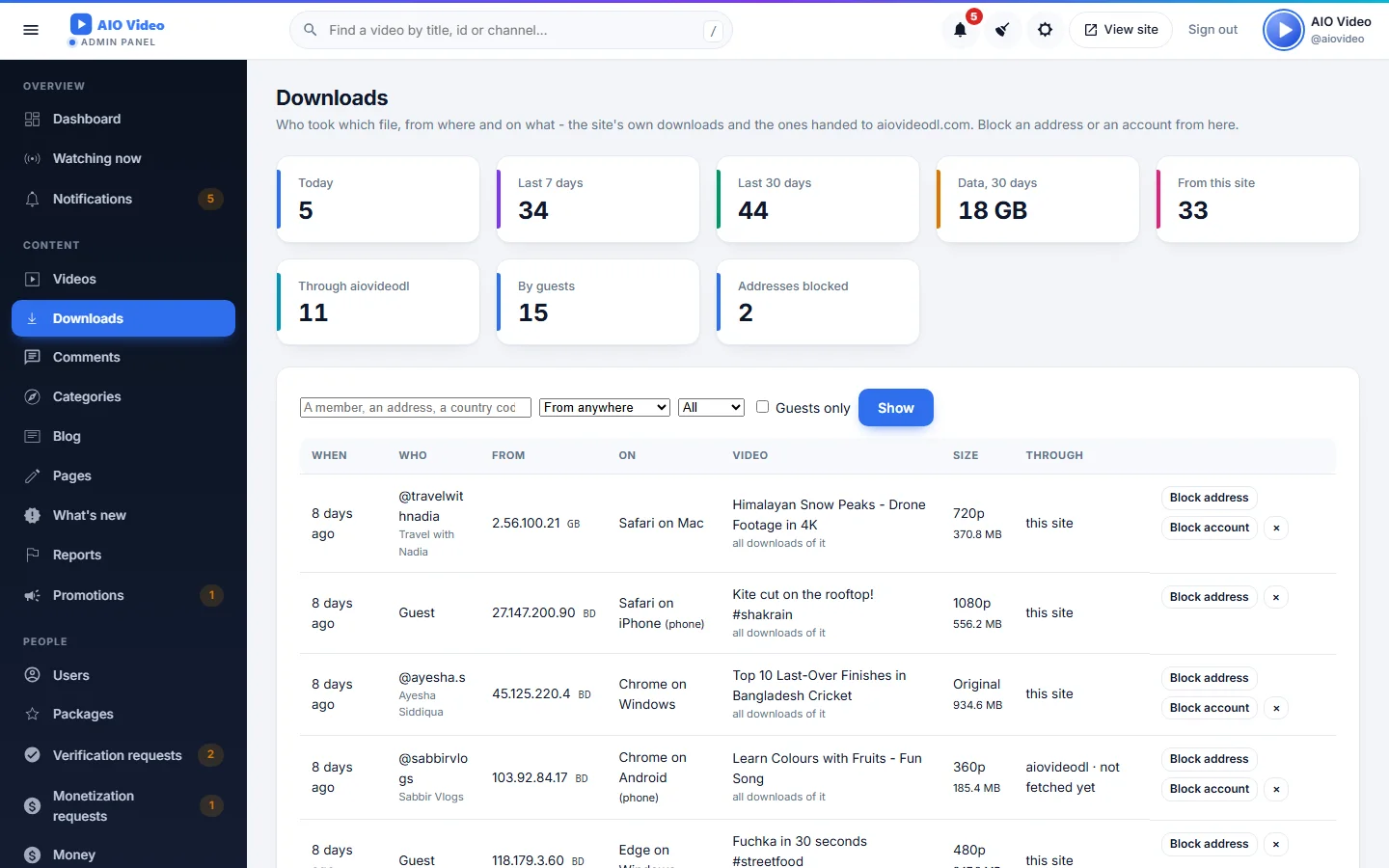
Three ways to give a video away: the site's own download (as before), a link that opens aiovideodl.com with the video's address in and the download started, or a menu of files - 720p, 480p, audio - read from aiovideodl.com's developer API with your key and kept for a few hours. Only public, published videos go; a private video, a geo-blocked one or a viewer the site would not let download keep the site's own button. The settings page carries the whole guide: the account, the API key, what viewers see, what aiovideodl.com must be able to reach.
What you get
- Link mode: the Download button opens aiovideodl.com with the address in
- Files mode: 720p, 480p, audio from the developer API, kept for a few hours
- Only public videos; the site's own rules about who may download still hold
- Test the key from the page; the guide to aiovideodl.com's account and API keys
Screenshots
Getting it running
- Install AIO Video — the plugin ships inside it.
- Open Plugins in your admin panel.
- Press Enable — that is all.
Questions
Do I have to pay for it?
No. It ships free with AIO Video and is included in every package.
How do I switch it on?
Open Plugins in your panel and press Enable.