
Plugin for AIO Downloader
What's New
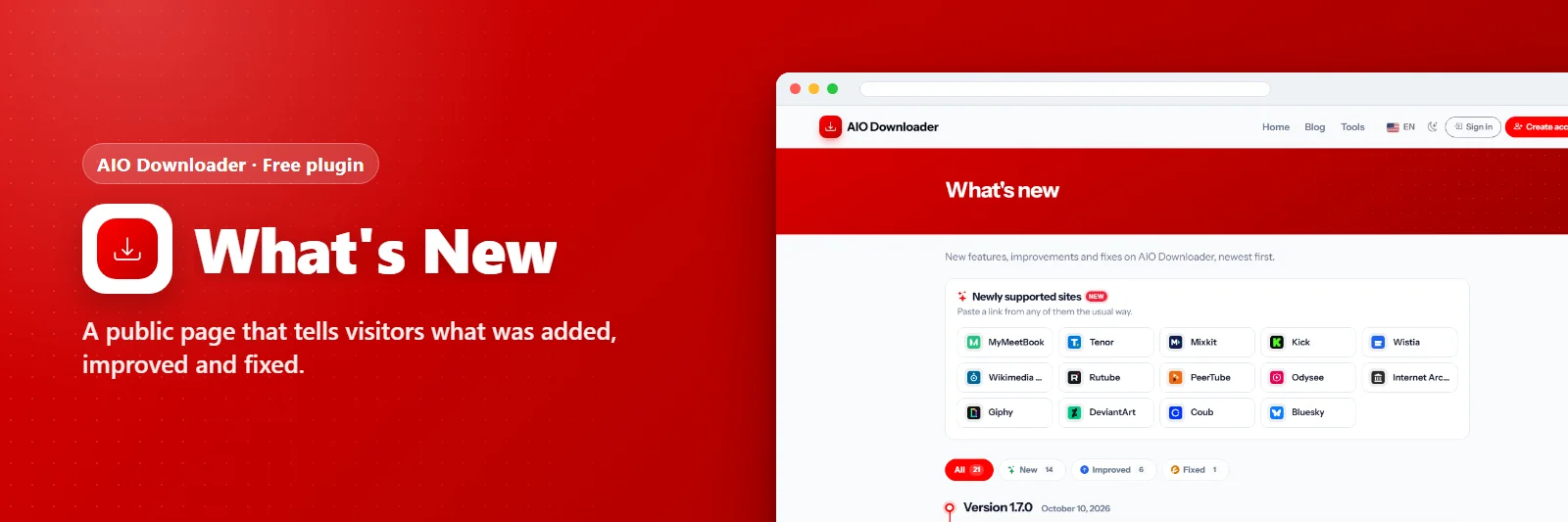
A public page that tells visitors what was added, improved and fixed.
What it does
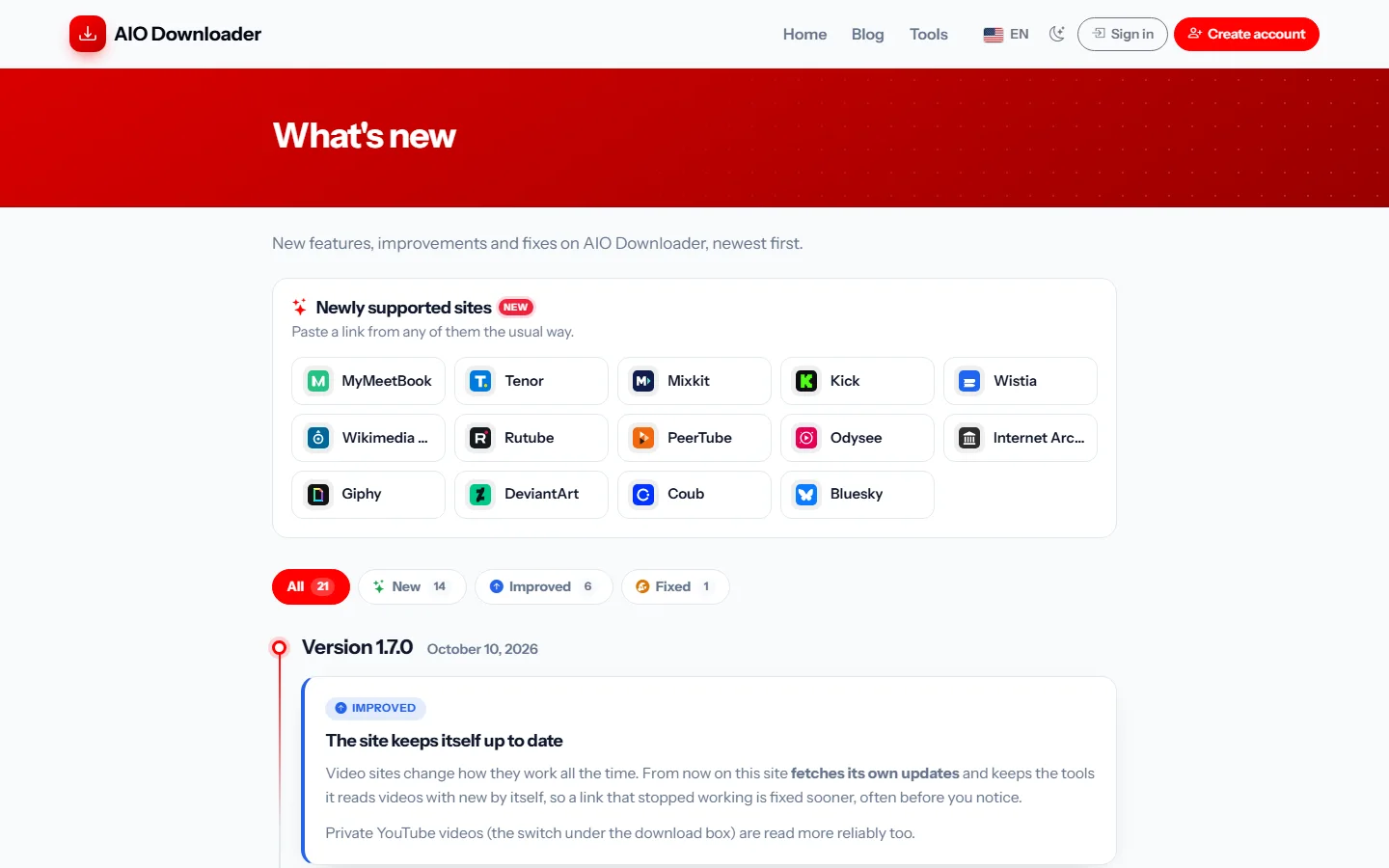
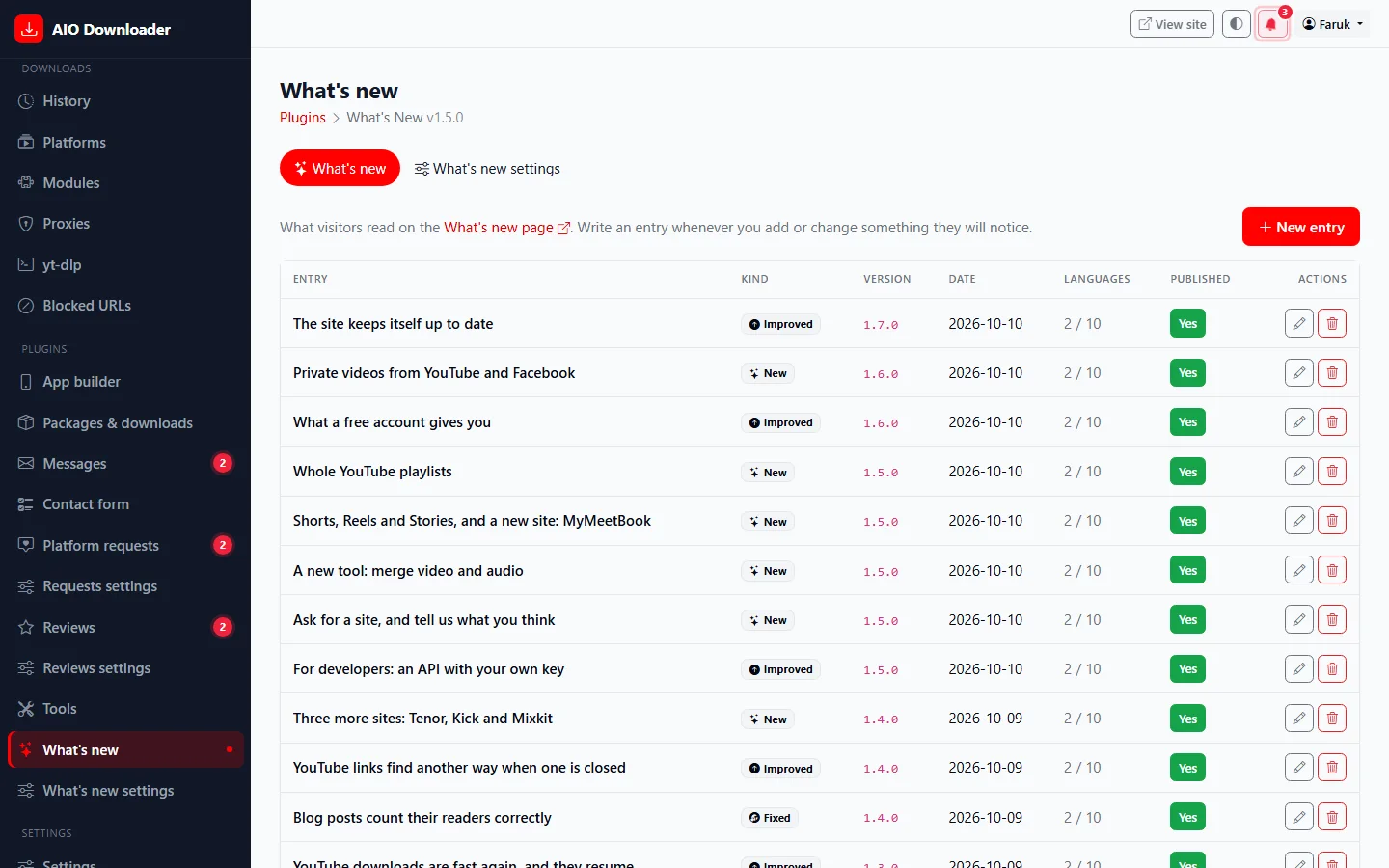
A "What's new" page for your visitors: new features, improvements and fixes on a time line, grouped by version, written in the admin panel in every language of the site with the same editor as blog posts.
What you get
- Time line grouped by version
- New / Improved / Fixed / Notice with filters
- Every language of the site
- Link in the footer or the menu
- News bar under the header for the newest entry
Screenshots

Requirements
- AIO Downloader 1.2.0 or newer
Getting it running
- Install AIO Downloader — the plugin ships inside it.
- Open Plugins in your admin panel.
- Press Enable — that is all.
Questions
Do I have to pay for it?
No. It ships free with AIO Downloader and is included in every package.
How do I switch it on?
Open Plugins in your panel and press Enable.