Accounts Management Addons
Ledgers, dealer payments and a filterable transaction history.
Comments & suggestions Have a question or an idea? Write it here — we reply on this page.Write a commentWhat it does
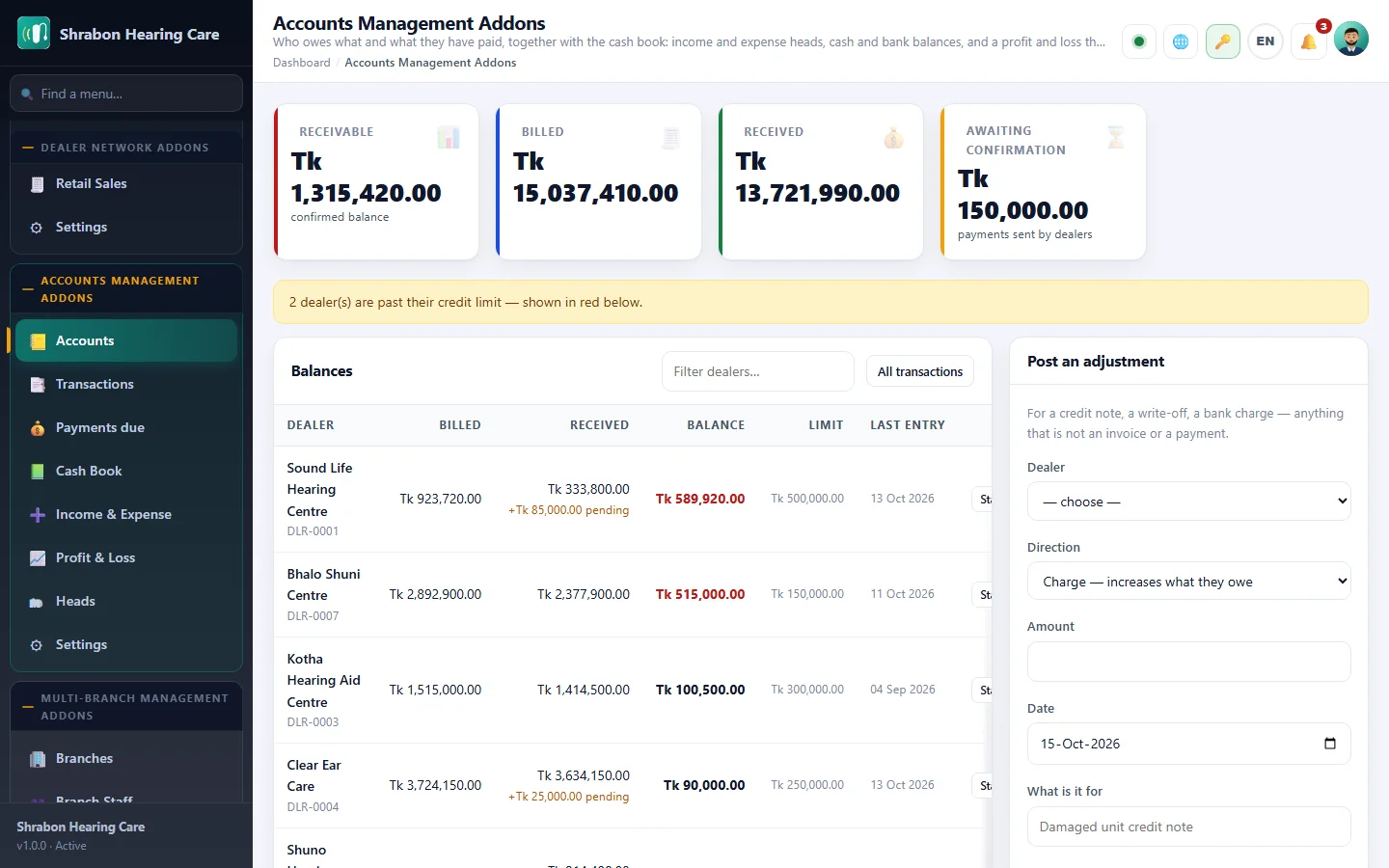
Gives every dealer and sub-dealer a running ledger. Invoices raise what they owe, payments knock it down, and adjustments handle everything in between — so the balance on screen is always the balance you would quote on the phone.
Dealers pay their dues from their own portal and the receipt lands in your queue for confirmation. Nothing is applied to the ledger until you accept it.
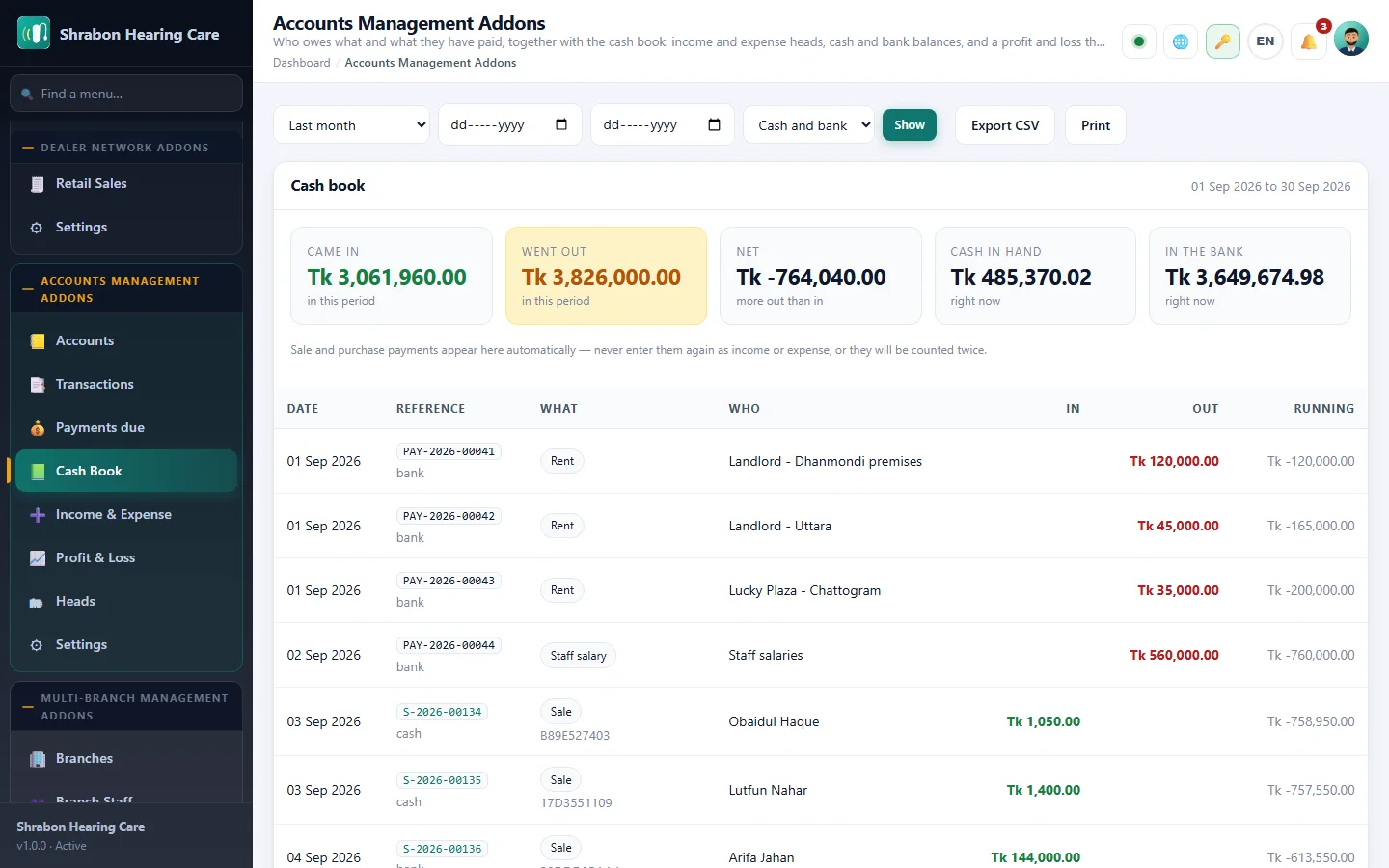
The transaction history filters by dealer, date range, type and payment method, and totals as you filter — so reconciling a month is a matter of seconds, not an export to a spreadsheet.
What you get
- Running ledger per dealer and sub-dealer
- Dealers pay dues from their portal
- Receipts confirmed before they hit the ledger
- Filterable transaction history with live totals
- Opening balances and manual adjustments
- Statement view ready to print or e-mail
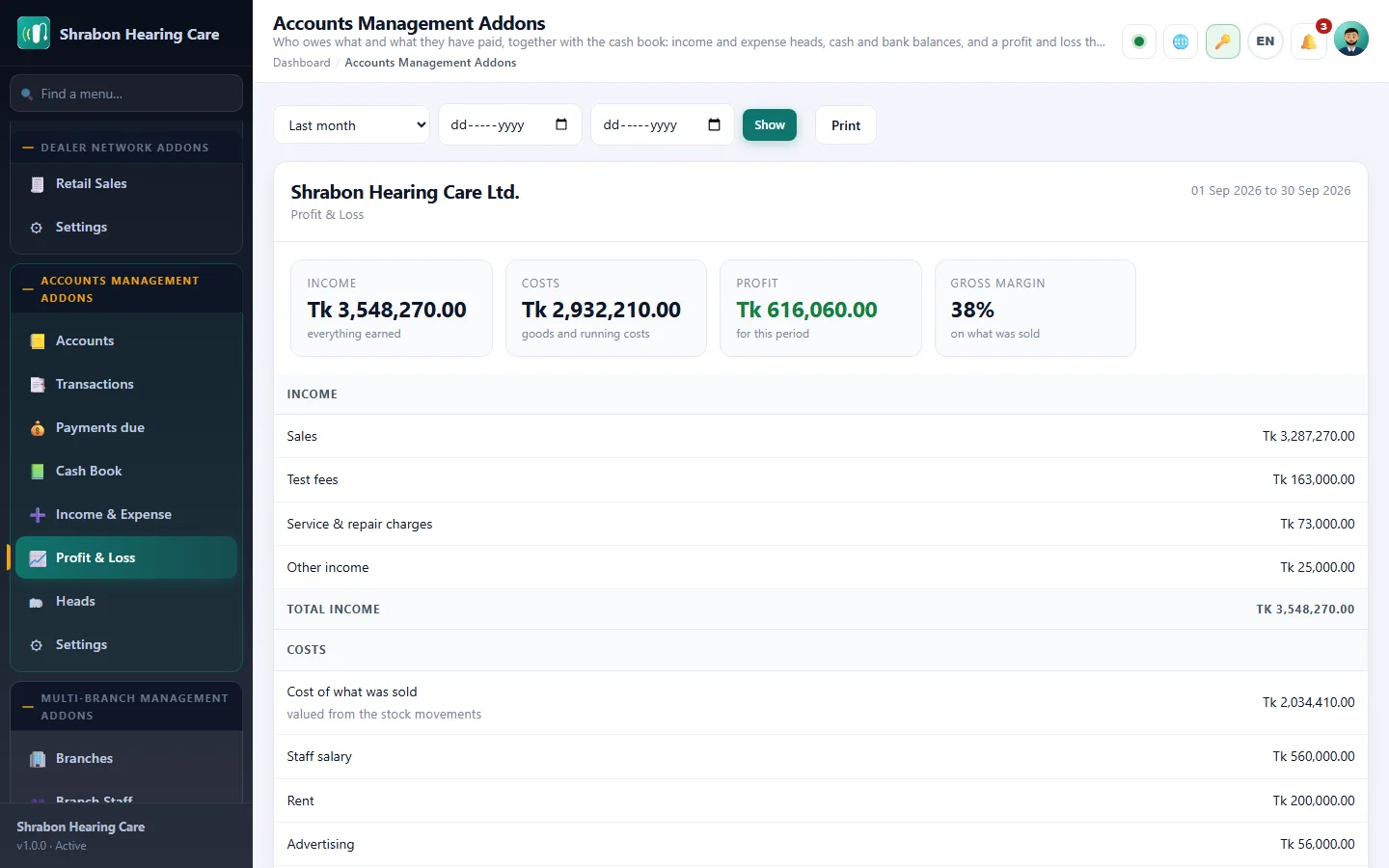
Screenshots
Getting it running
- Buy it with the button above — your key is issued as soon as the payment is confirmed.
- Nothing to copy: your installation collects the key on its next check.
- Open Addons in your panel and press Enable.
- In a hurry? Paste the key on the License screen and it unlocks at once.
Questions
Is it a one-time payment?
Yes — one payment, a lifetime key for one domain, and free updates.
Do I need Hearing Center Business Suite first?
Yes. The addon unlocks inside an installation of Hearing Center Business Suite that already has its own licence.
How does the key reach my site?
Your installation collects it by itself on its next check. You can also paste it on the License screen.
Can I move it to another domain?
Yes. Release the old domain in your account and activate the new one.