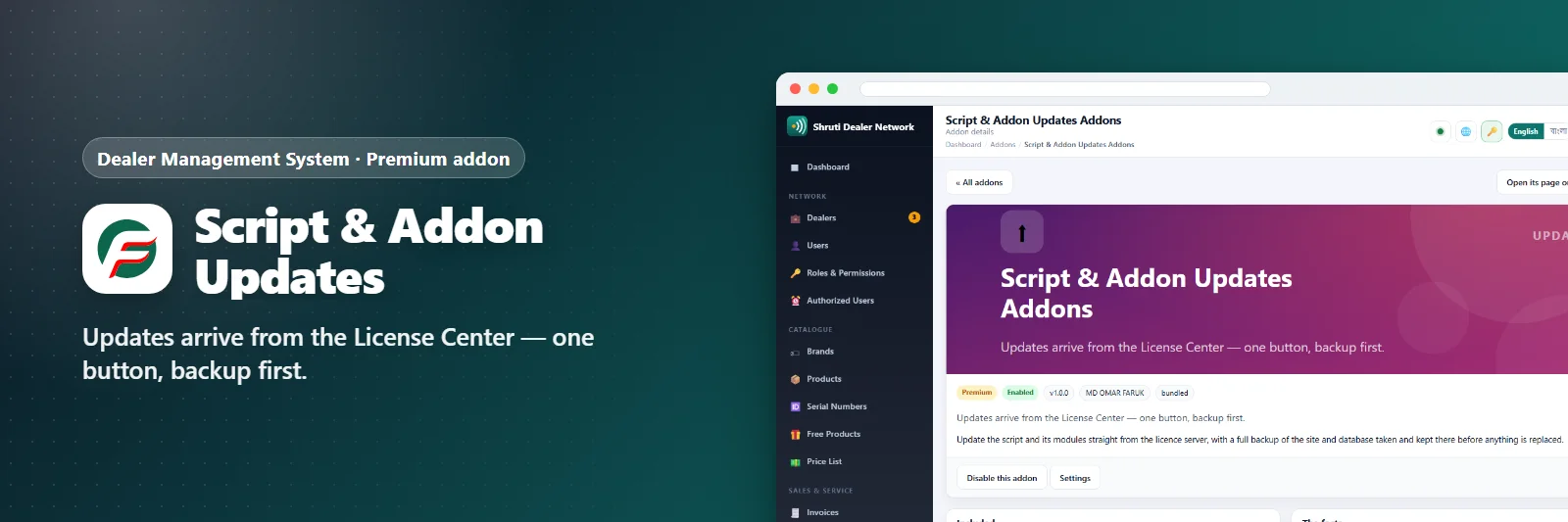

Script & Addon Updates Addons
Updates arrive from the License Center — one button, backup first.
Comments & suggestions Have a question or an idea? Write it here — we reply on this page.Write a commentWhat it does
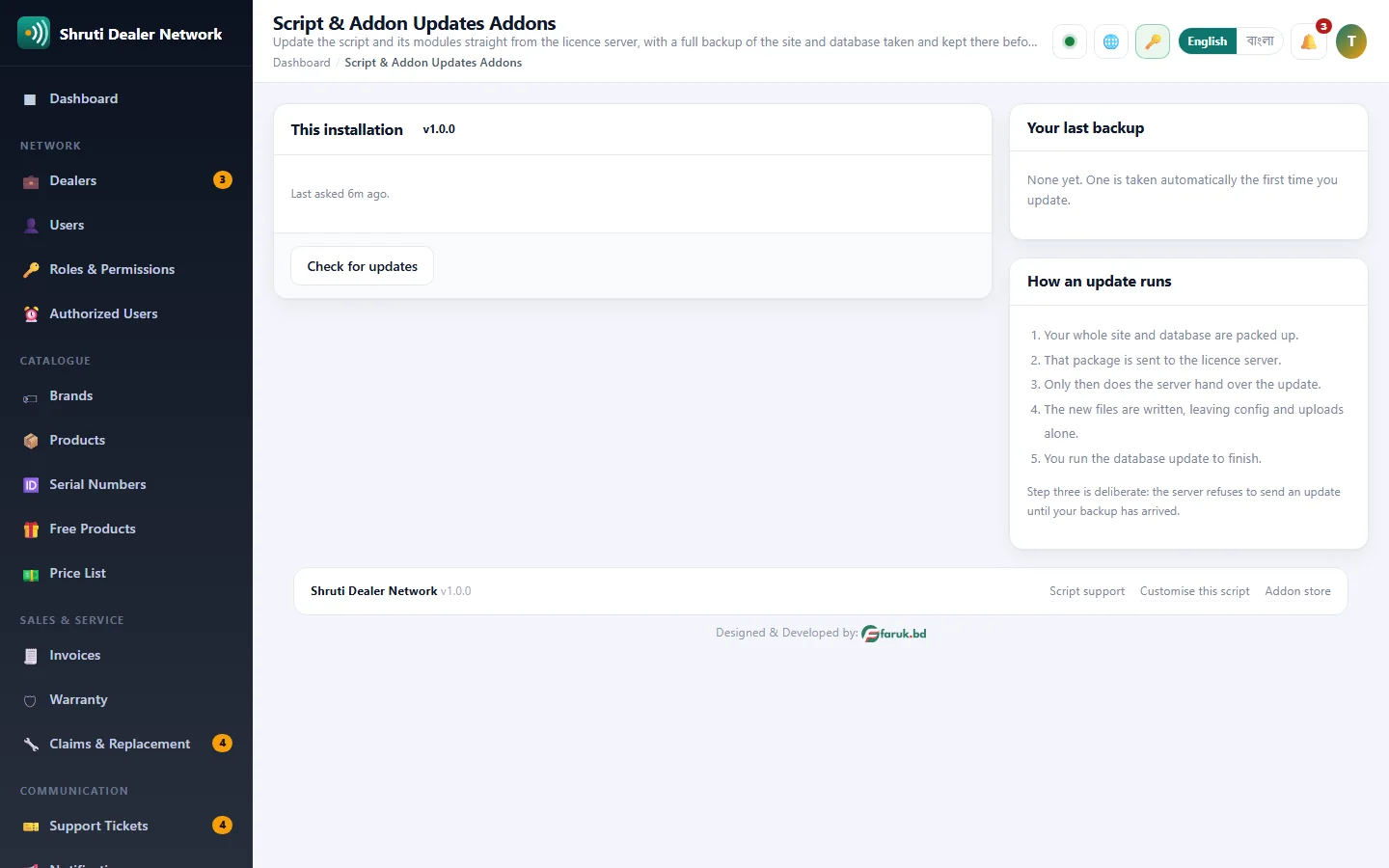
Update the script from the admin panel instead of with a ZIP and an FTP program. Check for updates asks the License Center what is new, shows the release notes, and lists the version available for each addon.
Back up and update now does the rest in order: every table of the database and your uploads folder are packed into one file and sent to the License Center first, and only then is the update handed over, unpacked and written. config.php, .htaccess and your uploads are never touched. A last button runs the database update to finish.
If anything goes wrong afterwards, the backup from moments before the update is on the License Center and support can send it back. A copy also stays on your own server.
What you get
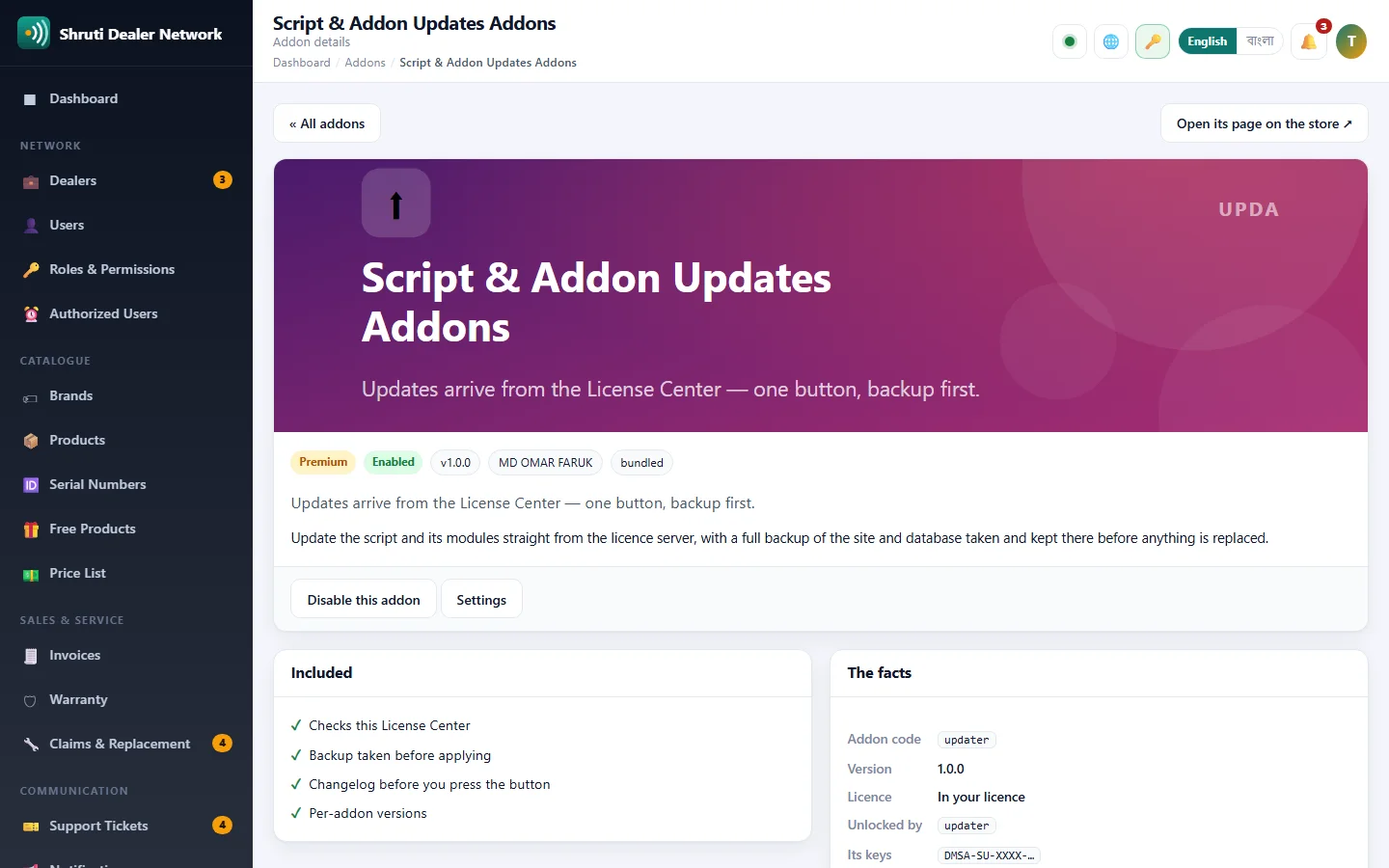
- Checks this License Center
- Backup taken before applying
- Changelog before you press the button
- Per-addon versions
Screenshots
Getting it running
- Buy it with the button above — your key is issued as soon as the payment is confirmed.
- Nothing to copy: your installation collects the key on its next check.
- Open Addons in your panel and press Enable.
- In a hurry? Paste the key on the License screen and it unlocks at once.
Questions
Is it a one-time payment?
Yes — one payment, a lifetime key for one domain, and free updates.
Do I need Dealer Management System first?
Yes. The addon unlocks inside an installation of Dealer Management System that already has its own licence.
How does the key reach my site?
Your installation collects it by itself on its next check. You can also paste it on the License screen.
Can I move it to another domain?
Yes. Release the old domain in your account and activate the new one.