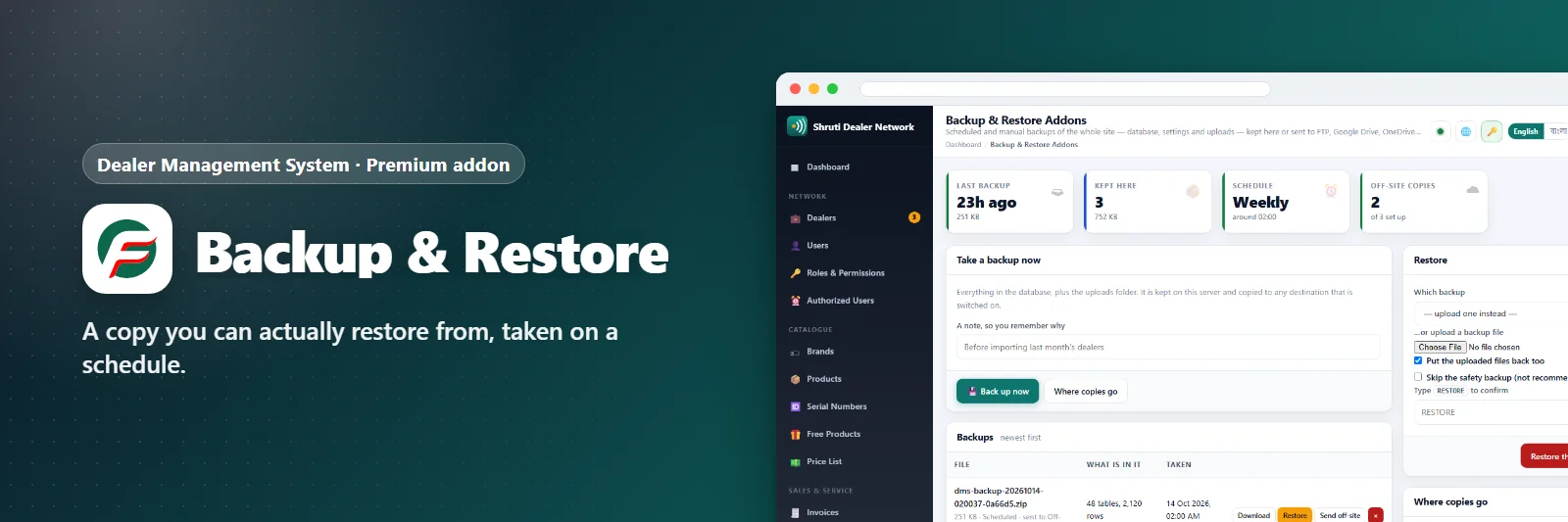

Backup & Restore Addons
A copy you can actually restore from, taken on a schedule.
Comments & suggestions Have a question or an idea? Write it here — we reply on this page.Write a commentWhat it does
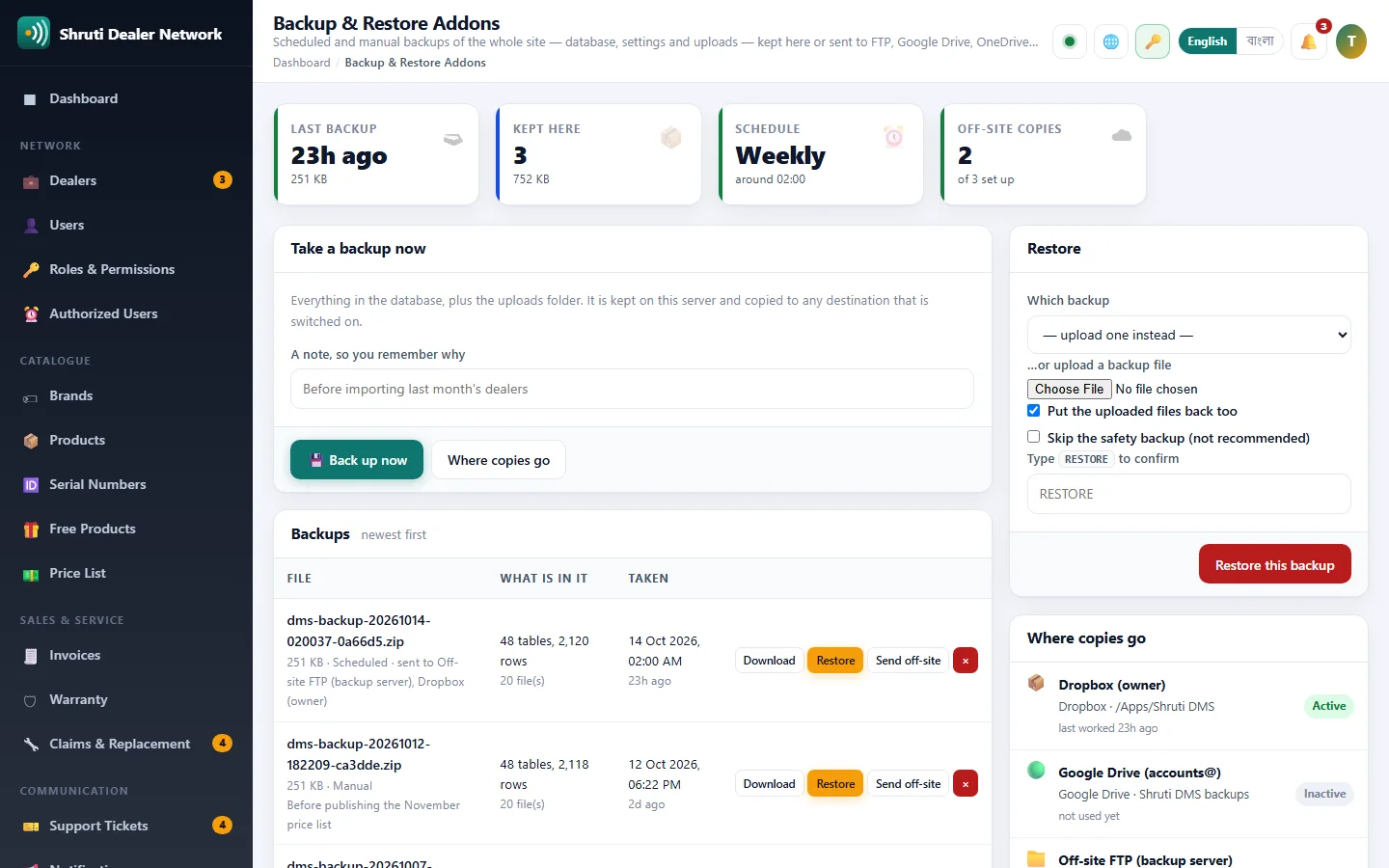
A backup is one .zip file holding every table of the database, your settings and the uploads folder (logos, product photos, attachments), with a manifest of what is inside. Take one by hand before a big change, or let the cron job take one every day, week or month at the hour you choose. Old ones are deleted automatically, so the disk does not fill up.
A backup on the same server is not really a backup, so every one can also be copied to FTP, FTP over TLS, SFTP, WebDAV, Google Drive, OneDrive or Dropbox. Test a destination before you rely on it; the list shows when each one last worked, or why it refused.
Restoring asks you to type RESTORE and takes a safety backup of the site as it is now before anything is replaced. If the restore was not what you wanted, the safety copy is right there in the list.
On a host without PHP's zip extension, the database is still fully backed up as a gzipped SQL file.
What you get
- Scheduled backups
- Download or keep on server
- One-click restore
- Backup history
Screenshots

Getting it running
- Buy it with the button above — your key is issued as soon as the payment is confirmed.
- Nothing to copy: your installation collects the key on its next check.
- Open Addons in your panel and press Enable.
- In a hurry? Paste the key on the License screen and it unlocks at once.
Questions
Is it a one-time payment?
Yes — one payment, a lifetime key for one domain, and free updates.
Do I need Dealer Management System first?
Yes. The addon unlocks inside an installation of Dealer Management System that already has its own licence.
How does the key reach my site?
Your installation collects it by itself on its next check. You can also paste it on the License screen.
Can I move it to another domain?
Yes. Release the old domain in your account and activate the new one.