
Two-factor Sign-in
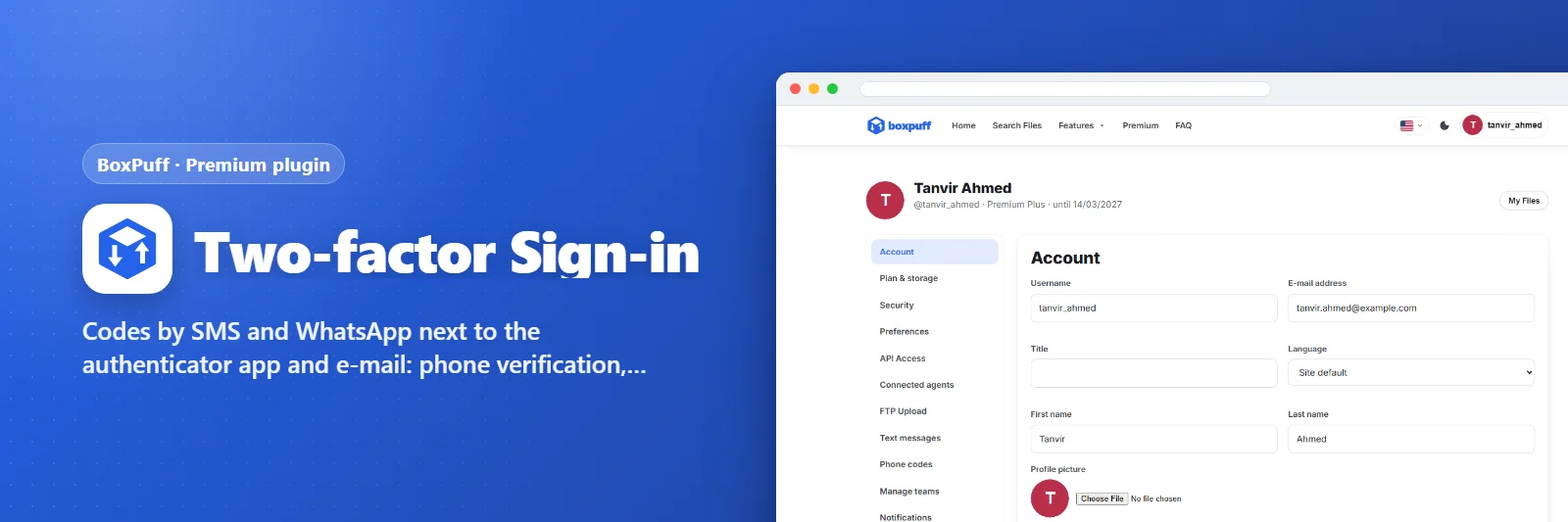
Codes by SMS and WhatsApp next to the authenticator app and e-mail: phone verification, backup codes, trusted browsers, and a rule that makes two-step sign-in compulsory.
What it does
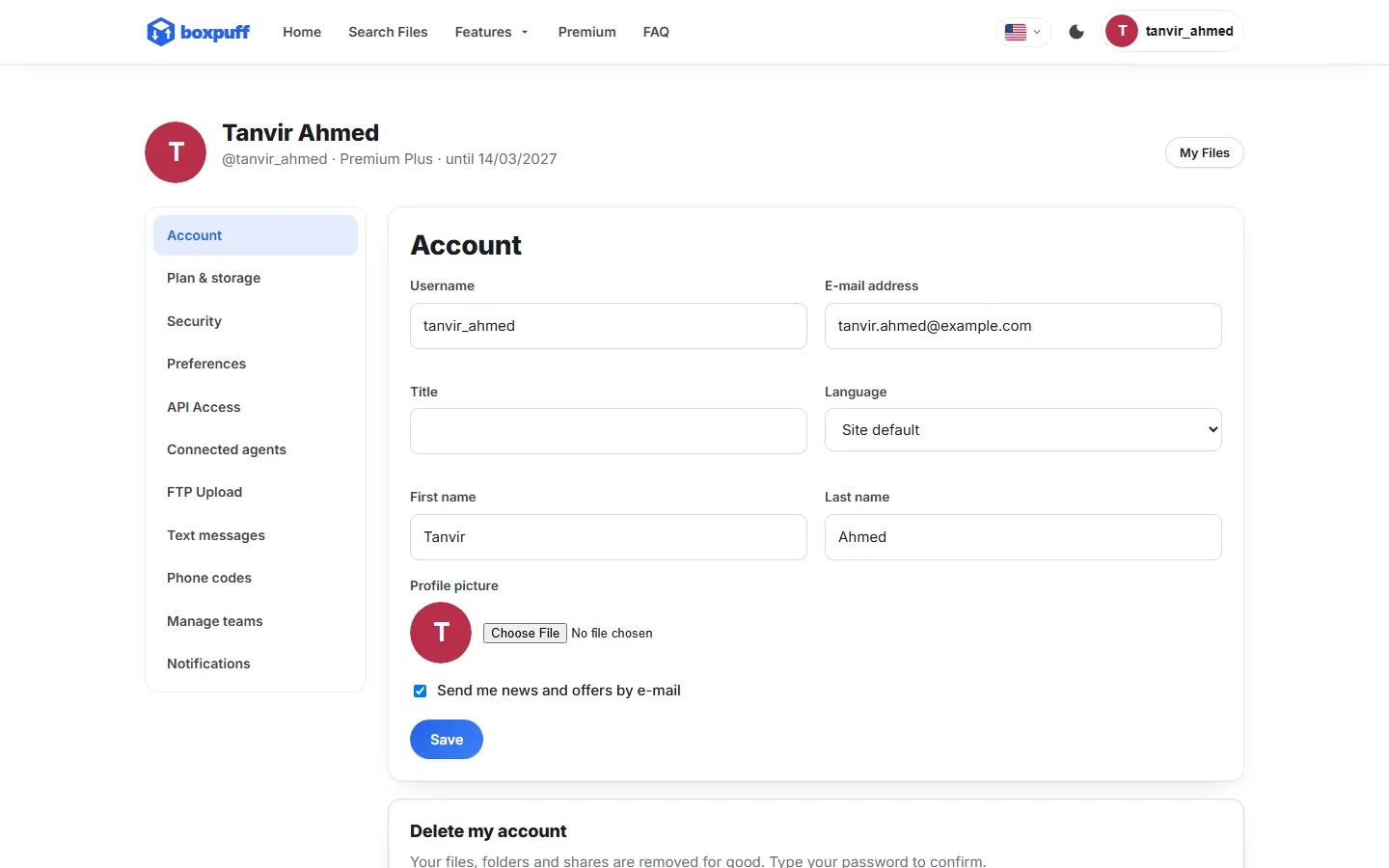
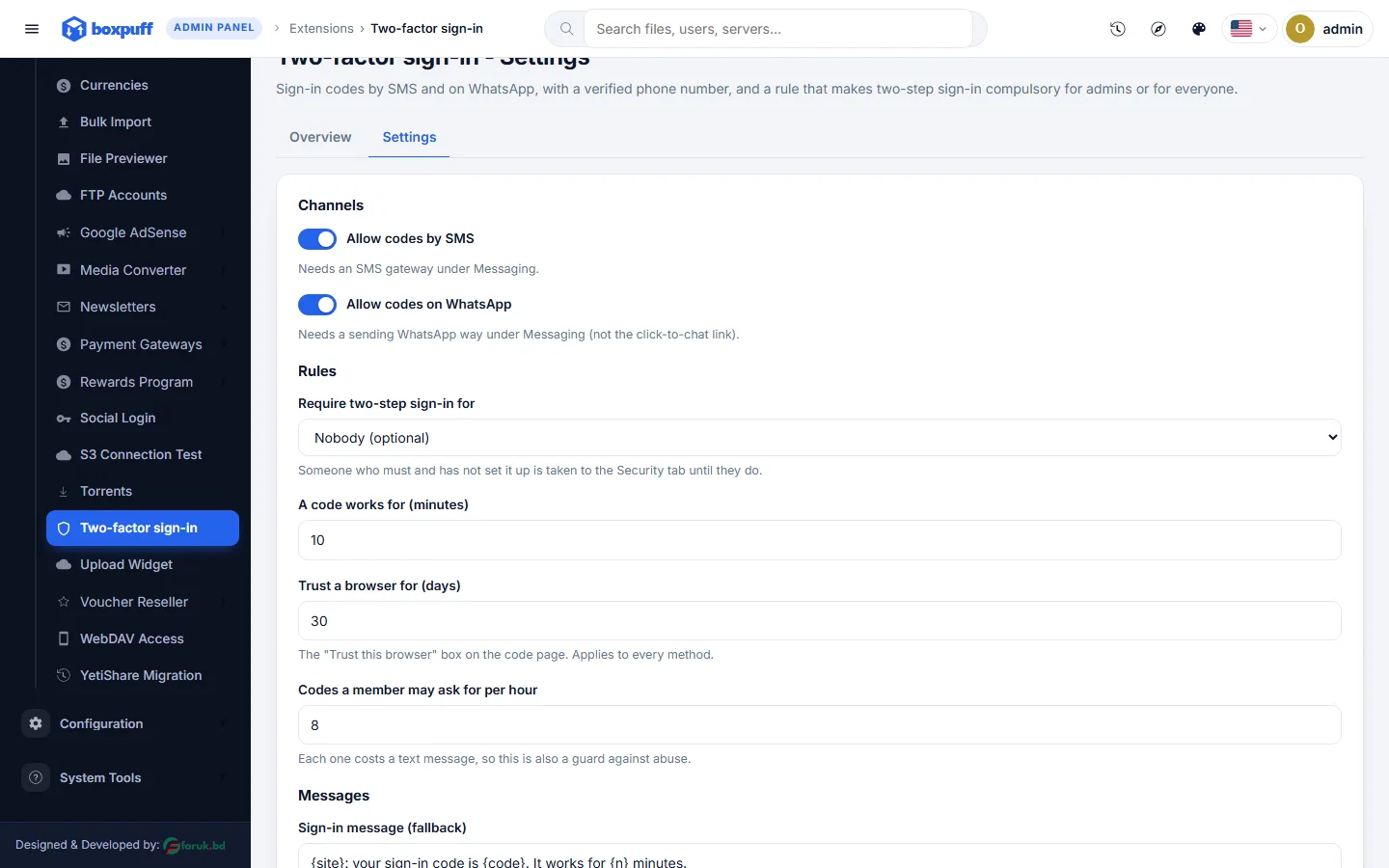
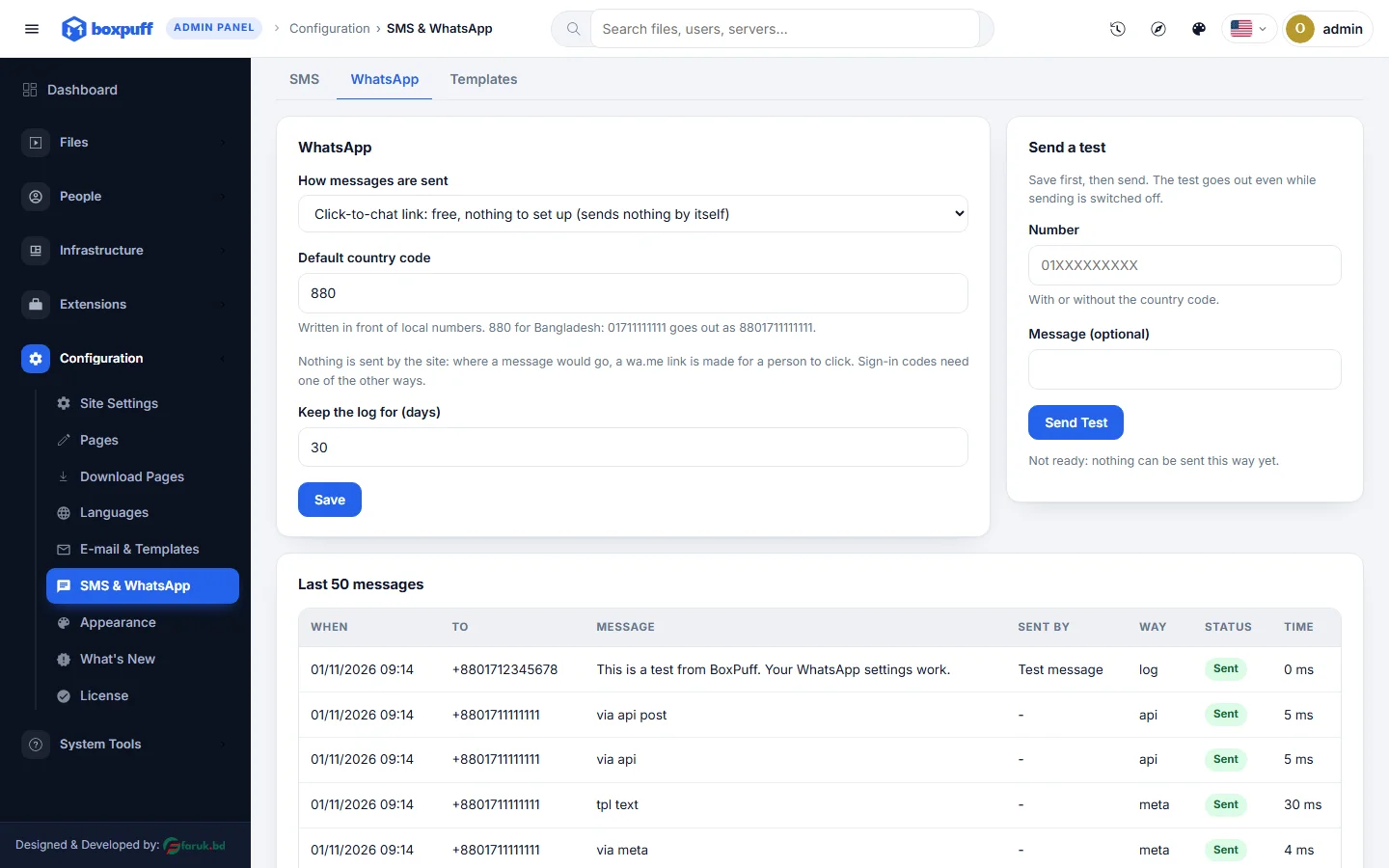
Adds the phone channels to BoxPuff's two-step sign-in: a member verifies a number once, then gets a six-digit code by SMS or on WhatsApp at every sign-in (RT Communications, Twilio, Vonage, BulkSMSBD and more; GREEN-API, Twilio WhatsApp, Meta Cloud API). Ten backup codes, trusted browsers for a chosen number of days, codes per hour cap, and an admin rule: two-step sign-in optional, required for staff, or required for everyone. Needs the SMS / WhatsApp gateways set up under Configuration.
What you get
- Codes by SMS and WhatsApp
- Authenticator app, e-mail and backup codes stay
- Required for staff or everyone
- Trusted browsers
Screenshots

Requirements
- BoxPuff 1.0.0 or newer
Getting it running
- Buy it with the button above — your key is issued as soon as the payment is confirmed.
- Nothing to copy: your installation collects the key on its next check.
- Open Plugins in your panel and press Enable.
- In a hurry? Paste the key on the License screen and it unlocks at once.
Questions
Is it a one-time payment?
Yes — one payment, a lifetime key for one domain, and free updates.
Do I need BoxPuff first?
Yes. The plugin unlocks inside an installation of BoxPuff that already has its own licence.
How does the key reach my site?
Your installation collects it by itself on its next check. You can also paste it on the License screen.
Can I move it to another domain?
Yes. Release the old domain in your account and activate the new one.